Hello,
I have installed the work. Please check.
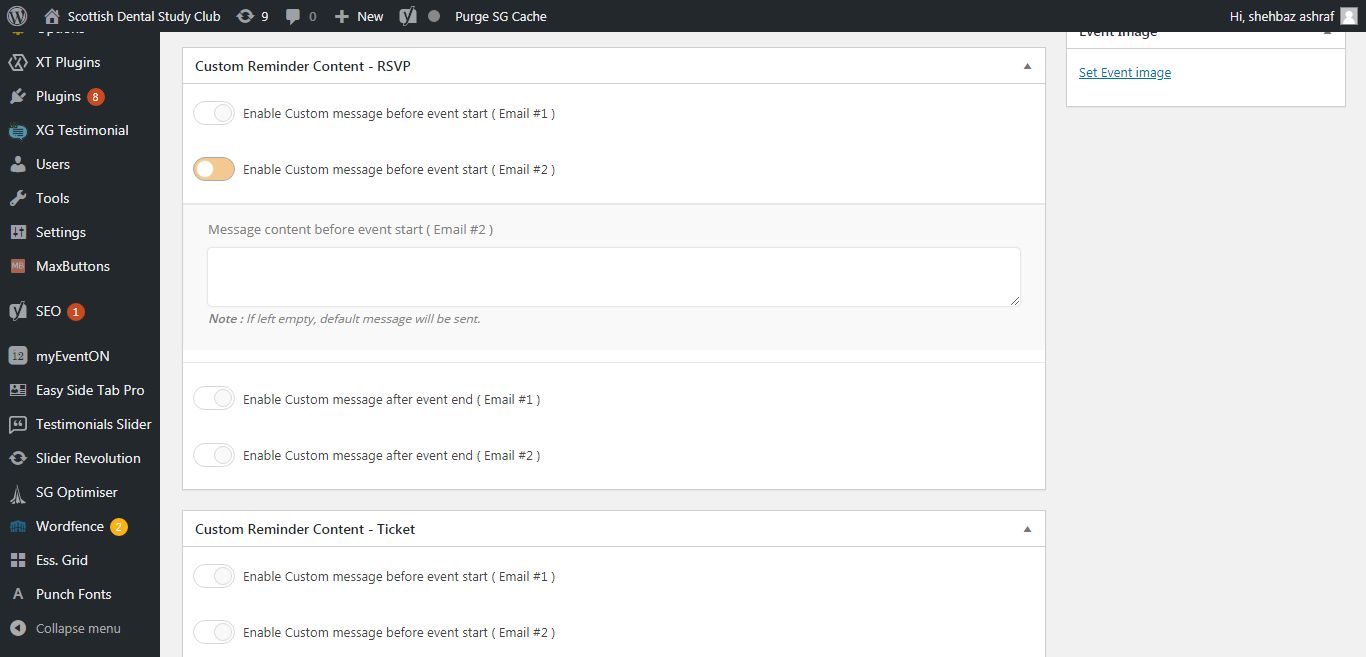
Please note that all settings should be enabled in the settings panel ( myeventon > rsvp ) first for this to work.
Replies for tickets on suppota
Hello,
I have installed the work. Please check.
Please note that all settings should be enabled in the settings panel ( myeventon > rsvp ) first for this to work.
Hi,
Thank you so much for the help!
I have 2.8.5 active now but ‘Events’ are still blank/empty?
Note, when I FTP’d, the /wp-content/plugins/eventON folder had the 2.6.whatever version appended to it, so I didn’t manually delete it – I inactivated/deleted via WP Admin and uploaded the new .zip file through WP Admin, if that matters? I did back up the DB before doing anything.
What would you try next?
Thank you!!
Ok thanks
Lonk to the log file https://drive.google.com/open?id=1i0V1g7swA9Pj6GWKk3kptJV-weQFliVA
define(‘WP_DEBUG’, true);
define( ‘WP_DEBUG_LOG’, true );
define(‘WP_DEBUG_DISPLAY’, false); in wp-config.php done
Cache cleared
Page reloaded
Infinite animation of the calendar loading
dev2.quoifaireaukamouraska.com/wp-content/debug.log File content:
[27-Jan-2020 22:53:05 UTC] PHP Fatal error: Allowed memory size of 134217728 bytes exhausted (tried to allocate 20480 bytes) in /home/quoifair/dev2.quoifaireaukamouraska.com/wp-includes/wp-db.php on line 2672
found a another soultion for me that works what i want with shortcodes variables…
[add_eventon_wv week_style=”1″ users=[[:authid]]]
currentuser=”yes” is not what i was looking for… need somthing for NOT logged-in user
thanks
Sure, our CEO will review further.
Thank you.
Feel free to let us know so we can help more.