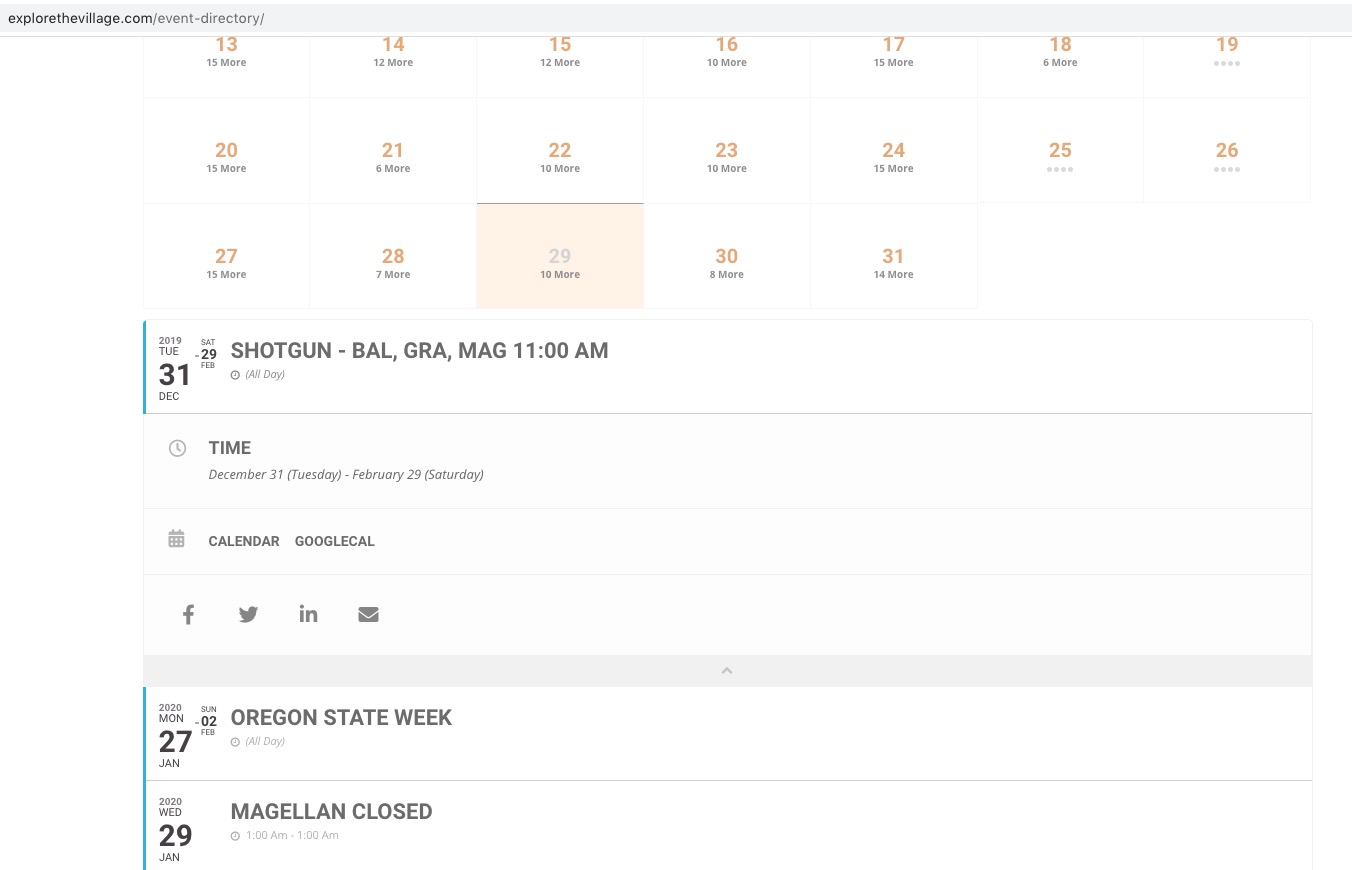
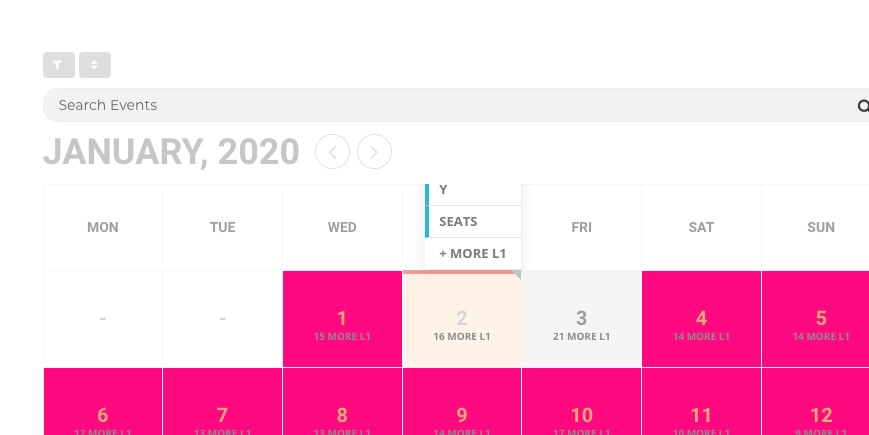
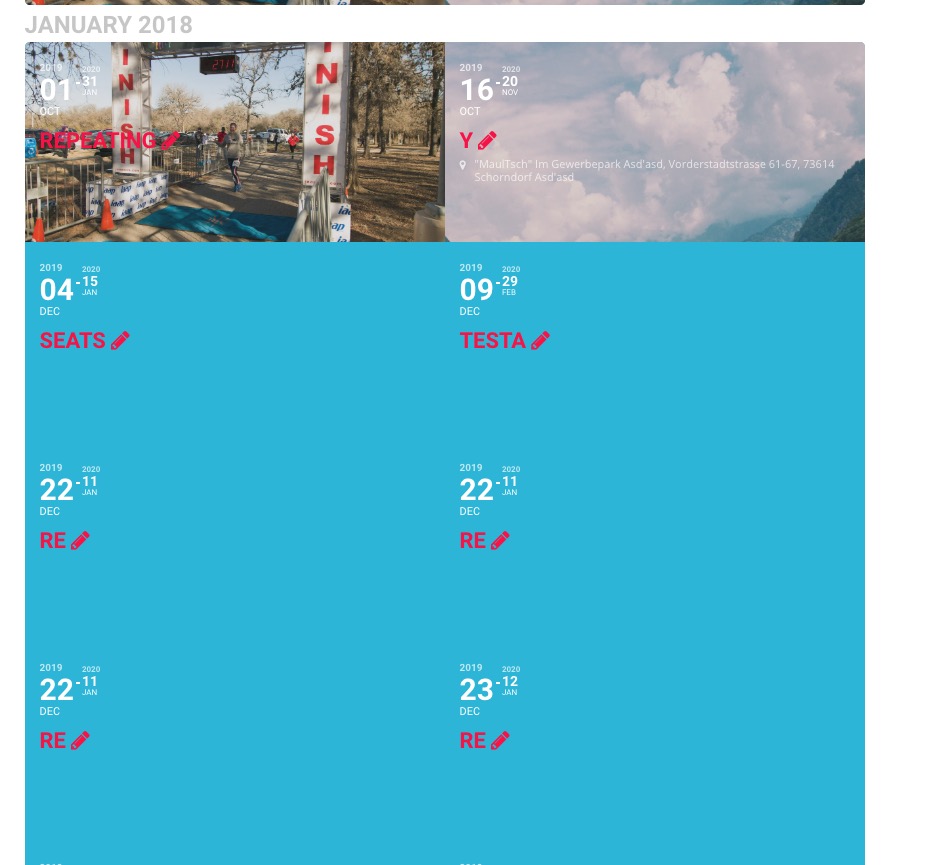
Hello,
…is taking quite a long time to load…
Please check https://docs.myeventon.com/documentations/why-my-site-and-eventon-page-loading-slow/
when it does when can’t open any of the listed events
Unfortunately, I cannot recreate this from my side:
Could you please try the instructions mentioned in this documentation to make sure your issue is indeed coming from eventon.
Hi there, WIth regards to your last message. So let me explain a bit here i think that will help you understand whats going on and avoid this issue.
the repeat instances are actually virtual dates they dont have any posts. So when you create repeat instances the dates are associated to that repeat instance index. That is why after you set up RSVP for separate stock for repeat instances the RSVP counts are associated to the exact repeat instance index. So if you remove an index those RSVP stock numbers will get moved around.
It is best to not remove repeat instances after you have set up RSVP and have attendees for the events. I will also add a warning message in the next update to the software to warm ppl when they try to delete repeats that are already in use.
Cheers mate and happy new year!
Hello,
Thank you for your messages, I am going to assign this ticket to Ashan and he will be able to take it from here and find you a solution. Please allow some time for him to get back to you, we greatly appreciate your patience and thank you for being a eventon customer! Also please disable any IP blocking on your site if there are any.
As a temporary solution could you please add this CSS code to EventON > Styles (If you can’t see any change, EventON > turn off Write styles to header > save settings > turn on Write styles to header):
.eventon_fullcal { overflow: unset !important; }
Hello,
Thank you for your messages, I am going to assign this ticket to Ashan and he will be able to take it from here and find you a solution. Please allow some time for him to get back to you, we greatly appreciate your patience and thank you for being a eventon customer! Also please disable any IP blocking on your site if there are any.
Ashan,
The same on dev2:
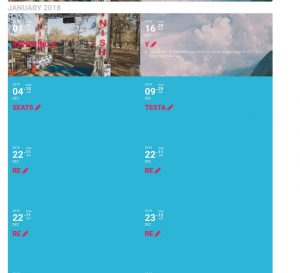
January 2018 shows events from Dec 2019 and so on.
Oh, excellent! Thank you!
Hello,
I am going to assign this ticket to Basilis and he will be able to take it from here and find you a solution. Please allow some time for him to get back to you, we greatly appreciate your patience and thank you for being a eventon customer!
Hello,
Please put this shortcode [add_eventon] on the page. After go to EventON > Appearance > enable Align month navigation arrows to rightside of the calendar. Now go to EventON > EventTop > enable Event Time (to and from) & Event Location Address.
It seems your website have javascript errors caused by other plugins/theme:
Uncaught ReferenceError: YoastSEO is not defined
at u (wp-seo-post-scraper-1111.min.js?ver=11.1.1:1)
at e.exports (wp-seo-post-scraper-1111.min.js?ver=11.1.1:1)
at _.saveScores (wp-seo-post-scraper-1111.min.js?ver=11.1.1:5)
at _.runKeywordAnalysis (analysis-1111.min.js?ver=11.1.1:21)
at _.runAnalyzer (analysis-1111.min.js?ver=11.1.1:21)
at _._pureRefresh (analysis-1111.min.js?ver=11.1.1:21)
at z (analysis-1111.min.js?ver=11.1.1:1)
at analysis-1111.min.js?ver=11.1.1:1
at _.y [as _pureRefresh] (analysis-1111.min.js?ver=11.1.1:1)
at _.refresh (analysis-1111.min.js?ver=11.1.1:21)
You can find and resolve them by following this guide (please try disabling Yoast plugin). Once these javascript errors are fixed, eventon scripts will be able to run properly and will resolve your issue.