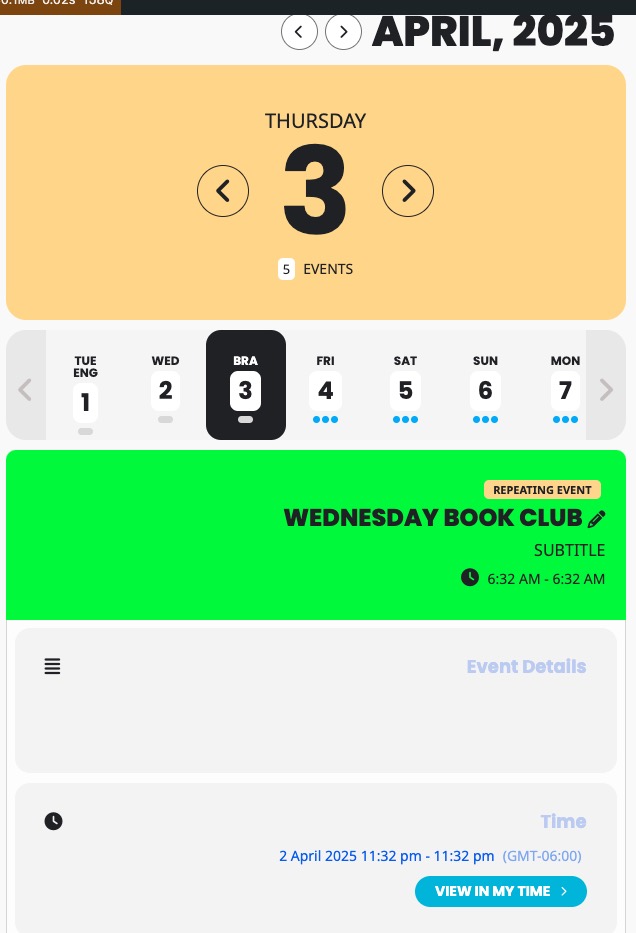
Thank you for your messages, I am going to assign this ticket to Ashan and he will be able to take it from here and find you a solution. Please allow some time for him to get back to you, we greatly appreciate your patience and thank you for being a eventon customer!
Archives: Replies
Replies for tickets on suppota
Reply to: tickets(376735)
Thank you Nitzan for letting us know f these issues. We willaddress the RTL issue in the next version update to seats addon.
Reply to: tickets(381755)
Could you try adding hide_mult_occur=”yes” to your shortcode to show it only once?
Reply to: tickets(382174)
Hello,
Please add this CSS code to EventON > Styles (If you don’t see any change, EventON > Scripts & Styling > turn off Write dynamic styles to header > save settings > turn on Write dynamic styles to header):
.eventon_events_list .eventon_list_event .ev_ftImg { height: 150px !important; width: 150px !important; max-height: 150px !important; }
Reply to: tickets(381976)
Just enable WP_DEBUG and then make sure to re-create the issue. Then send us debug.log file.
Reply to: tickets(382168)
Hello,
Please go to EventON > Appearance > EventCard Styles > change Buttons. If you don’t see any change, EventON > Scripts & Styling > turn off Write dynamic styles to header > save settings > turn on Write dynamic styles to header.
To change “+” button, add this CSS code to EventON > Styles (If you don’t see any change, EventON > Scripts & Styling > turn off Write dynamic styles to header > save settings > turn on Write dynamic styles to header):
.evoTX_wc_section .evotx_quantity .qty b.plu, .evotx_qty_adjuster b.plu { background-color: red; }
Reply to: tickets(382165)
Hello,
What do you mean by “optional”? Could you elaborate?
You can go to EventON > Event Card > remove Social Share Icons. Also go to EventON > Single Events > uncheck Shareable Options.
Reply to: tickets(382134)
Hello,
All dates are correct:
https://mimagyarok.hu/wp-admin/post.php?post=116&action=edit
https://mimagyarok.hu/wp-admin/post.php?post=117&action=edit
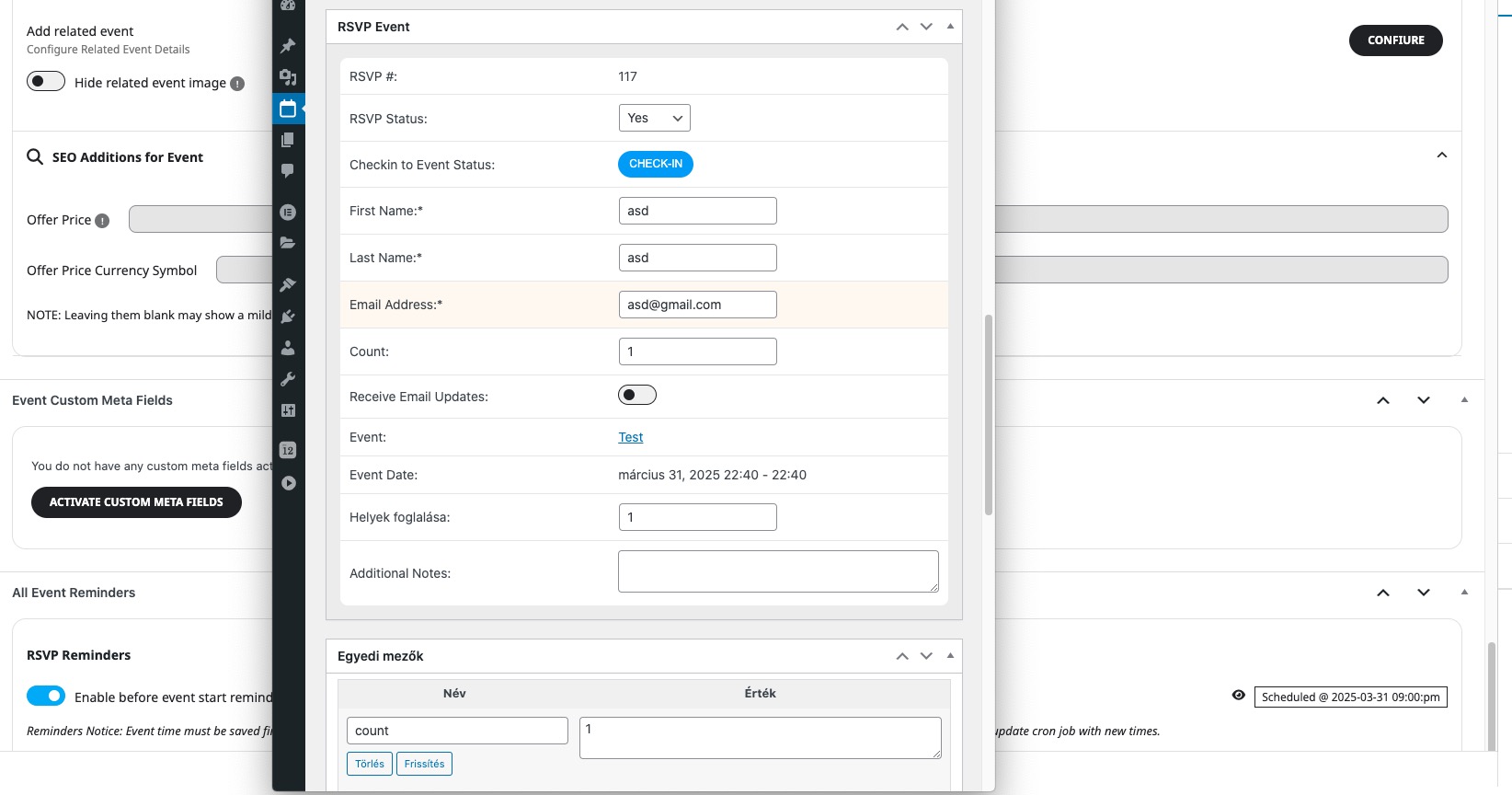
Where can we see the issue? Could you send us a link?
Reply to: tickets(382162)
Hello,
Please follow the instructions in this documentation to activate debug in your site to see any PHP errors recorded that can provide insight on to whats going on. Please reply with a link to debug.log file. If you are not able to do this please send us FTP access to your site so we can do this for you.
Since you use Avada, we had this patch for while that were helping before:
https://helpdeskx.s3.amazonaws.com/wp-content/uploads/2023/02/08180337/Screen-Shot-2023-02-08-at-5.02.20-PM.png
Could you also try applying it?
Reply to: tickets(382039)
Ashan,
On dev2:
https://dev2.myeventon.com/test-897/