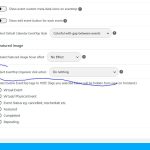
In order to show the year, please add this to your shortcode
show_year=”yes”
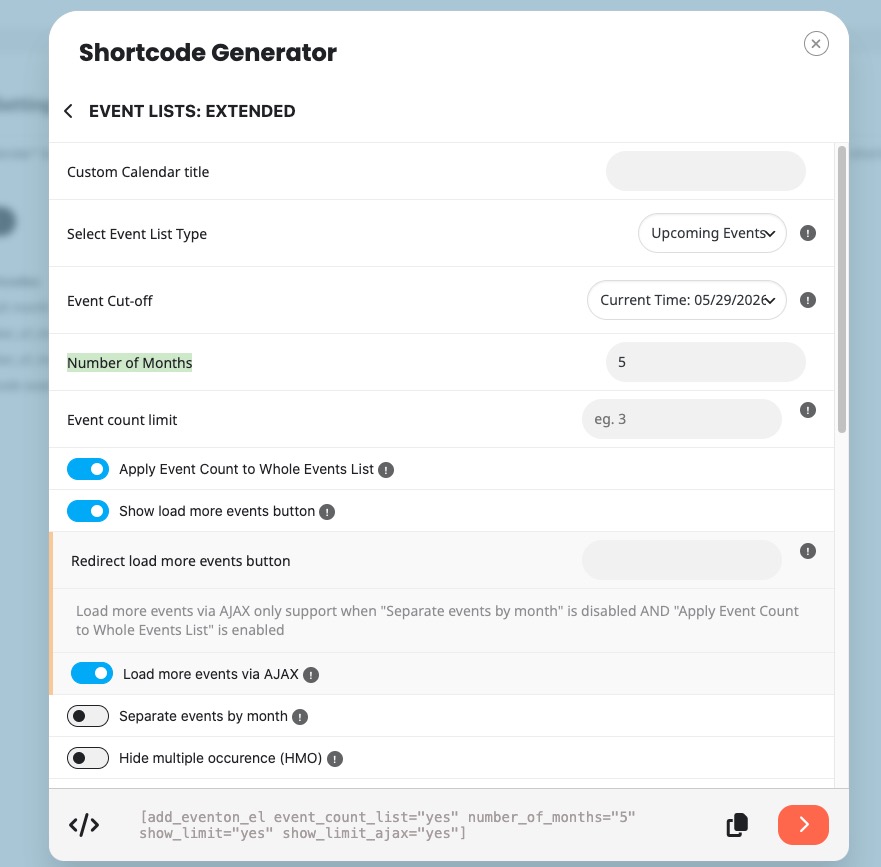
For the load functionality, please add these to the shortcode:
event_count_list=”yes” number_of_months=”5” show_limit=”yes” show_limit_ajax=”yes”
What to select in the shortcode generator:
Could you try manually clearing the browser cache?
If the issue continues, please send us wp-admin access to your site from ”Access Info” box on right side menu, to further assist your situation.
Try to reach the admin panel with a different browser when it is active
Hi Artem,
I managed to log into my usual account and downloaded the eventON_5.0.10.zip file. However, after installing it, the location search popup still crashes and closes automatically upon typing. The patch you mentioned does not work.
I cannot close this ticket because the main issue remains completely unresolved. I am currently forced to use an older version of the plugin as a temporary workaround so my live website doesn’t stay broken, but this is not a solution.
Please forward this issue directly to your development team. Version 5.0.10 has a clear bug/script conflict with the location search bar that needs to be fixed in an upcoming official update.
I will keep this ticket open and await a real solution or a hotfix from your developers.
Best regards,
ALSO, IS THERE A WAY TO MAKE IT SHOW CERTAIN # OF EVENTS, THEN CLICK ON LOAD MORE, OR LAZYLOAD AS THEY SCROLL?
THANK YOU, THIS SEEMS TO HAVE DONE THE TRICK
HOW CAN WE ALSO SHOW YEAR?
Please update to the latest version of actionUser addon 2.5.14
Au Changelog
this will fix the assign user lightbox not working issue.
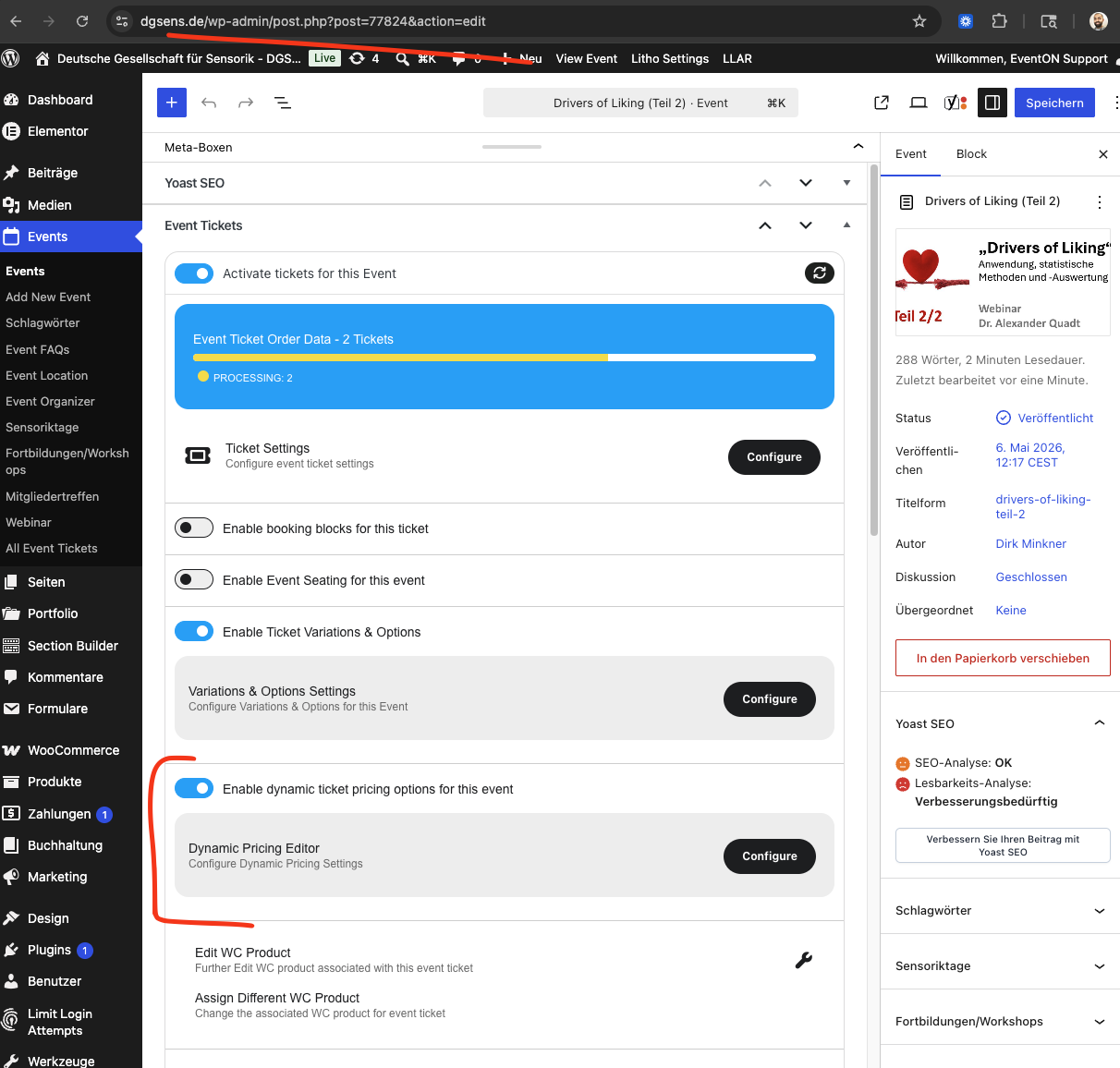
I just enabled dynamic pricing in your website and everything it working fine on admin and frontend. Were you getting blank screen when you activated dynamic pricing of how can I replicate those issues?
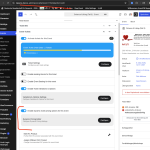
Is this not working, or am I doing something wrong?
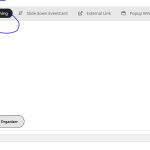
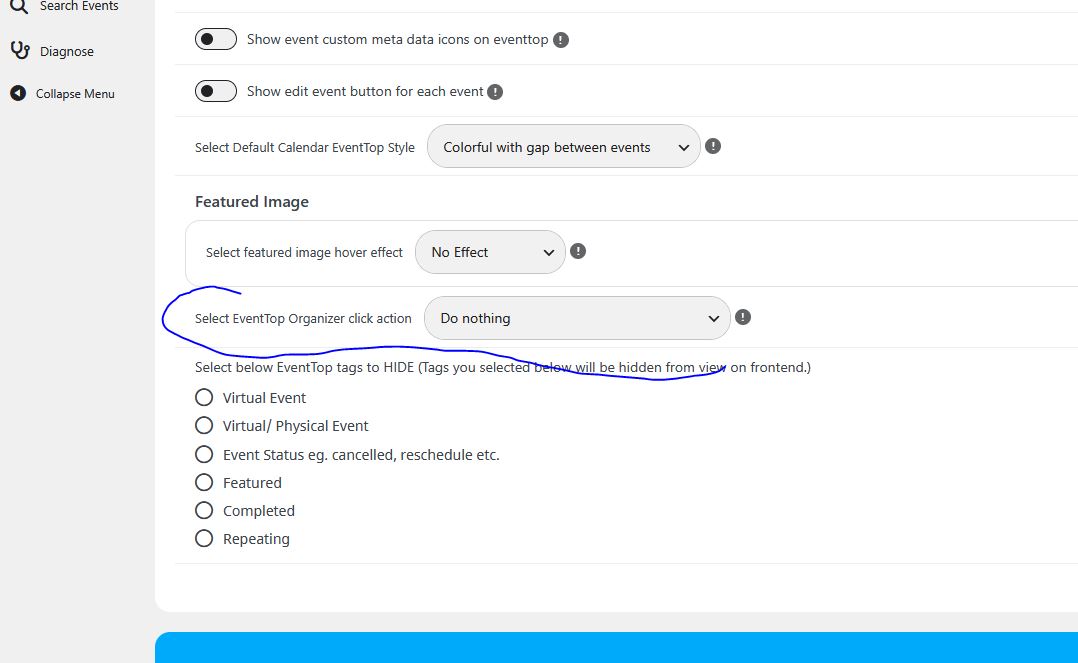
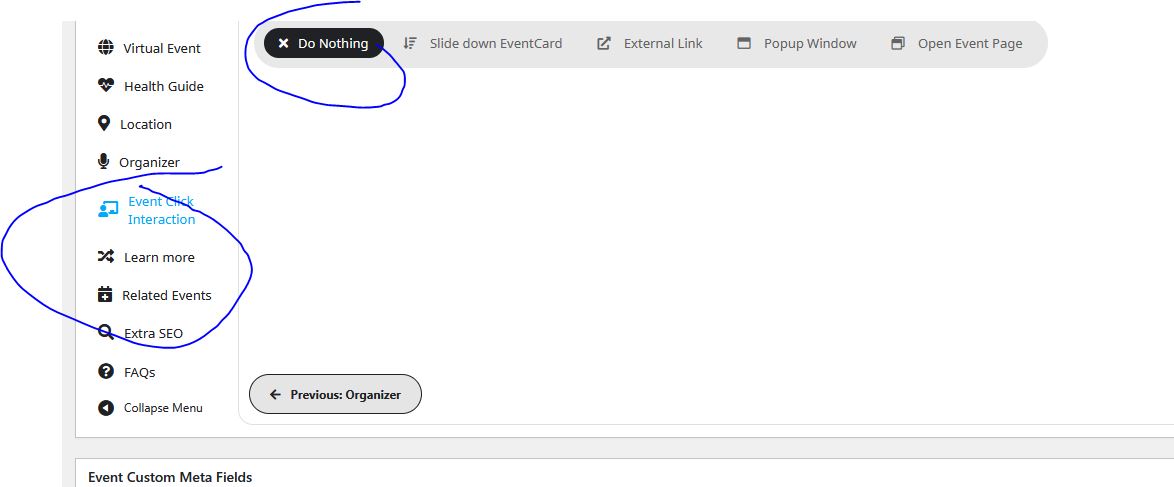
I want that when I click on an event, it opens in the same window rather than as a pop-up.