ok, here is the password:
7&w@&yo5PI6pOnx2IkkSAL$p
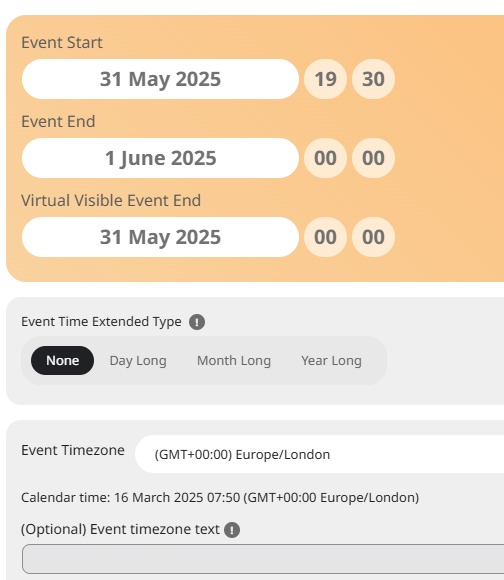
Think it’s because i added another ticket with another password! I checked the timezone settings and the event and it does not have a – GMT
Replies for tickets on suppota
ok, here is the password:
7&w@&yo5PI6pOnx2IkkSAL$p
Think it’s because i added another ticket with another password! I checked the timezone settings and the event and it does not have a – GMT
My website is not yet online, that’s why you see this page alert when connecting. I already add “event progress bar” on event. In your demo the bar appear to show the time left before the event starting
It worked ! Yiipiie 🙂
Thank you very much
Indeed, I updated the version and now it work adding < b r >
Thank you!
username or password didn’t work for us.
but check the timezone
so in myeventon>>>settings>>>>>times
and then compare that to the one set for the event- it might have a – on the gmt which means its showing longer than it should
if that makes no sence then please post the right username and password so we can check it out from the backend
works for me in edge
perhaps try clearing your browser cache- especially if you have just updated
Or maybe add a feature so videos can be posted to the event single view?
I tried the learn more field in the event card designer – is there a way to change this to say Video instead of Learn more?
There is enough memeory, it was a corrupted event submission file.
What happens if someone submits an event during an update of the site?
When will the next release be issued, so we can correct the time zone settings?
https://cellarartsclub.com/events/frank-from-blue-velvet/