Hello Artem,
thank you very much for the help. Unfortunatelly i am not a expert in this topic. I have updated elementor to the latest Version. I also update the PHP Version from 7.4 to 8.0 with no effect on this issue.
Can you help me a little to fix this problem. It is strange, that the side is break, only a user is login.
thankfull greatings.
Dennis
Yeah, I think this works. It would be nice not to have to do this as sometimes I want to be able to leave the site to populate without having to manually adjust the virtual end date.
Thanks for your help
Hi Artem,
That’s really interesting. I wasn’t aware of all those options while adding the widget in the page through the tag generator. 🤯
I’ve tried the following shortcode:
[add_eventon tiles=”yes” tile_count=”3″ tile_bg=”1″ event_order=”ASC” cal_init_nonajax=”yes” ml_toend=”yes” yl_toend=”yes”]
But I don’t see any grouping of events to happen. I still have the monthly and yearly events on the top. Notice in the image that the events on the top have a date from 2024, nevertheless we have events of a single day in 2025 that are showing after those yearly events. I’ve cleaned the cache, both server and local. Do you know what could I be missing?
Hello,
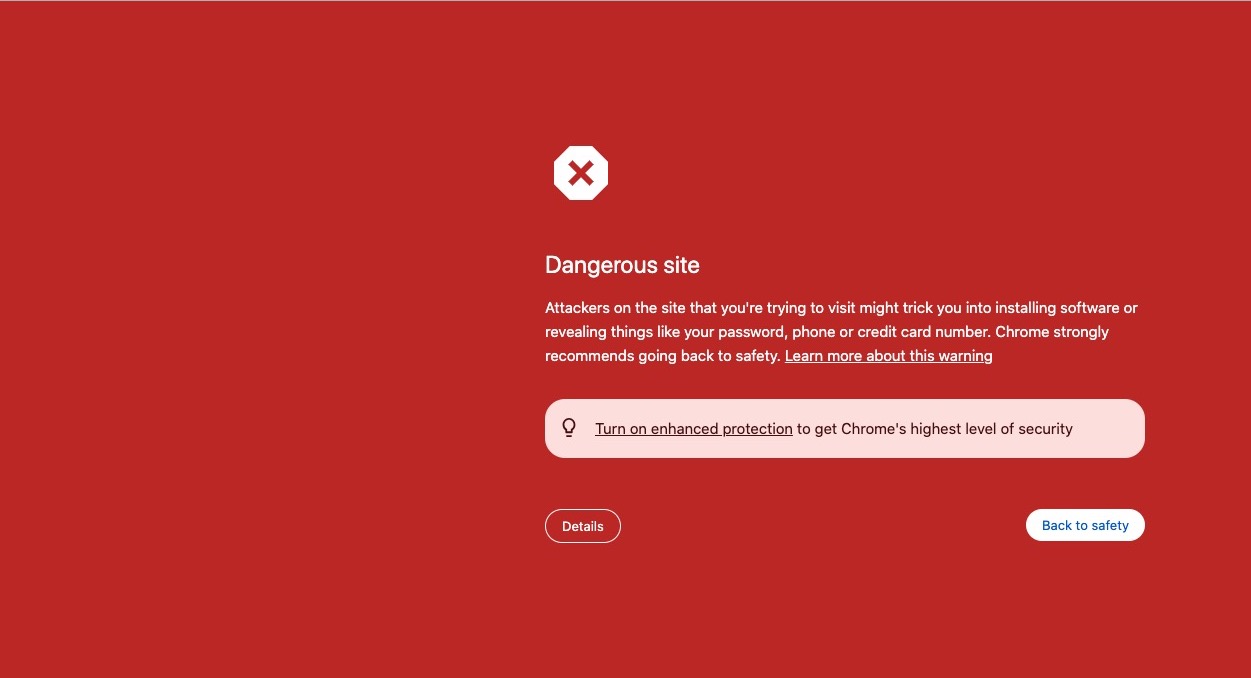
After I logged-in to the website:

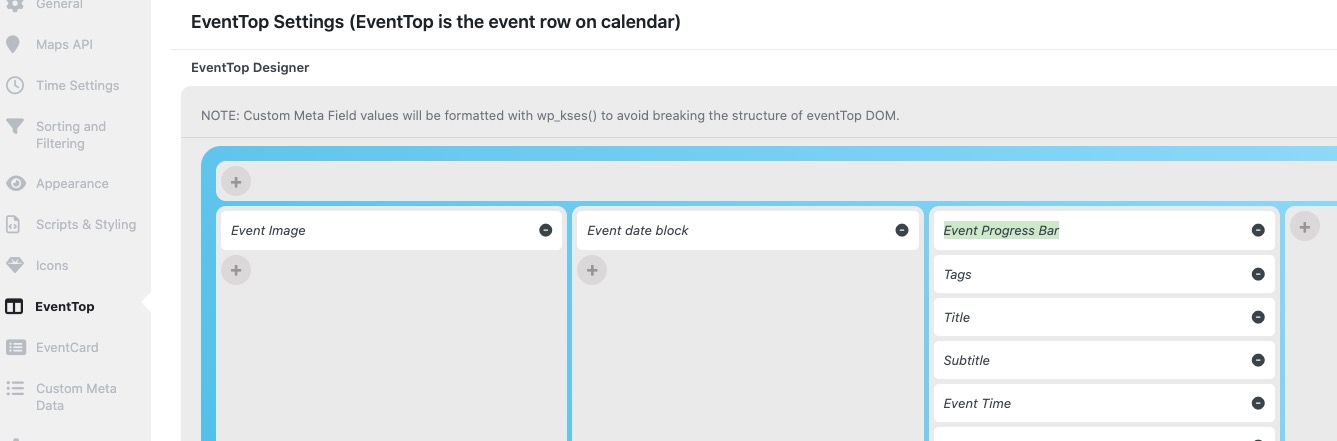
Please make sure to add “Event Progress Bar” to EventTop:
Also note that the bar will appear only on events that are in progress.
Hello,
Like this?
https://dev2.myeventon.com/test-893/
Please take a look at
https://www.myeventon.com/addons/filters-plus/
Try on
https://dev.myeventon.com/wp-admin/
You can find available Actions & Filters in this guide:
https://docs.myeventon.com/documentations/hooks-actions-filters/
We are glad your issue is resolved, if you have any further questions or concerns please create a new ticket.
It has now updated and shows active. The form is now saving.
Thank you
Please add this CSS code to EventON > Styles (If you don’t see any change, EventON > Scripts & Styling > turn off Write dynamic styles to header > save settings > turn on Write dynamic styles to header):
em.evoet_dataval.evolb_trigger { pointer-events: none !important; }
The code is going to remove the popup functionality.
Hello,
Perfect! If you have any further questions or concerns please create a new ticket.
If you have a moment, we would greatly appreciate if you could kindly leave us a review at Codecanyon. By going to your account > Downloads. We are very grateful for your kind review!