Hello,
This CSS style sets the color:
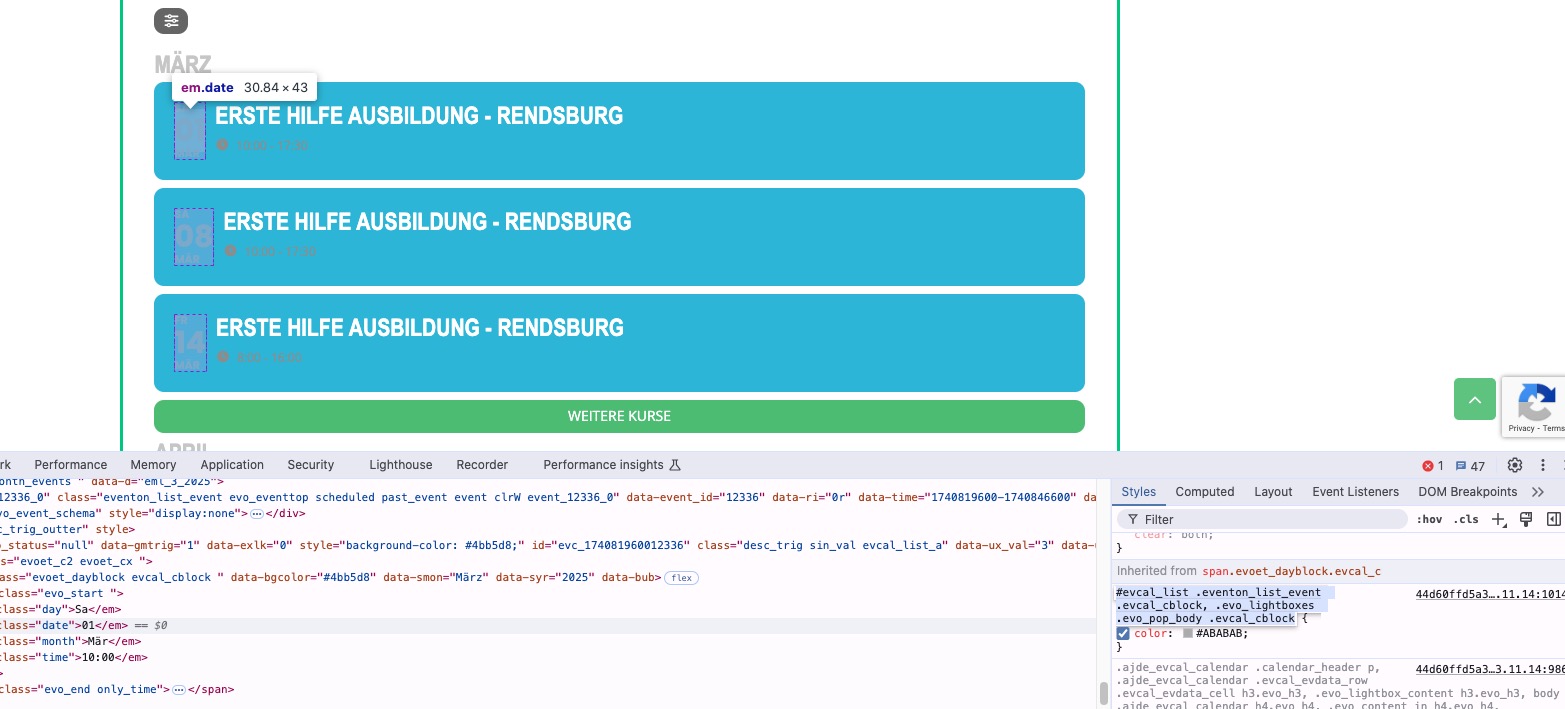
Please send us wp-admin access to your site as a private message for us to further assist your situation. Or could you disable the css minifying functionality, so I can check the styling.
Replies for tickets on suppota
Hello,
This CSS style sets the color:
Please send us wp-admin access to your site as a private message for us to further assist your situation. Or could you disable the css minifying functionality, so I can check the styling.
Hello,
It shows activated on my side when I check your website:
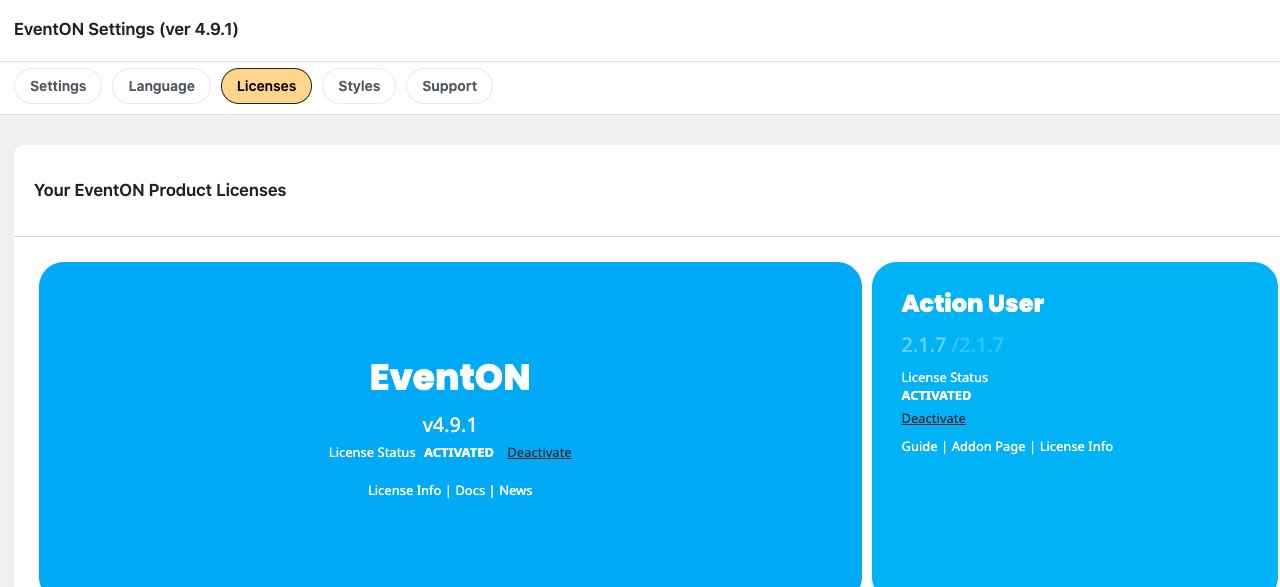
Could you try updating Action User add-on to fix the form fields issue?
To update eventon addons: You can download latest eventon addons from myeventon > my account. Then you can go to your website, deactivate old addon and install new one and activate then delete the old addon. This link will further explain the process. Also you can follow us on twitter to get real-time announcements on updates!
Perfect! If you have any further questions or concerns please create a new ticket.
We are glad your issue is resolved, if you have any further questions or concerns please create a new ticket.
If you have a moment, we would greatly appreciate if you could kindly leave us a review at Codecanyon. By going to your account > Downloads. We are very grateful for your kind review!
We are glad your issue is resolved, if you have any further questions or concerns please create a new ticket.
If you have a moment, we would greatly appreciate if you could kindly leave us a review at Codecanyon. By going to your account > Downloads. We are very grateful for your kind review!
Uh I just realize that there is a difference between eventCard and eventTop.
My event list is an eventTop list. I don’t know then if the CSS code you gave me apply to eventTop?:
.evo_card_organizer_name_t a {pointer-events:none !important}
Sorry it was unclear.
Ashan
I hope there isn’t a problem here
We love the EventOn plugin and we have followed the guidelines for requesting a refund for the addons we cannot use.
We went ahead on bought the addon we did need – the week display addon – but after getting used to your plugin, we do not need the CSV export, Full Calendar view or the API.
We found that the basic EventON did everything we needed – we did not need to import or export a csv, the week display is just what we need and we do not need the API.
Order #204752 was placed on February 27, 2025
Order #204672 was placed on February 26, 2025
Please let me know if you need any other information.
Ron
Hello,
Thank you for your help 🙂
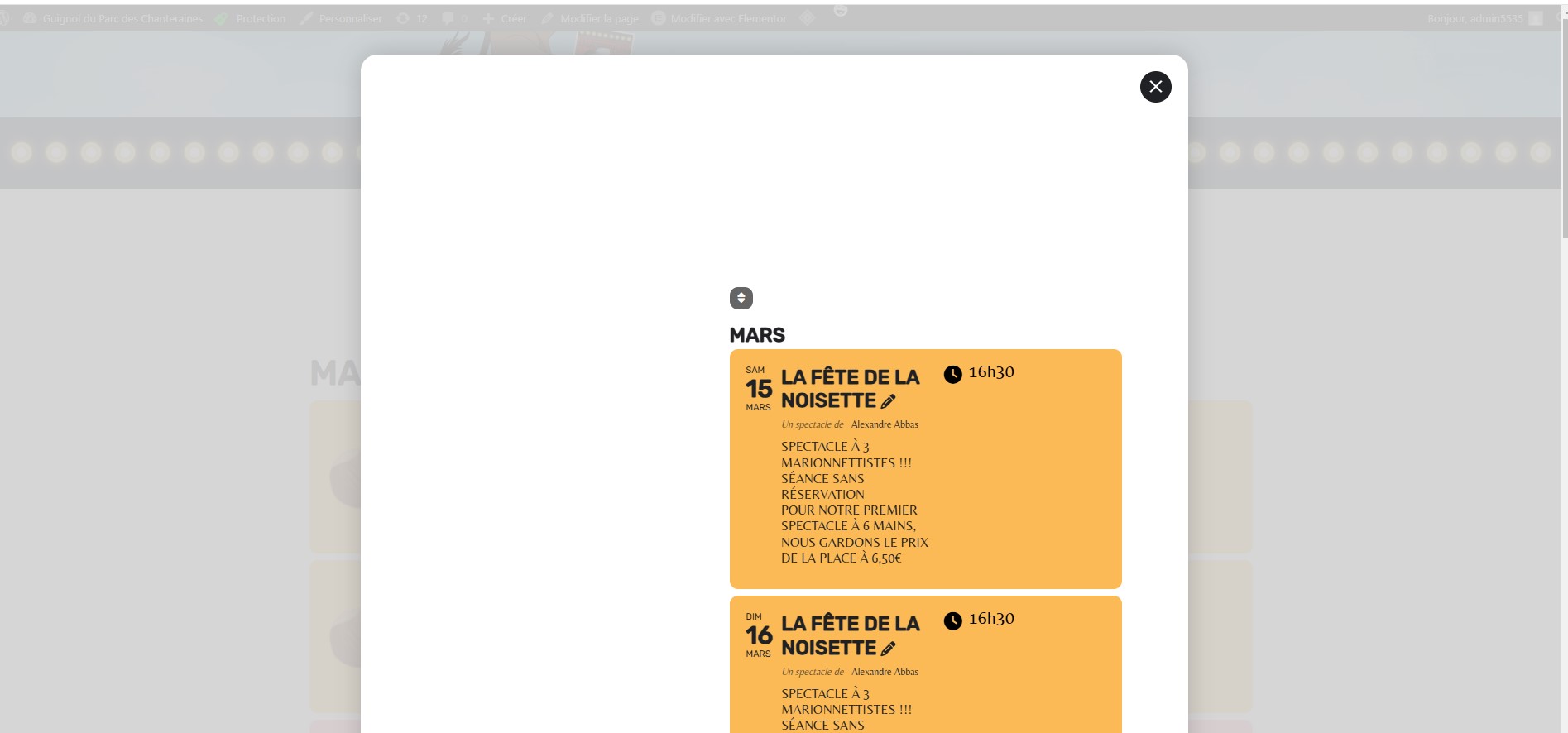
The click on the organizer name generate a pop-up with all the event linked to the organizer.
Indeed when you click everywhere else, there is a protection addon that display this “Alert”
Still you should be able to click on the organizer name and get the pop-up that I would like to remove.
Thanks
Yeah, works now! thanks for looking anyway
I resolved the matter on my own by making modifications to the CSS styles.