Thank you
Archives: Replies
Replies for tickets on suppota
Reply to: tickets(408011)
Reply to: tickets(408011)
Could you let us know your CodeCanyon Username?
I am going to escalate this ticket to our account manager to help in here. Please allow us some time to address this, and we truly appreciate your patience. Thank you for being a valued EventON customer!
Reply to: tickets(408158)
Which plugin do you use to disable Gutenberg?
Just to confirm, you did download 5.0.10 from your account and updated it on your website after I asked you, correct? Please let me know.
Reply to: tickets(407704)
Ashan,
Please check
On customer’s website a link in ”Content Type: Single line Text” changes to iframe which goes beyond page’s width:
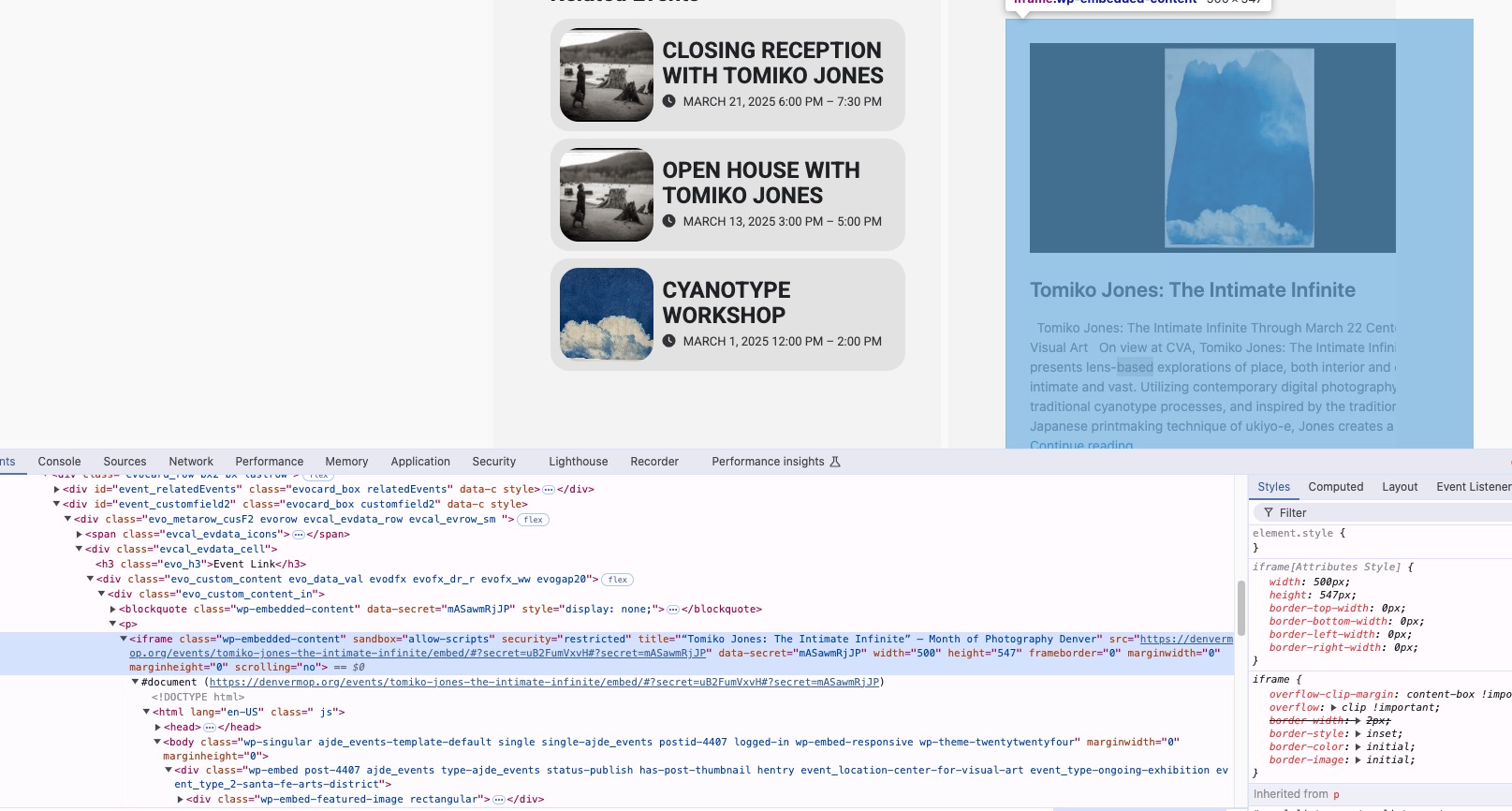
On dev2 it just shows a link:
https://dev2.myeventon.com/events/test-copy-copy-copy-copy/
I checked customer’s website in Troubleshooting Mode and it’s still showing the iframe.
EventON replaces links with iframes in ”Custom Meta Data fields for events”?
Reply to: tickets(407704)
Thank you for your messages!
I am going to escalate this ticket to development to help in here. Please allow us some time to address this, and we truly appreciate your patience. Thank you for being a valued EventON customer!
Reply to: tickets(405481)
Yes exactly, next to their name to show the variation/s
Reply to: tickets(408140)
We are glad your issue is resolved, if you have any further questions or concerns please create a new ticket.
Reply to: tickets(408169)
What’s in the guide isn’t compatible with Tickets/WooCommerce.
So unfortunately, orders made with ”Basic Paypal” won’t be appearing in wp-admin > WooCommerce > Orders.
Reply to: tickets(408201)
Hello,
You can either go to Edit Even > Event Click Interaction > change to Open Event Page.
Or by adding ux_val=”4a” to your shortcodes.