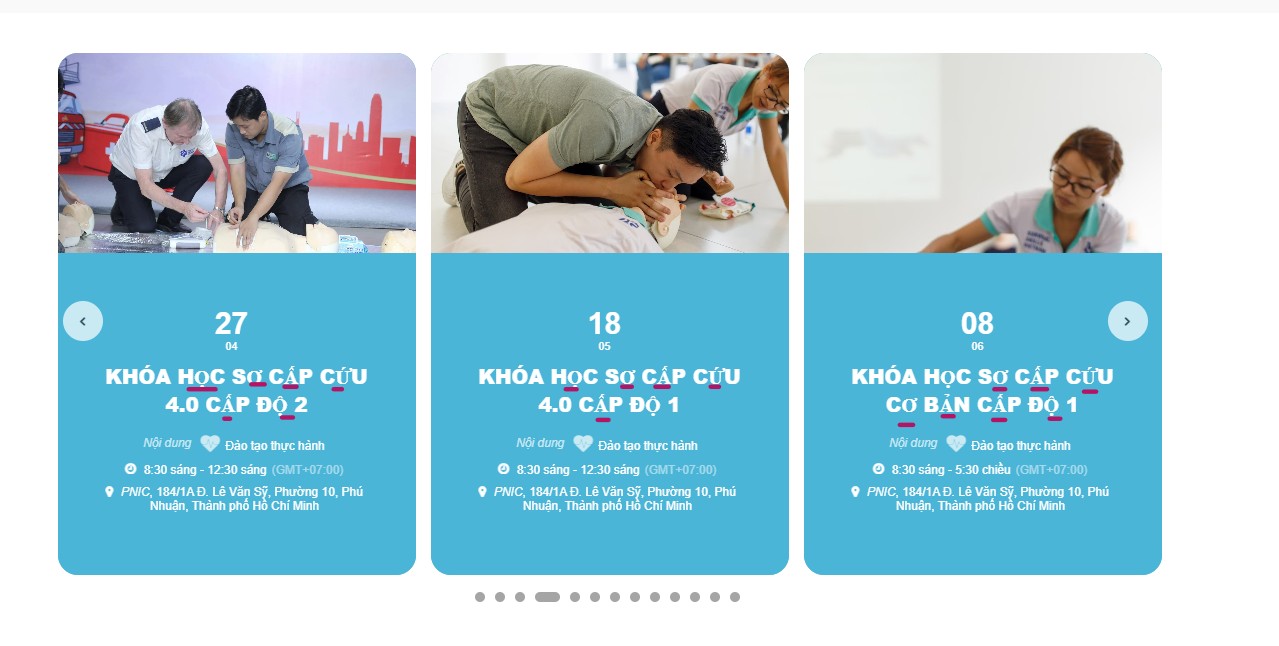
please check the photo, the underlined texts are font error, it substitues the font it was using that doesn’t support Vietnamese with Time News Roman I think.
In EventOn setting, I choose Helvetica as my fonts, the rest of the event card displays fine except for the title.
*oops choose eventslist instead of main calendar
yes in myeventon>>>>settings>>>>shortcodes
choose events list instead of event calendar
with the events list you can choose how many months you want to show (it defaults to one if you don’t add anything)
and activate the tile view. you probably also want to toggle hide empty months
Sorry I really don’t know where to find that email setting. I went to EventOn->Settings, but there’s nothing about email. Could you please be more specific or take a fullscreen screenshot so I can navigate through the menus ?
Could you go to EventON > EventCard > try a different Feature image display style?
Hello,
Are you trying to refund the main plugin or any of our add-ons?
I cannot find any information associated with your current email.
Please also note that in order to refund the plugin you need to contact CodeCanyon.
Hello,
Could you go to EventON > Appearance > EventTop Styles > make sure that “Configure text color for colorful & Image eventtops: Use Default eventtop text colors from above”?
Now on the same page make sure that Event Title Text Color is black. If you don’t see any change, EventON > Scripts & Styling > turn off Write dynamic styles to header > save settings > turn on Write dynamic styles to header.
Hello,
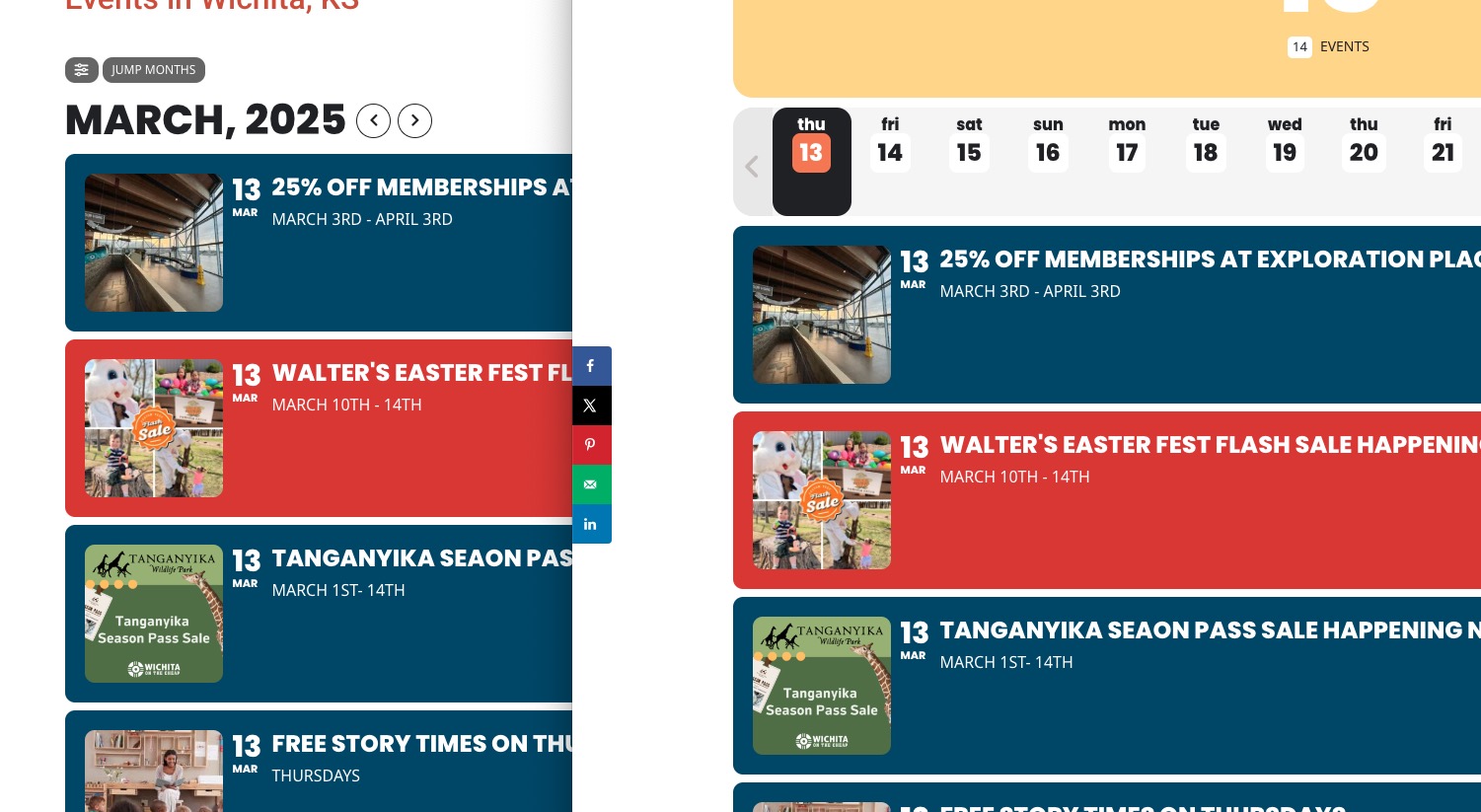
Have you managed to fix the issue? On my side images are identical:
Could you update EventON to 4.9.1 and add-ons, if needed?
This website is staging, correct? I want to disable WPML and try to execute the cron job evo_cron_daily_actions.