Thank you, unfortunately that solution won’t work for us. For now I will look into hiding the fields with CSS so users won’t get confused by not being able to make a selection.
Will this be rectified in the next update release?
Is there a way to not display the fields within the shortcode?
I appreciate your help with this.
Mike
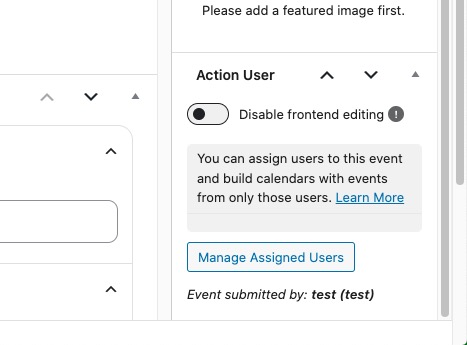
The events you are referring to aren’t having any user assigned:
How did you add them? With the submission form or from the back-end?
Please check https://docs.myeventon.com/documentations/terms-and-conditions-and-refund-policy/ > 7. Subscriptions & Automatic Renewal > 7.4 Subscription Refunds. A renewal reminder mail was sent before the charge was made. We had given you opportunity to cancel if you didn’t want the renewal.
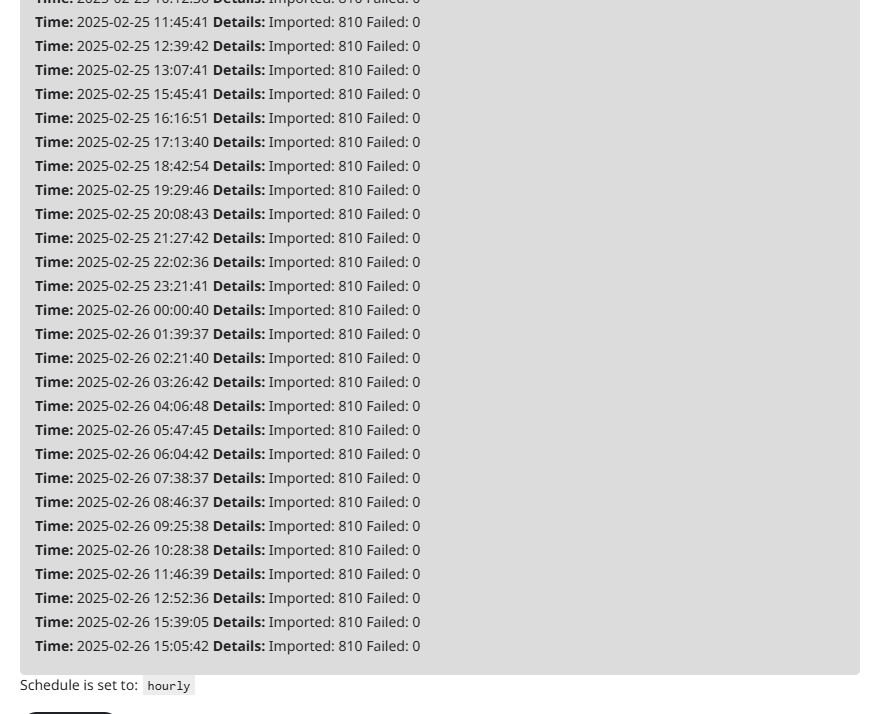
The ICS importer is not importing any events. I tried deleting all future events beyond end of March and nothing has come in. Attaching the import log to show that the last import occurred on Feb 25th.
Hi,
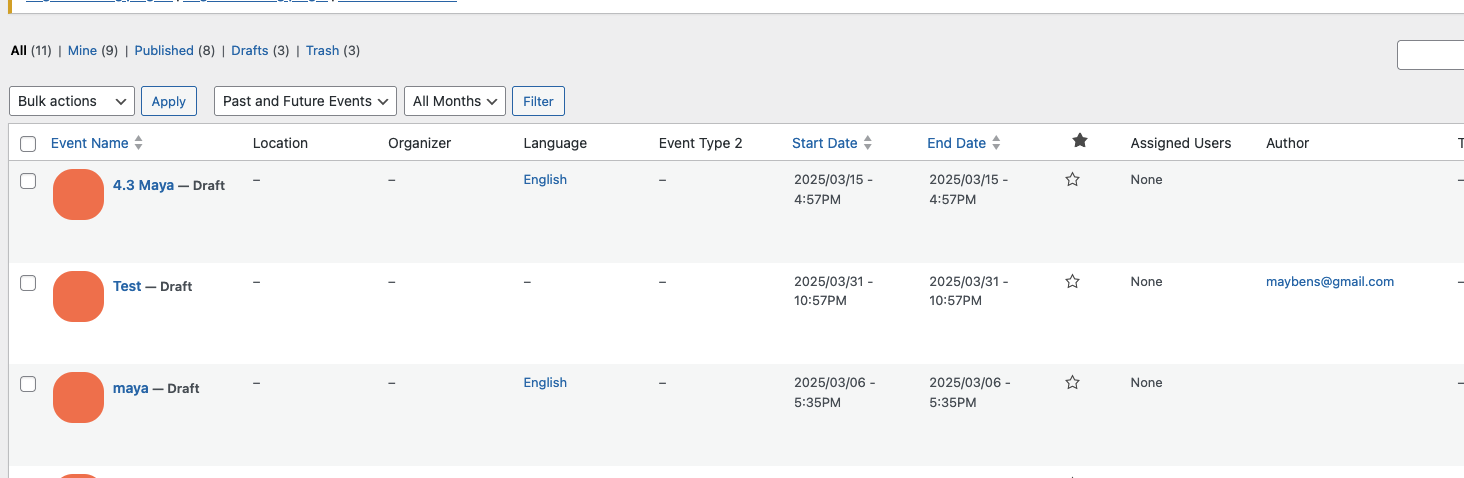
Unfortunately I still can’t see all of them. Only the test you created.
Why is that?
There are currently 3 drafts (see image) including one I did now and it’s not showing..
Many thanks,
Maya
I tried deleting an event to see if it will import again with the correct times but it’s not showing up. Can somebody help troubleshoot this please?
Kind regards
Rob
Hi Artem,
Yes I need a refund. Because I am not using the plugin and also forgot to cancel the Sub
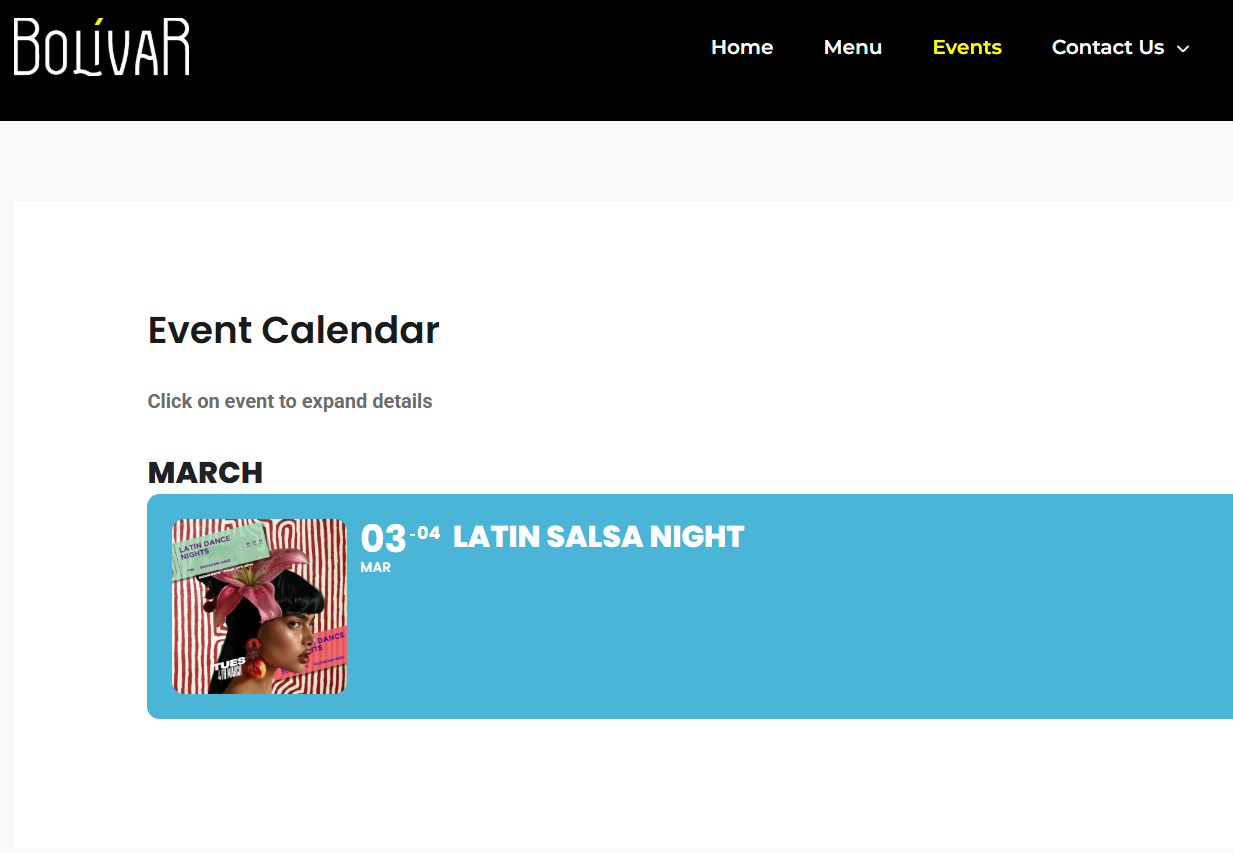
Attaching screenshot of front end events page. Thanks
Thanks for the quick reply.
- I only need one month displayed (current month) as I update the events every week.
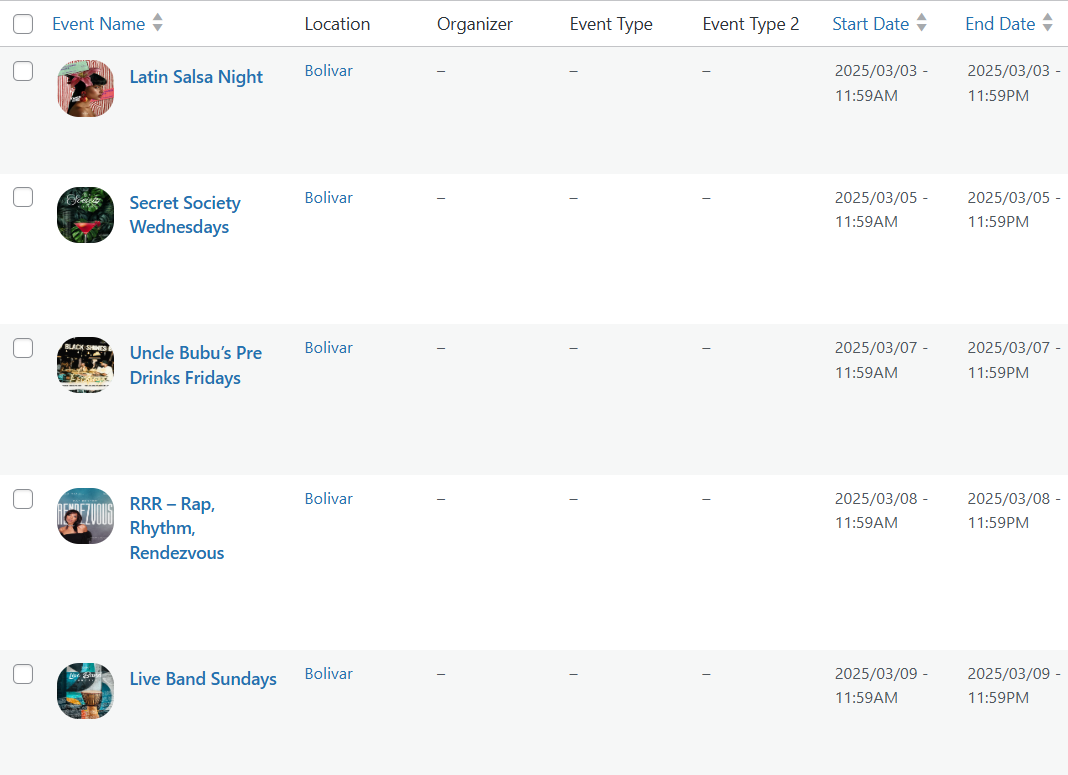
- I see only one event showing for March on the ‘Events’ page, even though there are five events scheduled for that month (please see image attached)
- Here is the FTP account information:
username: eventon
password: EventCalendar1!
Thanks again