Hello,
Thank you for your great suggestion, at the moment it is not supported. However please create a new ticket and select Feature Requestas category so others can vote on your idea and get it moved into development faster.
You can import events using CSV Importer add-on:
https://www.myeventon.com/addons/csv-event-importer/
Ashan,
The same on dev2:
https://dev2.myeventon.com/wp-admin/admin.php?page=eventon#evcal_001b
Hello,
Thank you for your messages, I am going to assign this ticket to Ashan and he will be able to take it from here and find you a solution. Please allow some time for him to get back to you, we greatly appreciate your patience and thank you for being a eventon customer! Also please disable any IP blocking on your site if there are any.
Hello,
Thank you for your messages, I am going to assign this ticket to Ashan and he will be able to take it from here and find you a solution. Please allow some time for him to get back to you, we greatly appreciate your patience and thank you for being a eventon customer! Also please disable any IP blocking on your site if there are any.
Hello,
Please follow the instructions in this documentation to activate debug in your site to see any PHP errors recorded that can provide insight on to whats going on. Please reply with a link to debug.log file. If you are not able to do this please send us FTP access to your site so we can do this for you.
Ashan,
The same on dev2:
https://dev2.myeventon.com/test-889/
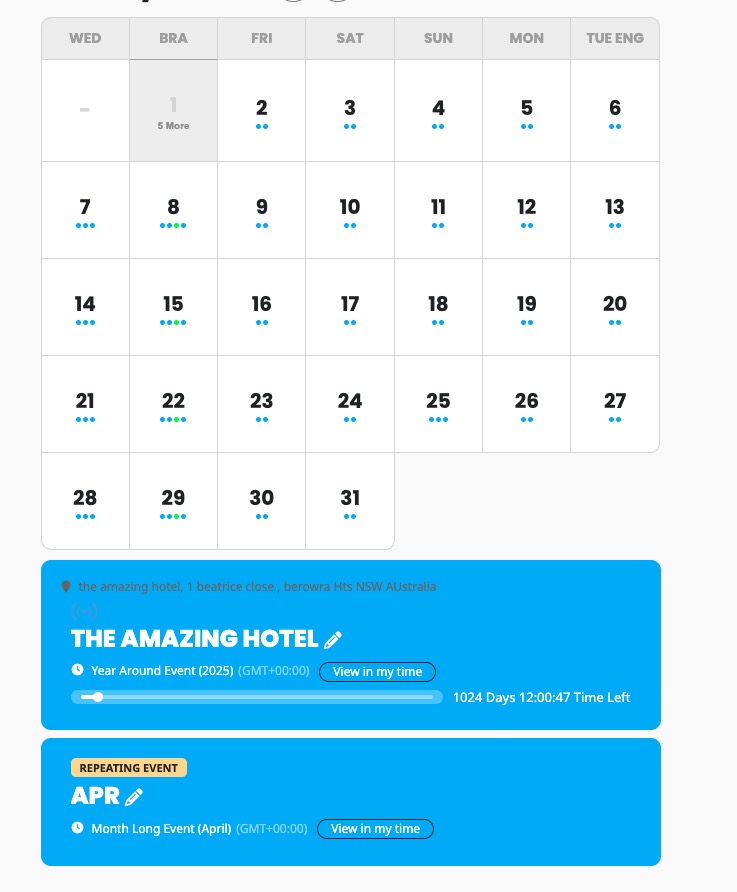
After I switched to a new month only two events are shown:
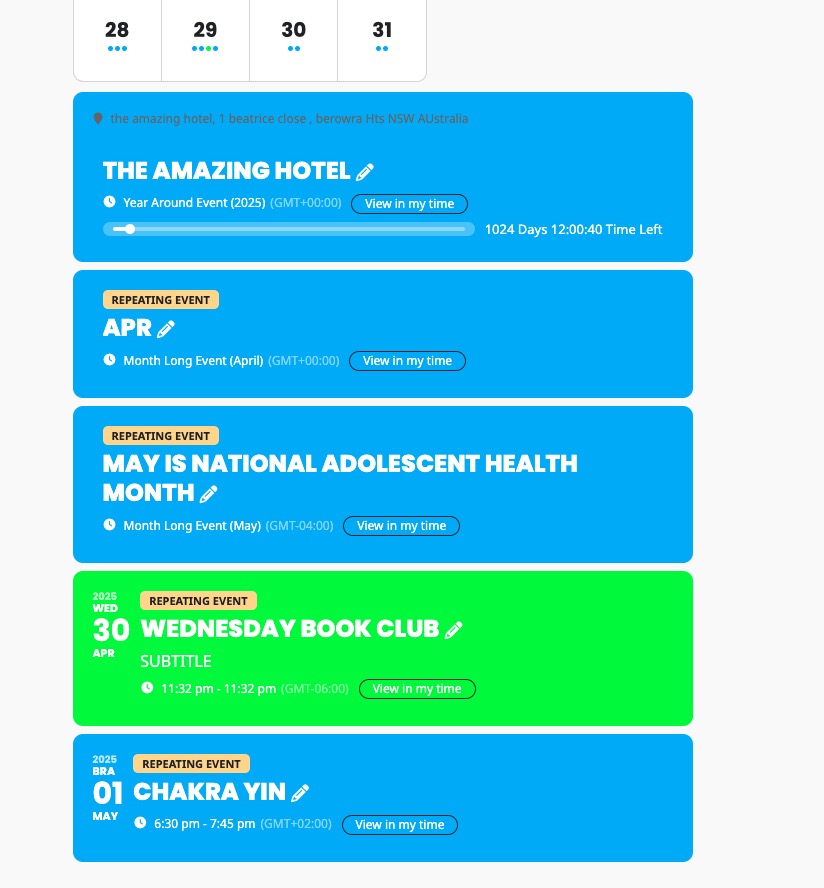
After I clicked on the 1st:
Hello,
Thank you for your messages, I am going to assign this ticket to Ashan and he will be able to take it from here and find you a solution. Please allow some time for him to get back to you, we greatly appreciate your patience and thank you for being a eventon customer! Also please disable any IP blocking on your site if there are any.
Hello,
Are you referring to this button:
https://docs.myeventon.com/documentations/setup-basic-paypal-events/
Only Paypal is available, I am afraid.
However, please take a look at
https://www.myeventon.com/addons/event-tickets/
Try on
https://dev.myeventon.com/wp-admin/
You can also simply use Custom Meta to add a new button with any link you like:
https://docs.myeventon.com/documentations/setup-use-custom-meta-fields-events/
We are glad your issue is resolved, if you have any further questions or concerns please create a new ticket.
If you have a moment, we would greatly appreciate if you could kindly leave us a review at Codecanyon. By going to your account > Downloads. We are very grateful for your kind review!