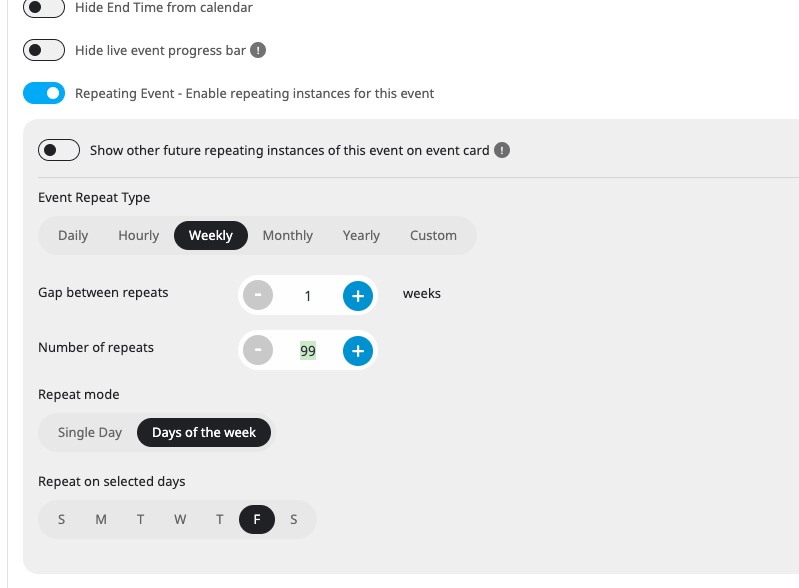
I believe that the issue is in this
For EventON each repeat is an individual event saved in DB and then loaded to a calendar. That’s why it tried to allocate more and more memory.
Could you try lowering numbers and check?
I have tried to set ux_val=”4″ in the calendar instances, which returns “undefined” as can be seen in the screenshots.
Thank you for your messages, I am going to assign this ticket to Ashan and he will be able to take it from here and find you a solution. Please allow some time for him to get back to you, we greatly appreciate your patience and thank you for being a eventon customer! Also please disable any IP blocking on your site if there are any.
EventON doesn’t put a lot of restrictions on events editing, so it’s up to you which times you can select. In your example you need to select Apr 20 as End Date since your time is 2am.
Could you try following this guide:
https://docs.myeventon.com/documentations/how-to-create-events-that-goes-past-midnight/
I believe that with the guide you can make midnight events last for one day only.
Please try adding the code to wp-admin > Appearance > Customize > Additional CSS. If the issue continues, please send us wp-admin access to your site as a private message for us to further assist your situation.
Hello,
We are very sorry for the delay. I contacted Ashan about your issue. He’ll reply ASAP.
Please send us wp-admin access to your site as a private message for us to further assist your situation.
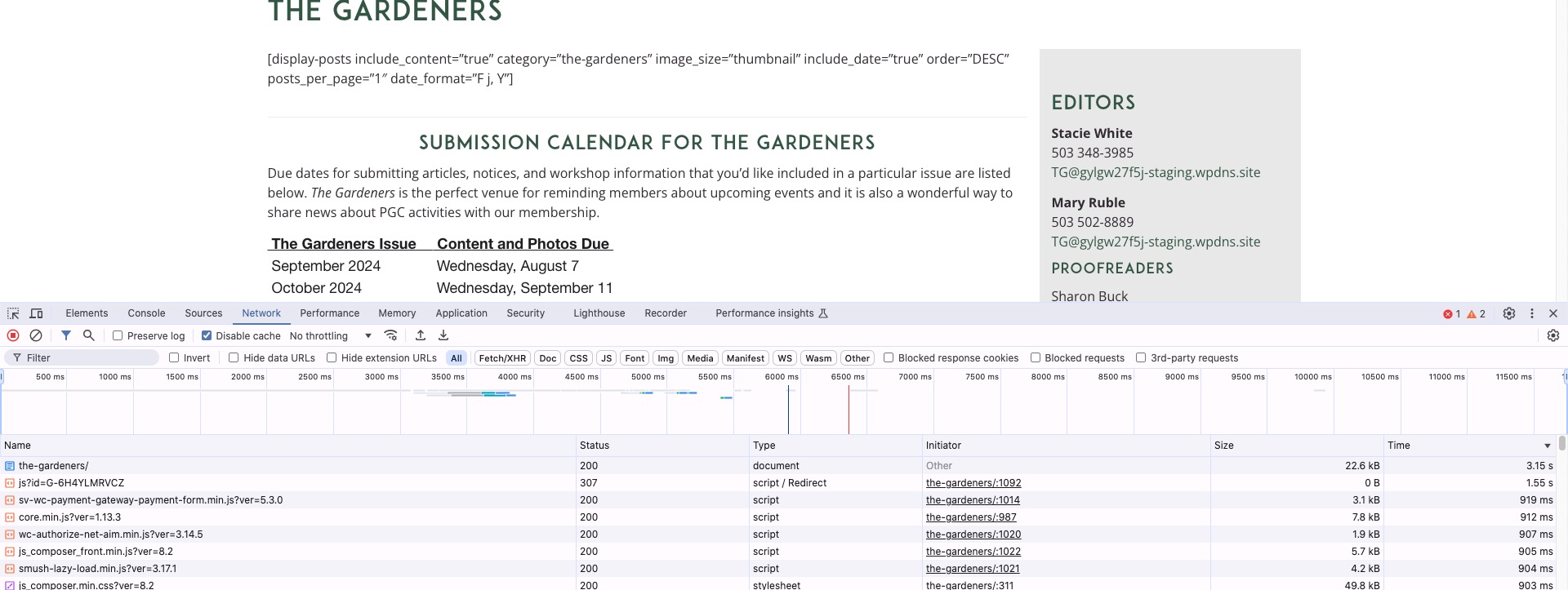
This page (only HTML code structure without images or scripts) is loading for 3+ seconds:
https://gylgw27f5j-staging.wpdns.site/the-gardeners/

And fully loaded (HTML + images + scripts) for 9 seconds.
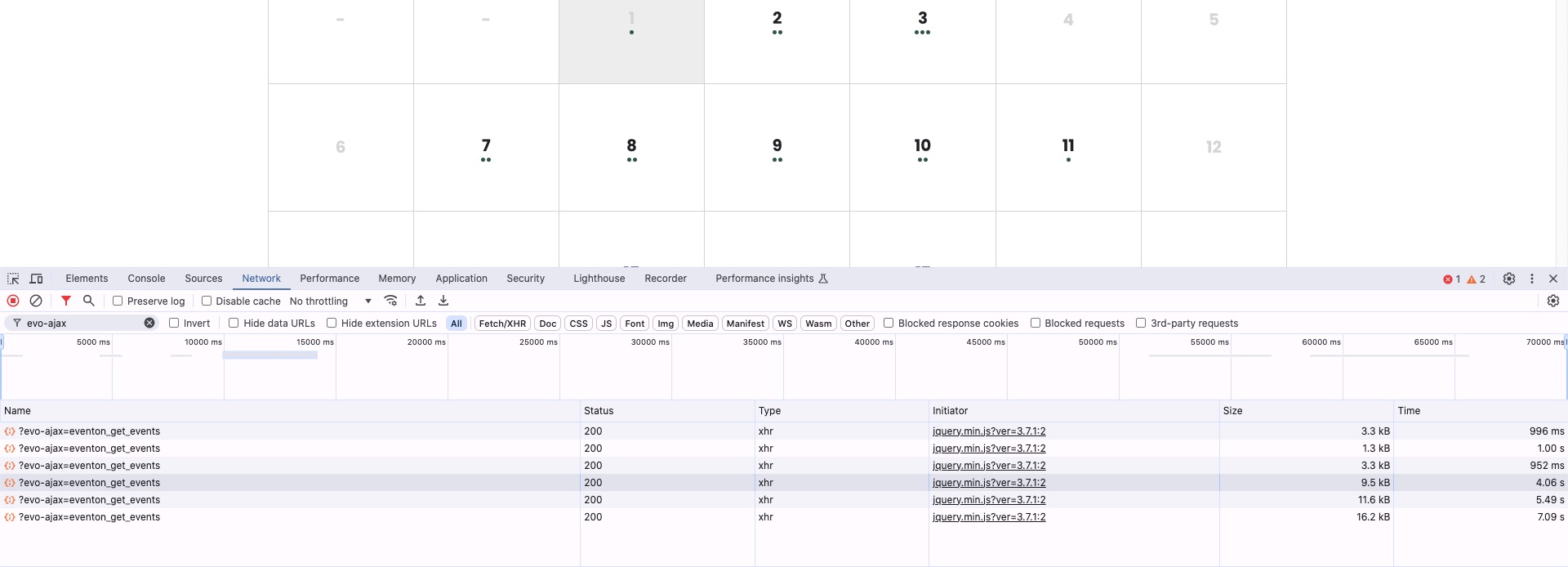
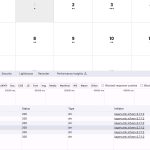
FullCal loads heavy months for 5-7 seconds and light ones for 1+ second:
Try installing “WP fastest cache” or similar plugin.
You can also try Varnish.
Did you add the custom code I previously sent you? The custom code hides years and only leaves months.
And how can I remove the button that is circled in red in the attachment?
Please add hide_so=”yes” to your shortcode to disable calendar sort/filter ability.
We are glad your issue is resolved, if you have any further questions or concerns please create a new ticket.