It now says This purchase code is already registered to a different account.!
(also tried 3dwd as the username, same result)
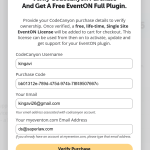
Here is the license:
LICENSE CERTIFICATE : Envato Market Item
==============================================
This document certifies the purchase of:
ONE REGULAR LICENSE
as defined in the standard terms and conditions on Envato Market.
Licensor’s Author Username:
ashanjay
Licensee:
3dwd
Item Title:
EventON – WordPress Virtual Event Calendar Plugin
Item URL:
https://codecanyon.net/item/eventon-wordpress-event-calendar-plugin/1211017
Item ID:
1211017
Item Purchase Code:
bb01312e-789d-475d-974b-78f49507667c
Purchase Date:
2024-07-10 05:31:26 UTC
For any queries related to this document or license please contact Help Team via https://help.market.envato.com
Envato Pty Ltd (11 119 159 741)
PO Box 16122, Melbourne, VIC 8007, Australia
==== THIS IS NOT A TAX RECEIPT OR INVOICE ====
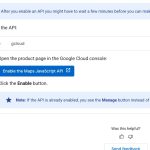
When you go to
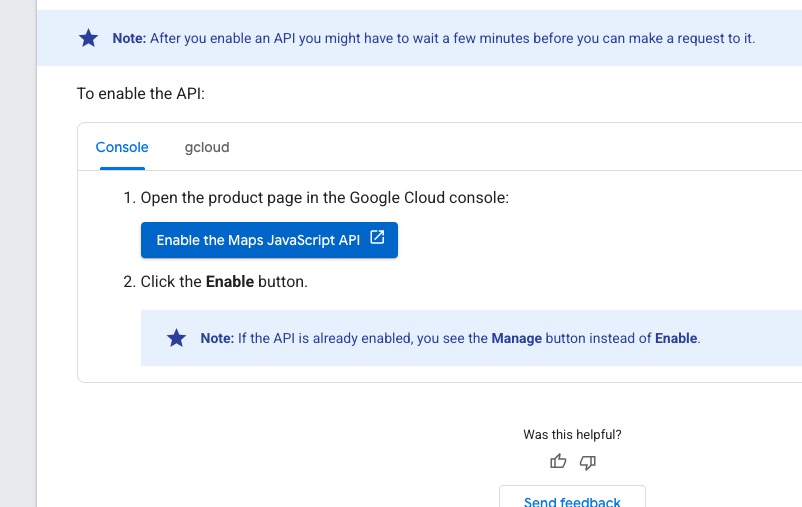
https://developers.google.com/maps/documentation/javascript/get-api-key
Here you see ”Manage”, correct?
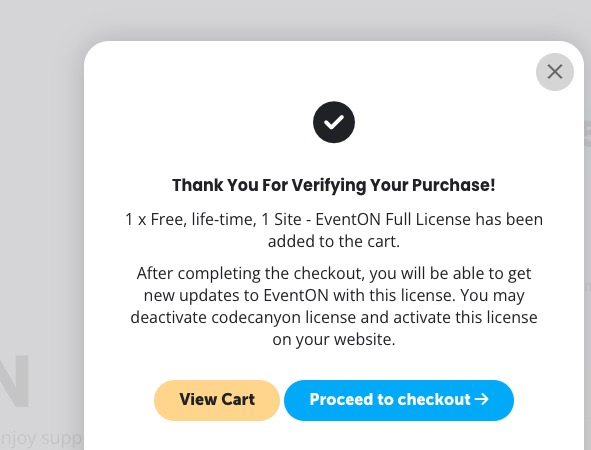
Could you try again? We’ve made some adjustments to the verify page.
Could you try again? I just tried verifying with your data and it worked:
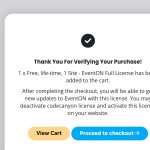
Just make sure to go through the checkout process.
Hello,
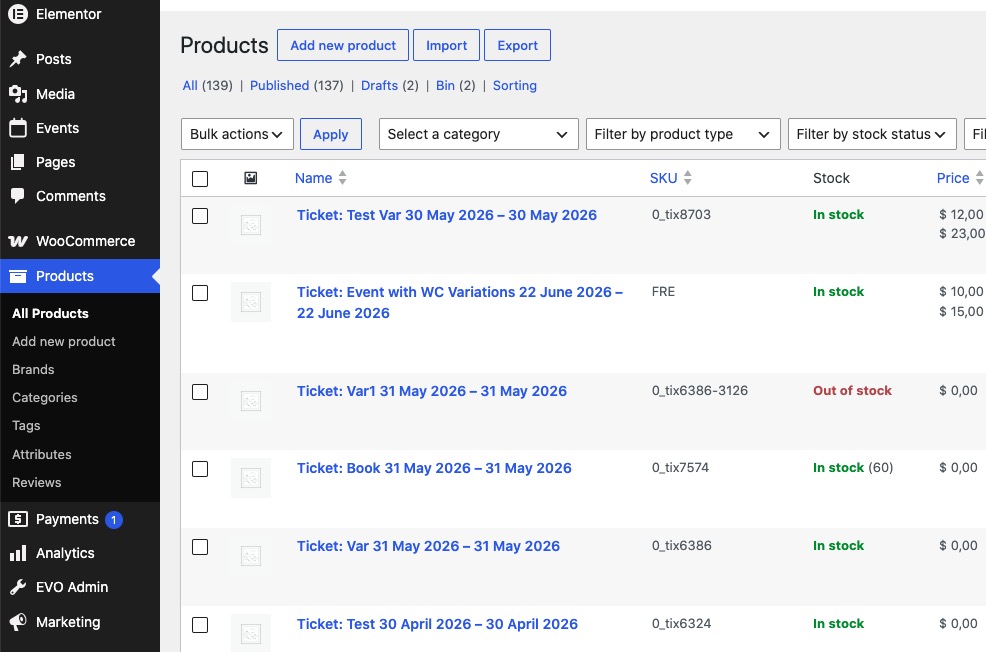
You can find Products by going to wp-admin > Products:
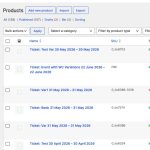
Here you can change their names.
Please also note that your theme adds Product Name to the popup cart, but also adds event’s title to Cart/Checkout page.
You can also ask the theme developers about how you can make it to add event’s title to the popup.
Hello,
Please take a look at this guide:
https://docs.myeventon.com/documentations/setup-basic-paypal-events/
Seems to be working on our side without any issues:
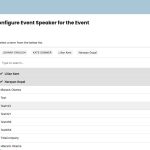
Please send us wp-admin access to your site from ”Access Info” box on right side menu, to further assist your situation.
Hello,
Please go to EventON > Time Settings > enable Hide past events for default calendar(s).
This seems to be a problem with a lot of your customers. I have verified multiple times and still nothing.