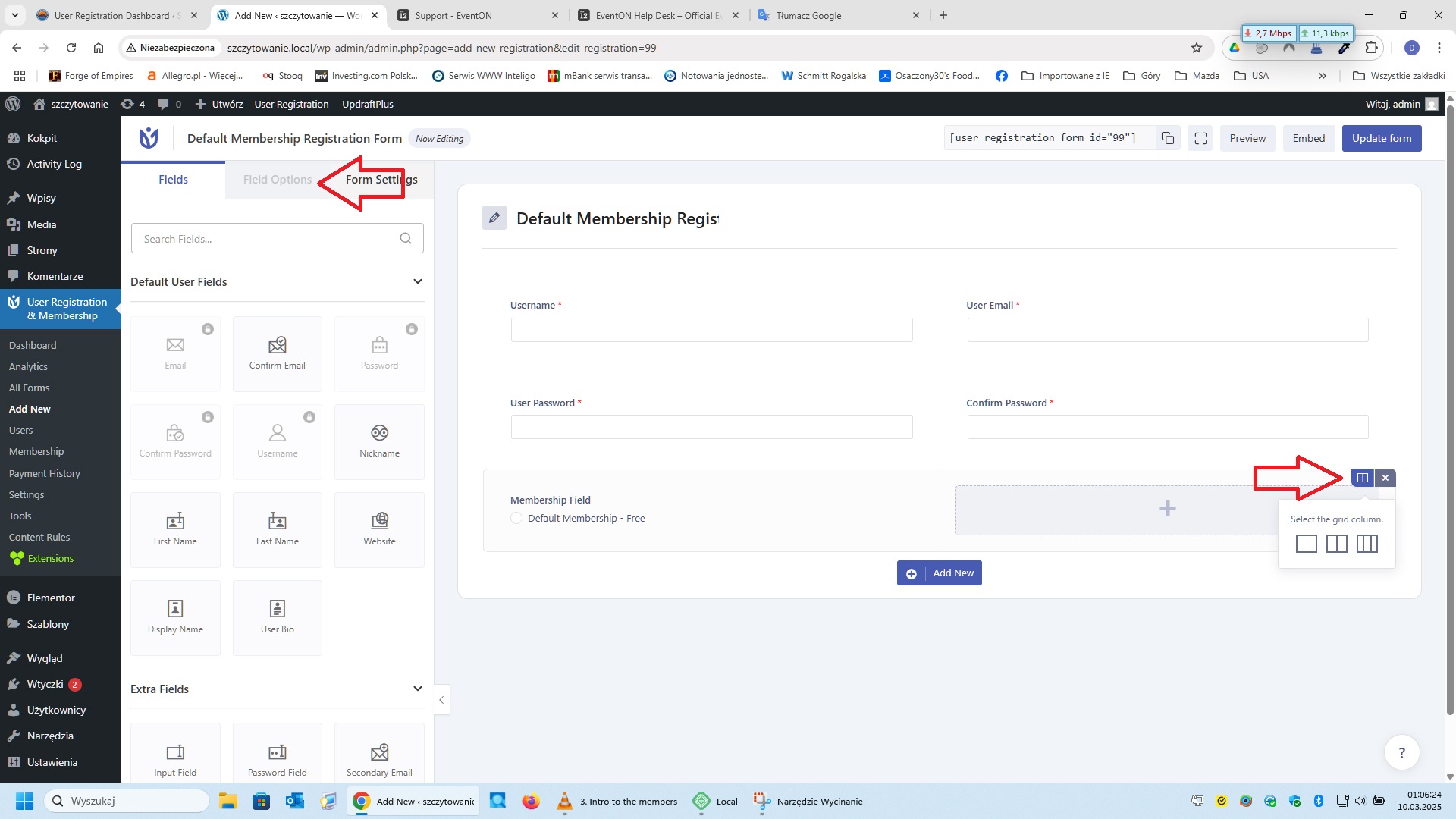
This is printscreen
Replies for tickets on suppota
This is printscreen
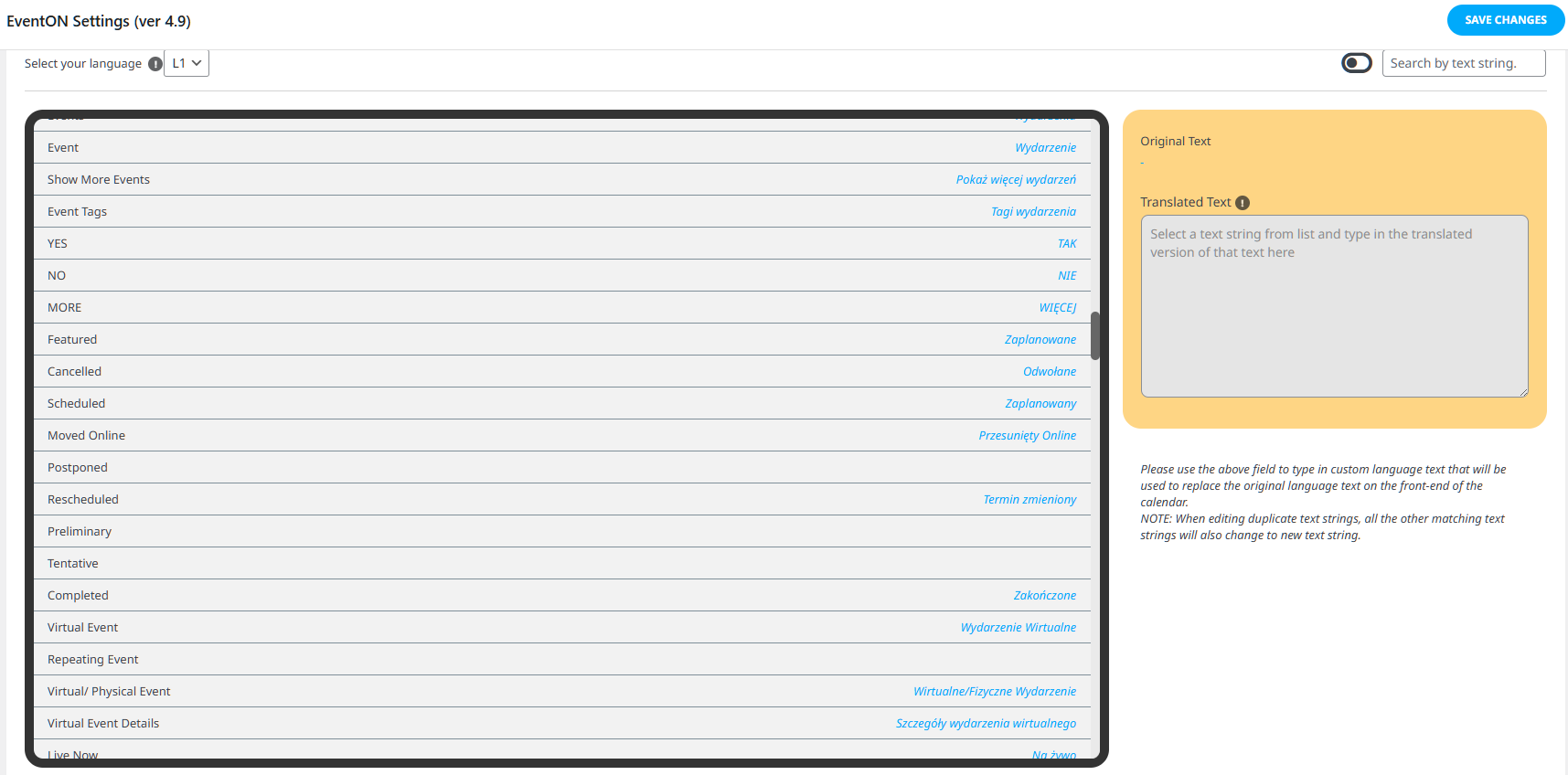
I do not use any plugin. Translators in the Languages module in EventON.
Hello,
Please try putting jumper_count=”1″ to the shortcode.
Hello,
Your website doesn’t open for me. Could you check?
Please send us wp-admin access to your site as a private message for us to further assist your situation. I need to check your events to re-create the issue on our test site.
Hello,
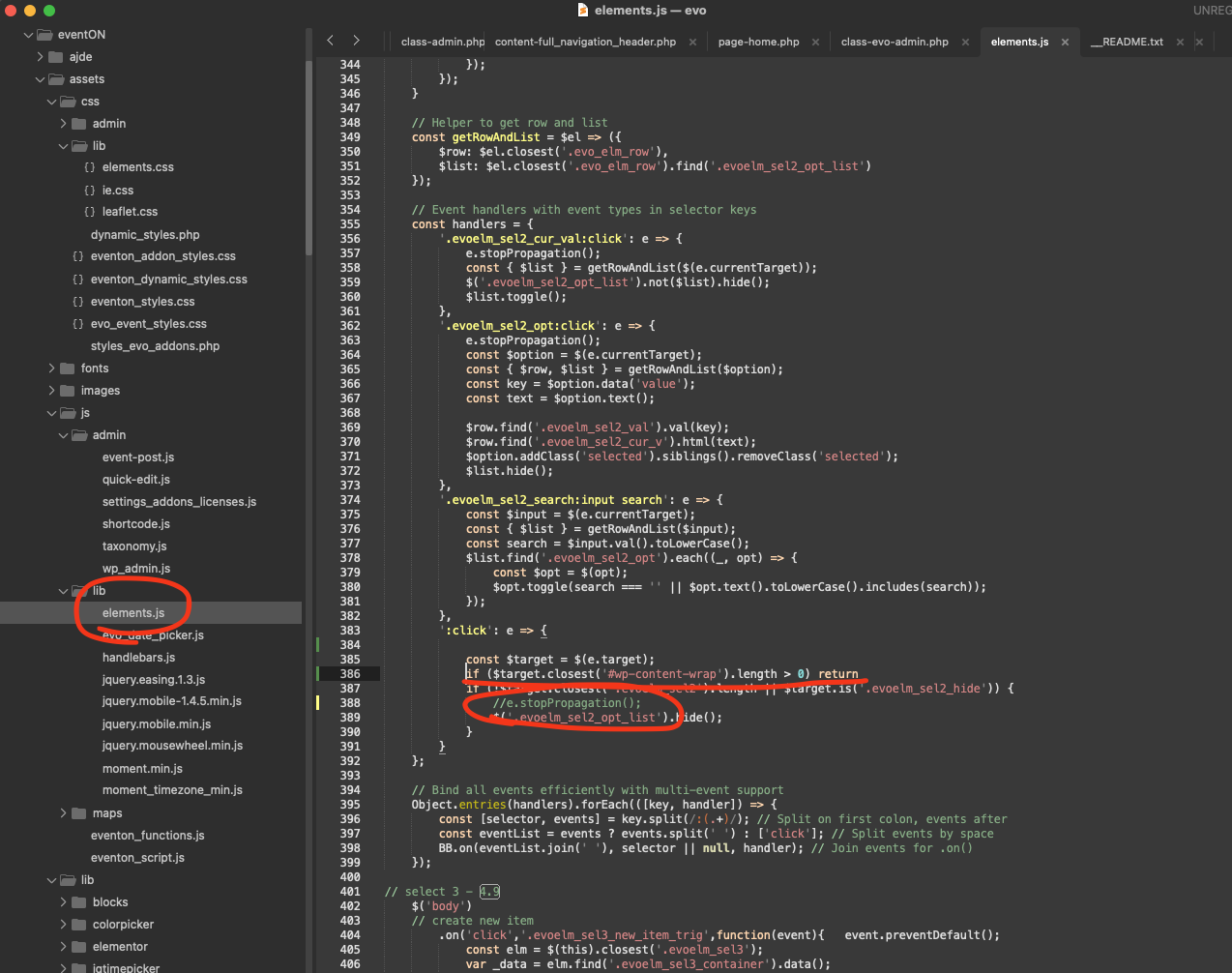
Could you try applying this patch?
code: if ($target.closest(‘#wp-content-wrap’).length > 0) return
Hello,
1. With WooCommerce you need to make a purchase, so it can create an order with tickets inside. Are you trying to create a ticket from scratch and then send it to a customer?
2. You can put 0.00 as Ticket Price, but they still need to go through the checkout process.
If you are planning free attendance, then the best solution is to use RSVP add-on:
https://www.myeventon.com/addons/rsvp-events/
3. Mailchimp is used by millions of companies, I believe, while EventON is quite popular but not on the same level, I am afraid.
I don’t think that you need a developer for EventON. Regular WordPress developer will be able to help.
Hello,
Seems to be working:
https://dev2.myeventon.com/events/rsvp-67/
Please send us wp-admin access to your site as a private message for us to further assist your situation.
Could you make sure to update RSVP as well? Also go to EventON > EventCard > make sure that RSVP Event Box is added.
Hello,
Single Event pages don’t show 404 anymore because I followed:
https://docs.myeventon.com/documentations/single-events-page-not-working-404-error/
https://2025.depot7.de/events/piwi-wein-die-reben-der-zukunft/
However, if you want to use EventON’s design, please go to EventON > Events Paging > disable Stop using eventON single event template for single event pages.
Could you check and let me know?
Hello,
I am sorry, the access information you have provided did not work for us. Please check them and post the correct login information as a private message, thank you!
Seems to be working when you select one/multiple types and then click on “Apply”:
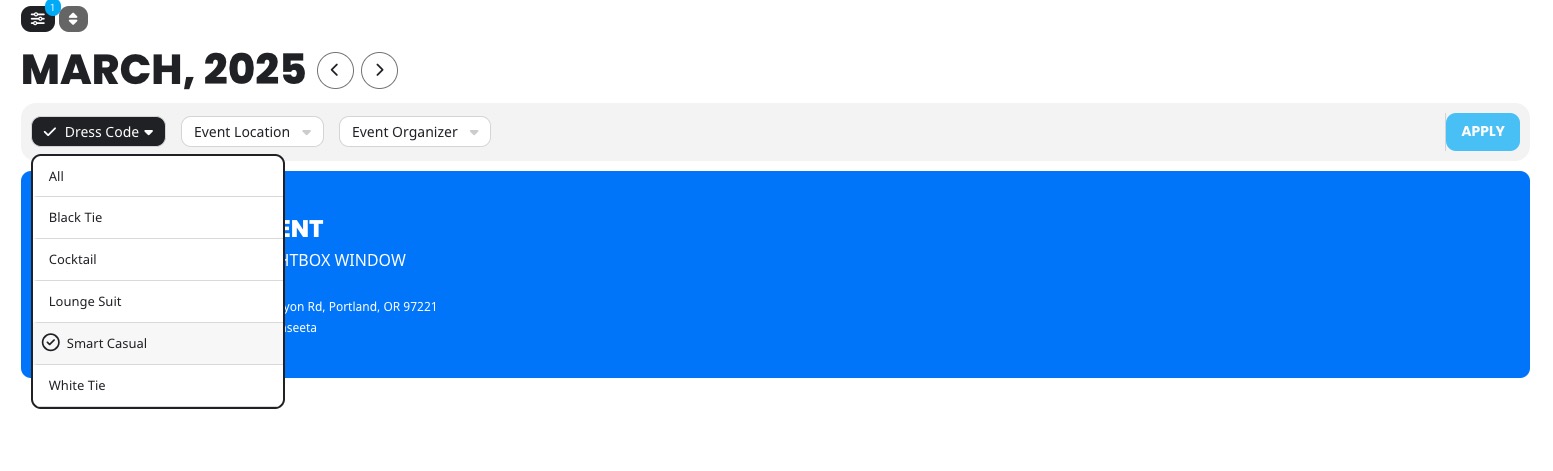
Could you check and let me know?
Hello,
Could you try applying this patch?
code: if ($target.closest(‘#wp-content-wrap’).length > 0) return