Ah. you were referring to March 5th, which doesn’t show the issue, so didn’t understand the issue at first.
Unfortunately, there is no way of removing the number since your event goes from 5th to 6th.
Replies for tickets on suppota
Ah. you were referring to March 5th, which doesn’t show the issue, so didn’t understand the issue at first.
Unfortunately, there is no way of removing the number since your event goes from 5th to 6th.
USD is your default currency set in WooCommerce Settings. So when your third-party plugin changes the currency, because it’s not compatible with EventON, the issue appears.
is just space and shouldn’t affect the pricing. Could you try removing it from Edit Event > Ticket Price (Required*) ($)? Only from one as a test.
Ashan,
The same on dev2:
https://dev2.myeventon.com/test-881/
https://dev2.myeventon.com/wp-admin/admin.php?page=eventon#evcal_002
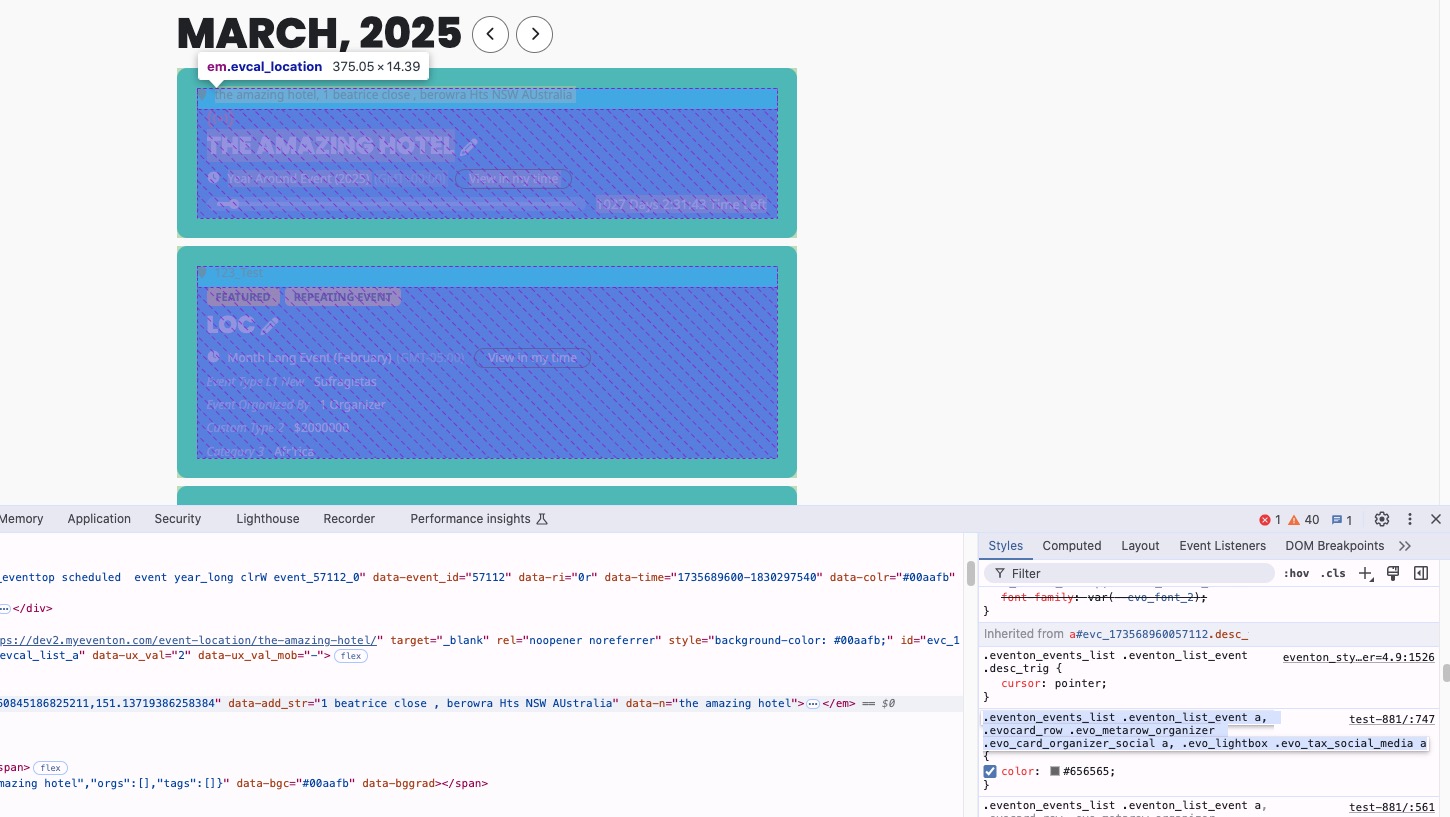
Hello,
As a temporary solution please add this CSS code to EventON > Styles (If you don’t see any change, EventON > Scripts & Styling > turn off Write dynamic styles to header > save settings > turn on Write dynamic styles to header):
.eventon_events_list .eventon_list_event .evcal_desc .evcal_desc_info, .eventon_events_list .eventon_list_event .evoet_cx .level_3, .evo_pop_body .evcal_desc .evcal_desc_info, .evo_pop_body .evoet_cx .level_3 { color: white }
I am going to assign this ticket to Ashan and he will be able to take it from here and find you a solution. Please allow some time for him to get back to you, we greatly appreciate your patience and thank you for being a eventon customer!
Hello,
Are you referring to this part from the back-end:

If you do which plugin do you use to translate the back-end?
Hello,
This style affects EventON:
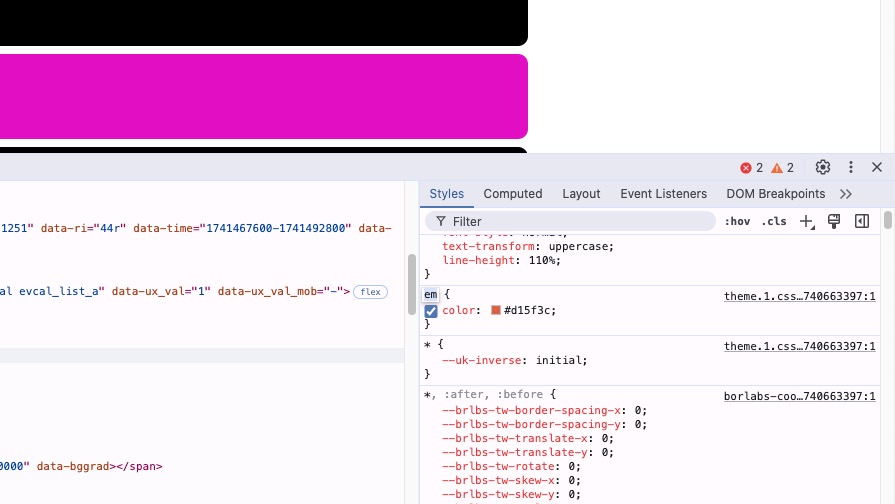
Please add this CSS code to EventON > Styles (If you don’t see any change, EventON > Scripts & Styling > turn off Write dynamic styles to header > save settings > turn on Write dynamic styles to header):
#evcal_list .eventon_list_event .evoet_cx em, .evo_lightboxes .evoet_cx em { color: white; }
generally eventon is purchased on codecanyon
and the addons are purchased on myeventon.com
if your eventon (the core plugin) is activated then you should get the updates without any issues
do you have any addons?
Please send us wp-admin access to your site as a private message for us to further assist your situation.
thinking about it
the only way to get your venues up there – would be to create an event at each location and make it a year long event toggle (in the dates set it to run for the next 5 years)
set the user interaction to nil- and simply name the event the same as the location
in myeventon>>>>Language- change the language of year long event to something more relevant
then you’ll have the venue name pop up when the location is clicked
[add_eventon_evmap map_type=”upcoming” hide_past=”yes” hide_so=”yes” lightbox=”yes” focusmap=”yes” hide_mult_occur=”yes”]
hide_mult_occur=”yes” is not found in the map shortcode- but add it in otherwise you’ll see loads of them appear
see video
I see where you are going with that however the event map is to show future events coming up, if the location doesn’t have events it wont show up but i can see that being a really cool feature
Thank you for your great suggestion, at the moment it is not supported. However please create a new ticket and select Feature Request as category so others can vote on your idea and get it moved into development faster. I’d vote for that