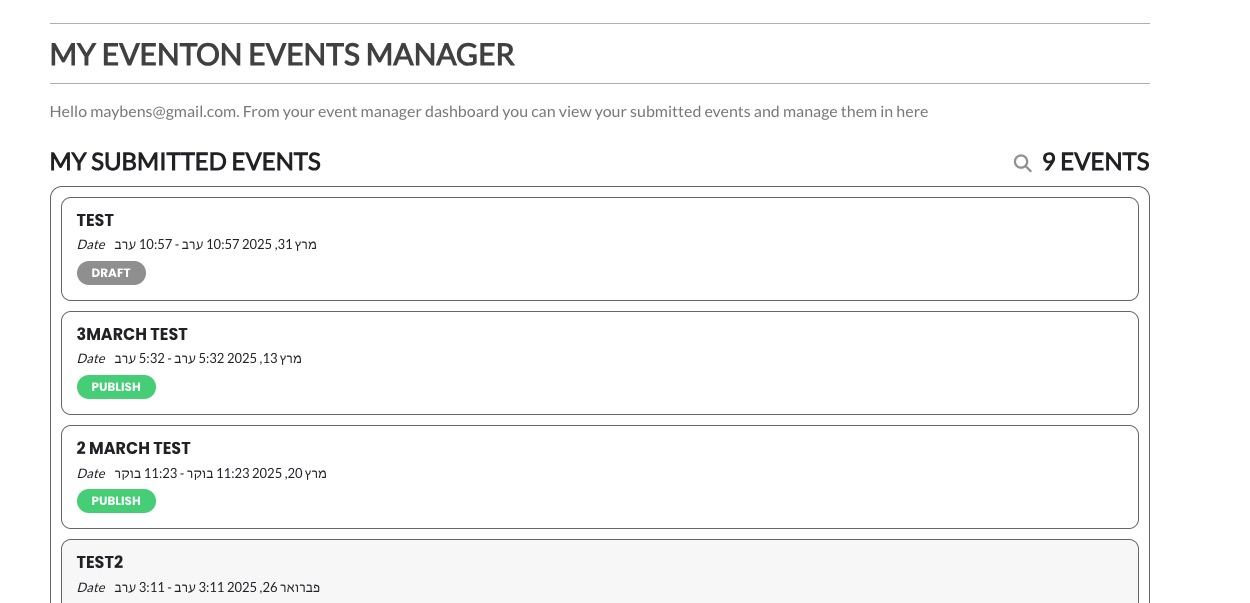
I tried several filter methods, but none of them works in by passing the unclosed HTML tags in event description, you will need to go one by one and make sure events have properly closed HTML tags.
Archives: Replies
Replies for tickets on suppota
Reply to: tickets(380175)
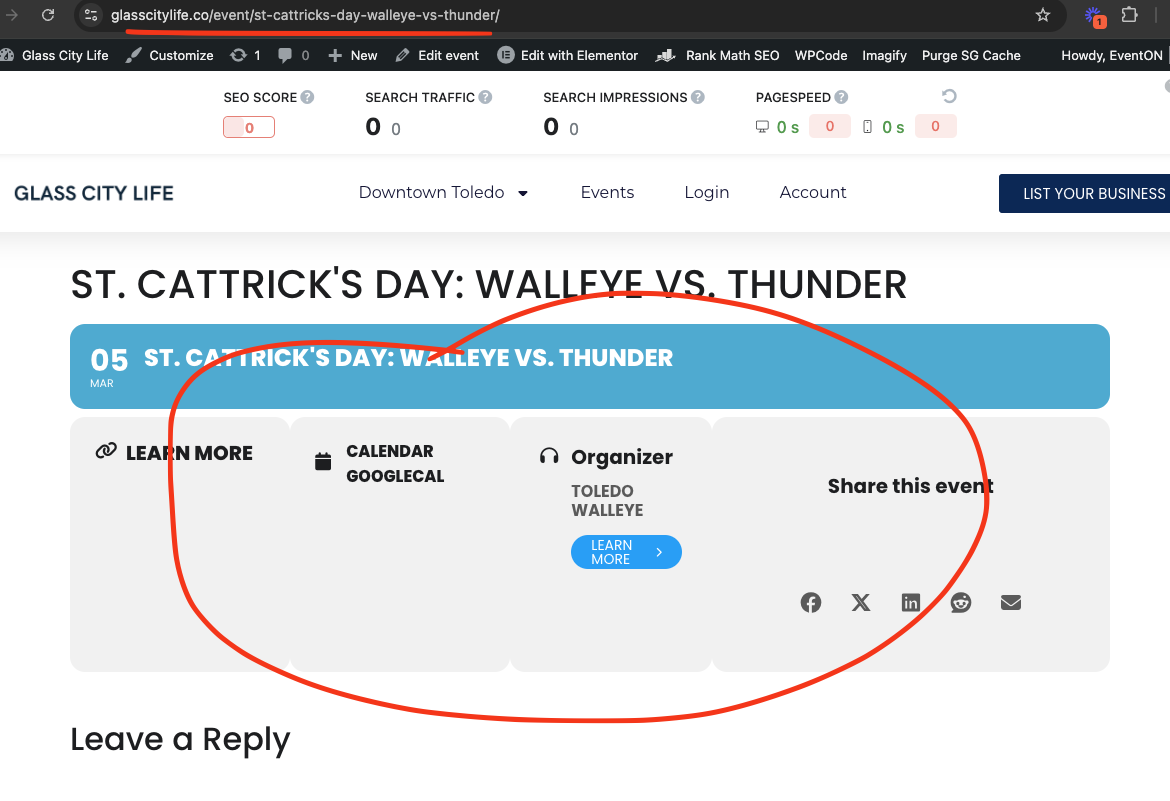
look at the pages for these events, because event details have unclosed HTML elements its breaking the layout.
Reply to: tickets(380263)
It is working now. Not sure why it wasn’t. Will monitor.
Reply to: tickets(380175)
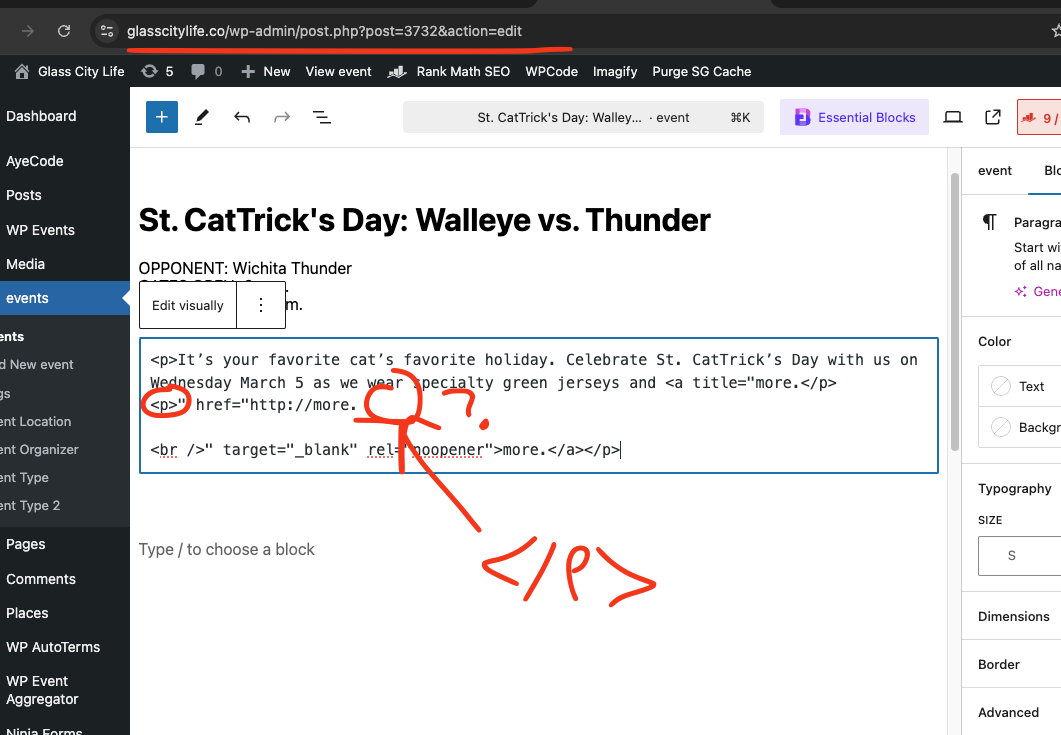
Found the issue. There seems to be multiple events with incorrectly closed HTML tags, which is messing the event details, which makes other events HTML go inside that event.
You will need to fix the HTML to have proper closing for HTML tags.
Reply to: tickets(379418)
Elementor can be left active. It’s Elementor Pro that is causing the problem. Sorry I didn’t make that clear
Reply to: tickets(379499)
Hi Artem
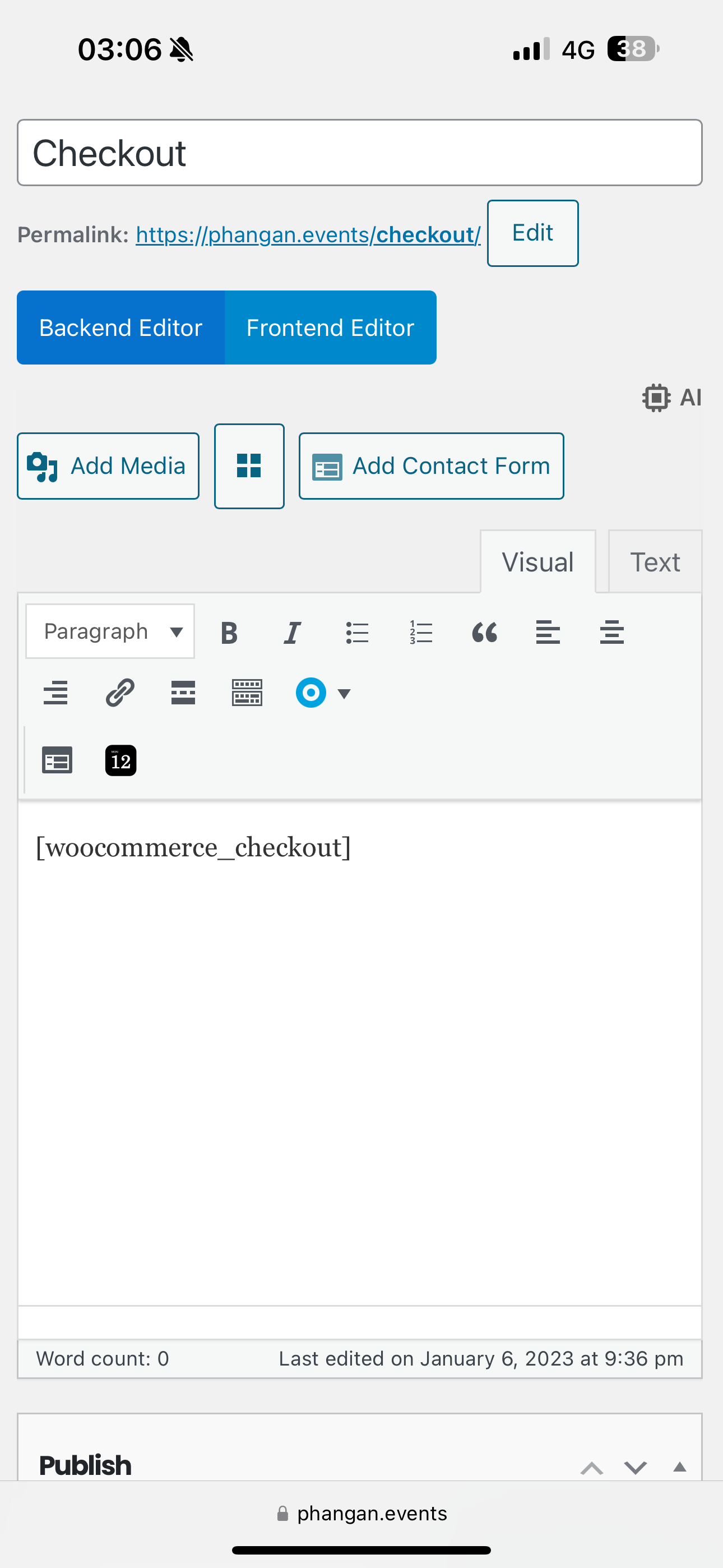
Checkout use original code
Express payment was disabled ( now is on)
Reply to: tickets(379475)
In the live preview the black bar up top changes to a different scheme; its not bad so I’m ok with that.
Reply to: tickets(379475)
I have taken a full home directory backup as of time of this post.
Go ahead and switch it out, BUT BUT BUT we need the header and footer to be the same as it is now.
I had a look at the theme Live Preview and that hero that it adds needs to go and it doesnt seem to put my footer in place (it removes it) but I’m sure you can solve that.
If I have to rebuild it myself, then so be it but I would rather avoid it.
Lets hope nothing breaks badly, but I guess we can always switch back to Kadence if all turns to shit.
I’ll be here most of the day. I have virtual meetings but my sites live chat will be active if you need me.
Reply to: tickets(380228)
Hello,
Is this the correct event:
https://www.asensw.org.au/wp-admin/post.php?post=5149&action=edit&classic-editor
For this order:
https://www.asensw.org.au/wp-admin/post.php?post=8178&action=edit
Reply to: tickets(379374)
All events (Published/Draft) are visible in Event Manager:
https://israel-classics.org/website_7dfb324b/test/