Hello, We tried to change the settings according to your instructions (changing both the settings and the shortcode) and none of them work. Please verify, we need a swift response since we’re approaching a deadline.
below the credentials to have access:
https://staging.electronicgroove.com/wp-admin
juaniwilkinson
Sovohernan2000
Thank you
Hello,
Could you send us Order IDs of add-ons you are referring to and then point out what you want to do with each Order ID?
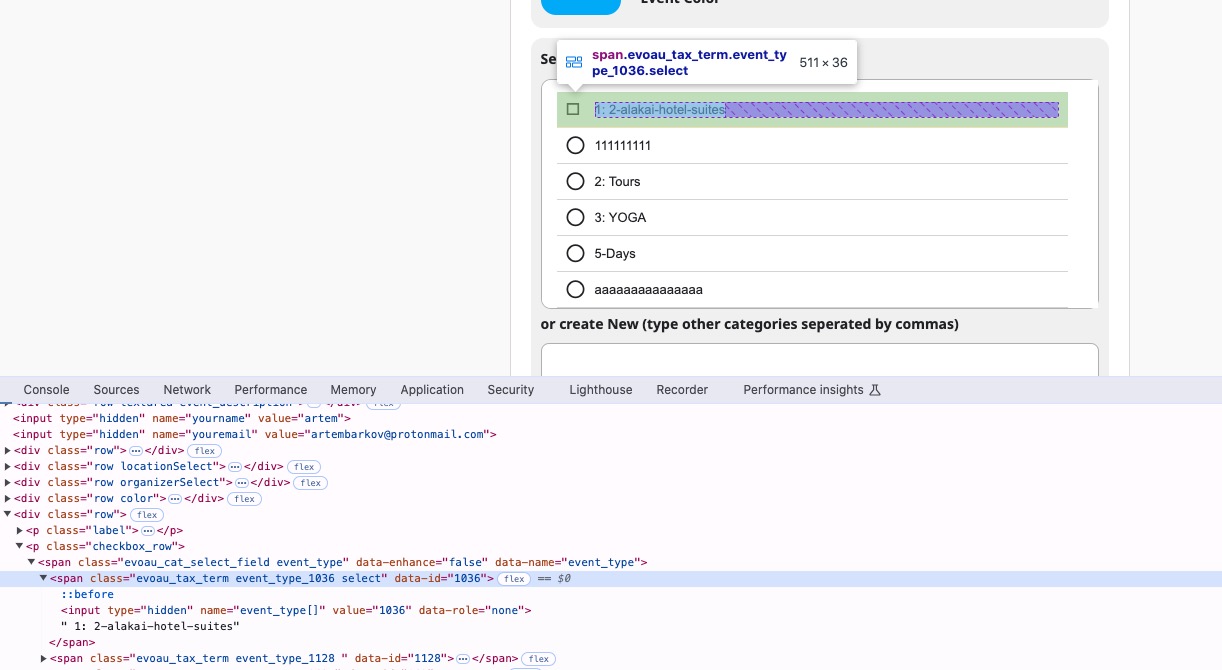
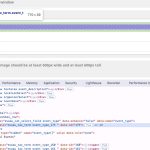
When I select Event Type on our test site, it changes the HTML code and adds “select”:
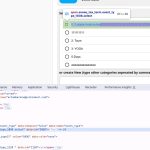
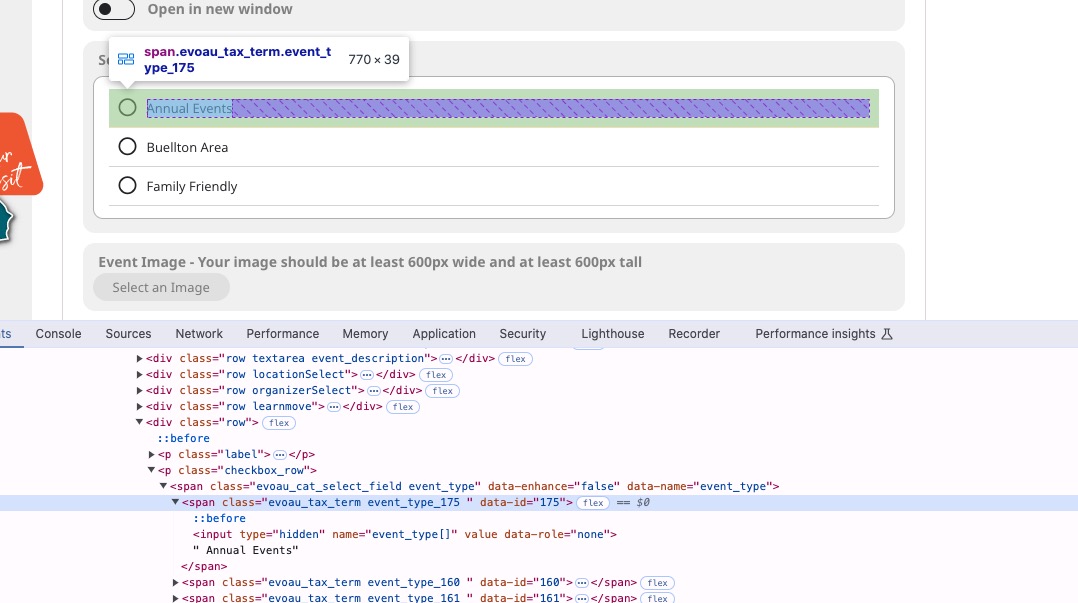
But on your website, when I click on a type, it doesn’t respond at all:
Disabling only Elementor Pro fixes the issue? Or both Elementor and Elementor Pro?
There is something going on with your Checkout page.
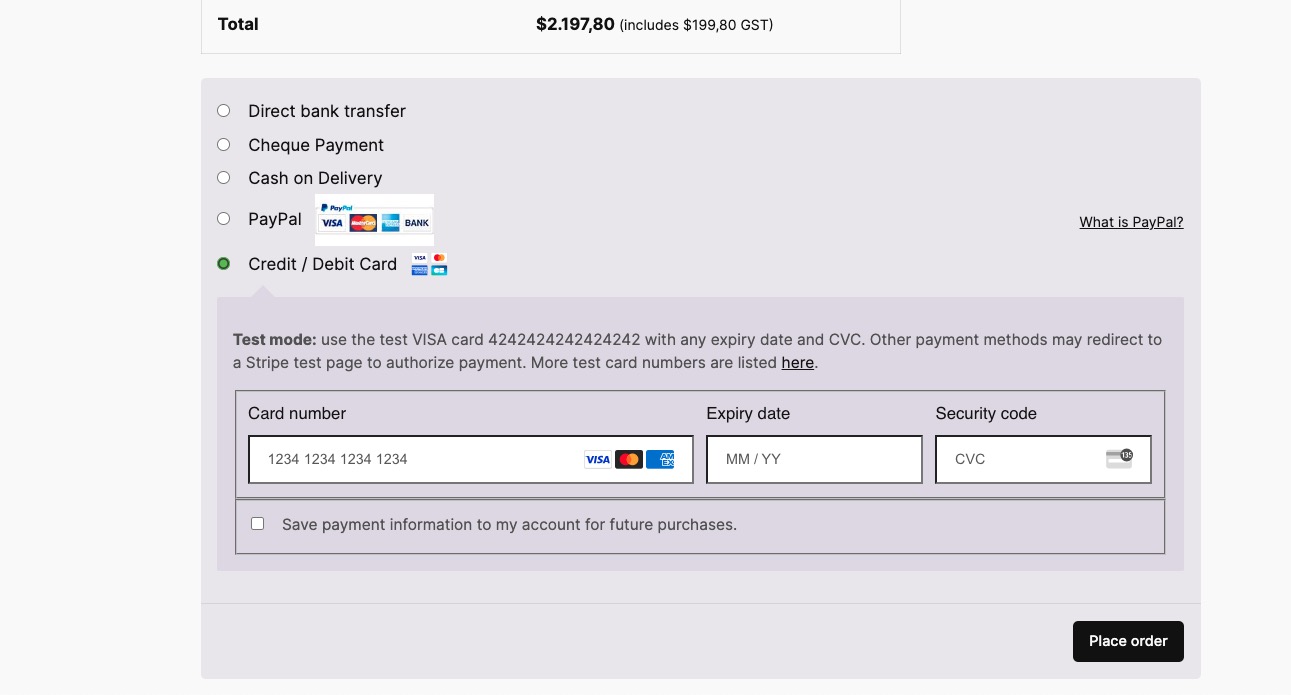
I enabled Test Mode on our dev site, but Checkout page doesn’t show any express payment options:
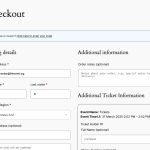
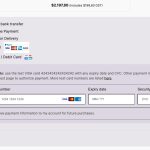
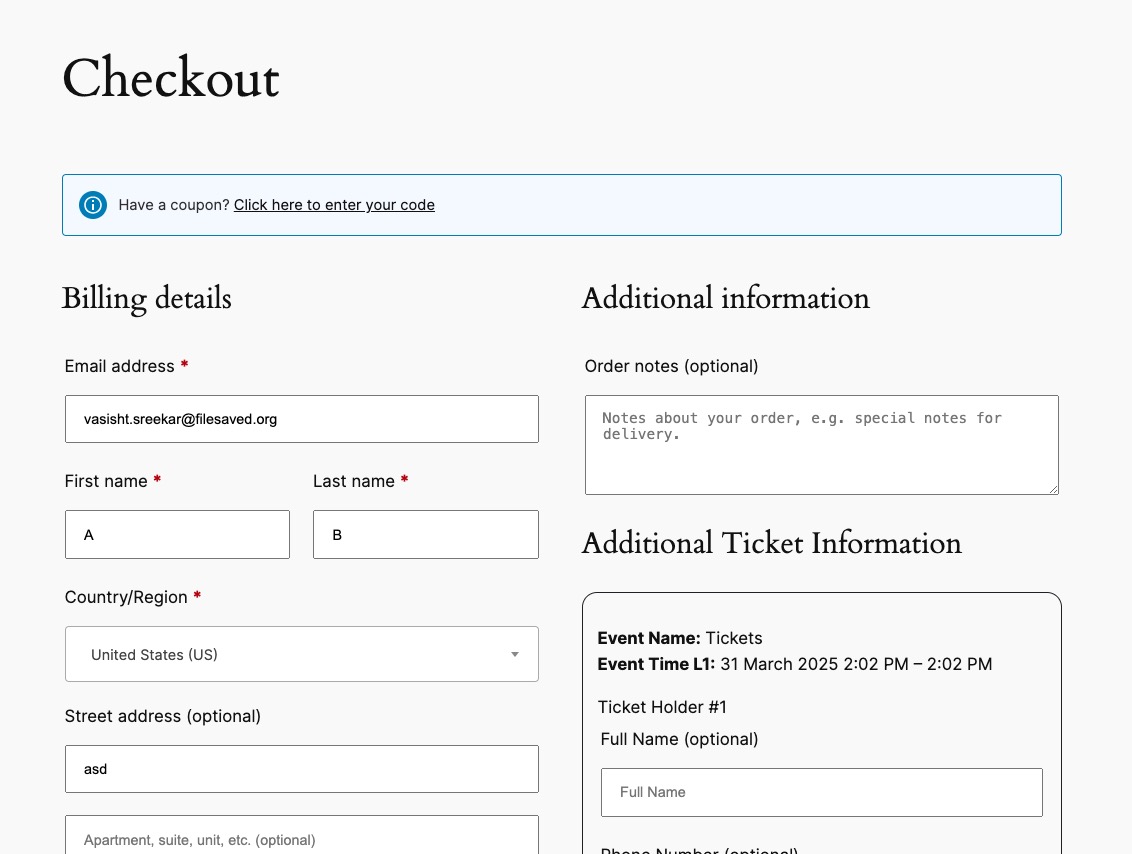
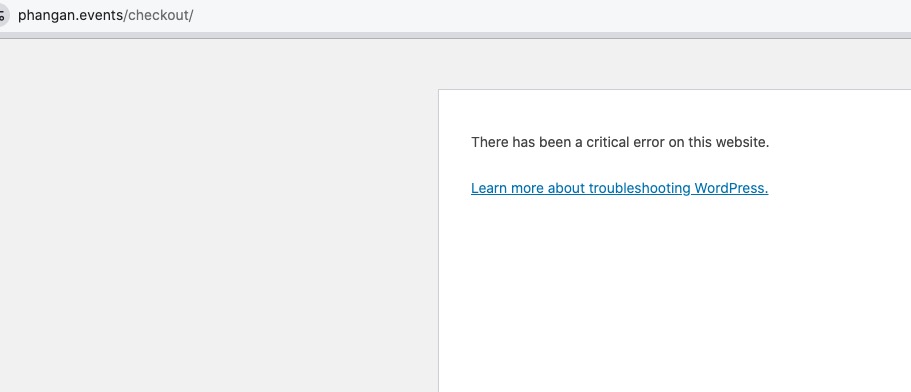
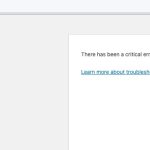
Then I went to your website and enabled Troubleshooting Mode (only works for my logged-in user) and after I only enabled EventON + add-ons & WooCommerce, your Checkout page shows this error:
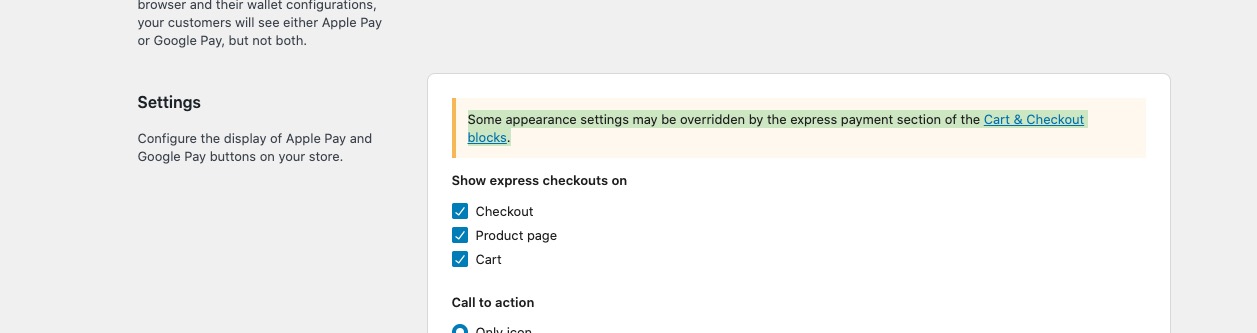
Also on Express Payments settings page I noticed this
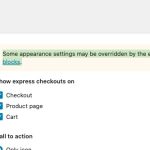
EventON doesn’t support Checkout/Cart pages made out of blocks, only default WooCommerce’s shortcodes
https://woocommerce.com/document/woocommerce-shortcodes/
Are you sure that Express payment works with the default WooCommerce’s shortcode?
Could you check and let me know?
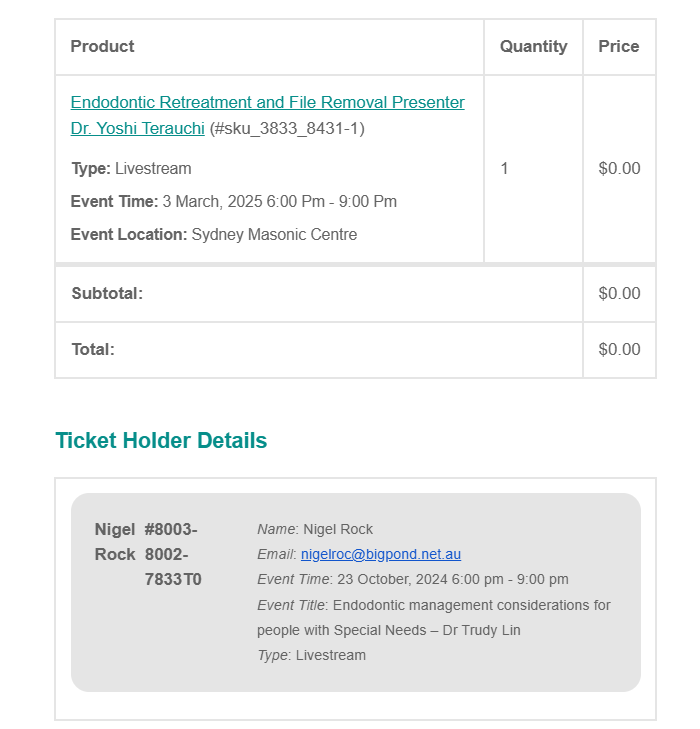
I am able to reproduce the issue within admin. If I go to a recent order https://www.asensw.org.au/wp-admin/post.php?post=8178&action=edit it correctly shows the event that was booked. If you click ticket link in the order it takes you to the ticket data https://www.asensw.org.au/wp-admin/post.php?post=8178&action=edit which INCORRECTLY shows previous event it was copied from date and even name but CORRECT ticket ID. If you click ticket ID you get to the correct ticket. If you click the incorrect past event and check there it is linked to a completely different ticket with a different ID. So something somewhere is not being updated when an event is duplicated and relinked to a new ticket.
Can you please help solve it.
Hi
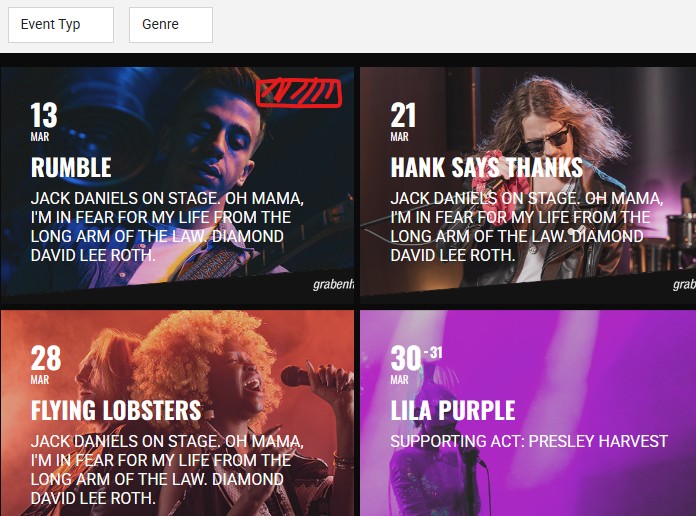
That doesn’t work on the grid view. I’d like to show a mark, icon or text on the gridview: https://grabenhalle.diexperten.ch/
Some events:
https://glasscitylife.co/wp-admin/post.php?post=3733&action=edit
https://glasscitylife.co/wp-admin/post.php?post=3732&action=edit
Nothing unusual, so not sure what the issue is.
Ashan,
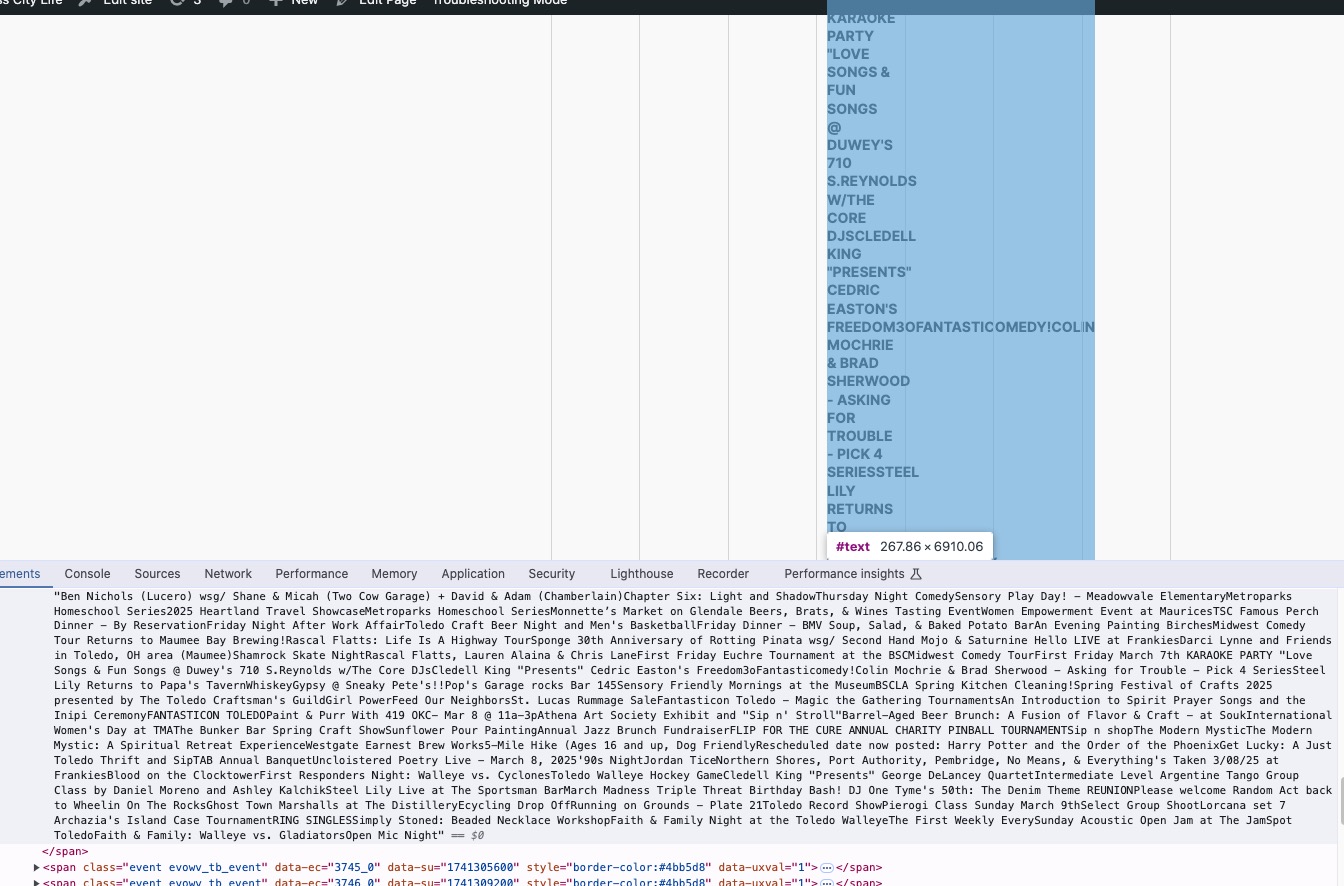
The same issue in Troubleshooting Mode:
Could you check?
Hello,
Thank you for your messages, I am going to assign this ticket to Ashan and he will be able to take it from here and find you a solution. Please allow some time for him to get back to you, we greatly appreciate your patience and thank you for being a eventon customer! Also please disable any IP blocking on your site if there are any.
Hello,
You need to use Event Lists shortcode.
Please take a look at this page:
https://www.rvmyc.com.au/2024/test/
The shortcode:
[add_eventon_list number_of_months=”12″ tiles=”yes” tile_bg=”1″ tile_style=”1″ hide_empty_months=”yes”]