Hello,
Please add this CSS code to EventON > Styles (If you don’t see any change, EventON > Scripts & Styling > turn off Write dynamic styles to header > save settings > turn on Write dynamic styles to header):
.evo_card_organizer_name_t a {pointer-events:none !important}
Hello,
I do see ON111 on my side:
Could you show us a screenshot of what do you see on your side?
Since you use WPML on your website, then there is no need to use “EventON > Enable language corresponding events”. You can just enable WPML compatibility by following
https://docs.myeventon.com/documentations/wpml-eventon-front-end/
try adding <br> to create a new line
check now I cleaned up your shortcode- needed to redo each ”
in myeventon>>>settings>>>>event top you can add tags to your event top
Hello,
Please go to EventON > Advanced > change Select event calendar WP Query method to show more events.
We had to use this solution in order to keep the website up and running and, more important, to make all possible tests. This issue was already present in our main server and it’s still present in this one (different provider, different country, same configuration)
Unfortunately we’re struggling together since a month now and we can’t afford to have a malfunctioning website for such long time period.
I’ve disabled all plugins in the website and we can reach and see the website.
Have you tried to access the website from a different browser? Are you sure that your host file has been changed as well? We’ve tried with 5 different one and we can reach it everytime.
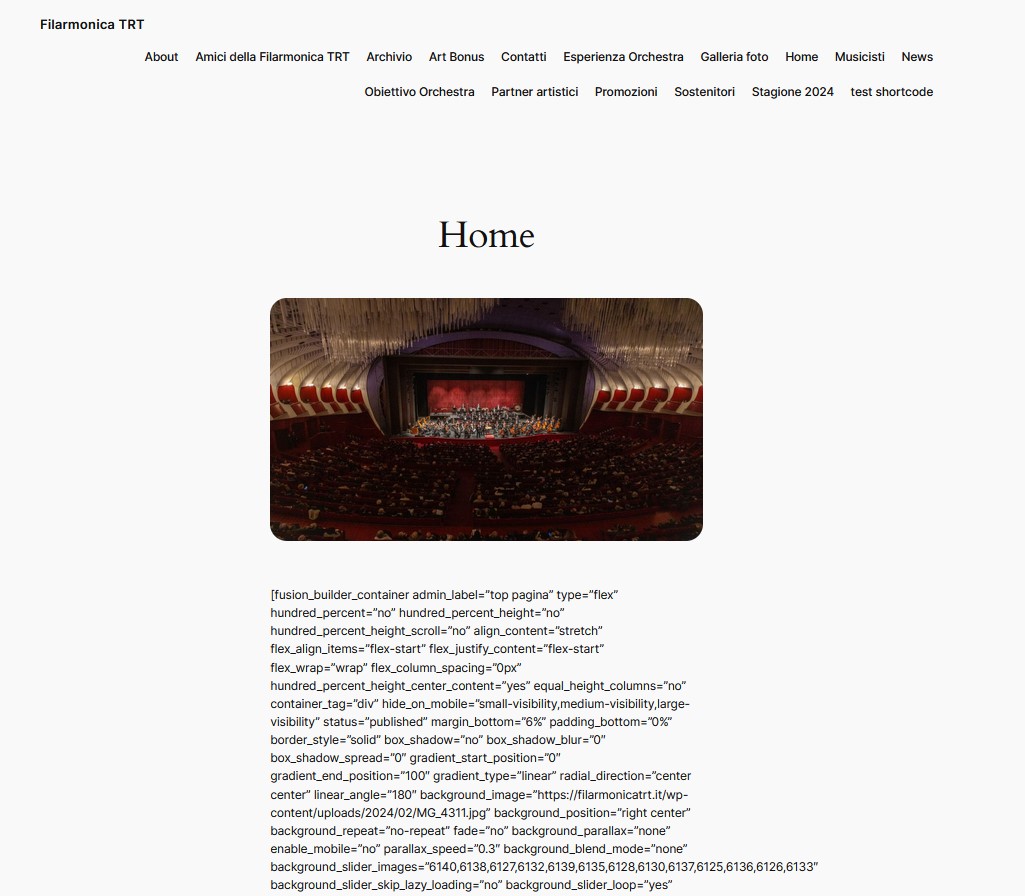
Please see attached image.
Not only the whole month – it shows me everything until the end of April.
Dear Artem,
I have added this:
[add_eventon_el event_count_list=”yes” number_of_months=”12″ event_count=”5″ hide_month_headers=”yes”]
And it shows me the whole month… What’s wrong with it?