Archives: Replies
Replies for tickets on suppota
Reply to: tickets(380130)
This is figured out now- I’m having other errors and will submit new requests.
Reply to: tickets(379779)
Thank you for your messages, I am going to assign this ticket to Ashan and he will be able to take it from here and find you a solution. Please allow some time for him to get back to you, we greatly appreciate your patience and thank you for being a eventon customer!
Reply to: tickets(380096)
Thank you very much!
Reply to: tickets(379374)
2. Please send us wp-admin access to your site as a private message for us to further assist your situation.
3. You can change any text by going to EventON > Language > Action User.
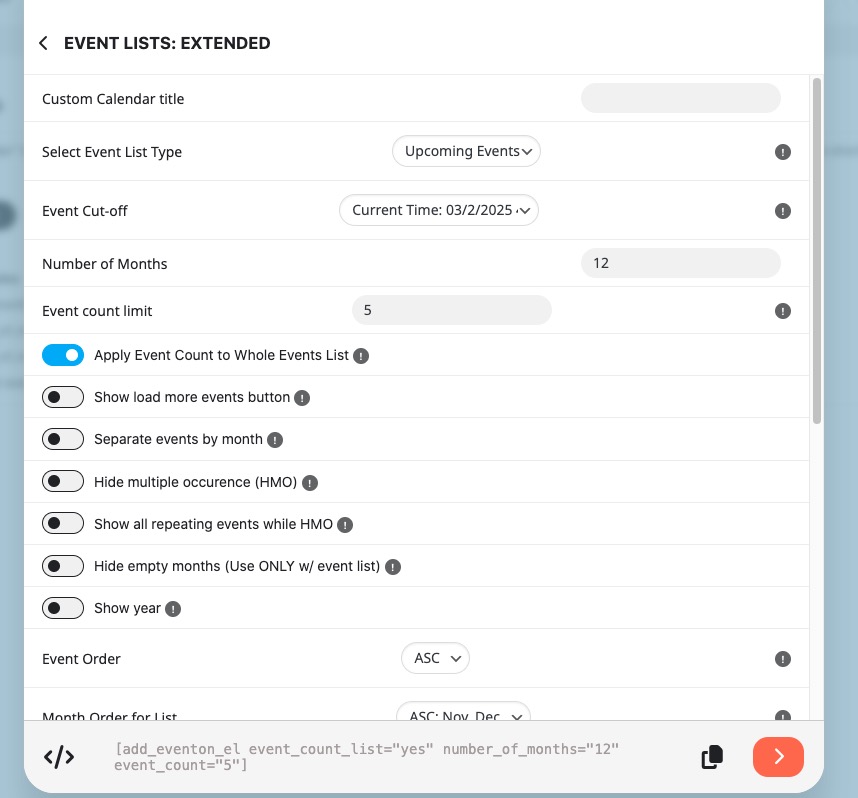
There are only three mandatory fields: Event Name, Date and also Form Human Submission Validation if enabled.
Reply to: tickets(379936)

Reply to: tickets(379835)
We are glad your issue is resolved, if you have any further questions or concerns please create a new ticket. If you have a moment, we would greatly appreciate if you could kindly leave us a review at Codecanyon. By going to your account > Downloads. We are very grateful for your kind review!
Reply to: tickets(380124)
Hello,
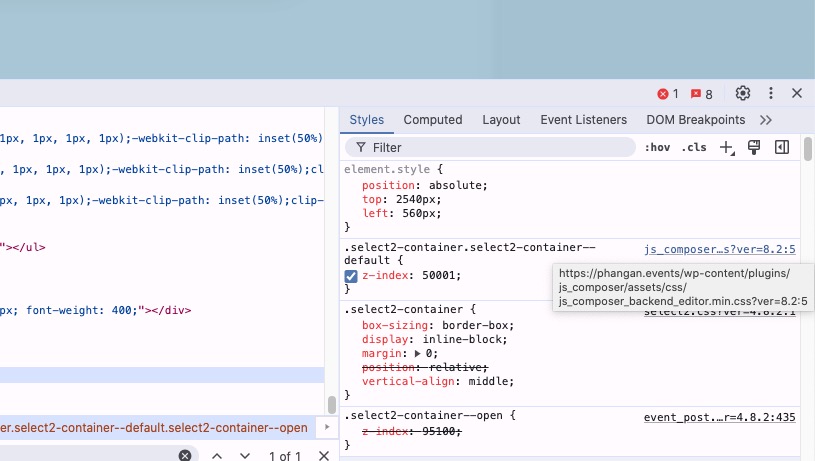
WPBakery Page Builder breaks EventON’s styling with this CSS code:
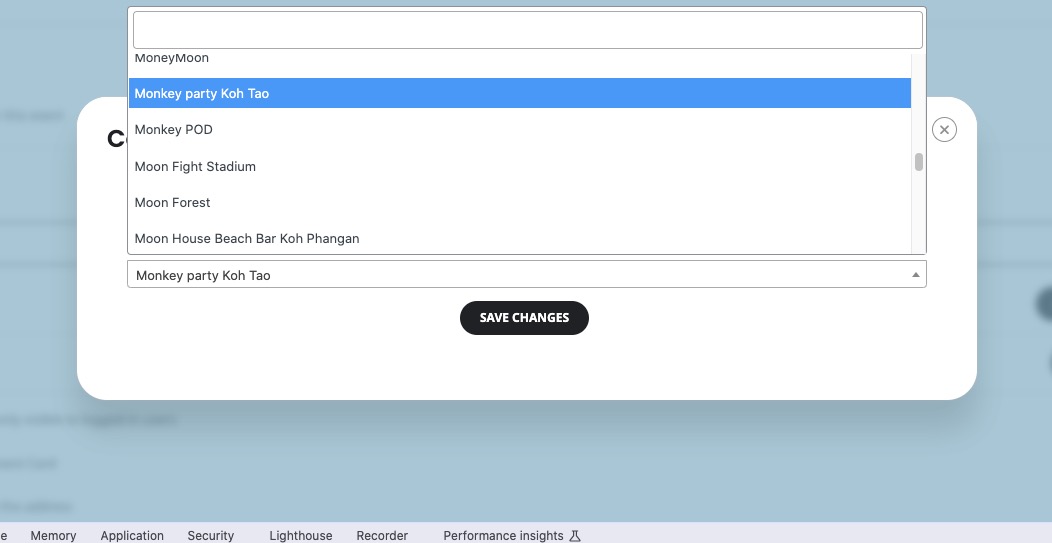
When I disable it:
Reply to: tickets(380129)
Hello,
Please let us know about your issues and then send us a login info to the website, so we can fix them.
Reply to: tickets(380130)
Hello,
If you use EventON Lite, please make sure to disable it first before enabling the full version.
I am sorry, the access information you have provided did not work for us. Please check them and post the correct login information as a private message, thank you!