Also on which browsers it doesn’t load?
Archives: Replies
Replies for tickets on suppota
Reply to: tickets(380135)
Hello,
Different errors on my side:
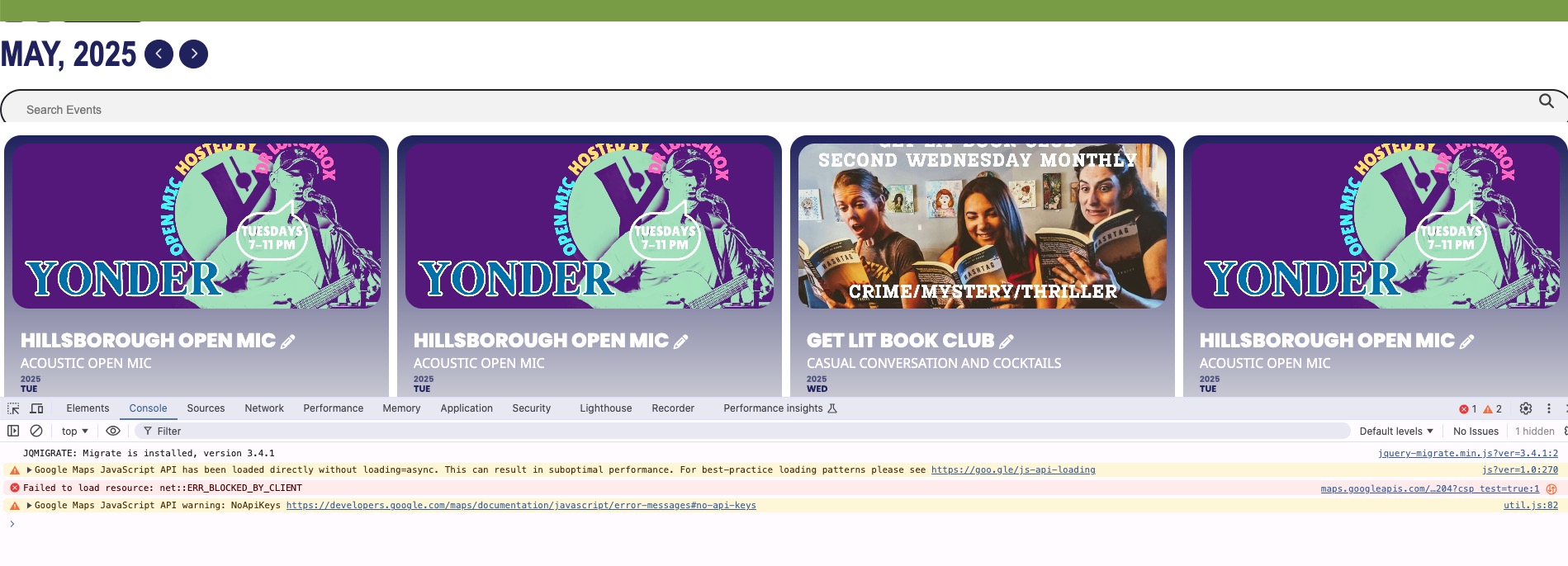
Please follow the instructions in this documentation to activate debug in your site to see any PHP errors recorded that can provide insight on to whats going on. Please reply with a link to debug.log file. If you are not able to do this please send us FTP access to your site so we can do this for you.
Reply to: tickets(379318)
I went to wp-admin and can Add/Edit events, also can access EventON Settings: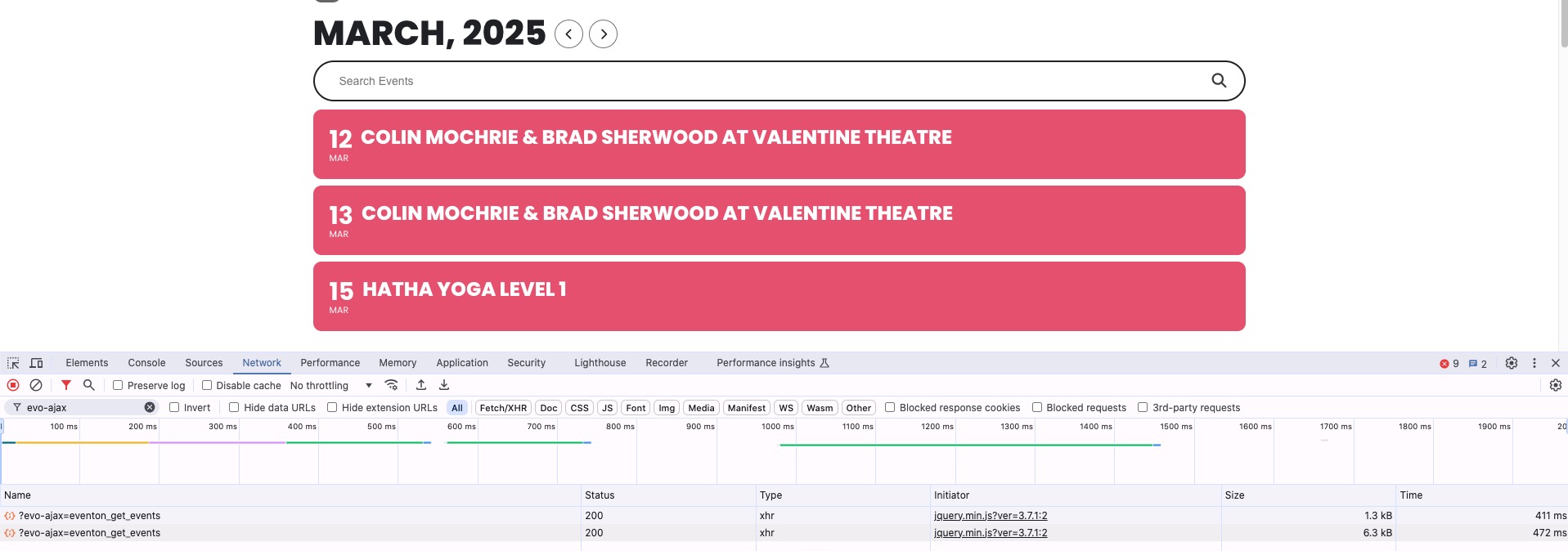
Which pages can I check to see the error?
Could you also try going to EventON > Advanced > try switching Select event calendar WP Query method?
Also try following
https://docs.myeventon.com/documentations/why-my-site-and-eventon-page-loading-slow/
Reply to: tickets(380136)
Hello,
Thank you for your messages, I am going to assign this ticket to Ashan and he will be able to take it from here and find you a solution. Please allow some time for him to get back to you, we greatly appreciate your patience and thank you for being a eventon customer!
Reply to: tickets(380100)
Hello,
None of your locations have Location Address filled in. Could you check wp-admin > Events > Event Location?
Reply to: tickets(379318)
I can not increase the PHM Memory Limit above the currently set 512 MB with the STRAO WebHost.
Reply to: tickets(379318)
Hi,
I have updated the EventON Plugin to v4.8.2.
While the website is running with PHP v7.4, as soon as I switch to v8.x, I get the following fatal errors:
PHP 8.0:
Fatal error: Allowed memory size of 536870912 bytes exhausted (tried to allocate 25267432 bytes) in /mnt/web702/a0/46/510452246/htdocs/STRATO-apps/wordpress_01/app/wp-includes/class-wpdb.php on line 2316
PHP 8.3:
Fatal error: Allowed memory size of 536870912 bytes exhausted (tried to allocate 25267432 bytes) in /mnt/web702/a0/46/510452246/htdocs/STRATO-apps/wordpress_01/app/wp-includes/class-wpdb.php on line 2316
Reply to: tickets(380082)
Hello,
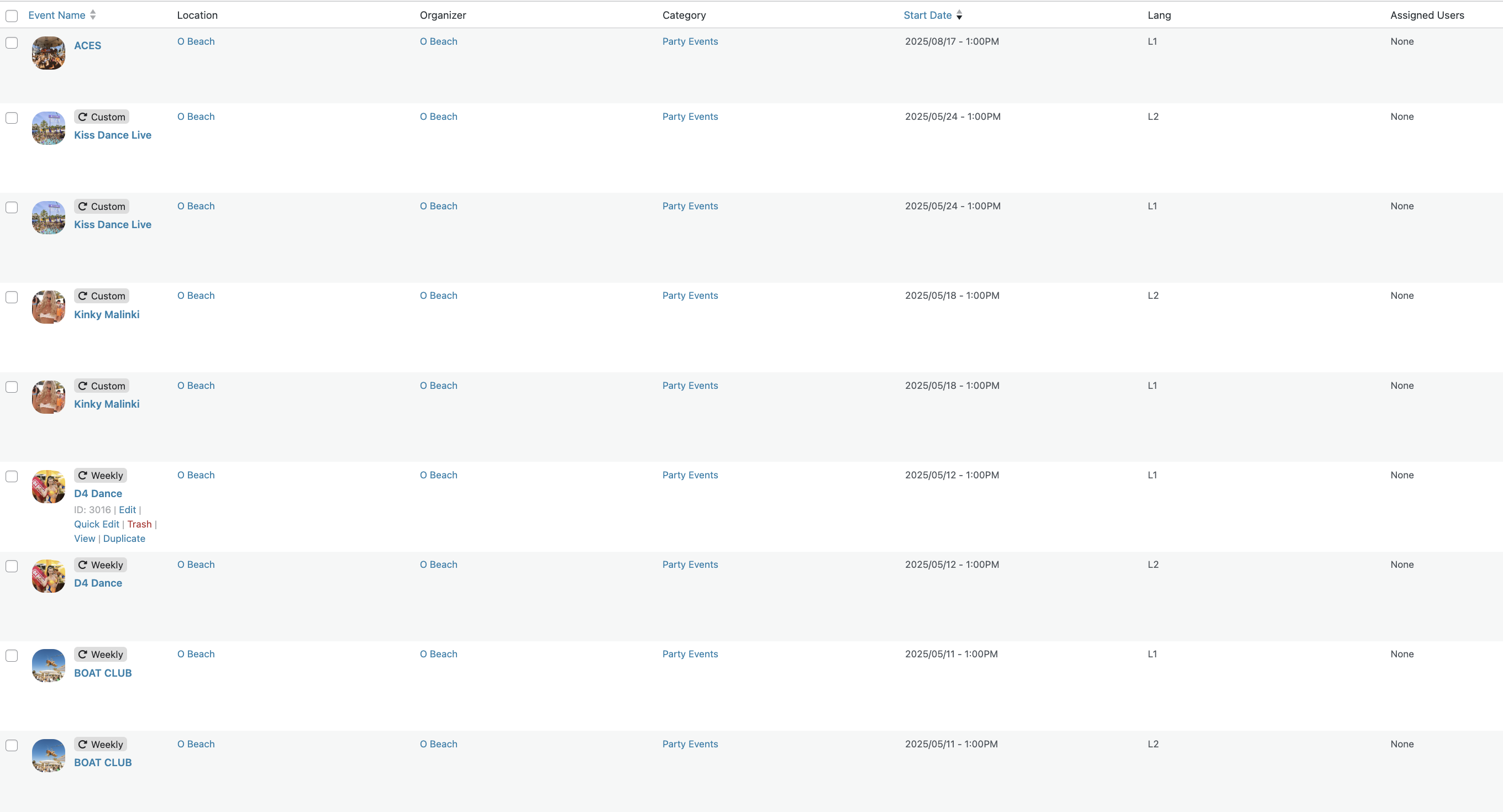
It has nothing to do with the languages in my opinion. Any events created by OBeach appear on the calendar. I changed the date from 2024 to 2025 and they don’t show….
Reply to: tickets(380100)
User:
eventonsupport
PW:
H4PyFTZ!WKxu)1yDDN(cDPFA
Reply to: tickets(379418)
Regarding your debugging here is what discovered:
- An error was revealed in debug mode and has been rectified
- The plugin interfering with Eventon is Elementor Pro. If I turn it off the problem goes away.
- Changing the theme is not an option at this point. However since the problem seems to be linked to Elementor Pro.
Thank you. Please let me know how I should proceed.
Mike