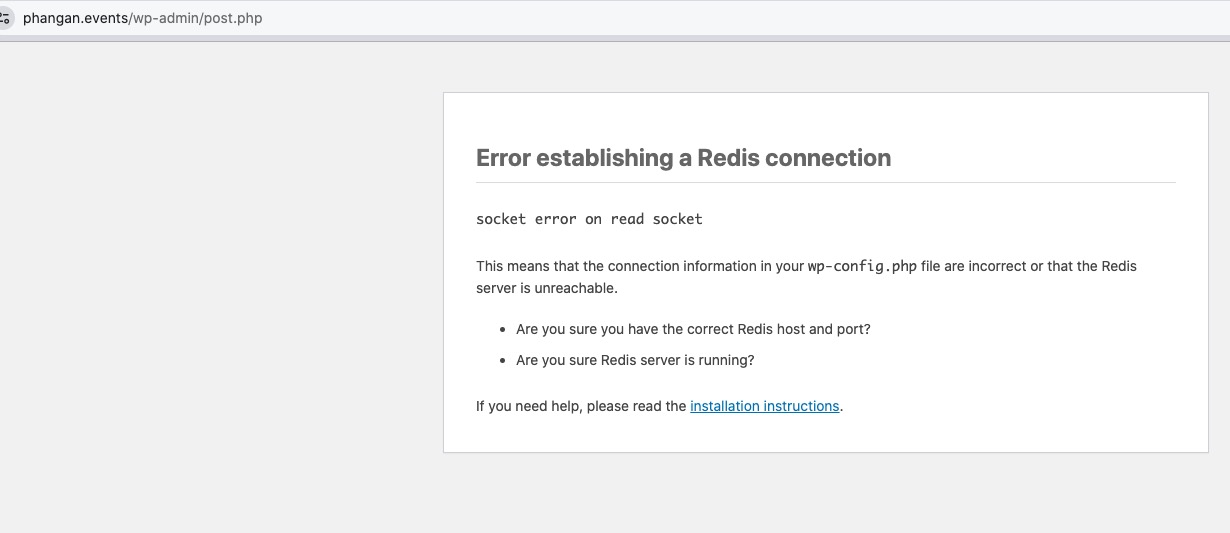
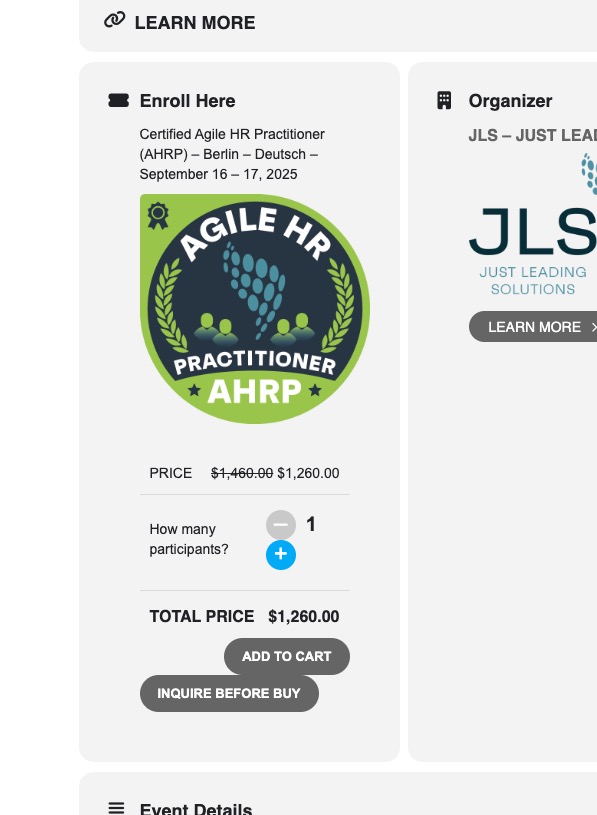
Hello again-
I have fixed this problem. Here was the issue:
The Auto Generated Default Styles in the EventON plug-in backend has many syntax errors.
I was able to go directly to the CSS file in a browser, copy the CSS from there and paste them into the ‘Add your own custom styles’ box in the plug-in’s backend. Doing this eliminated all of the syntax errors that are appearing in the EventON default styles and now the plug-in is reading the uncorrupted CSS correctly.
Thanks for your time!
Oh man. Craig my friend I am so sorry to hear this. If the events are deleted from database, unless you have a db backup its not possible to get those back.
The latest version of eventON should not delete events unless, you have set it in the settings to do so.
Tickets sold (ie woo order items) have meta data that saves which event id it is associated with. If that data is deleted, it needed to be added. and thats a pretty tedious job.
And as a follow-up, here is a screengrab of what it should look like. This is what a logged-in user sees
I think I was not clear in my original question. It’s not really even custom styles. It’s the default styles that come with the plug-in.
I’ve attached a screengrab of what the plug-in is defaulting to for users who are not logged in
see video below
so change it to weekly and then select the right day you want it to appear within the week
and 1000 repeats is alot
perhaps break that up into years worth of events and have several events 1 for each year- helps in diagnosing issues
I enabled Test Mode here:
https://phangan.events/wp-admin/admin.php?page=wc-settings&tab=checkout§ion=stripe&panel=settings
Could you try these card numbers:
https://docs.stripe.com/testing#cards
Please also update Tickets add-on to 4.8.9. I try to create a new test event, but sometimes it shows this screen
https://helpdeskx.s3.amazonaws.com/wp-content/uploads/2025/02/26154456/black_entry_screen.jpg
EventON doesn’t have any control over Edit Event’s background. Your theme sets it.
Theme uses black background with white text color, so it seems that you need to go to EventON > Appearance > EventCard Styles > set Event Card Background Color to black, so you can use white text. You can also contact the theme developers and ask how you can remove the black background from custom taxonomies.
About past events issue. Please go to EventON > Time Settings > enable Hide past events for default calendar(s).
1. Could you try changing To or From so emails are different?
2. Please try adding formrtl=”yes” to your shortcode to make the form RTL.
3. Thank you for your great suggestion, at the moment it is not supported. However please create a new ticket and select Feature Request as category so others can vote on your idea and get it moved into development faster.
It starts working correctly in Troubleshooting Mode:
Unfortunately, we unable to help with this since the issue is coming from a third-party plugin. We don’t know how the plugin works, so cannot fix the issue on our side.
Hello,
Where your custom styles are? Nothing in EventON > Styles.
Please also make sure to clear your cache plugin.