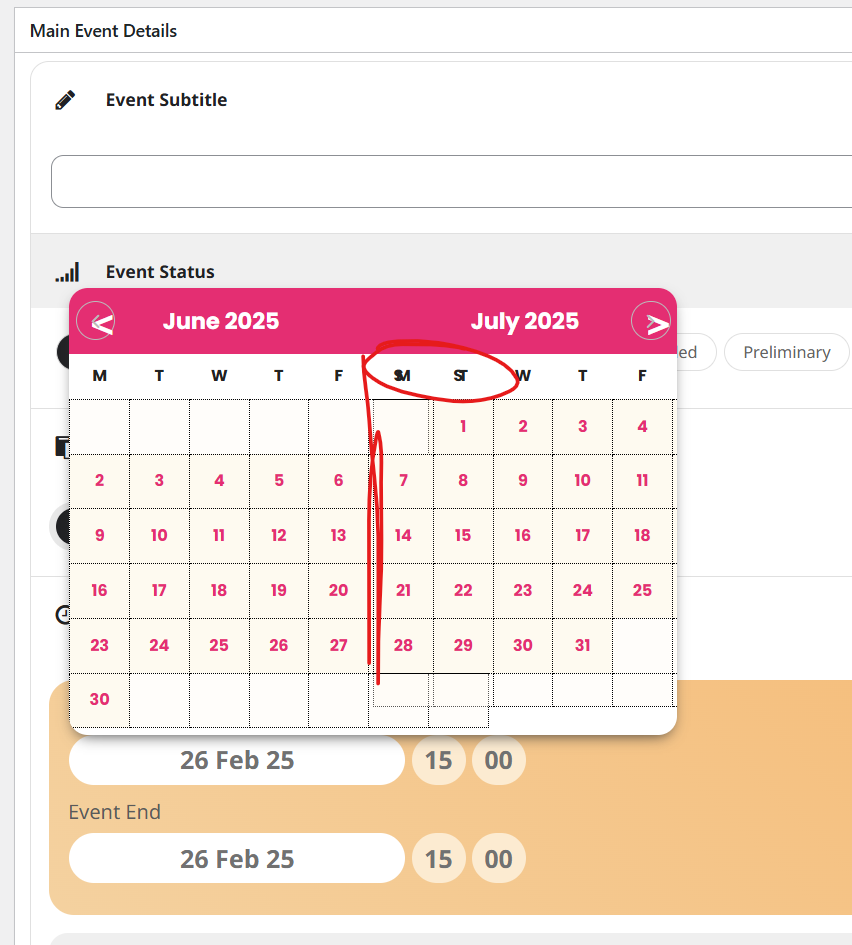
Looks like your have a plugin or theme thats overiding our date picker as it doesn’t look right- ours doesn’t have red at the top
the css is being overidden by something called mage-eventpress
looking over your plugins Event Manager and Tickets Selling Plugin for WooCommerce is by magepeople so I assume that plugin is causing the issue
if you deactivate it- the date picker will work normally
the problem is eventons date picket is 2 months wide- where as the date picket for this mage thing is 1 month wide- so its trying to load 2 months into the space of 1 month
that being said you might need that plugin so
if you can’t deactivate it, then you’ll need to tweak the admin css and there are plugins on the repository that will aloow you to easily tweak the admin css
#ui-datepicker-div {
width: 700px !important;
}
should make it wide enough – you can play around with that 700px but it wont be too good on mobile if you are adding events via mobile
Thanks Artem! You fix the problem!
I can’t find the sort_by in the documentation
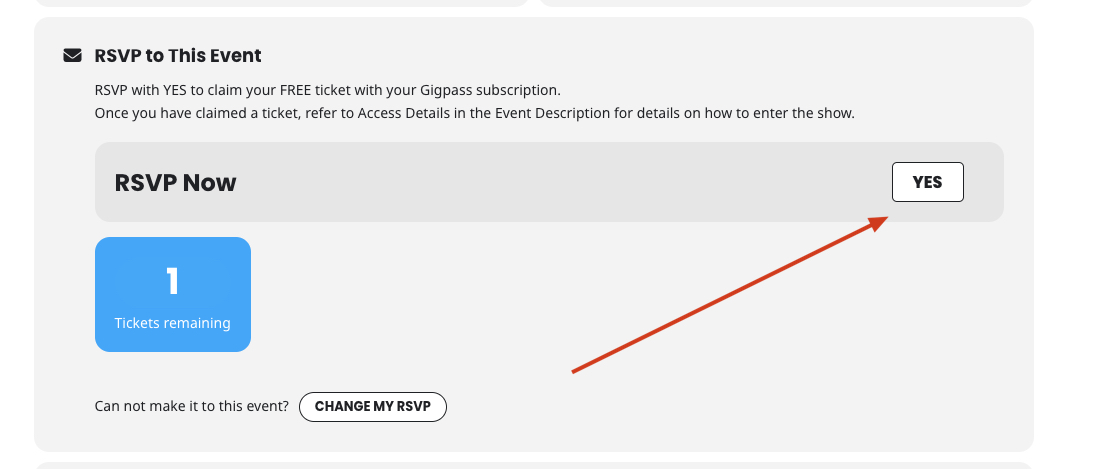
This works for the EventTOP – is it possible so it works the same way in the RSVP box in the EventCard?
So when they click on YES it doesn’t pull up the form:
We are glad your issue is resolved, if you have any further questions or concerns please create a new ticket.
If you have a moment, we would greatly appreciate if you could kindly leave us a review at Codecanyon. By going to your account > Downloads. We are very grateful for your kind review!
Could you re-send images as links? I cannot find them attached to the reply.
Ashan,
The same on dev2:
https://dev2.myeventon.com/wp-admin/post.php?post=56959&action=edit
Hello,
Thank you for your messages, I am going to assign this ticket to Ashan and he will be able to take it from here and find you a solution. Please allow some time for him to get back to you, we greatly appreciate your patience and thank you for being a eventon customer! Also please disable any IP blocking on your site if there are any.
Hello,
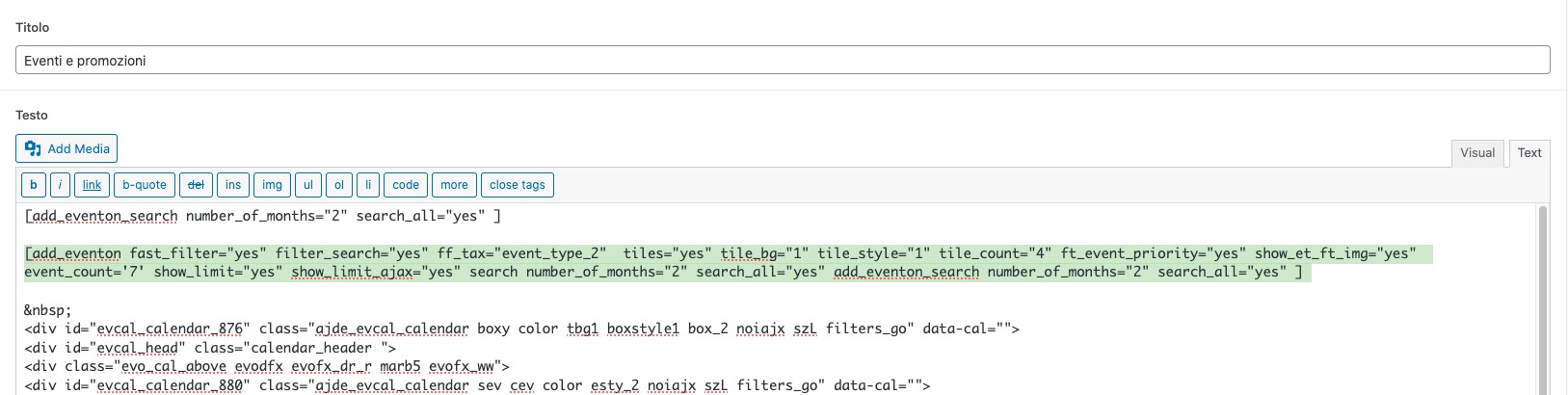
Are you referring to this shortcode:
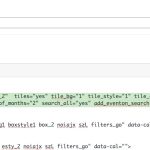
If you want to order by Menu Order, please add this to your shortcode as well:
sort_by=”sort_menu_order”