Ashan,
They want to refund:
#221264 ICS Importer – Single Site
Replies for tickets on suppota
Ashan,
They want to refund:
#221264 ICS Importer – Single Site
Hello,
Thank you for your messages!
Please allow us some time to address this, and we truly appreciate your patience. Thank you for being a valued EventON customer!
We are sorry for the delay! Our devs will check this ASAP.
Try following this guide:
https://helpx.adobe.com/fonts/using/add-fonts-website.html
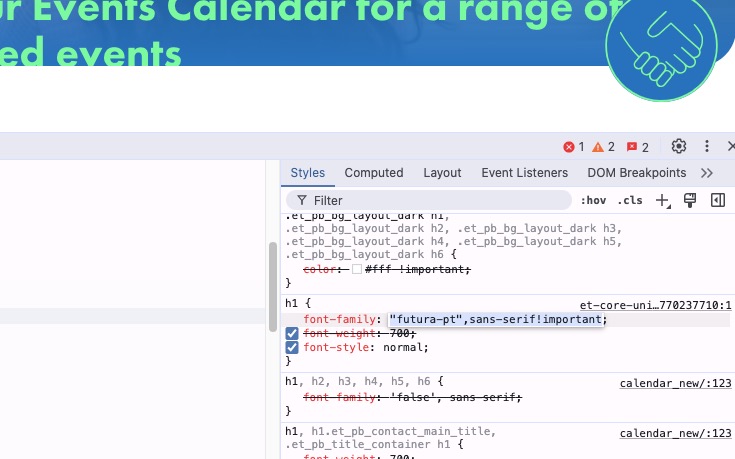
Please also note that on your website you use ”future-pt” font name:
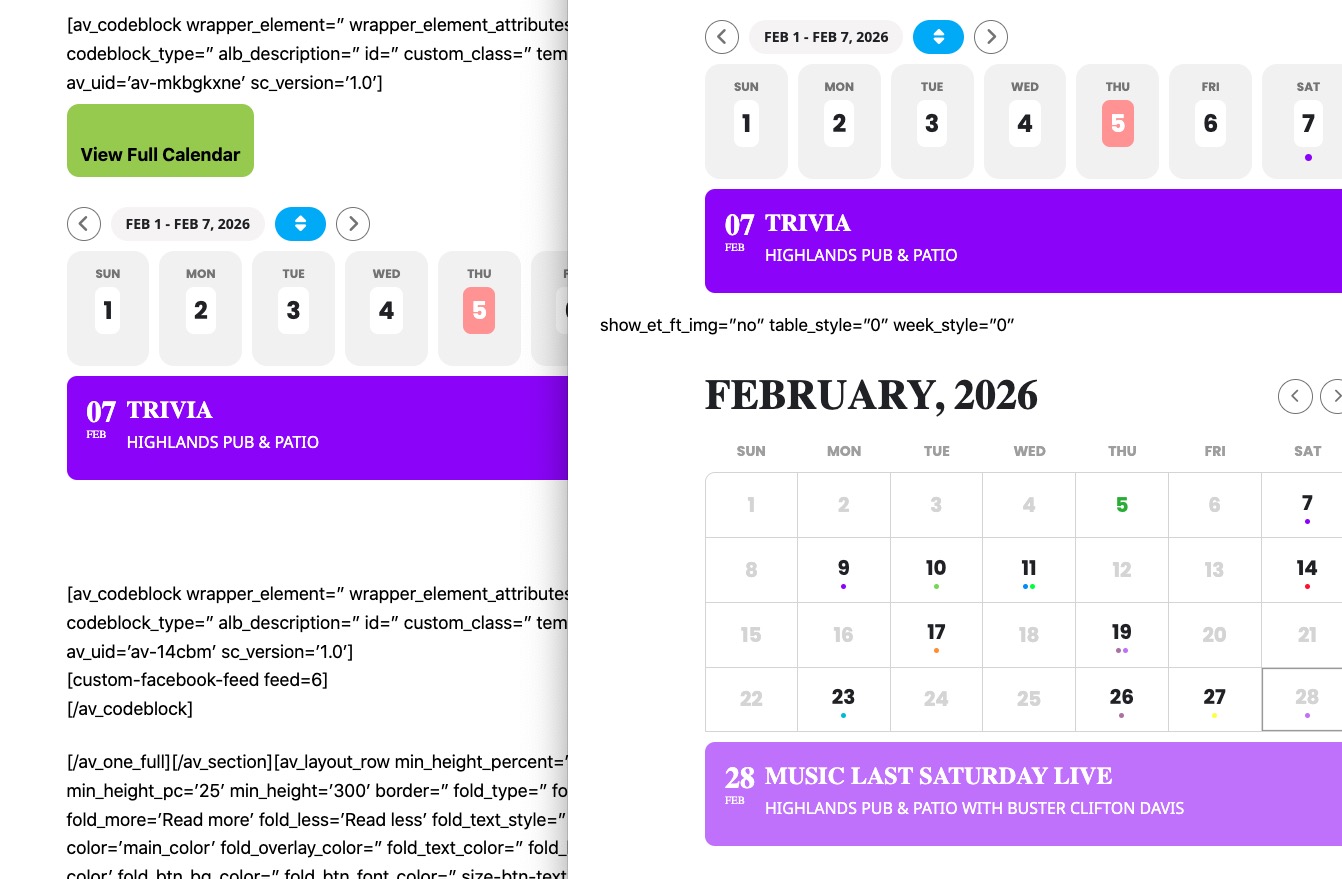
In Troubleshooting Mode WeeklyView as well as FullCal are both working:
https://bellavistapoa.com/wp-admin/site-health.php?tab=troubleshoot
https://bellavistapoa.com/test/
Could you please try the instructions mentioned in this documentation to figure out which plugin or the theme itself causes the issue?
If you purchased EventON from CodeCanyon, please contact them about the refund.
However, please note that you purchase EventON only once and then can use it indefinitely and there is no subscription for the main plugin, only add-ons.
Now you need to go to and manually generate Lat/Long values:
https://www.rootsmusic.ca/wp-admin/edit-tags.php?taxonomy=event_location&post_type=ajde_events&orderby=count&order=desc
I already did several locations and now events are starting to show up on the map. Could you check and let me know:
https://www.rootsmusic.ca/event-directory/
Hostname: ftp.oldhamsendlocaloffer.co.uk
Username: dev@oldhamsendlocaloffer.co.uk
Password: The one you set up for this account
Port: 21
Please try also adding
.ajde_evcal_calendar.boxy .eventon_list_event.hasbgimg, .ajde_evcal_calendar.boxy.boxstyle1 .evo_boxtop, .ajde_evcal_calendar.boxy.boxstyle2 .evo_boxtop { background-color: transparent !important; }
That worked perfectly. Thank you