Hello,
My code from https://helpdesk.ashanjay.com/ticket/change-background-color-on-all-pages/ only affects /events page and nothing else. You can find the page here:
https://katoomba.org/events/
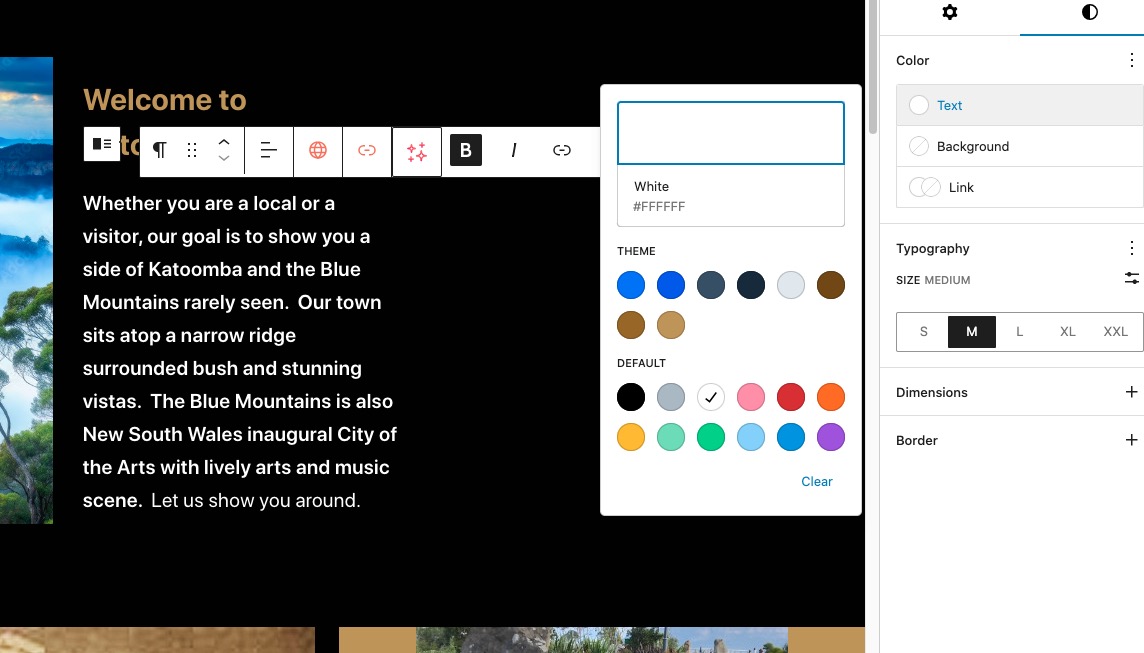
I believe that your text can be changed from white
Replies for tickets on suppota
Hello,
My code from https://helpdesk.ashanjay.com/ticket/change-background-color-on-all-pages/ only affects /events page and nothing else. You can find the page here:
https://katoomba.org/events/
I believe that your text can be changed from white
Hi,
The main EventOn plugin. I have two licenses, but only want to extend support on one of them: the one mentioned in my support ticket.
Thanks again.
Thanks very much. Great work.
I tried that and it did not work.
Can I provide you with login details?
ok i have changed it back to black background. I’ll alert Artem to your ticket as he is the other staff who worked on th page the other time
its a beta test so its a test feature, it works periodically and all depends on your website set up, on some sites it helps on others yours included it creates more problems than it fixes
The jitsi option doesn’t really effect your site- it would speed up the load if anything but the cause was the beta test
I just did some tests and it seems that when arranged the way I suggested with selected Configure text color for colorful & Image eventtops: Auto detect white or black text color for eventtop text based on background, it works on our test site as well:
https://dev2.myeventon.com/test-862/
Could you check and let me know?
Please add this CSS code to EventON > Styles (If you don’t see any change, EventON > Scripts & Styling > turn off Write dynamic styles to header > save settings > turn on Write dynamic styles to header):
.evosb_content * { font-family: “Noto Sans”, Verdana !important; }
Hello,
Seems to be working in Troubleshooting Mode:
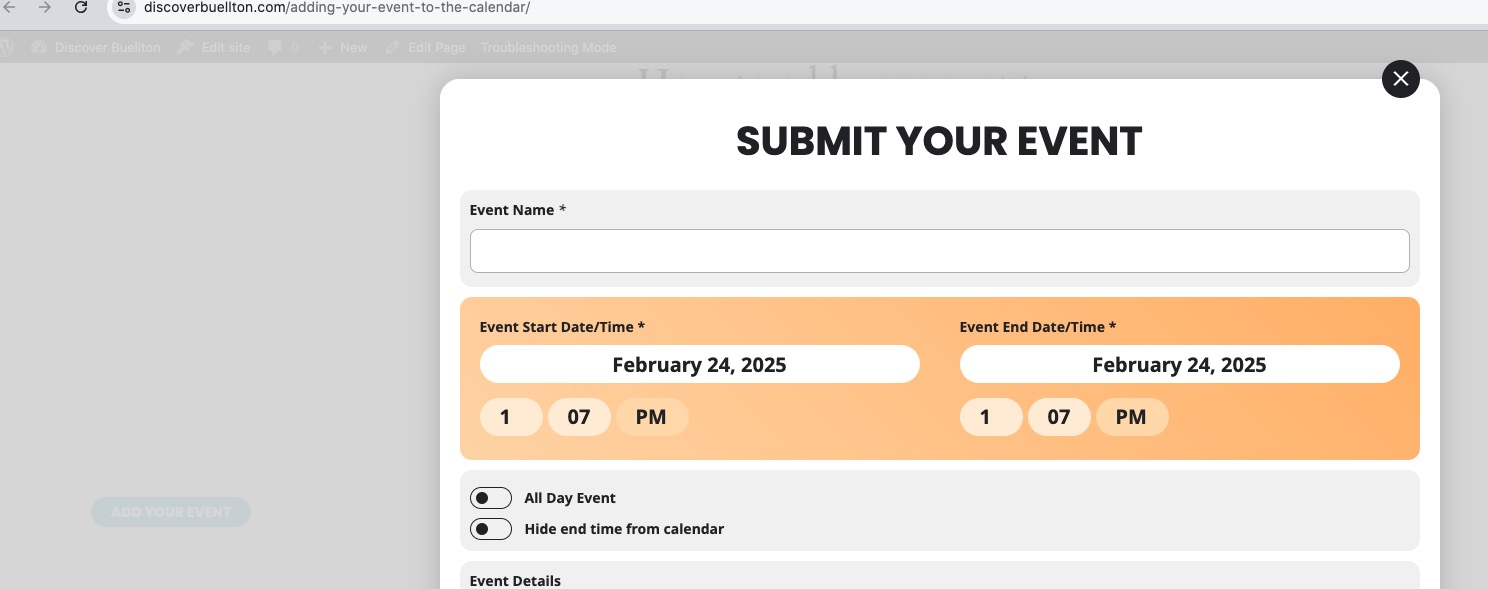
Also no issues on our test site:
https://dev2.myeventon.com/test-861/
Could you please try the instructions mentioned in this documentation to make sure your issue is indeed coming from eventon.