Hello,
I do not use this woocommerce product nor the link on my site https://tlninside.fr/paid-event-submission-2/.
To submit an event, the customer must only choose their pass on the page:
https://tlninside.fr/agenda/soumite-un-evenement/
Yesterday, the customer Nadège (previous screenshot) purchased the single pass for €9.90, but it is not added to woocommerce or to her account. She therefore cannot access the form to add her event.
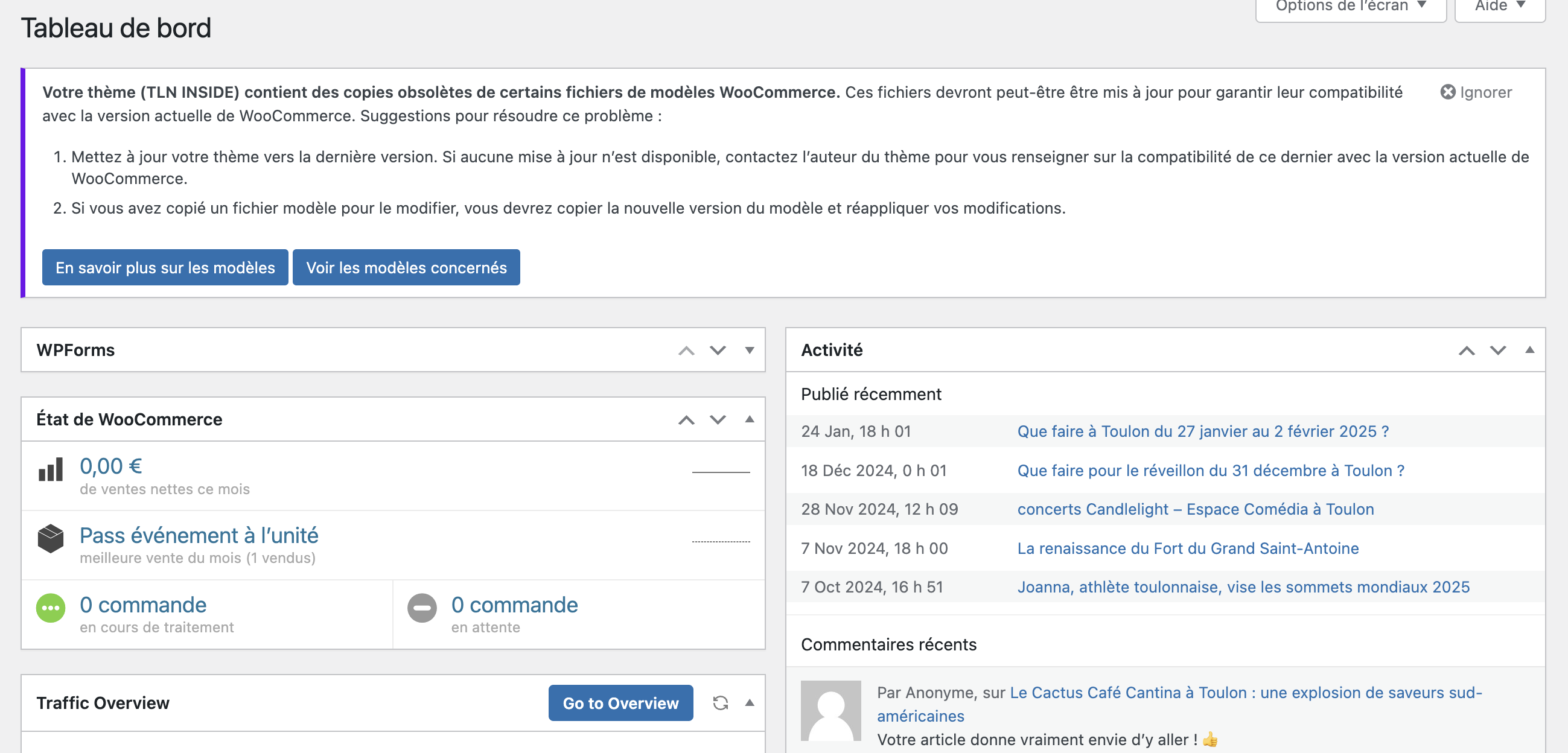
I am attaching the screenshot of my woocommerce dashboard which shows 0 sales.
Should I delete this duplicate product in woocommerce ?
Why are sales not showing on my woocommerce board and why is this not being credited to the customer’s account?
I checked, there is no cache on the page.
thank you, Mélanie
Thank you
I am not finding anything else. Please try changing the number of events visible to higher number and see if you are able to get event to load.
Also any code changes I made on your site, if they are valid we will push them into next production version.
Ok Update
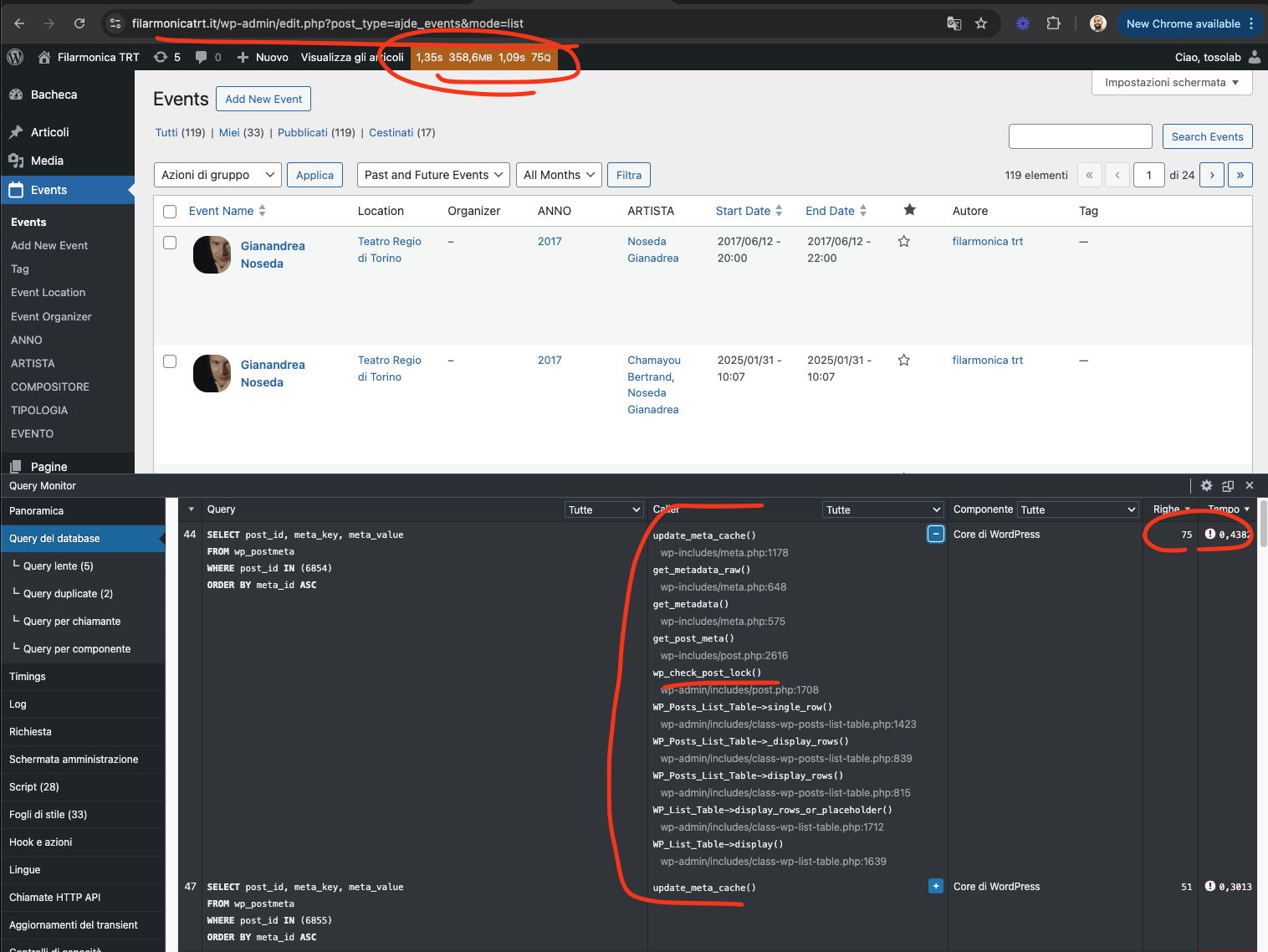
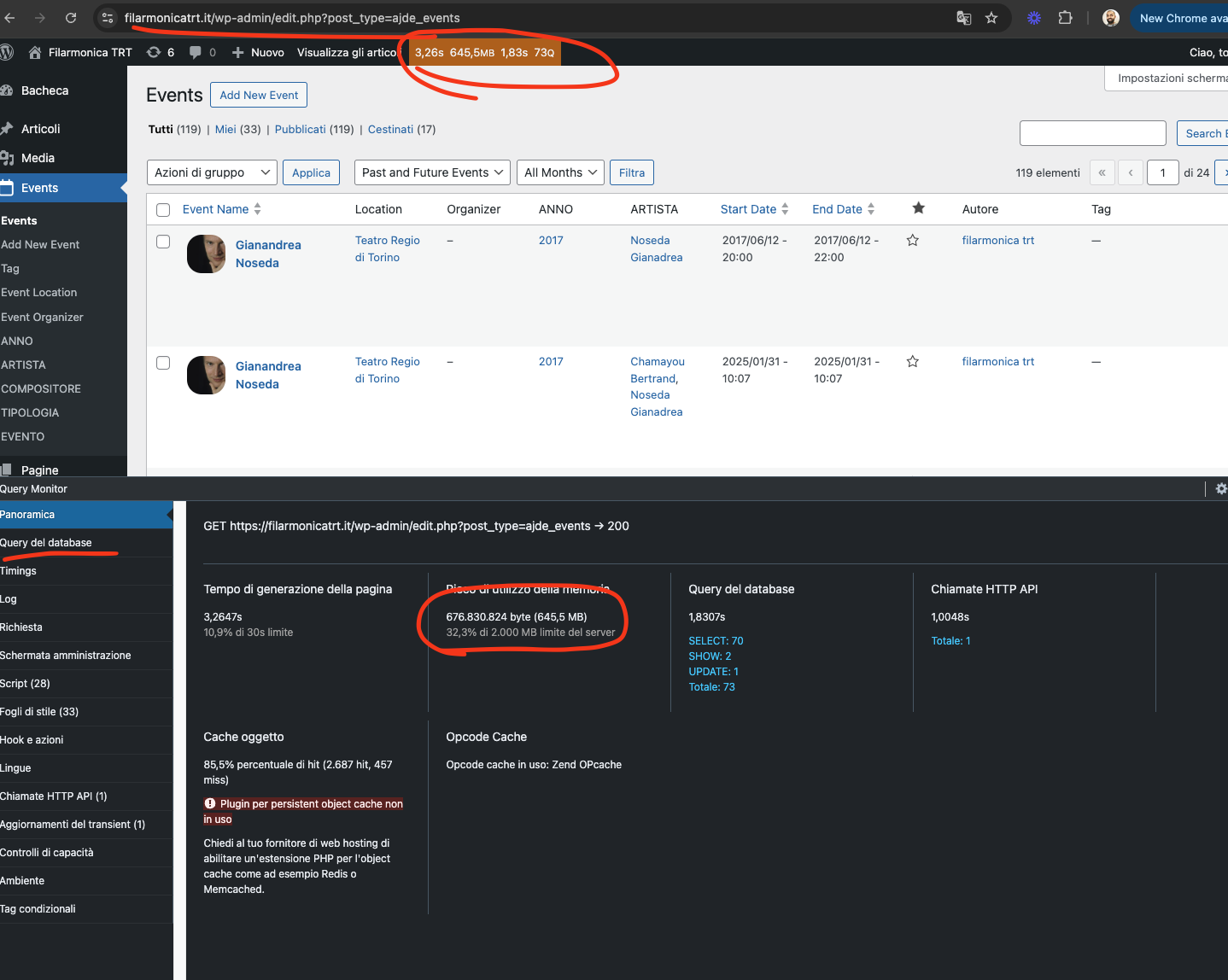
I was able to cut down on the memory used on all events page. But it is still running the update_meta_cache() for each event from wp_check_post_lock() function — this only run on your website in our test this function is not run.
Let me see if there is anything else we can do.
I installed query monitor plugin in your website. Here are the findings. Huge amount of memory is being drawn into all event edit page. — I think you knew this.
This is very strange it does not do this for us. It seems the core wordpress is update_meta_cache() is using lot of the memory. Let me see if there is anything we can do about this.
Order #203296 (February 5, 2025)
So that’s after you click through.
Can they be shown on the regular calendar view. Even small ones. See my Cascade Markets entry. Can image be shown here anywhere or again only after you click through.
https://katoomba.org/event-directory/
Sorry about the delay my friend. I see Artem have help to the best of his capabilities. Let me see if I can do anything more to fix this issue and get you on your way 🙂
I am able to change the host and get to the test site. thank you for that info.
Yes, the countdown timer appears, and additional options that are added while editing the event do not appear
Is it possible to create a separate page for each language?