I have now been able to solve the problem and everything is working again. I still have one question: how can I prevent a WordRress account from being created when I register? I have deactivated everything in the settings.
Archives: Replies
Replies for tickets on suppota
Reply to: tickets(379005)
I have now been able to solve the problem and everything is working again. I still have one question: how can I prevent a WordRress account from being created when I register? I have deactivated everything in the settings.
Reply to: tickets(379005)
I have now been able to solve the problem and everything is working again. I still have one question: how can I prevent a WordRress account from being created when I register? I have deactivated everything in the settings.
Reply to: tickets(378969)
The more info you can provide the better, so please tell us as much as possible.
As for the issue, you are correct. It seems that 86027 and 86064 orders both don’t have these important notes:
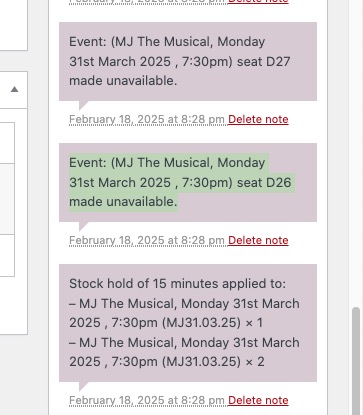
Got them from
https://theatreexpress.co.uk/wp-admin/post.php?post=86152&action=edit
…ONLY on the express checkout Apple Pay and Google Pay…
How can we set this up on our test server? Could you tell us more about which plugin do you use?
Reply to: tickets(379003)
Ashan,
Confirmed on customer’s website:
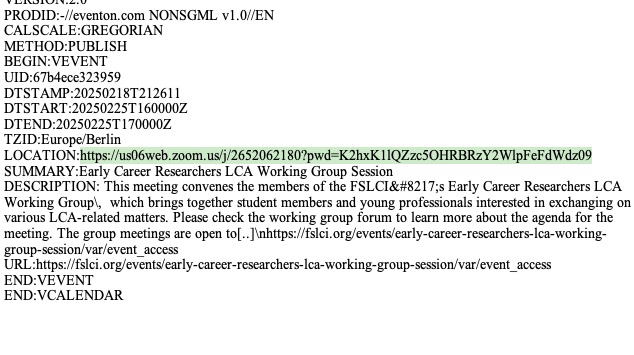
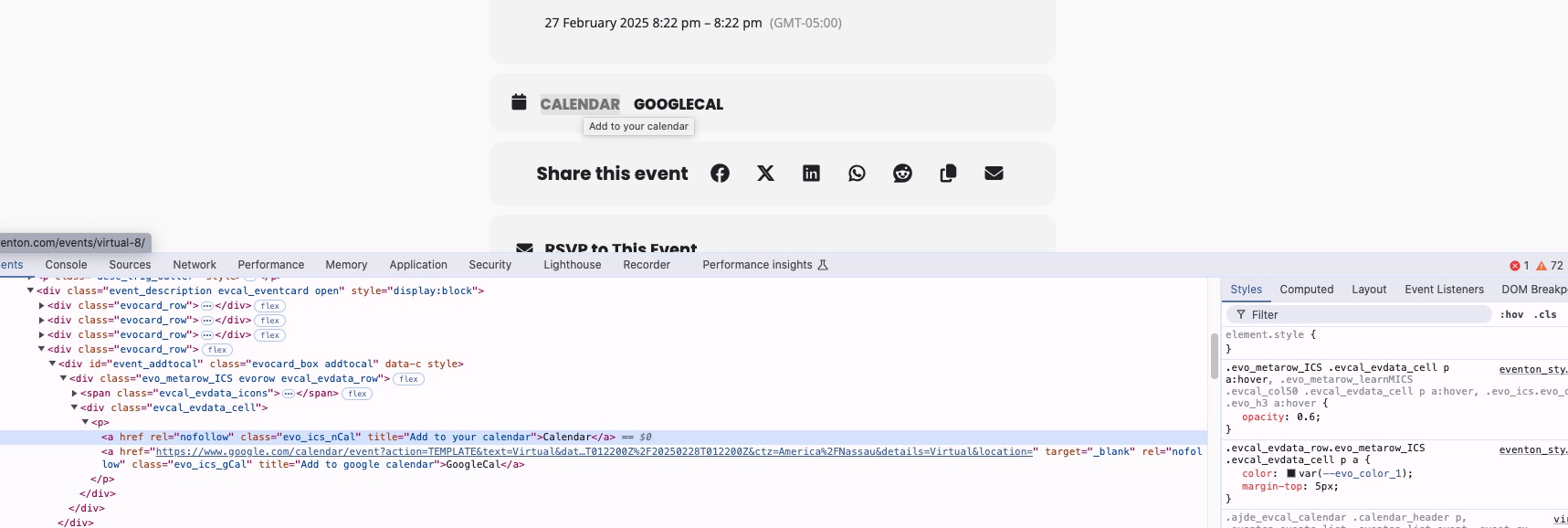
On dev2 it redirects to the same page when I click on “Calendar“:
https://dev2.myeventon.com/events/virtual-8/
href is empty:
Reply to: tickets(378945)
Ah. Two options that we would be happy with.
Option 1: Remove date/title/subtitle from the Event Details pages (but have thme displayed on the Events page)
Option 2: Have date/title/subtitle displayed how it should be everywhere but for some reason I couldn’t get the title to display on the Event Detail pages so that’s why we were going to remove it.
Thank you!
Daran
Reply to: tickets(379003)
Hello,
What’s your current version of EventON? Could you make sure to update to 4.8.2?
I am going to assign this ticket to Ashan and he will be able to take it from here and find you a solution. Please allow some time for him to get back to you, we greatly appreciate your patience and thank you for being a eventon customer! Also please disable any IP blocking on your site if there are any.
Reply to: tickets(379005)
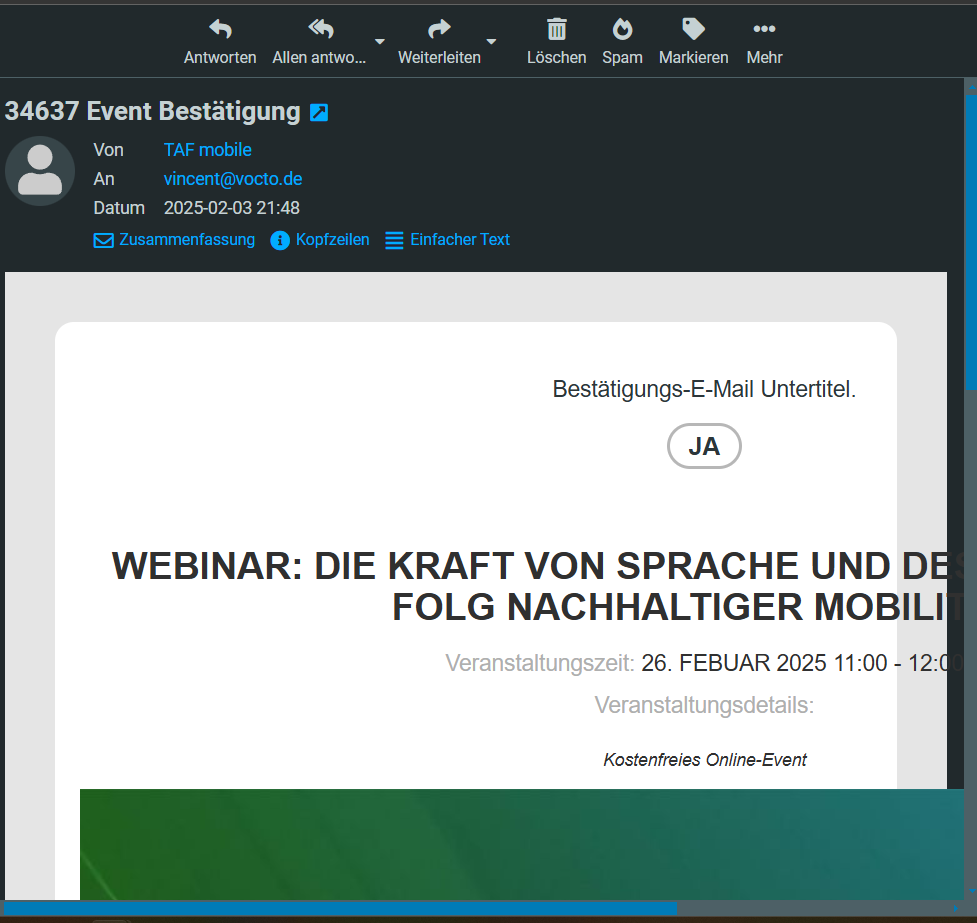
Attached is the proof that the mail has worked in the past. No other plugins or changes were made to the site during this time
Reply to: tickets(378948)
Hello,
Ok, the charge was applied to our credit card. If you have to setup a new 5 website license to replace the 1 website license, please so so.
Thanks.
Reply to: tickets(378969)
Just as an update I have been looking into this further and it looks like this is happening ONLY on the express checkout Apple Pay and Google Pay( I have just switched this off so we don’t continue to have this error) For all of these orders where we are using the Seat Add on they are not communicating, The order is not coming up in the attendance list at all on the event. When we have orders without seats those are appearing so I think there might be something with the express checkout and the seat addon. Anything credit, link or paypal is not an issue.
*Just as a note this is not Lauren but her Tech Support Alex and I have dealt with programming and looking for error areas and I don’t want it to seem like I am being a pushy know it all. But I am good at following a data trail and seeing patterns so wanted to give you more of what I can see from this issue.