Hi again.
I have almost set all settings, but I can’t find where to change border color for each event, like here:
http://www.ignacioprego.com/schedule/
Thanks
Replies for tickets on suppota
Hi again.
I have almost set all settings, but I can’t find where to change border color for each event, like here:
http://www.ignacioprego.com/schedule/
Thanks

I did the downgrade to 4.6.6 – it didn’t fix the bug.
I created a new template … It didn’t work.
We will try the new updated plugin. Thanks.
| Cron Job | Schedule | Action | Protected |
|---|---|---|---|
| action_scheduler_run_queue | every_minute | Exists | No |
My web host is saying that this caused excessive MySQL server load.
deleted due to duplicate
Please send us wp-admin access to your site as a private message for us to further assist your situation.
normally this error comes from adding the shortcode to a container of some kind but we would have to have a look to see whats going on
love themeco- i use it on my websites…
so the slider- when the event pops up it defaults to whatever setting you set in
myeventon>>>>settings>>>>appearance
>>>>>event top>>>>>background color
which was set to white but I set it to dark red
I’ll have to alert Ashan to this so he can tweak the code within the slider to get the slider pop up to be the same as the rest of the calendar
the featured image doesn’t appear in the event top when viewing the single event or pop up- but its in the event card
thats a normal operation
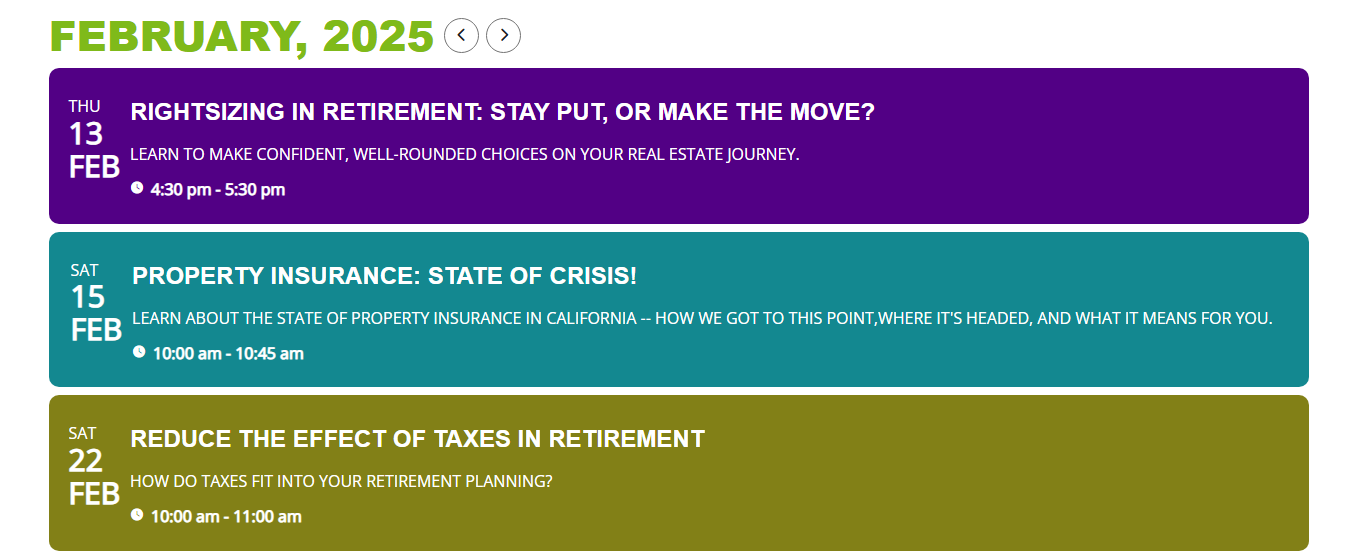
Here is the event list. As the image is the first item in the layout, it should be visible in the event list on the left, correct?
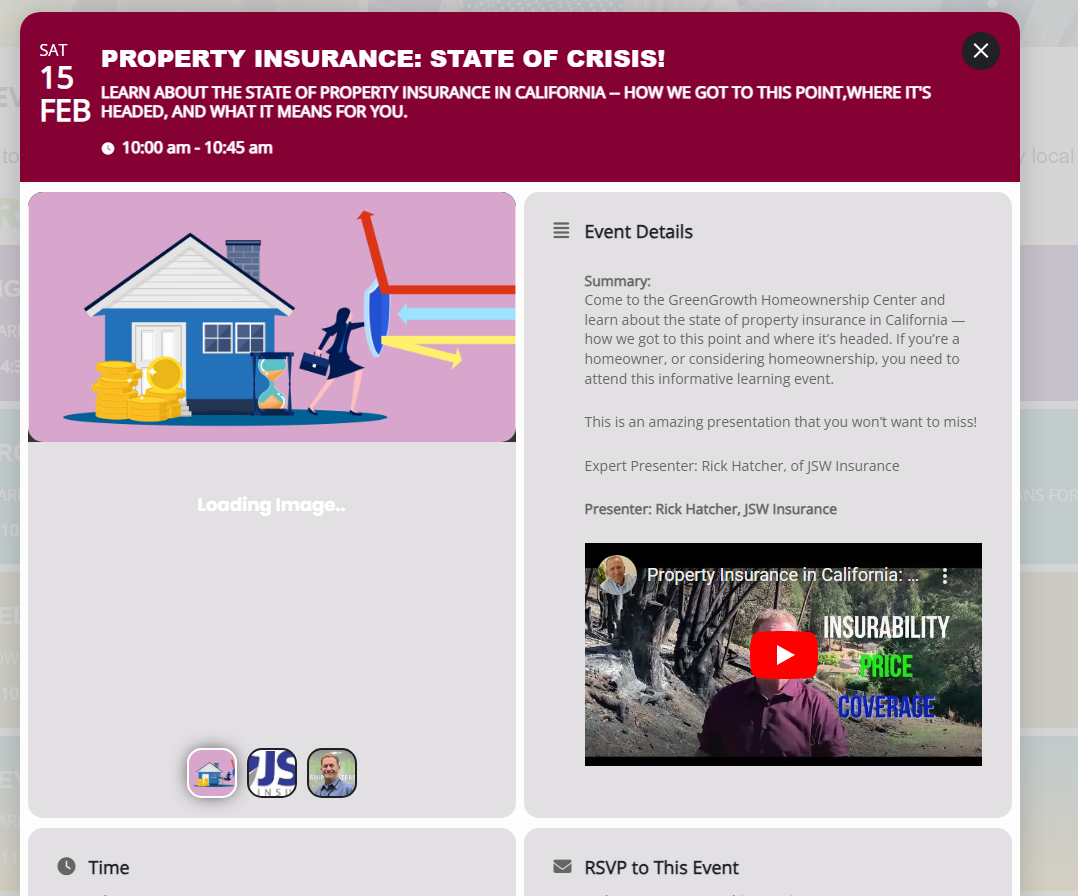
see image of event when clicked from Event List – – color at top is visible here, but not when clicked from slider.