It seems I need to have a certain Outlook app to re-create the issue. No issues on Mac Outlook: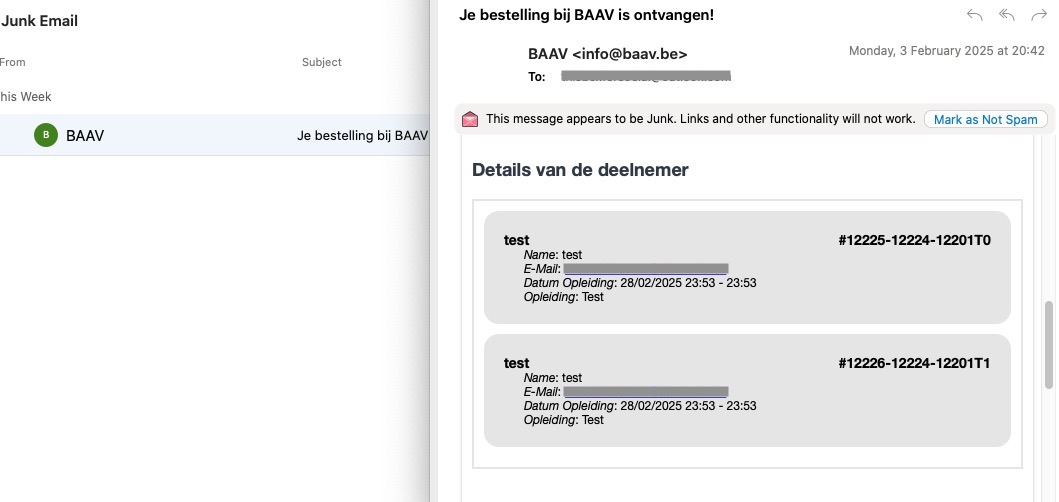
Could you tell us your version of Outlook?
Replies for tickets on suppota
It seems I need to have a certain Outlook app to re-create the issue. No issues on Mac Outlook:
Could you tell us your version of Outlook?
Now I have installed the version 4.8.2 and I think I need the version two-times before…
And: Can you please delete the very very long error message? The ticket will not be so long…
Thanks
I cannot login because of:
LOGIN BLOCKED: 2FA is required to be active on your account. Please contact the site administrator.
Could you check Pages, Posts and so on and make sure that this setting is set to 10 and no more:
https://helpdeskx.s3.amazonaws.com/wp-content/uploads/2025/02/04141734/Screenshot-2025-02-04-at-22.16.55.jpg
I believe this is the issue: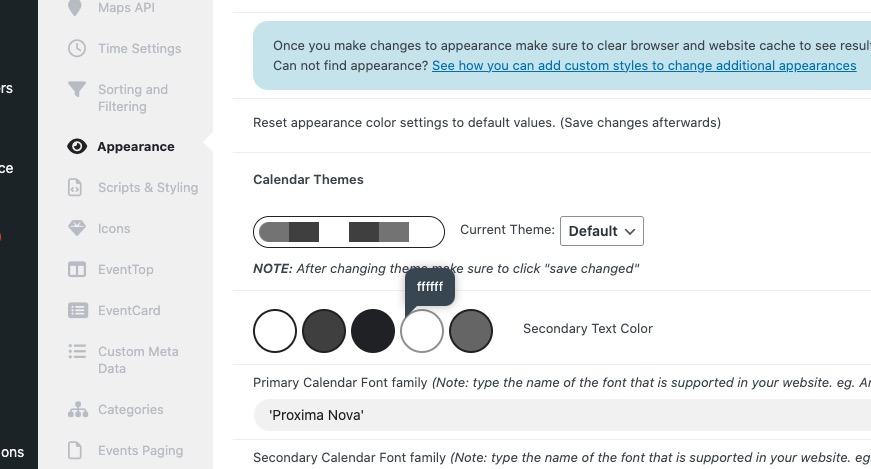
The text is white, so not visible on white background. Could you change it? If you don’t see any change, EventON > Scripts & Styling > turn off Write dynamic styles to header > save settings > turn on Write dynamic styles to header.
GoDaddy blocks requests: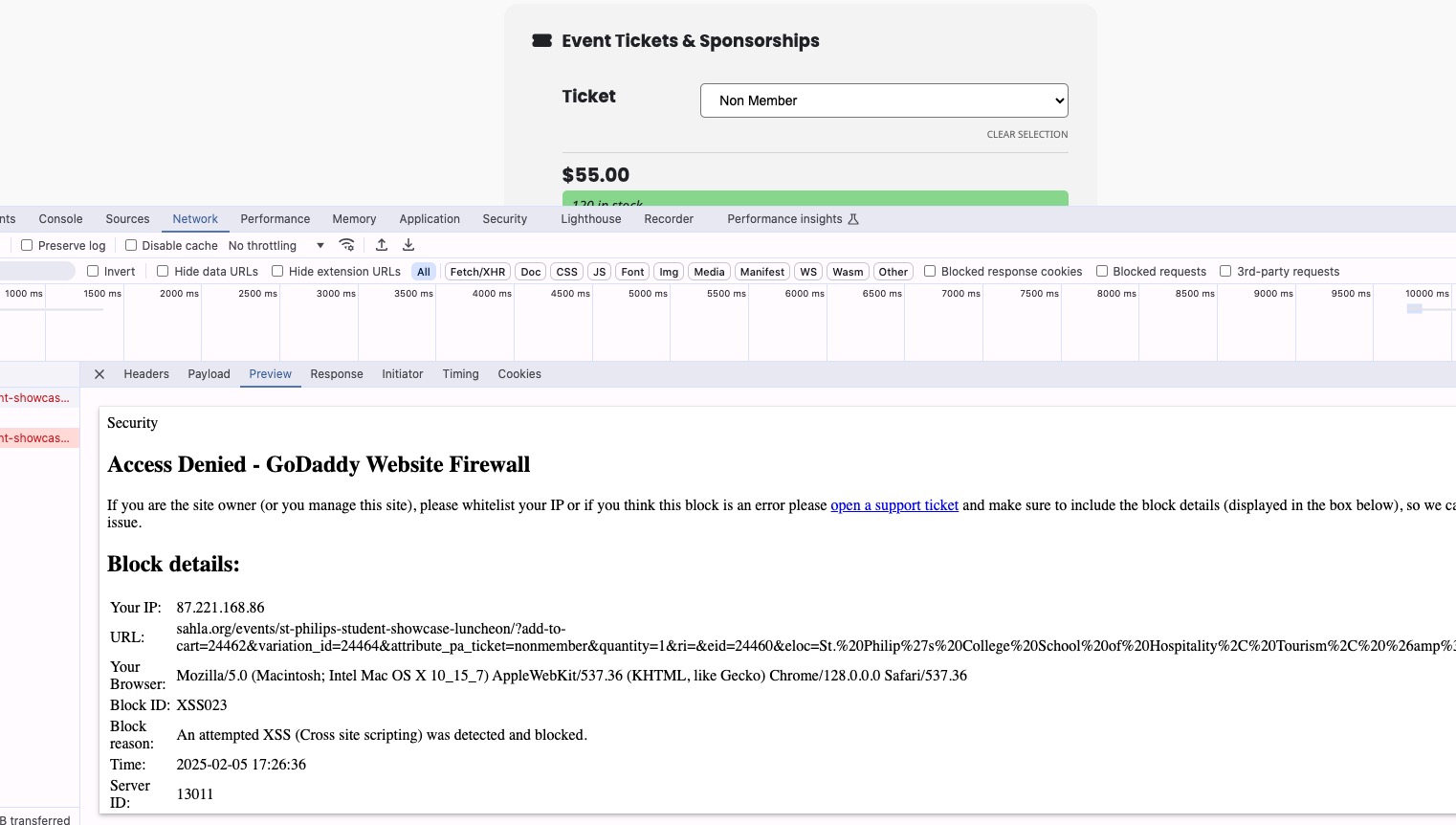
Could you contact them and ask about the issue?
Hello elavis,
You can use this: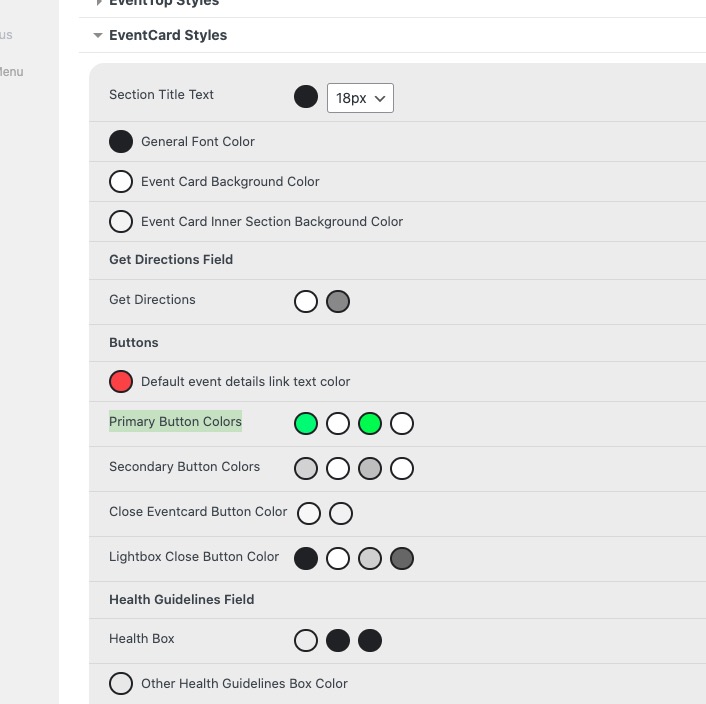
Just make sure to follow:
EventON > Scripts & Styling > turn off Write dynamic styles to header > save settings > turn on Write dynamic styles to header
Ashan,
The same on dev2:
https://dev2.myeventon.com/test-840/
Hello,
Thank you for your messages, I am going to assign this ticket to Ashan and he will be able to take it from here and find you a solution. Please allow some time for him to get back to you, we greatly appreciate your patience and thank you for being a eventon customer! Also please disable any IP blocking on your site if there are any.
Hello,
Seems to be working on our test site:
https://dev2.myeventon.com/events/ticket-15/
Could you update EventON to 4.8.2 and Tickets add-on to 2.4.8? After the update, please make sure to clear the cache plugin on the server, if you have one.
To update eventon to latest version: If you are unable to do autoupdate, you can go to codecanyon your account > download and get the latest eventon version as zip file. Then you can go to your website > make sure “Delete eventon settings & data when EventON is uninstalled” is Deslected from eventon settings, delete old eventon, install new one and activate. This link will further explain the process it. Also you can follow us on twitter to get real-time announcements on updates!
To update eventon addons: You can download latest eventon addons from myeventon > my account. Then you can go to your website, deactivate old addon and install new one and activate then delete the old addon. This link will further explain the process. Also you can follow us on twitter to get real-time announcements on updates!