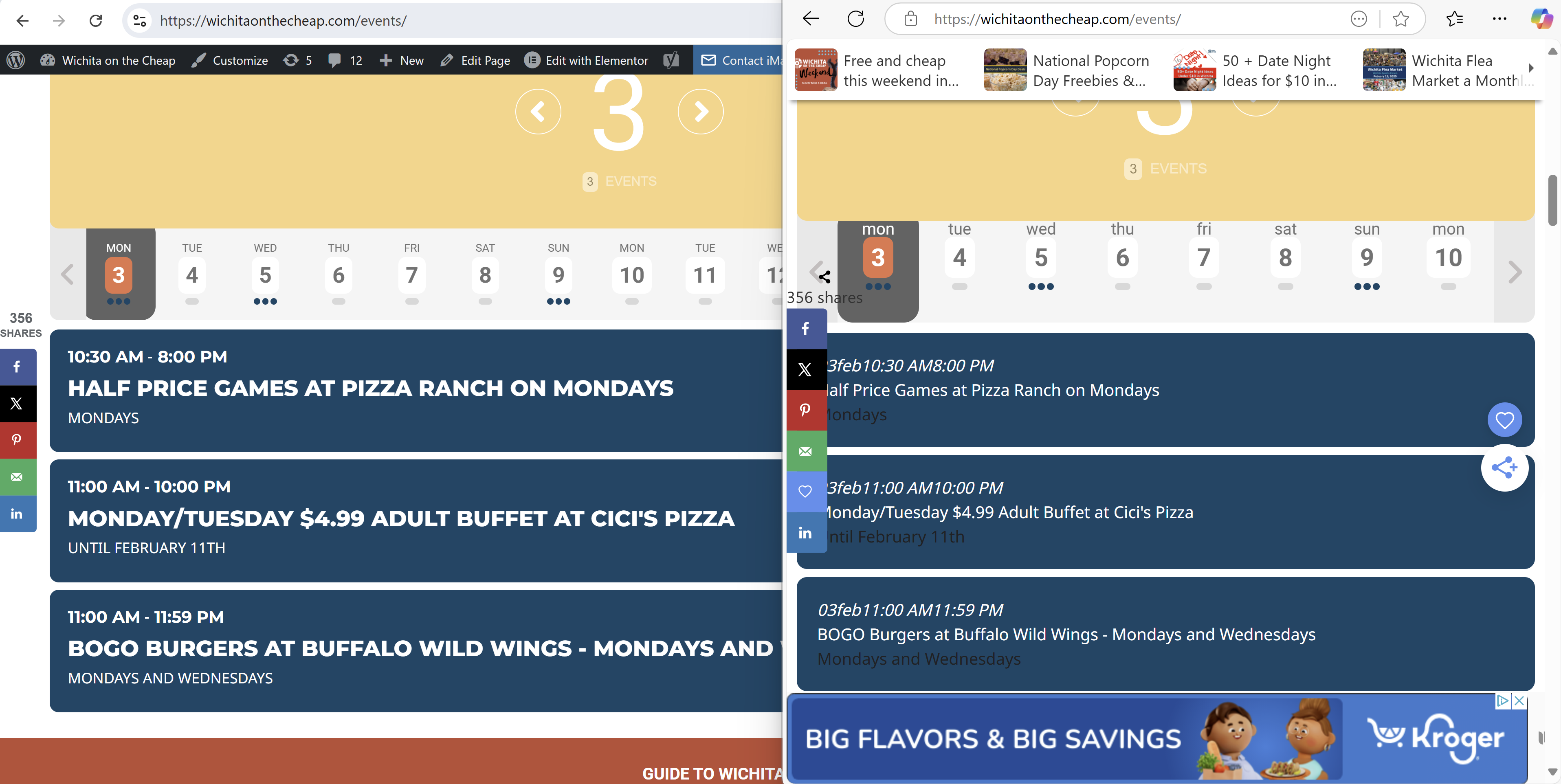
I just checked, and it hasn’t changed. We even cleared the cache. As you can see in the attached image. I want all calendar entries to appear bold and easier to read like it is on the left side.
We thought we had it the way we like it, but it only looks right when we are logged in to the website as admin.
When we view the calendar in a logged-out window, it has smaller text.
Hello,
Please take a look at Action User:
https://www.myeventon.com/addons/action-user/
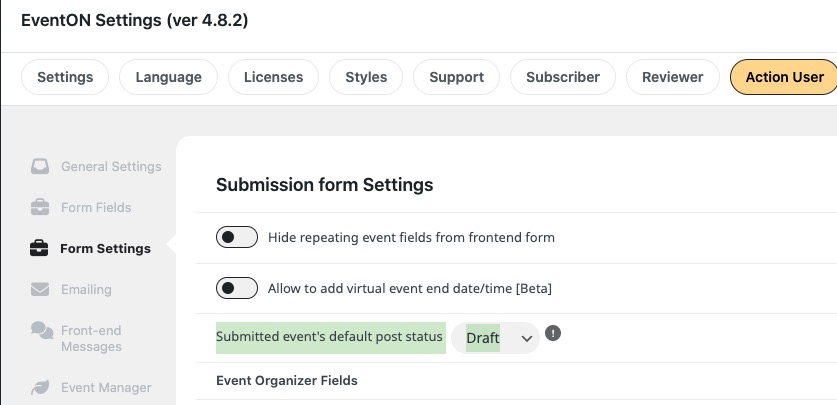
With this option you can allow all submitted events to be Draft:
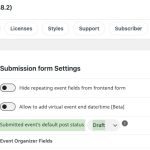
Try on
https://dev.myeventon.com/wp-admin/
Hello,
Please send us wp-admin access to your site as a private message for us to further assist your situation.
Hello,
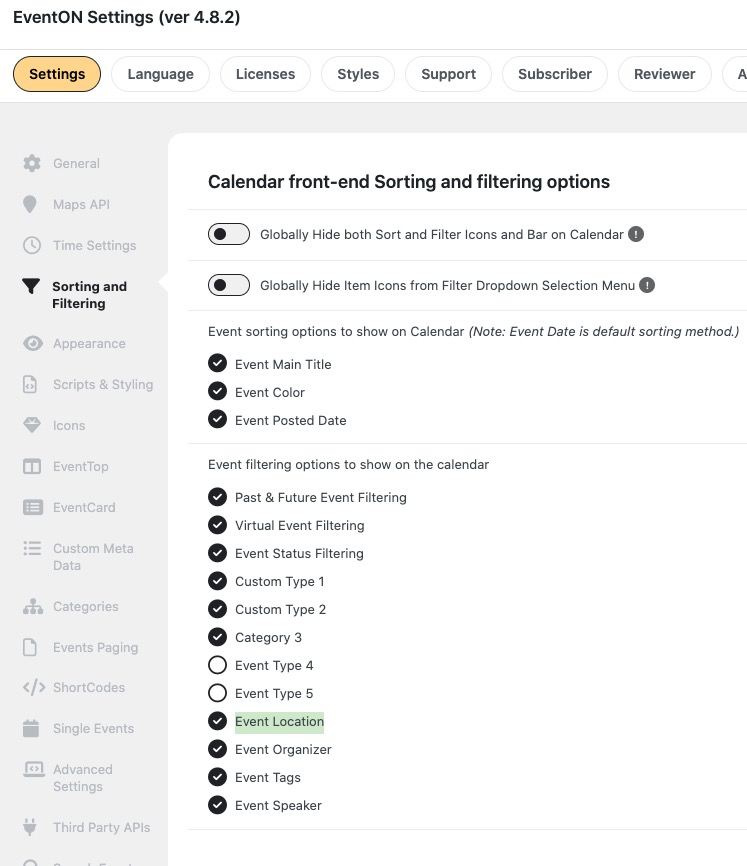
Please go to and make sure that Event Location is selected:
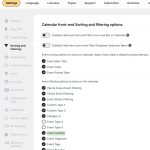
Hello,
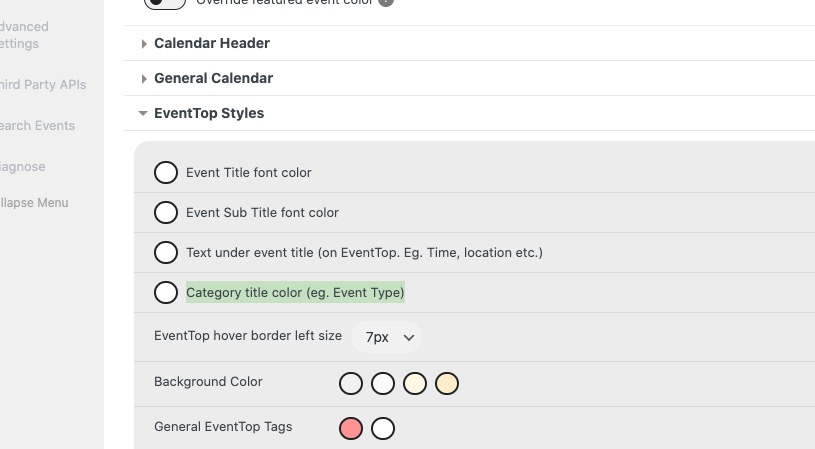
I changed this, so the color is white now:
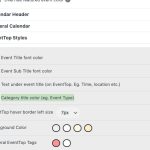
Please check and let me know.
Please follow
https://docs.myeventon.com/documentations/single-events-page-not-working-404-error/
We are glad your issue is resolved, if you have any further questions or concerns please create a new ticket.
The Eventon issue is still happening, If Eventon is enabled I’m unable to edit with Divi. Only workaround I’ve found is disabling Eventon
Hello
Thank You. Yes it seems to work now.
Can we do the refresh our self?
Kind regards
Paul