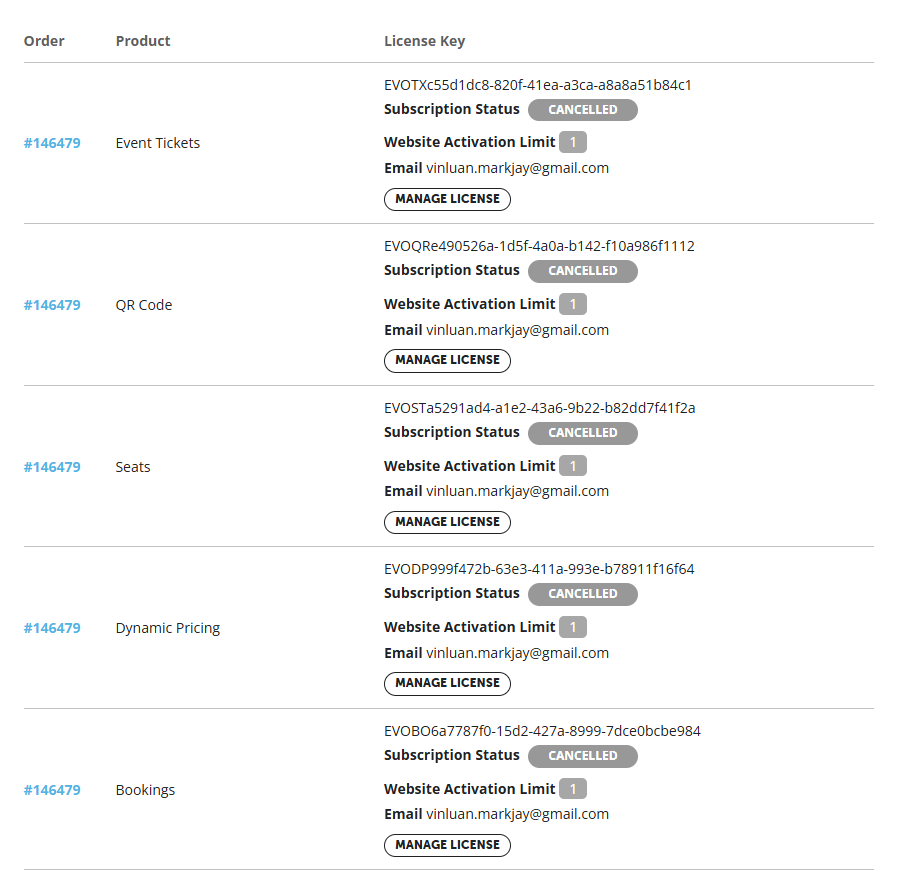
please see screnshots
Replies for tickets on suppota
please see screnshots
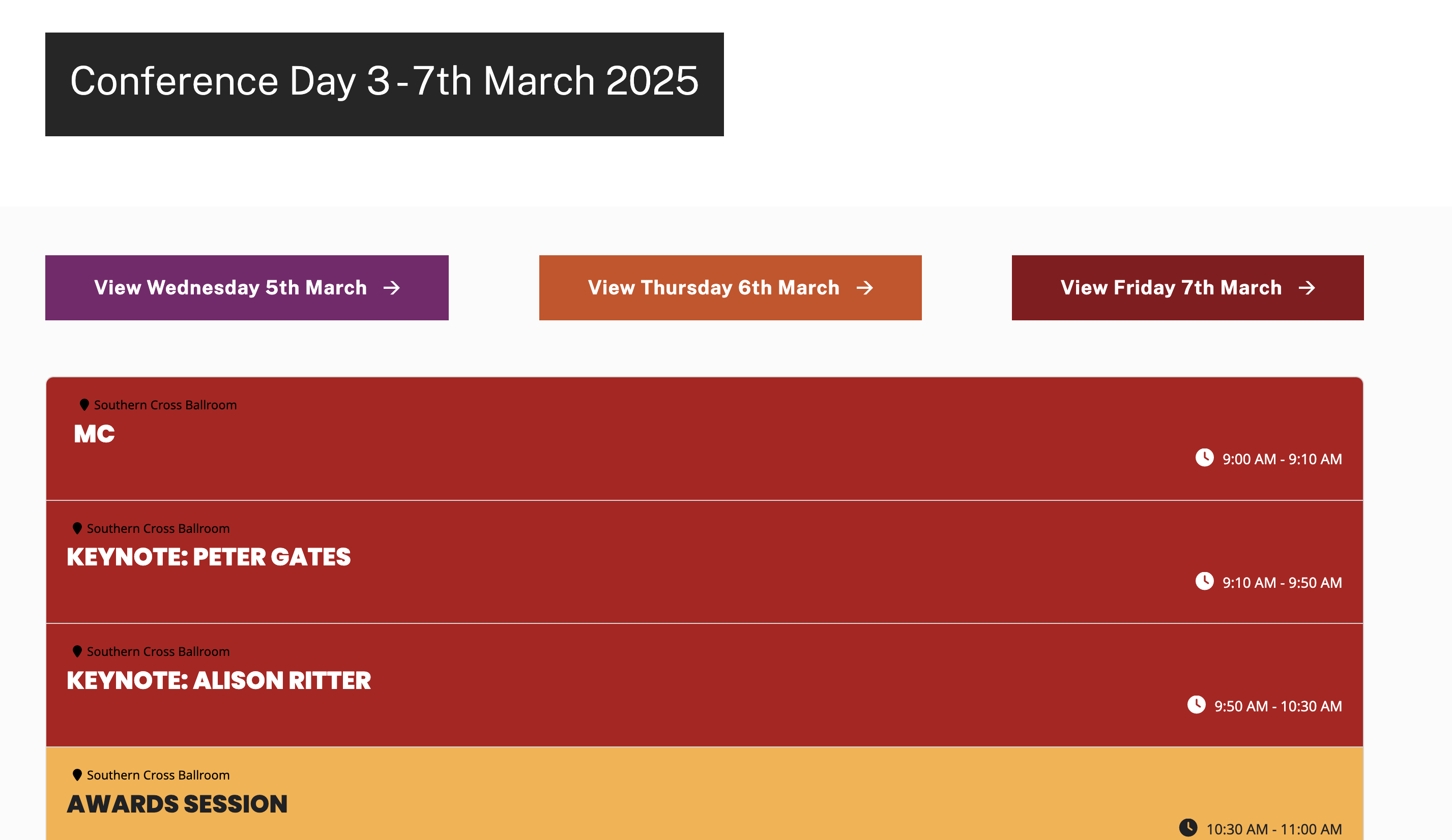
There should be events on all of these pages – I’ve cleared cache to ensure…
https://wanada.org.au/2025-conference-5th-march-2025/
https://wanada.org.au/2025-conference-6th-march-2025/
https://wanada.org.au/2025-conference-7th-march-2025/
Another thing that I wonder. Is it possible that if example the credit card processing/verification takes about 2-3hrs before converting the order as completed, it will free up that seat that was selected by the customer? Or once it enters the checkout page no matter how long the payment verification it will be blocked unless the payment fails?
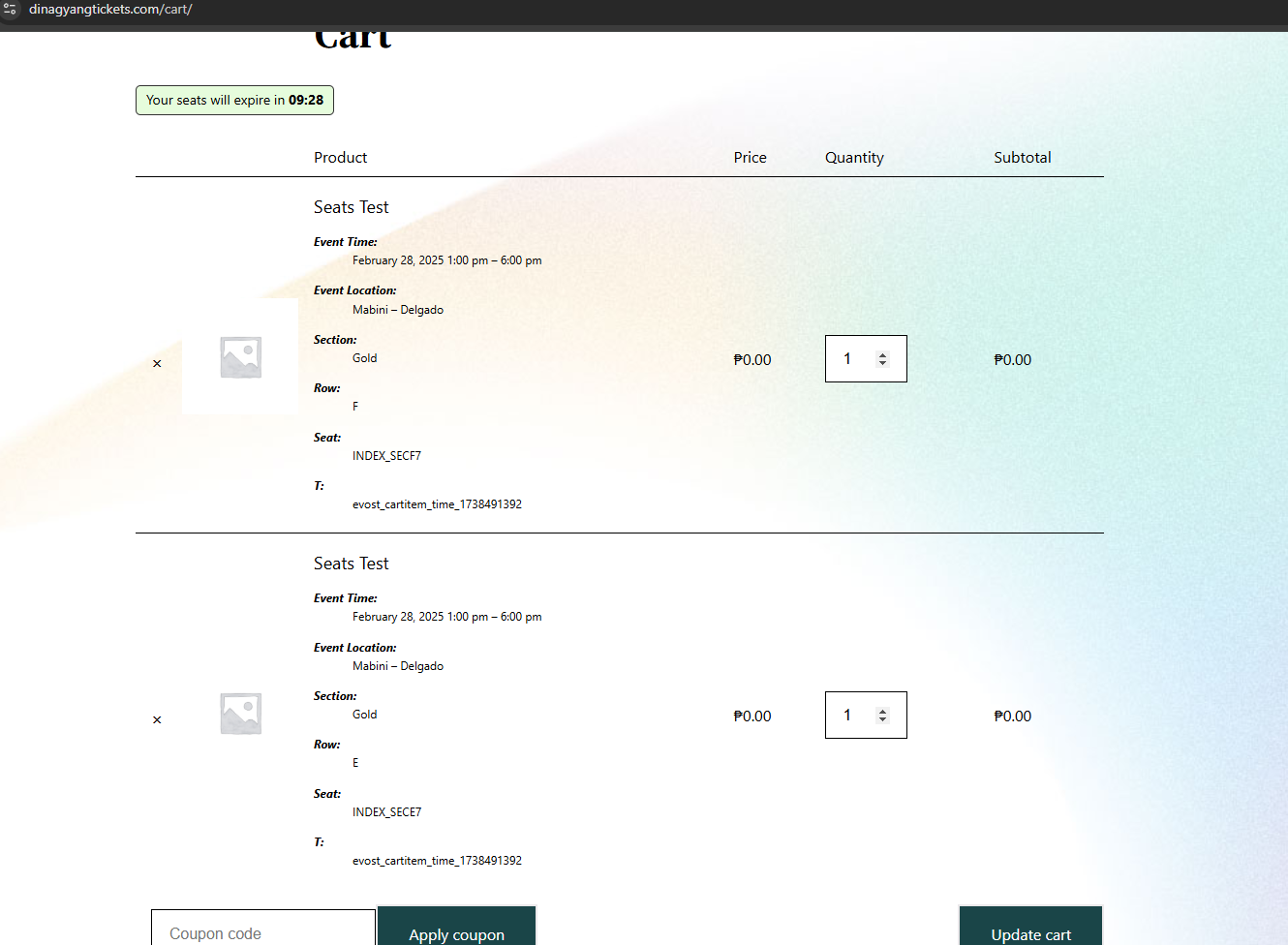
Ah so between the 2 orders, the one with the basic woocommerce order was able to access the product page because I wasnt able to set the “always redirect to frontend” setting right? That’e why he was able to purchase the ticket on January 18 eventhough the seats are sold out on the 1st week of January. Now I know.
But is it possible that 2 or more people can click at the same seat at the same time and will be able to book it?
=========================
For the scanning part, we are scanning using our mobile phone but I already purchased a scanner gun that we will be using on the next event.
This is one of the orders that I remembered. If you’ll notice one still don’t show as checked in but both of them entered the venue.
https://dinagyangtickets.com/wp-admin/admin.php?page=wc-orders&action=edit&id=2342
Artem – Thank you for your response. To verify, is the 4.8.2 version of EventOn NOT compatible with sites running 7.4? This is a fairly major update for me so I’m going to have to assess the situation further if that’s the case.
Additionally, what does this error mean exactly: “An error occurred while updating EventOn: The package could not be installed. PCLZIP_ERR_BAD_FORMAT (-10): Unable to find End of Central Dir Record Signature” It’s the error I recevied when attempting to update from the WordPress admin area after the auto update failed.
Thank you for your help!
On that VPS (194.163.153.5) you can do all the tests you need, even deactivate all plugins.
Thank you.
I could not leave the site offline for all this time, so I restored an old backup and it is now back online.
However, in order to be able to examine the problem, I cloned the site (before the restore) and copied it to another VPS.
So now in order to be able to examine the site with the problem, you have to change your hosts file like this:
194.163.153.5 filarmonicatrt.it
194.163.153.5 www.filarmonicatrt.it
Access to the db is still valid, but for ftp you have to change the server like this:
server: 194.163.153.5
user: support@filarmonicatrt.it
pw: Fil@rmoEff3TiPi!
I await your kind reply
thank you
I could not leave the site offline for all this time, so I restored an old backup and it is now back online.
However, in order to be able to examine the problem, I cloned the site (before the restore) and copied it to another VPS.
So now in order to be able to examine the site with the problem, you have to change your hosts file like this:
194.163.153.5 filarmonicatrt.it
194.163.153.5 www.filarmonicatrt.it
Access to the db is still valid, but for ftp you have to change the server like this:
server: 194.163.153.5
user: support@filarmonicatrt.it
pw: Fil@rmoEff3TiPi!
I await your kind reply
thank you
None of your orders are completed. Could you try complete them, so you can receive an email from EventON and not only from WooCommerce?
Also please let us know which of your orders have Extra Data to print out.
I also couldn’t access server with FTP info. Could you check it?
I don’t think that it’s possible to book without going to Single Event page and purchase a ticket from there, unless Product page is accessible.
There is also a big difference between two orders:
https://dinagyangtickets.com/wp-admin/admin.php?page=wc-orders&action=edit&id=7027
https://dinagyangtickets.com/wp-admin/admin.php?page=wc-orders&action=edit&id=8418
Please take a look at Order Notes. As you can see one clearly was purchased the regular way you do when you purchase a ticket from EventON and then other – basic buy from WooCommerce.
When we scan the QR codes eventhough our internet is fast, eventhough we did a checkin for a certain guest…
How do you scan them? With your mobile or a scanner gun?
Can you point us to an order you can remember that had this issue?