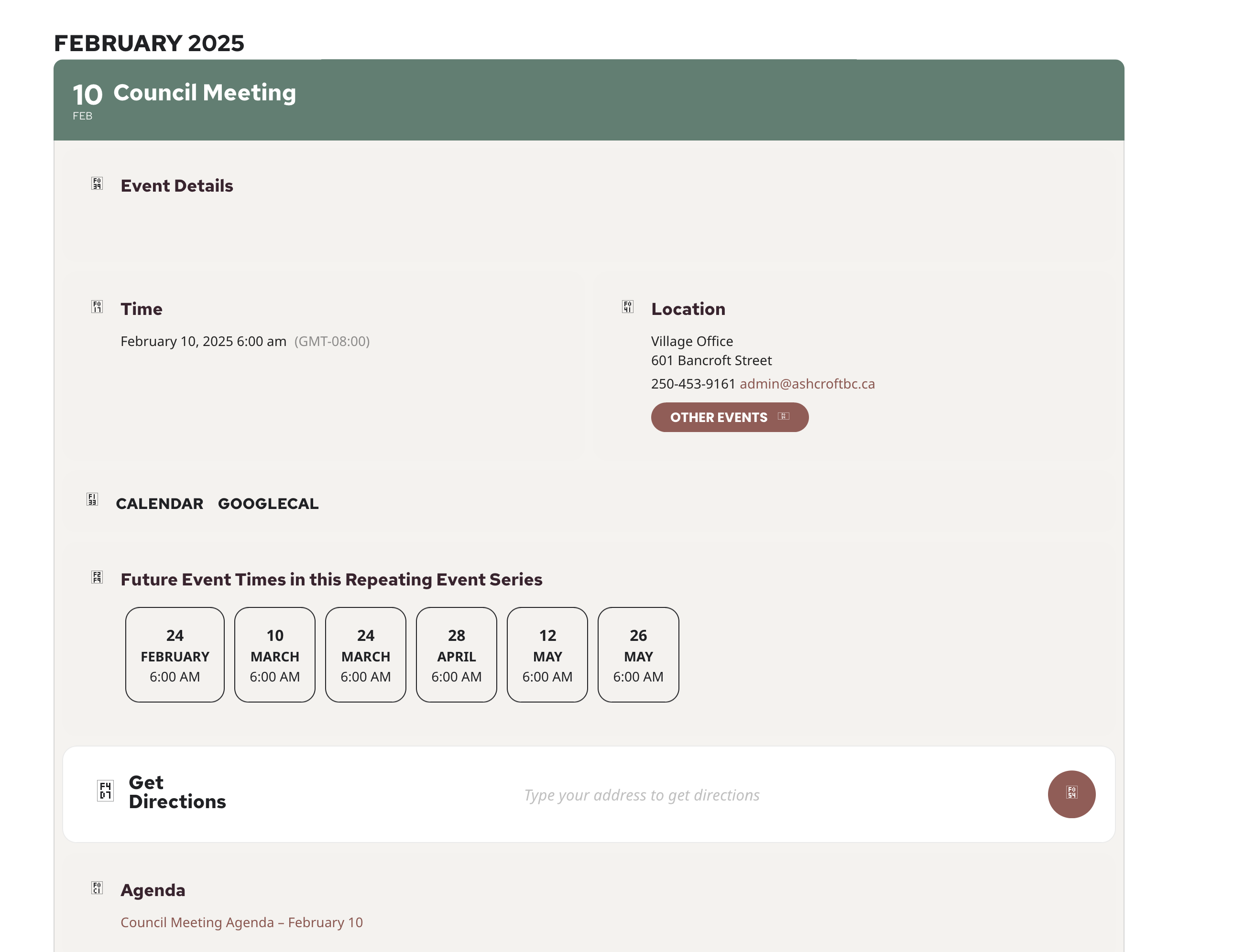
Thanks! The problem was I wasn’t seeing the fields at the bottom of post options. Thanks for your response. One more question if possible:
Can you help me out with why no icons are showing?
See screenshot.
Thanks!
Replies for tickets on suppota
Thanks! The problem was I wasn’t seeing the fields at the bottom of post options. Thanks for your response. One more question if possible:
Can you help me out with why no icons are showing?
See screenshot.
Thanks!
Hello Artem
That did the trick!! Thank you so much!!
I’ll go ahead and close the ticket!! 🙂
Cheers 🙂
Ashan,
The same on dev2:
https://dev2.myeventon.com/events/ticket-15/
Hello,
Thank you for your messages, I am going to assign this ticket to Ashan and he will be able to take it from here and find you a solution. Please allow some time for him to get back to you, we greatly appreciate your patience and thank you for being a eventon customer! Also please disable any IP blocking on your site if there are any.
I just need to check some things. Could you tell me where can I find the second shortcode: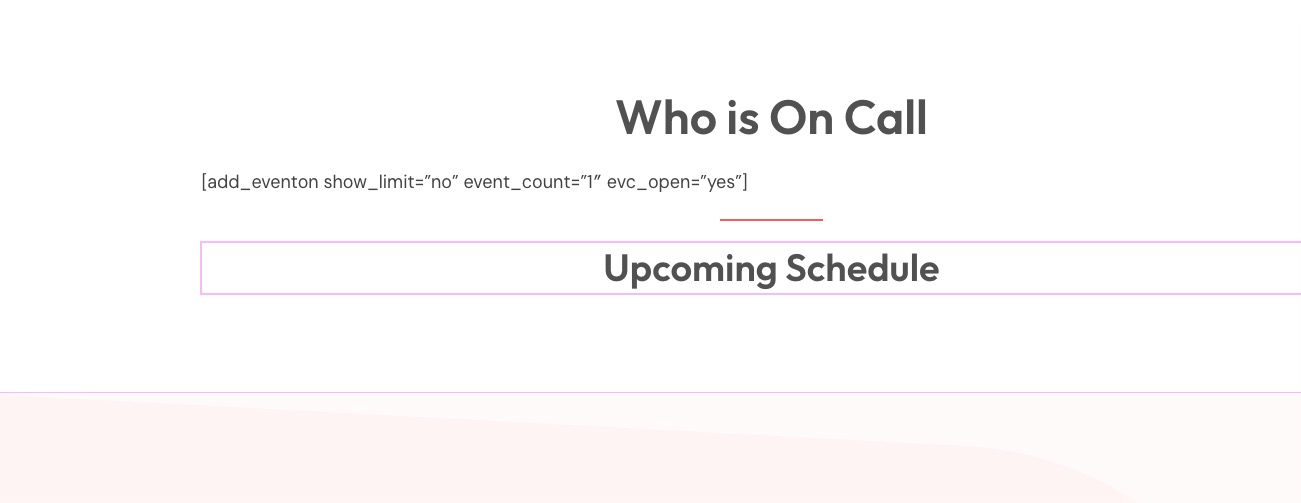
Or could you send it to us?
If you rename /event-directory to /events, then your styling will be from EventON and not from the theme you are using.
Could you update RSS Feed add-on?
To update eventon addons: You can download latest eventon addons from myeventon > my account. Then you can go to your website, deactivate old addon and install new one and activate then delete the old addon. This link will further explain the process. Also you can follow us on twitter to get real-time announcements on updates!
I have provided ample time to respond. I will be requesting a review by PayPal if I don’t hear back by Friday.
Please update EventON as well as Action User add-on.
To update eventon to latest version: If you are unable to do autoupdate, you can go to codecanyon your account > download and get the latest eventon version as zip file. Then you can go to your website > make sure “Delete eventon settings & data when EventON is uninstalled” is Deslected from eventon settings, delete old eventon, install new one and activate. This link will further explain the process it. Also you can follow us on twitter to get real-time announcements on updates!
To update eventon addons: You can download latest eventon addons from myeventon > my account. Then you can go to your website, deactivate old addon and install new one and activate then delete the old addon. This link will further explain the process. Also you can follow us on twitter to get real-time announcements on updates!
Hello,
Thank you for your great suggestion, at the moment it is not supported. However please create a new ticket and select Feature Request as category so others can vote on your idea and get it moved into development faster.