Ashan,
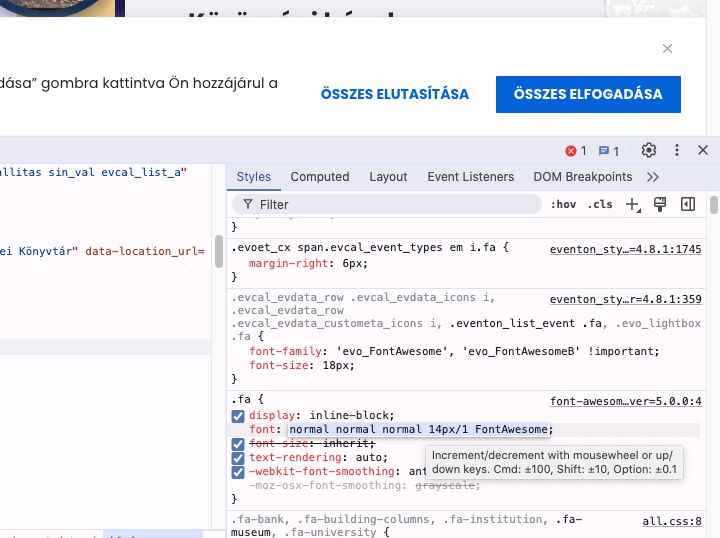
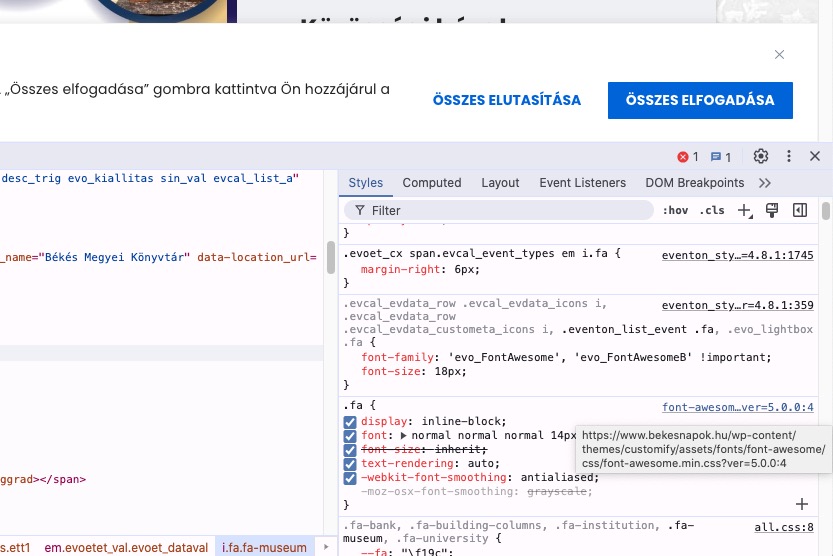
The theme affects EventON’s font awesome styling, so some icons don’t work.
The strange thing is that I can see that
font-family: ‘evo_FontAwesome’, ‘evo_FontAwesomeB’ !important;
is being applied to <i>, but it still doesn’t work.
However, when I disable this style, the icons are working again:
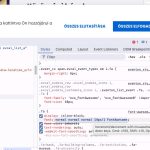
Could you check as I cannot even provide custom code to fix this?
This style from your theme overrides EventON’s styling: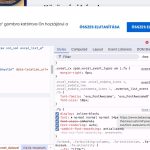
Thank you for your messages, I am going to assign this ticket to Ashan and he will be able to take it from here and find you a solution. Please allow some time for him to get back to you, we greatly appreciate your patience and thank you for being a eventon customer! Also please disable any IP blocking on your site if there are any.
Hello,
PDFer only works with Tickets add-on when you purchase tickets through EventON’s events:
https://www.myeventon.com/addons/event-tickets/
There is no way to make the add-on work with your current installation, I am afraid.
Hello,
Please take a look at Filters Plus add-on:
https://www.myeventon.com/addons/filters-plus/
Looks like this:
https://dev2.myeventon.com/test-814/
With this shortcode:
[add_eventon fast_filter=”yes” ff_tax=”event_type,”]
Hello,
Please send us wp-admin access to your site as a private message for us to further assist your situation.
I need to check your current installation, so I can re-create the issue on our test site.
Could you also make sure to update EventON as well as all your add-ons to latest versions?
To update eventon to latest version: If you are unable to do autoupdate, you can go to codecanyon your account > download and get the latest eventon version as zip file. Then you can go to your website > make sure “Delete eventon settings & data when EventON is uninstalled” is Deslected from eventon settings, delete old eventon, install new one and activate. This link will further explain the process it. Also you can follow us on twitter to get real-time announcements on updates!
To update eventon addons: You can download latest eventon addons from myeventon > my account. Then you can go to your website, deactivate old addon and install new one and activate then delete the old addon. This link will further explain the process. Also you can follow us on twitter to get real-time announcements on updates!
Hello,
If you don’t enable EventON > Time Settings > Hide past events for default calendar(s), then all past and future events are visible on all calendars.
With FullCal you can switch between months, so all events are visible.
Try on
https://dev.myeventon.com/wp-admin/
Hi Artem/Ashan,
Do you have an update about resolving this issue? 4.8.1. didn’t fix this.
I still can’t add and save extra repeating times/dates to events.
Kind regards,
Michael
Hello,
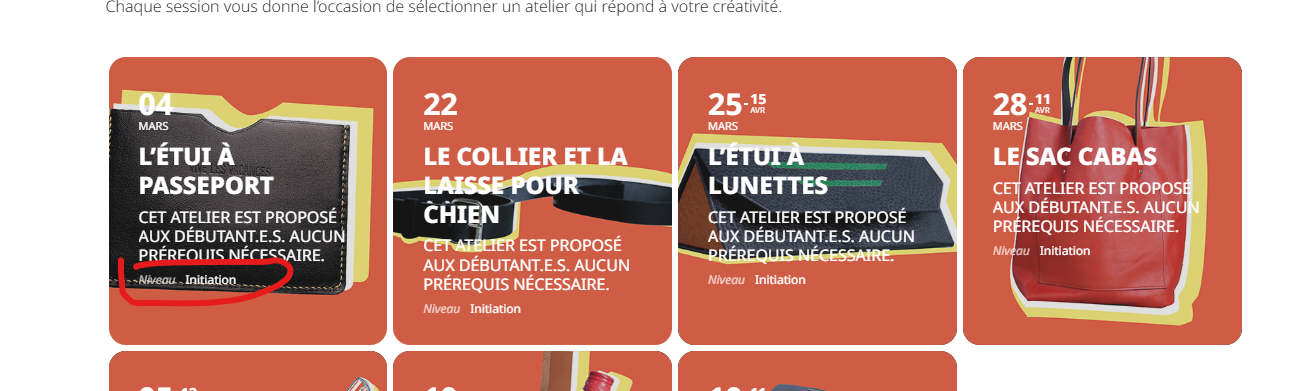
Sorry, I think I got confused. What I meant to say is that I want the event categories to be displayed in the event list. We have created 3 event categories: Categories de formations, Type d’evenement, and an additional type: Niveau. On our current event list, only the “niveau” category is displayed in the tiles. However, we want to display the “Categories de formation” type.
Update: here is our current shortcode: [add_eventon_list filter_show_set_only=”no” tile_bg=”1″ number_of_months=”300″ add_eventon tiles=”yes” event_type_2=”161″ ux_val=”4″ tile_count=”4″ hide_empty_months=”yes” hide_mult_occur=”yes” hide_month_headers=”yes” lang=”L1″]
URL of the page: https://cmcm.qc.ca/formations/ateliers-grand-public/
Thank you. We use the latest versions of wordpress, php 8.3. Everything was working fine until we got version 4.8.1 (not sure about 4.8, I don’t remember it working)