The error was caused by the Font Awesome plugin. I changed it from SVG to Web font and now it works fine. However, the category icons are broken now.
Replies for tickets on suppota
The error was caused by the Font Awesome plugin. I changed it from SVG to Web font and now it works fine. However, the category icons are broken now.
Ok. Thx for the temp fix. I’ll look forward to hearing from Ashan.
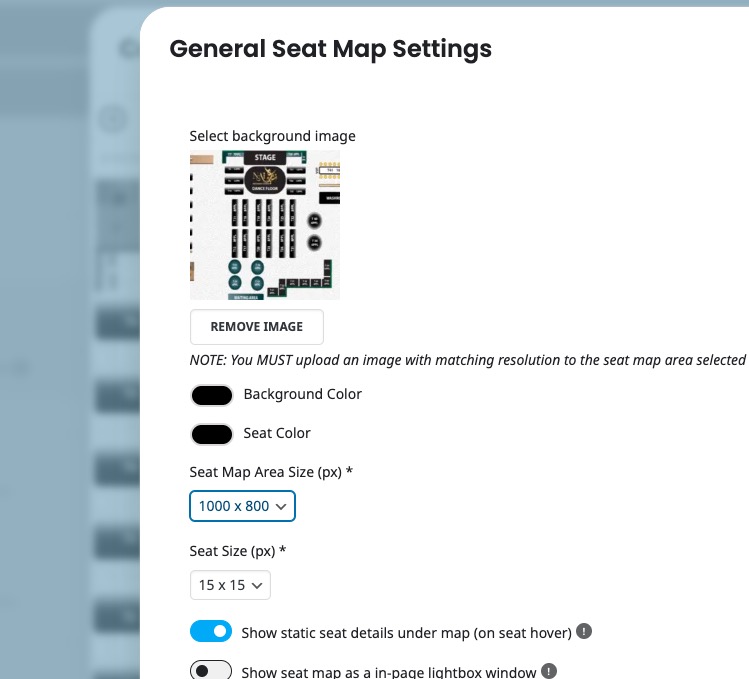
Could you try changing “Seat Map Area Size (px) *”:
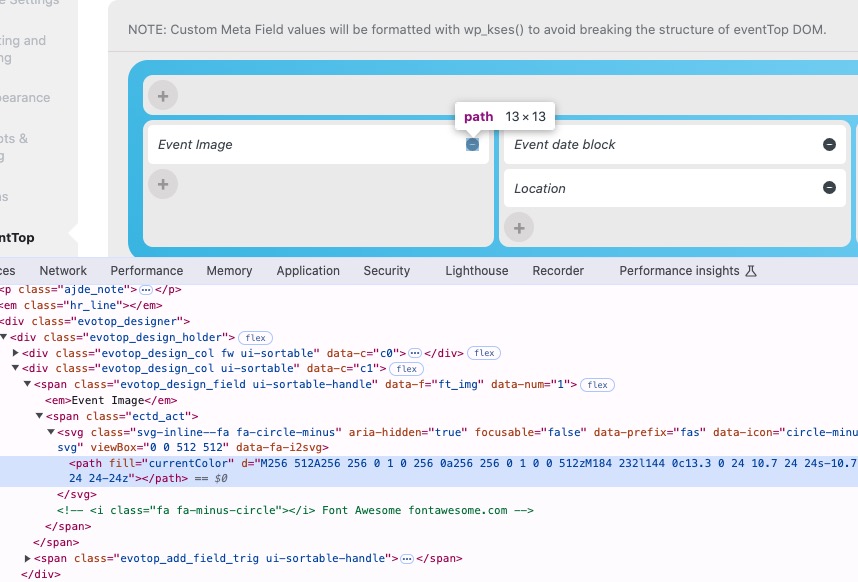
Something changes all icons to svgs.
How it supposed to look like:
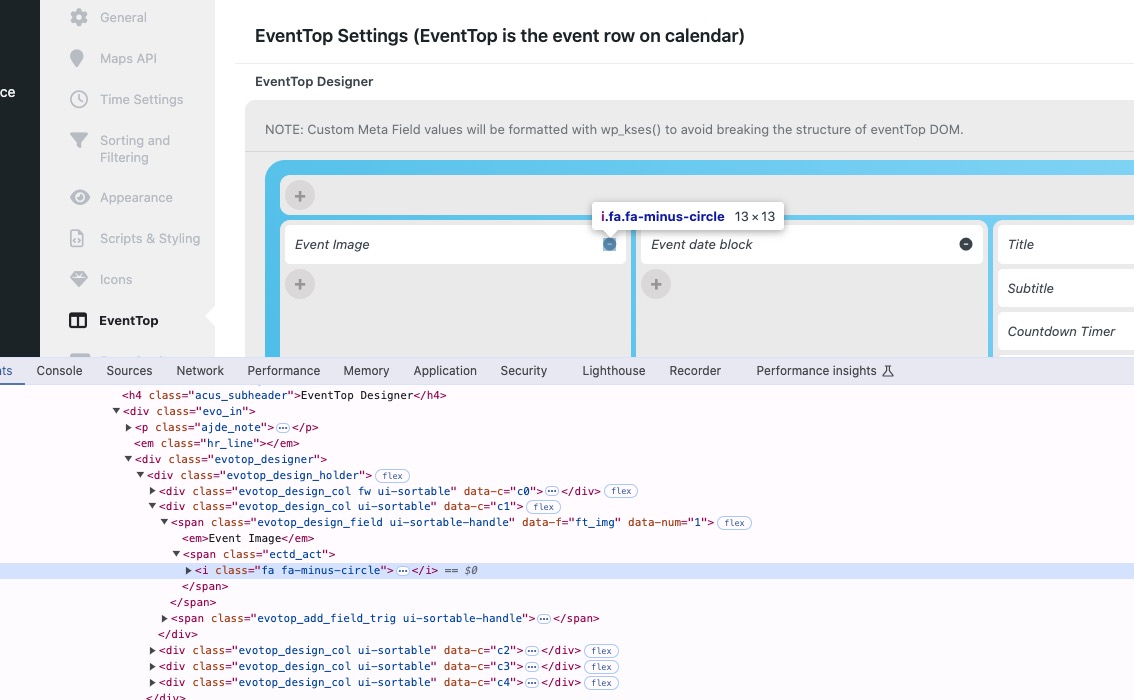
On your website:
Could you please try the instructions mentioned in this documentation?
Hello,
Organizer is already visible on EventCard:
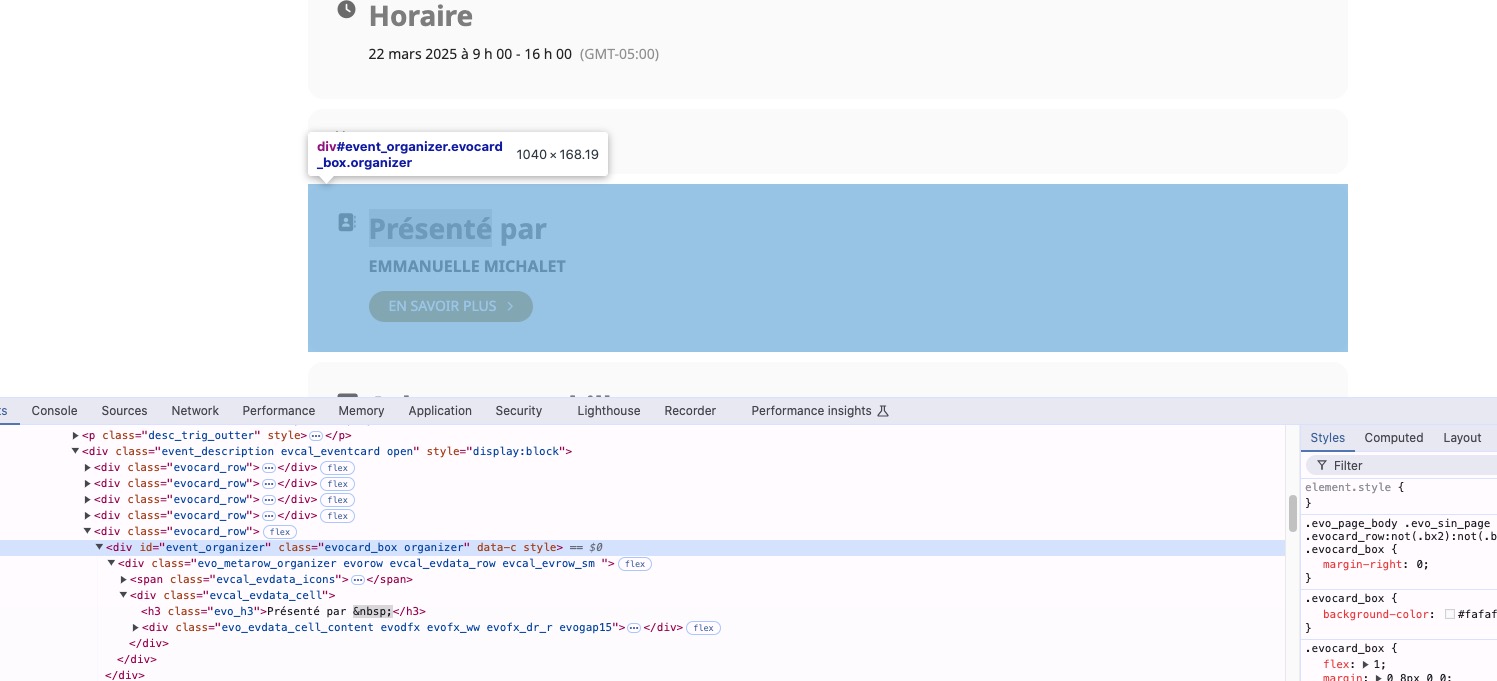
Event Type can be added manually with
https://docs.myeventon.com/documentations/setup-use-custom-meta-fields-events/
Or through the code with
https://docs.myeventon.com/documentations/show-additional-custom-data-eventcard/
How to get the taxonomy data:
https://docs.myeventon.com/documentations/taxonomies-eventon/
Hello,
Thank you for your messages, I am going to assign this ticket to Ashan and he will be able to take it from here and find you a solution. Please allow some time for him to get back to you, we greatly appreciate your patience and thank you for being a eventon customer!
Ashan,
To fix this from grey to white:
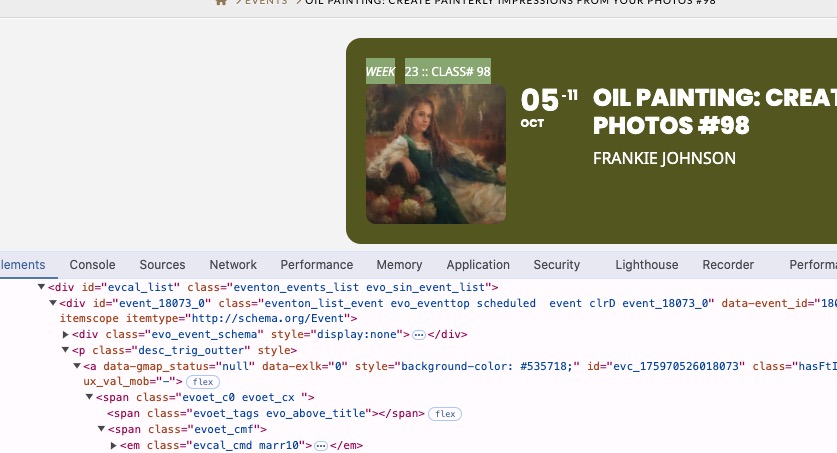
I changed
https://helpdeskx.s3.amazonaws.com/wp-content/uploads/2025/01/20104758/Screenshot-2025-01-20-at-18.47.38.jpg
But now Event Details links are white as well, because this doesn’t override them:
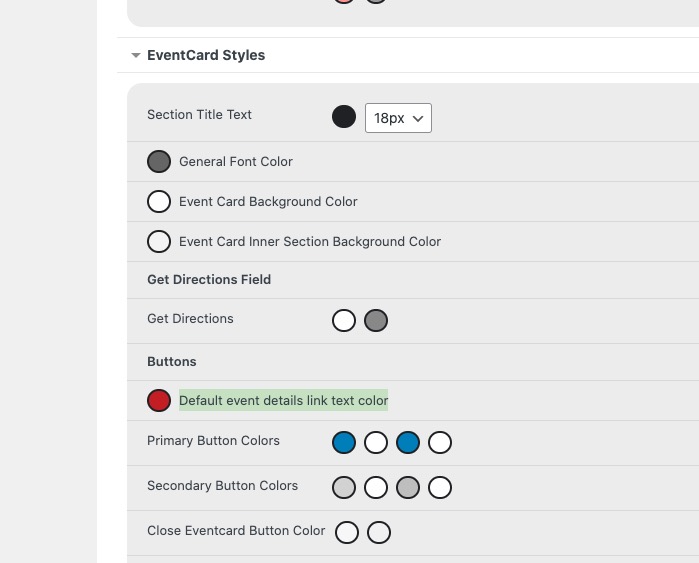
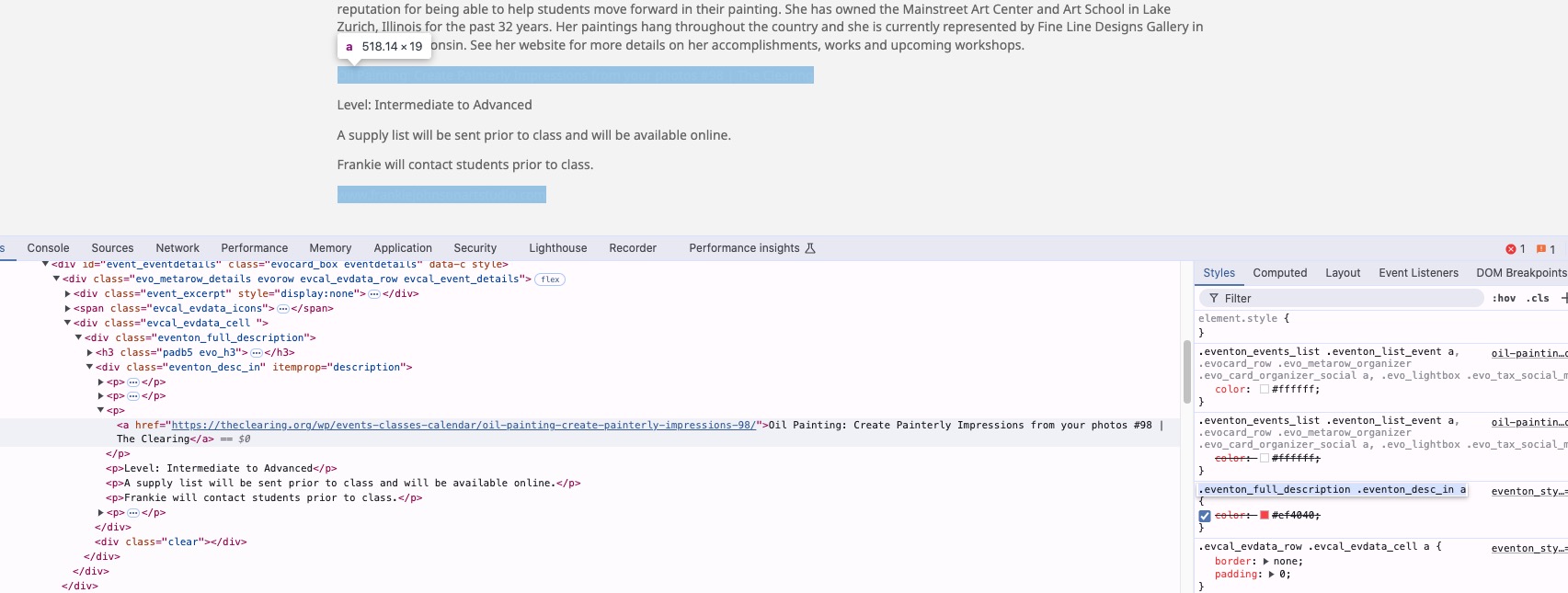
Could you check?
Thank you for your messages, I am going to assign this ticket to Ashan and he will be able to take it from here and find you a solution. Please allow some time for him to get back to you, we greatly appreciate your patience and thank you for being a eventon customer! Also please disable any IP blocking on your site if there are any.
As a temporary solution, please use this code to change the links to red (you can select any color):
.eventon_full_description .eventon_desc_in a { color: #ef4040; }
I changed this to white:
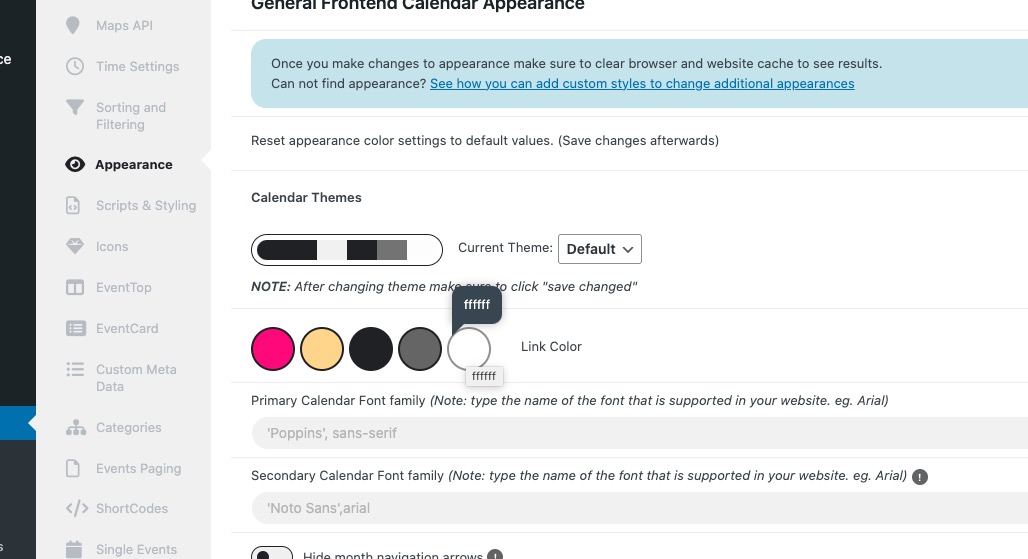
Also selected “Configure text color for colorful & Image eventtops: Use custom colorful only color for eventtop text”, but the color remains black because of
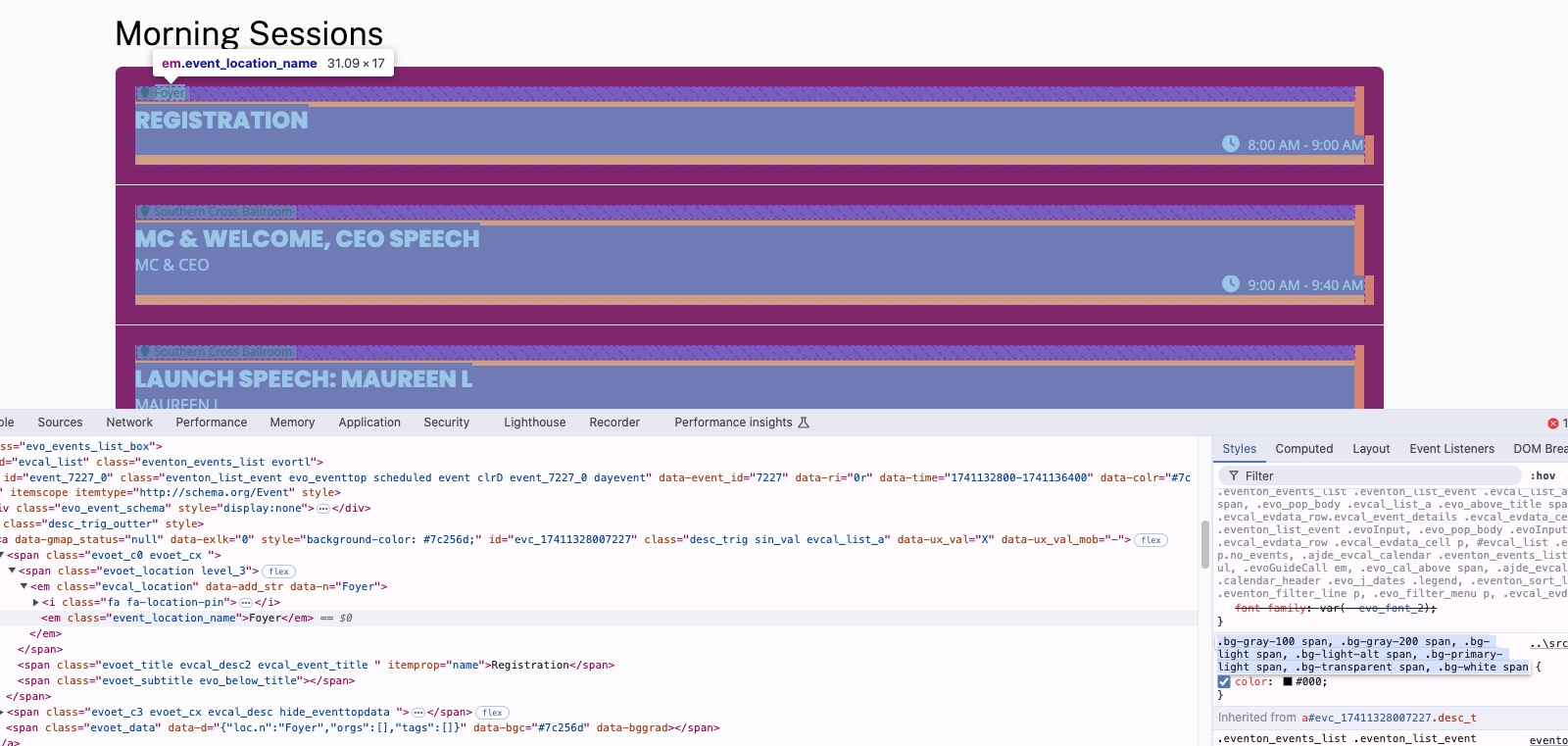
So please add this CSS code to EventON > Styles (If you don’t see any change, EventON > Scripts & Styling > turn off Write dynamic styles to header > save settings > turn on Write dynamic styles to header):
.eventon_events_list .eventon_list_event .evcal_desc .evcal_desc_info, .eventon_events_list .eventon_list_event .evoet_cx .level_3, .evo_pop_body .evcal_desc .evcal_desc_info, .evo_pop_body .evoet_cx .level_3 { color: white !important }
It’s exactly the same, but you need to click on Configure to show all available custom meta fields:
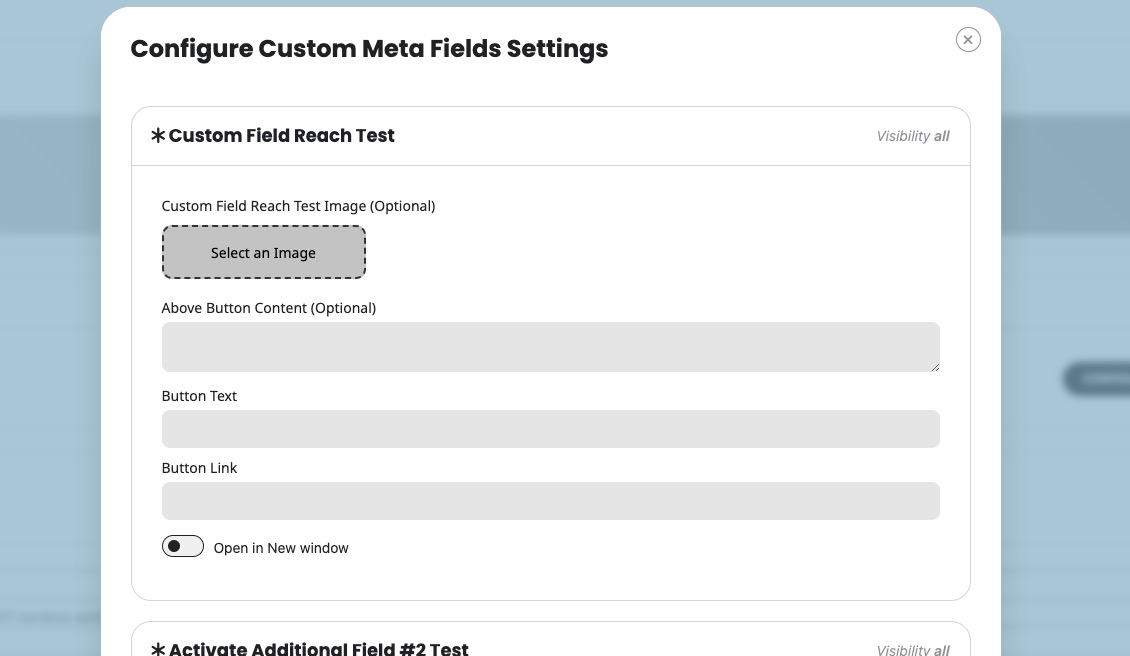
Could you check and let me know?