Please set event’s time to 8:00 and then go to EventON > Time Settings > enable Hide GMT value from frontend.
Archives: Replies
Replies for tickets on suppota
Reply to: tickets(375551)
I changed this, so the text is white now: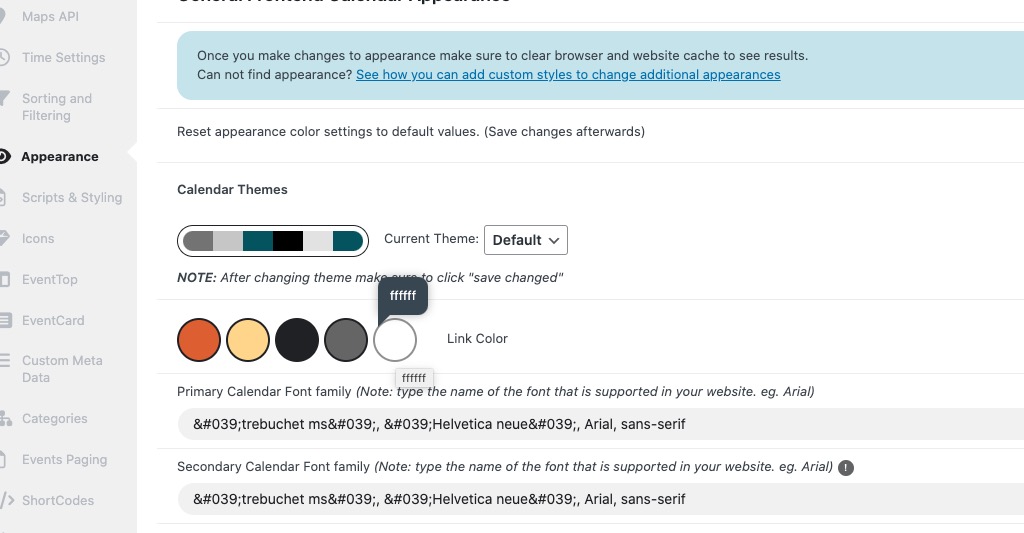
Could you check and let me know?
Reply to: tickets(375967)
Hello,
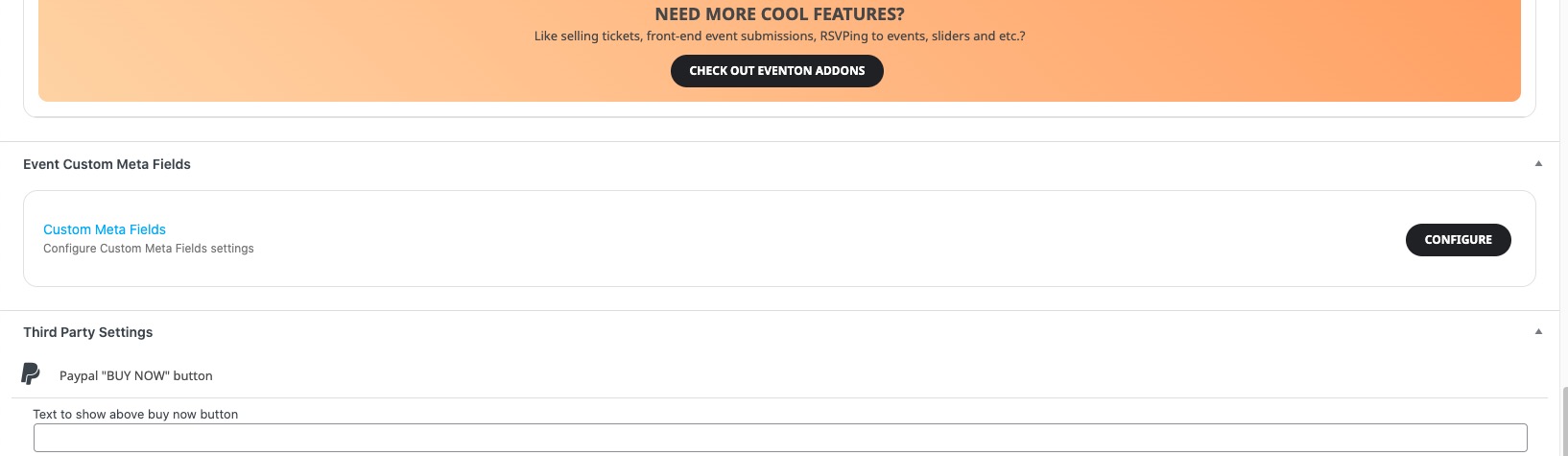
How did you add it? With Custom Meta Fields:
https://docs.myeventon.com/documentations/setup-use-custom-meta-fields-events/
They are located here:
Reply to: tickets(375969)
Hello,
1. Please add this CSS code to EventON > Styles (If you don’t see any change, EventON > Scripts & Styling > turn off Write dynamic styles to header > save settings > turn on Write dynamic styles to header):
.eventon_list_event .evcal_list_a .evoet_cx .evcal_tz_time.tzo_trig, .eventon_list_event .eventon_events_list .evopop_top .evoet_cx .evcal_tz_time.tzo_trig { border: none; background-color: lightblue !important; color: white !important; }
2. Could you re-send the screenshot? I don’t see it.
Reply to: tickets(375972)
Hello,
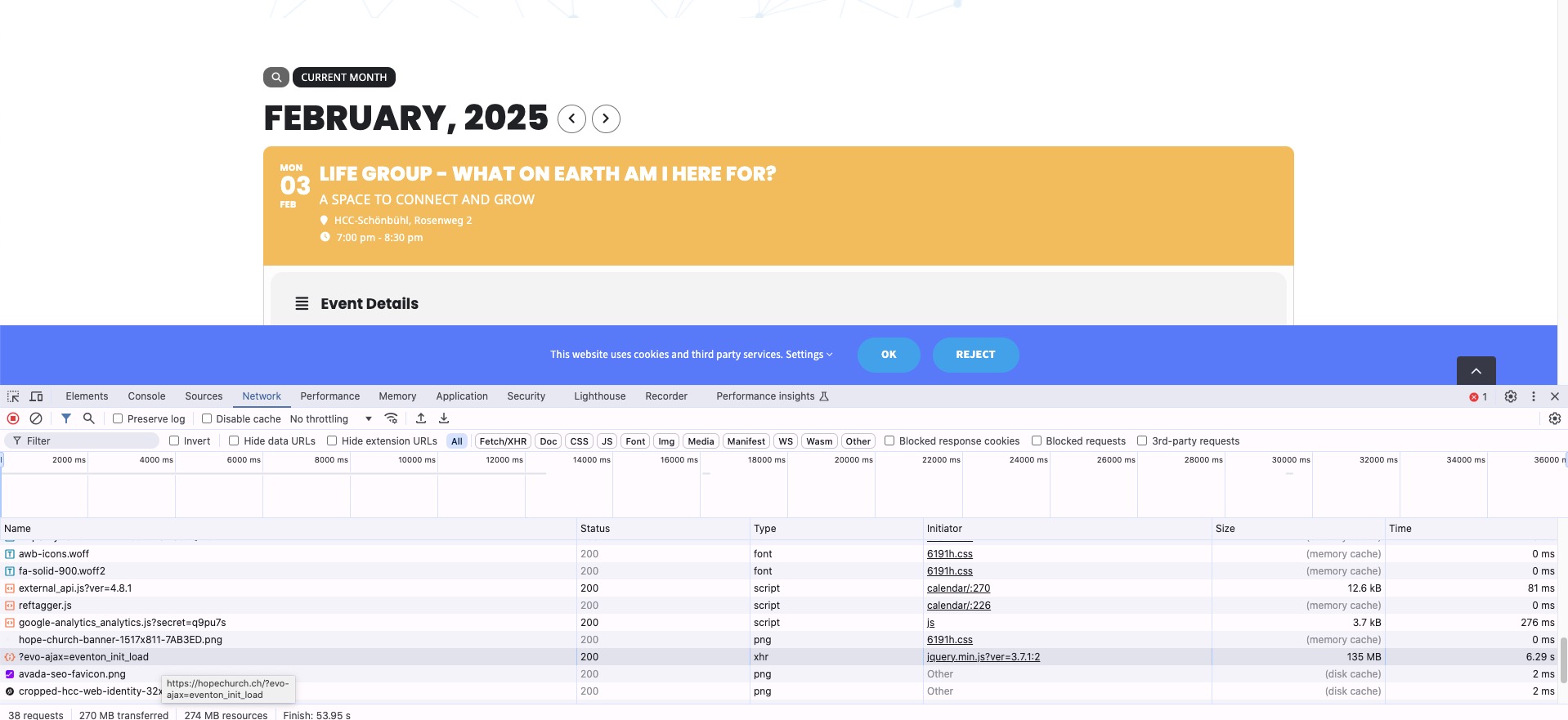
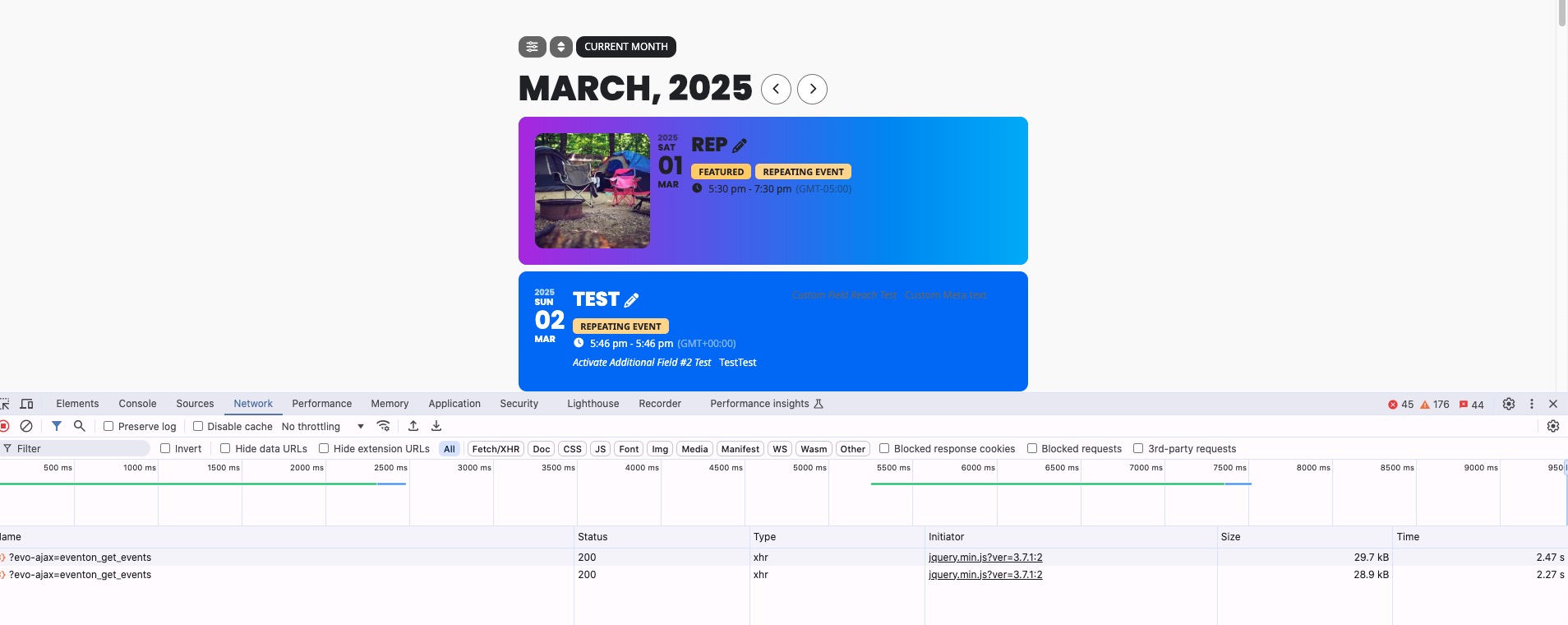
Strange thing is that when I switch between months the size of the request is 135MB which is quite a lot comparing to our server (30kb):
Please send us wp-admin access to your site as a private message for us to further assist your situation.
Reply to: tickets(375643)
Reply to: tickets(375643)
Hi, I’ve just spotted another issue which I’m struggling to resolve. Can you tell me where the settings are to change the colour of the sub-title text on the event page? I’ve set the colour of the ‘Event Sub Title Text Color’ to the one I want in the Event Top Styles in the Settings – Appearance menu but it doesn’t seem to be making any difference. I’ve attached a screen grab which is currently showing the sub title in white. I want to change it to a darker colour.
Thanks.
Reply to: tickets(375756)
Could you elaborate?
In the past there have always been adjustments that were “improved” with the Stylecss. graphic width etc.
Maybe something is now unnecessary and is now slowing down usage. Would that be possible?
Reply to: tickets(375756)
This doesn’t work for me either. Maybe I’m doing something wrong too.
I assume your code was within the */
Can you please look there yourself, you have received login data 🙂
In addition, with the new update does the Firefox browser have problems scrolling through the calendar (next month). It loads and loads.
Apple Safari, Google Chrome and mobile phones work perfectly
Reply to: tickets(375484)
Hi,
Thank you for the suggestion. I tested the CSS code, and it worked correctly. I really appreciate it!
I’ll wait for Ashan to review the Custom Meta Data issue in the Event Card and the possibility of adding the price in Event Top.
Thanks again for your help.
Best regards,