I tried to add the code to that page and it just showed the word “jump months” and not the visual display that I wanted. If you click on the “jump Months” it come up someone like that. It did not work and you please do this for me. Thank you, Marilyn
https://gaydesertguide.com/
Oh, and same issue with images. The image url is the same in my csv file, but each time i edit something in that file and import it, a duplicate image is created in my media library. Thx.
This import worked, but none of the events show up under events and I noticed none of the events had dates in the importer tool. However, on the excel sheet they all have dates.
Hi Artem,
I have tried your setting but it doesn’t help.
I have activated your support account so you can get in yourself.
user: eventon-support
Pwd: CEv!qAn9drkh^51MstWRdg%F
Thx, Axel
I was able to work with the theme developer to get a resolution. Thanks for your feedback!
Ahh I see now. Thank you for that – sorry I missed that option!
That’s now working, but on the homepage there is a jump calendar. The text is black and hard to read. It was white as default before the update.
https://lvyao.org
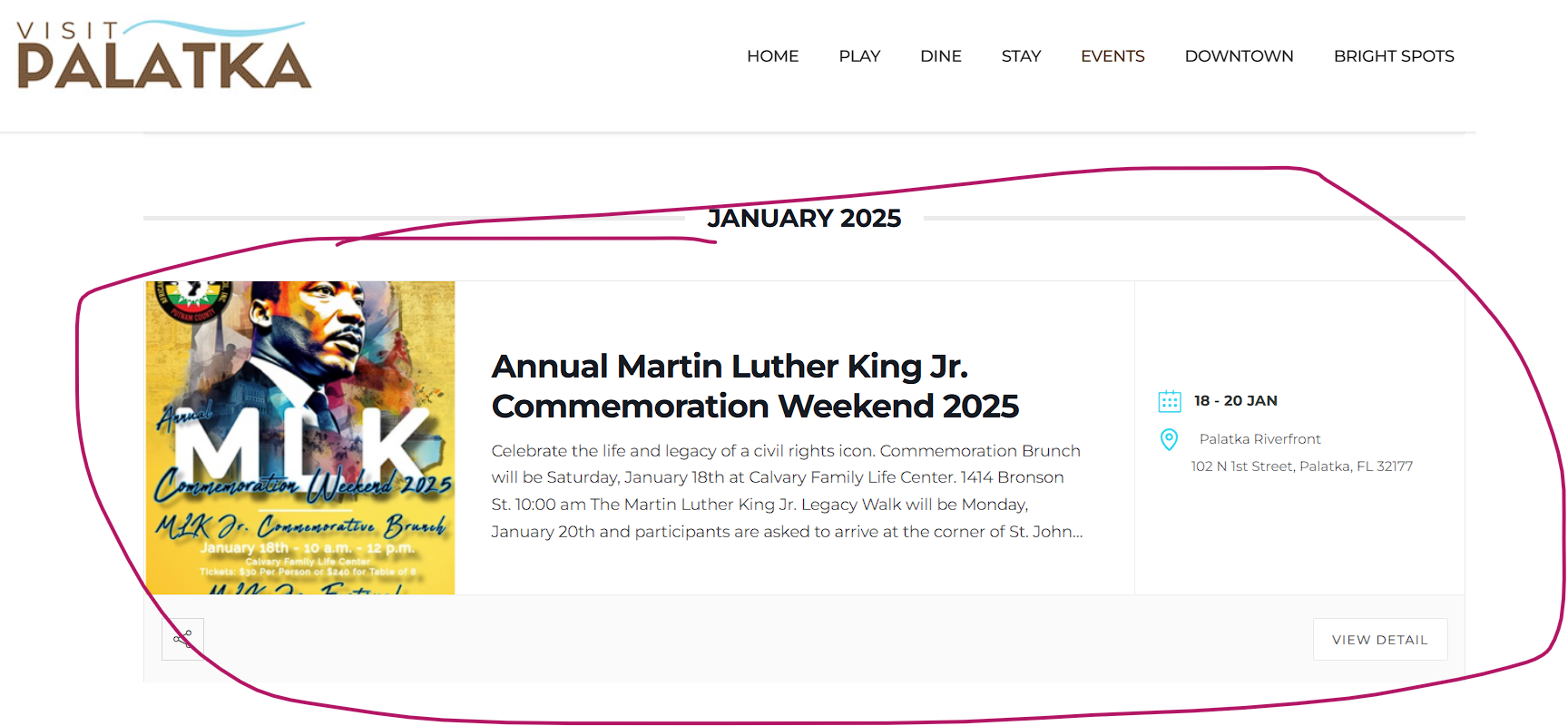
I want it to fill up the page like this
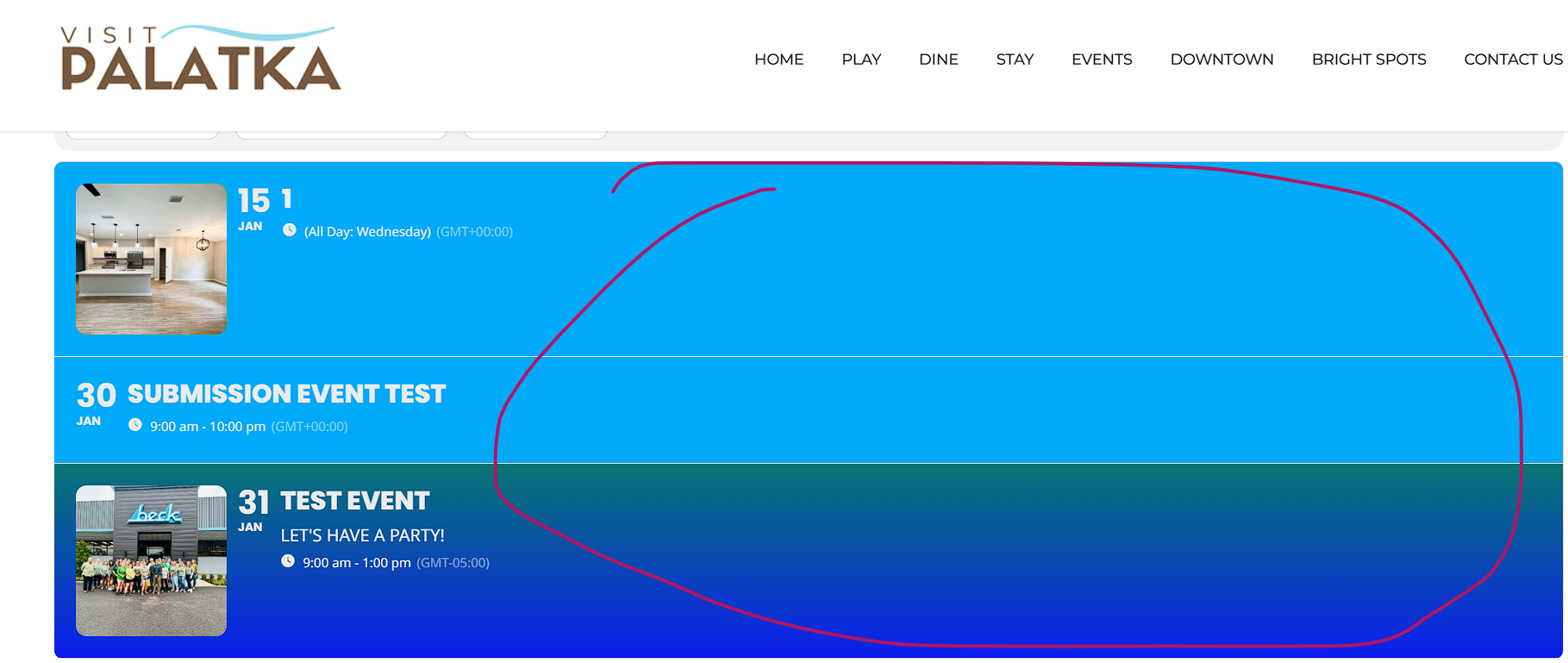
Why is there so much blank space?