Ok, however I still need to understand how this can be used as a link right now. Can you explain this please? Then I can provide some instructions to those who currently rely on a download version of the calendar.
Thank you.
Replies for tickets on suppota
Ok, however I still need to understand how this can be used as a link right now. Can you explain this please? Then I can provide some instructions to those who currently rely on a download version of the calendar.
Thank you.
I’m on version 4.7.3
Thank you. I have two questions:
Thank you.
[add_eventon show_et_ft_img=”yes” hide_mult_occur=”yes” event_type=”NOT-7298, NOT-7251“]
Take a look at
https://gaydesertguide.com/test-3/
Yes we want to show all events except bars and happy hour events for the events by day section on the events page. also we do not want to show more than one occurrence of each event and we want it to look like the attached example. I need the full shortcode to add to the page, possibly with flexibility to add or take away event categories.
Hello,
Please send us wp-admin access to your site as a private message for us to further assist your situation.
Also could you update Tickets to 2.4.7?
To update eventon addons: You can download latest eventon addons from myeventon > my account. Then you can go to your website, deactivate old addon and install new one and activate then delete the old addon. This link will further explain the process. Also you can follow us on twitter to get real-time announcements on updates!
Ashan,
The same on dev2:
https://dev2.myeventon.com/wp-admin/post.php?post=56501&action=edit
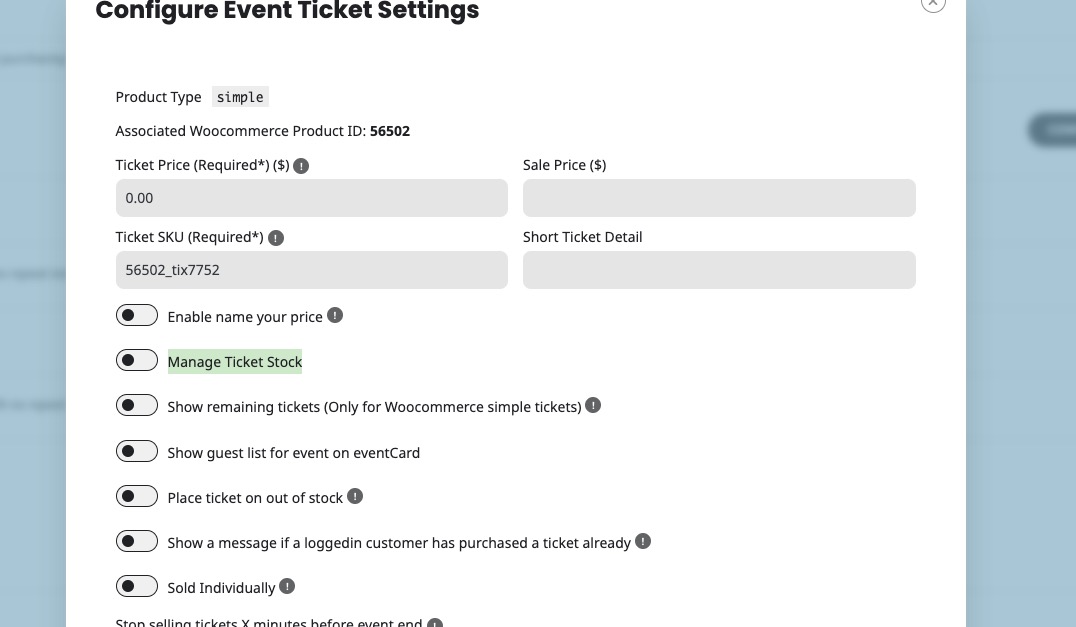
It disables “Manage Ticket Stock” after you saving the event and refreshing the page:
Hello,
Thank you for your messages, I am going to assign this ticket to Ashan and he will be able to take it from here and find you a solution. Please allow some time for him to get back to you, we greatly appreciate your patience and thank you for being a eventon customer! Also please disable any IP blocking on your site if there are any.
Please follow the instructions in this documentation to activate debug in your site to see any PHP errors recorded that can provide insight on to whats going on. Please reply with a link to debug.log file. If you are not able to do this please send us FTP access to your site so we can do this for you.
Hello,
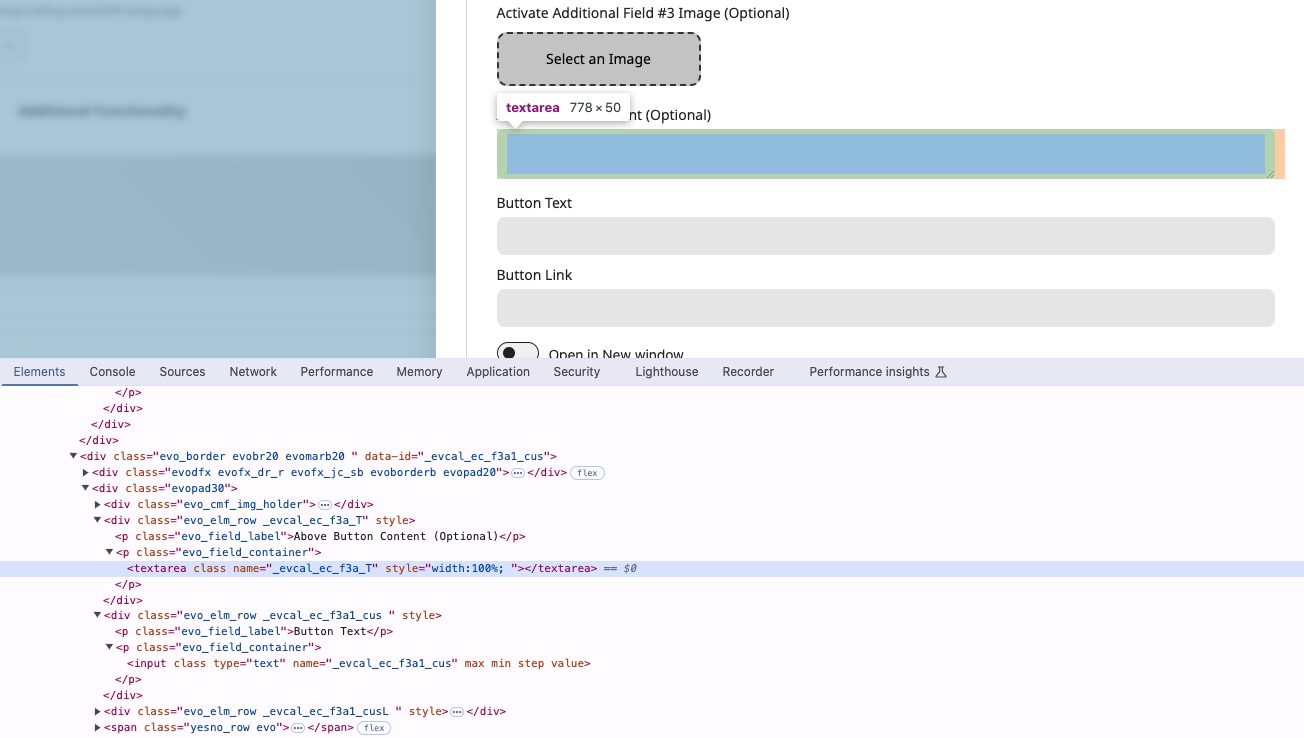
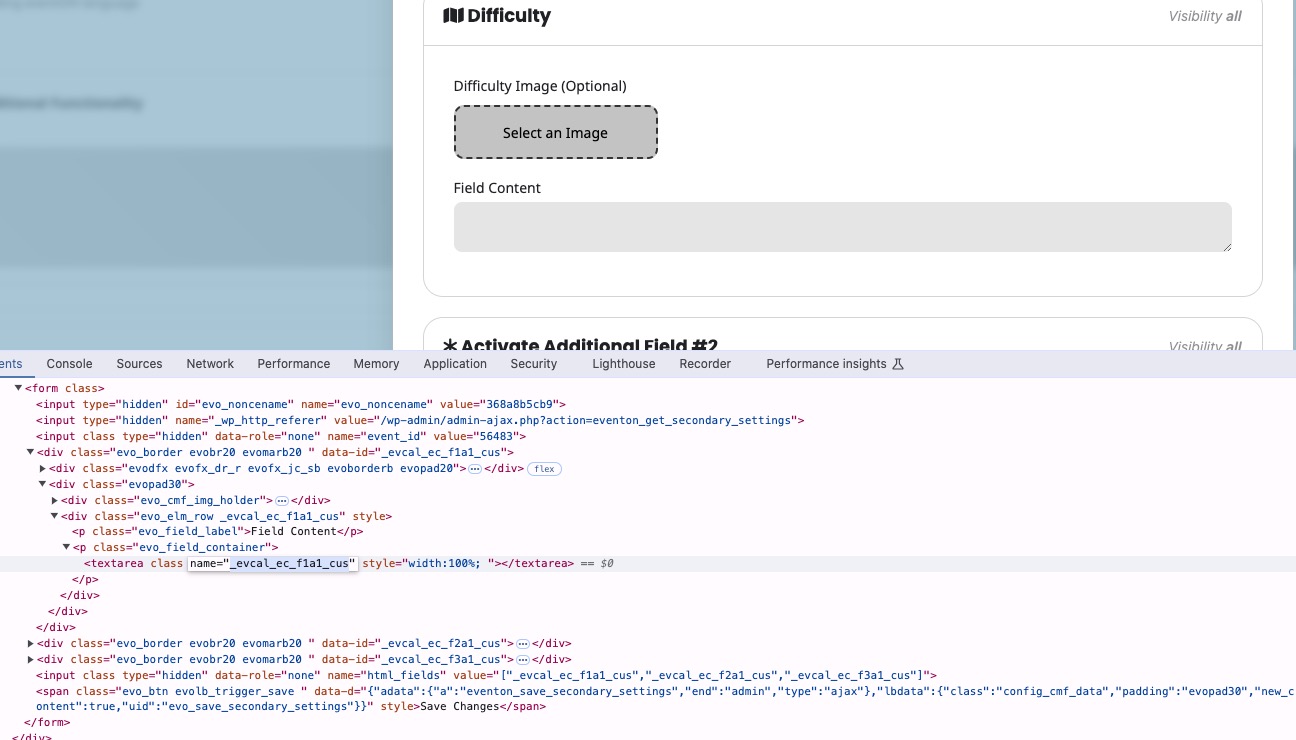
You can find correct fields by checking HTML code and find “name=” in input elements:
_evcal_ec_f1a1_cus
_evcal_ec_f2a1_cus
_evcal_ec_f3a1_cus
and so on