And that piece is working
Archives: Replies
Replies for tickets on suppota
Reply to: tickets(405498)
This is how it looks in previous event cards. This is what I wanted to center.
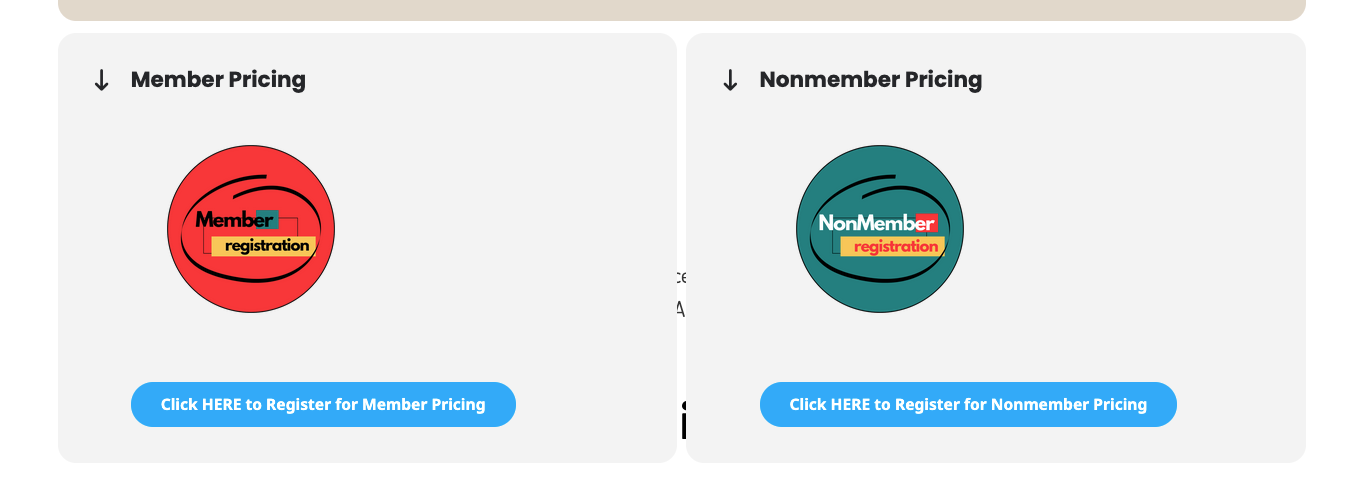
Reply to: tickets(405498)
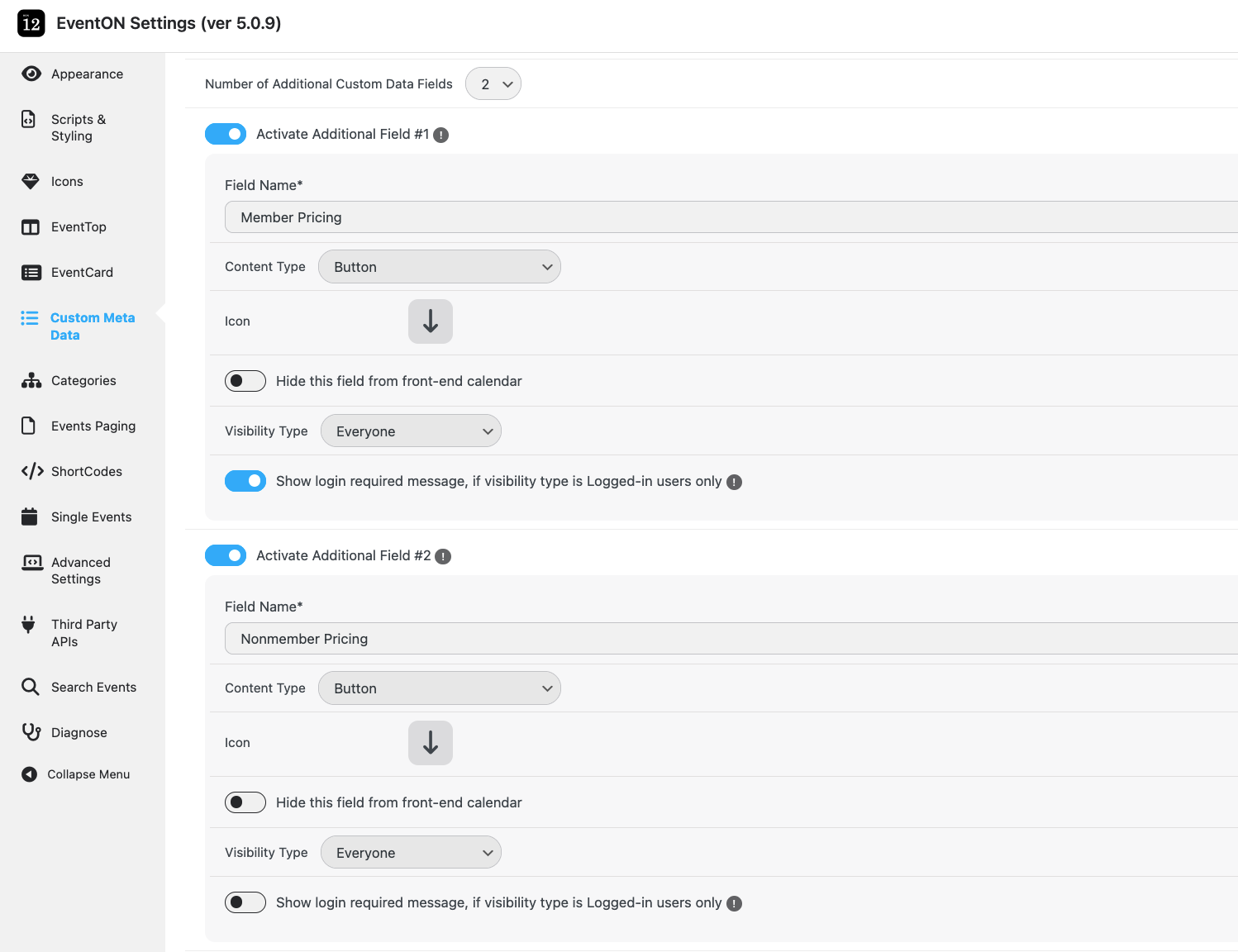
For now I am using a button for the meta fields. It was working previously. But now every time I try to set up my custom Meta Fields and add an image, it jumps back to the calendar page. This is the setup for my meta fields.
Reply to: tickets(407610)
Usually this issue because of memory limit, so please try following this guide:
https://docs.myeventon.com/documentations/increasing-wordpress-memory-limit/
If the issue continues, please follow the instructions in this documentation to activate debug in your site to see any PHP errors recorded that can provide insight on to whats going on. Please reply with a link to debug.log file. If you are not able to do this please send us FTP access to your site so we can do this for you.
Reply to: tickets(407610)
This happens on 5 of our applications. 
Reply to: tickets(407610)
Reply to: tickets(407610)
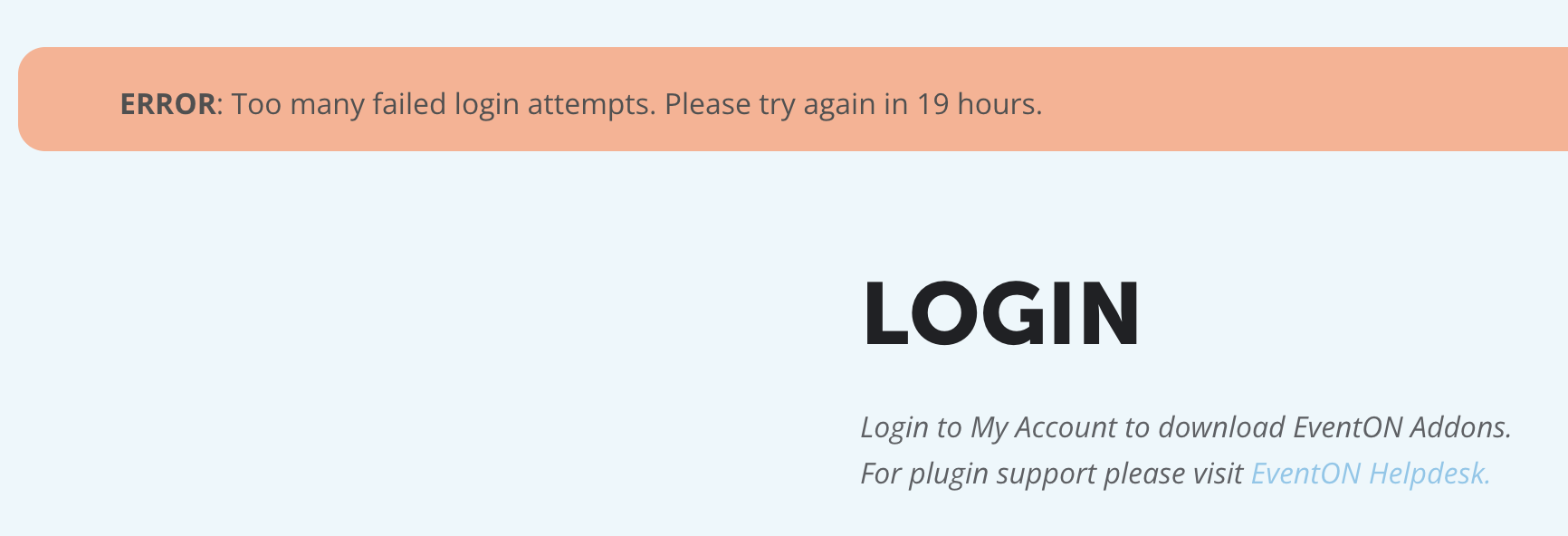
First of all I can’t login. I get blocked at the first attempt and have to wait for 24 hours. This is literally since I bought the licenses…
Since we already had a plugin file via CodeCanyon (customer) we have the plugin installed but within our multisite network the plugin stays on 5 sites in the ”load event modus”. So no actual events are showed, just the ”ghost loader”. This is probably because the nonce is cached or something like it, but still, it makes the plugin unworkable for our customers.
So, kindly refund my purchase so that I can stop wasting time and costs on this…
Reply to: tickets(406687)
Hello Artem,
You should be able to access the wp admin now
Reply to: tickets(407630)
Hello,
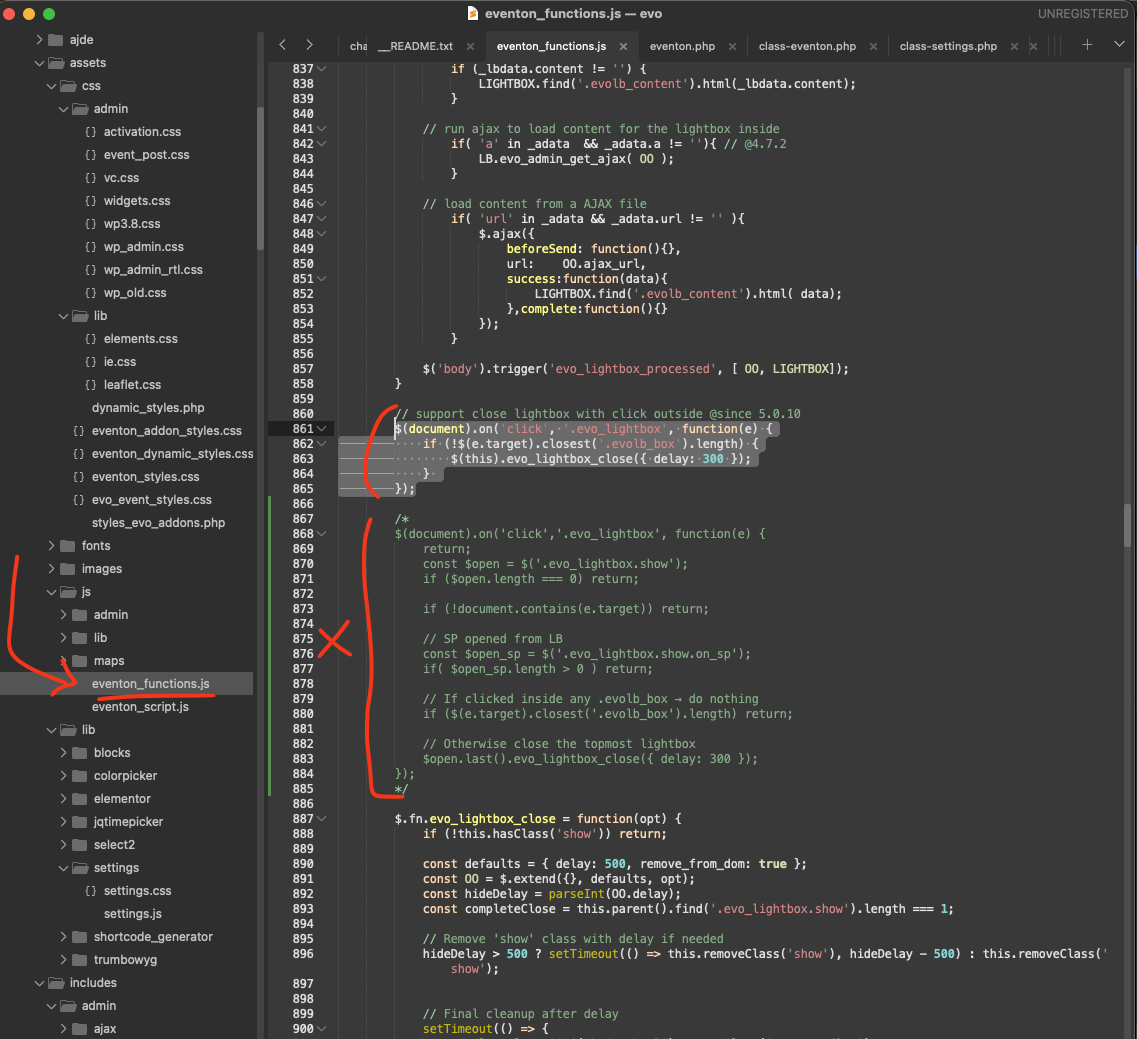
Thank you for reporting this. Please try applying this code fix for eventON that will fix this.
Code:
https://dev2.myeventon.com/codeshare/EtrQ83wnW4EQ
Location: EventON/assets/js/eventon_functions.js line 860
Reply to: tickets(407581)
Button generates fine but nothing happens when clicked
As a temporary solution, please try removing lightbox=”yes” from the shortcode.
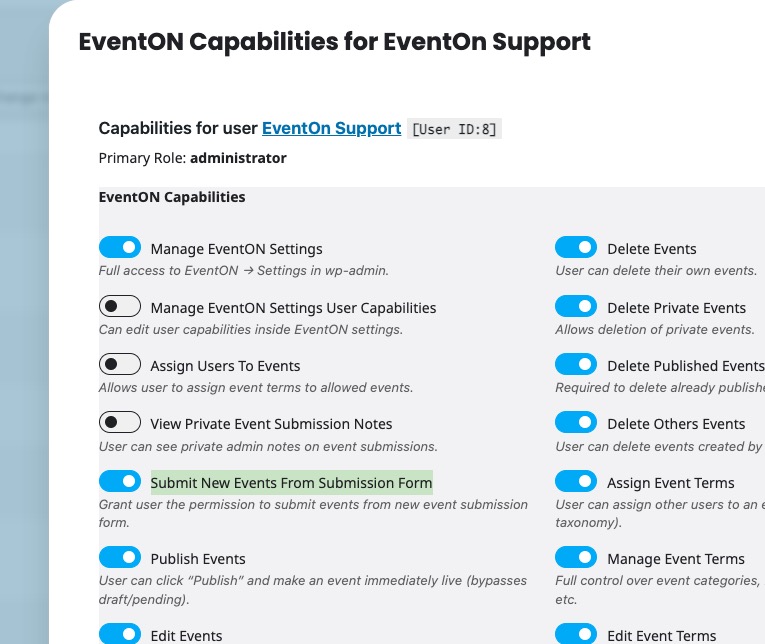
Admin and users are are getting a message that they do not have permissions to submit events.
Please go to and click ”EventON Capabilities”:
https://montrosebusinesstimes.com/wp-admin/users.php
Then enable ”Submit New Events From Submission Form” to allow users to submit events: