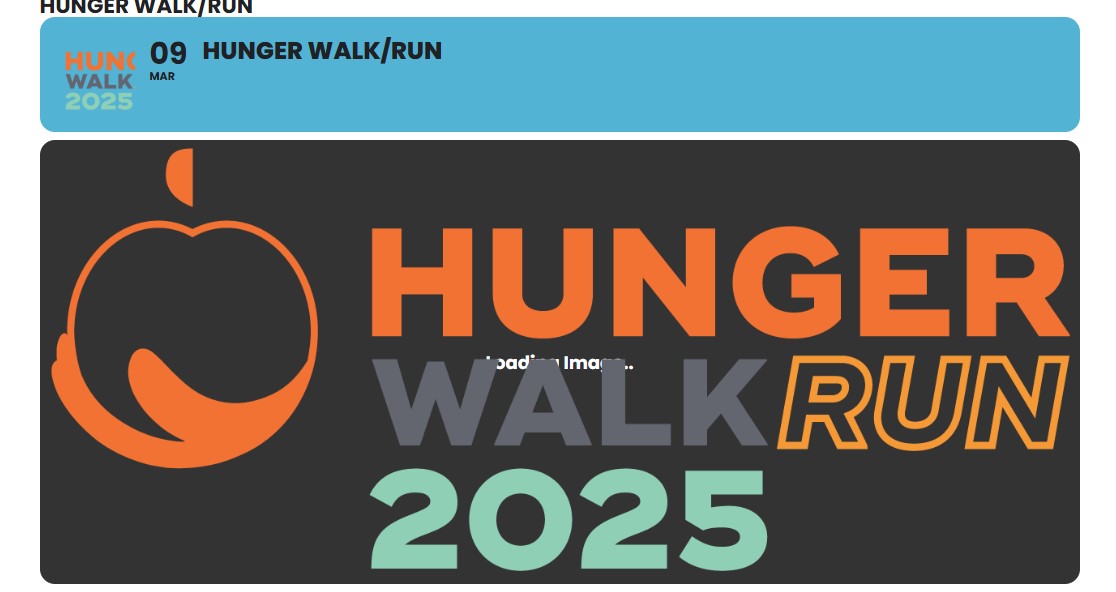
Image is appearing now, but in the background it still says loading image. How do I get rid of that?
Replies for tickets on suppota
Image is appearing now, but in the background it still says loading image. How do I get rid of that?
Hello,
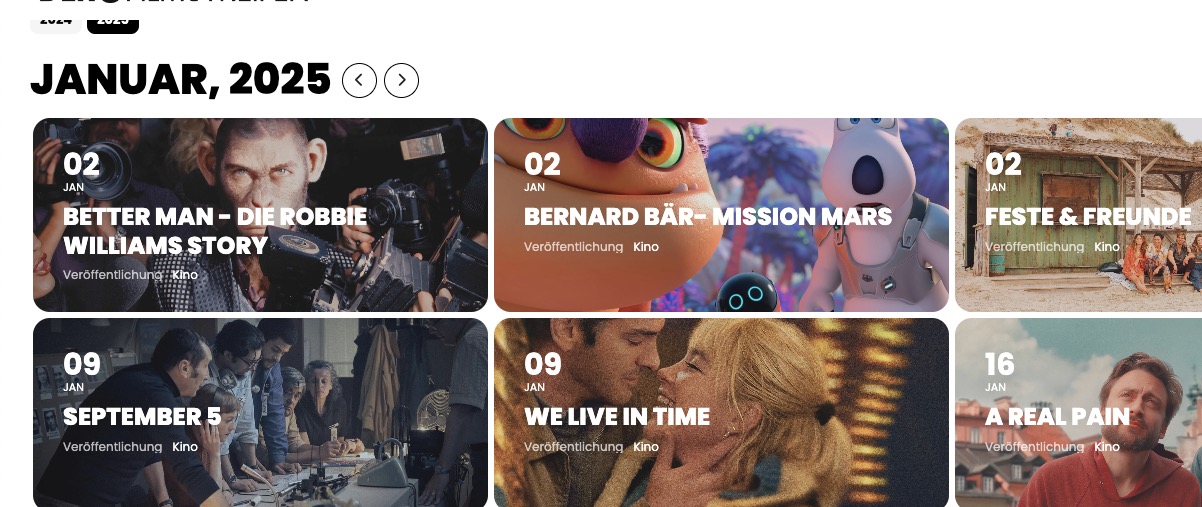
Unfortunately, you cannot use J or M in Monats-/Jahresformat für Kalenderkopfzeilen:

Hello,
Please go to EventON > Tickets > Checkout > enable Hide additional guest names.
Hello,
Where can we set this automatic time setting?
Where can we set this notification?
By default, it is set that an RSVP Point is always 1 point for each registration at an event. How can we set it so that 1 RSVP, for example, costs 2 or 3 RSVP points for an event?
Thank you for your great suggestions, at the moment they aren’t supported. However please create a new ticket and select Feature Request as category so others can vote on your idea and get it moved into development faster.
How can we correctly set that the number of registrations always corresponds with the RSVP points?
1 Point = 1 RSVP to event. It doesn’t take into account additional guests.
Ashan,
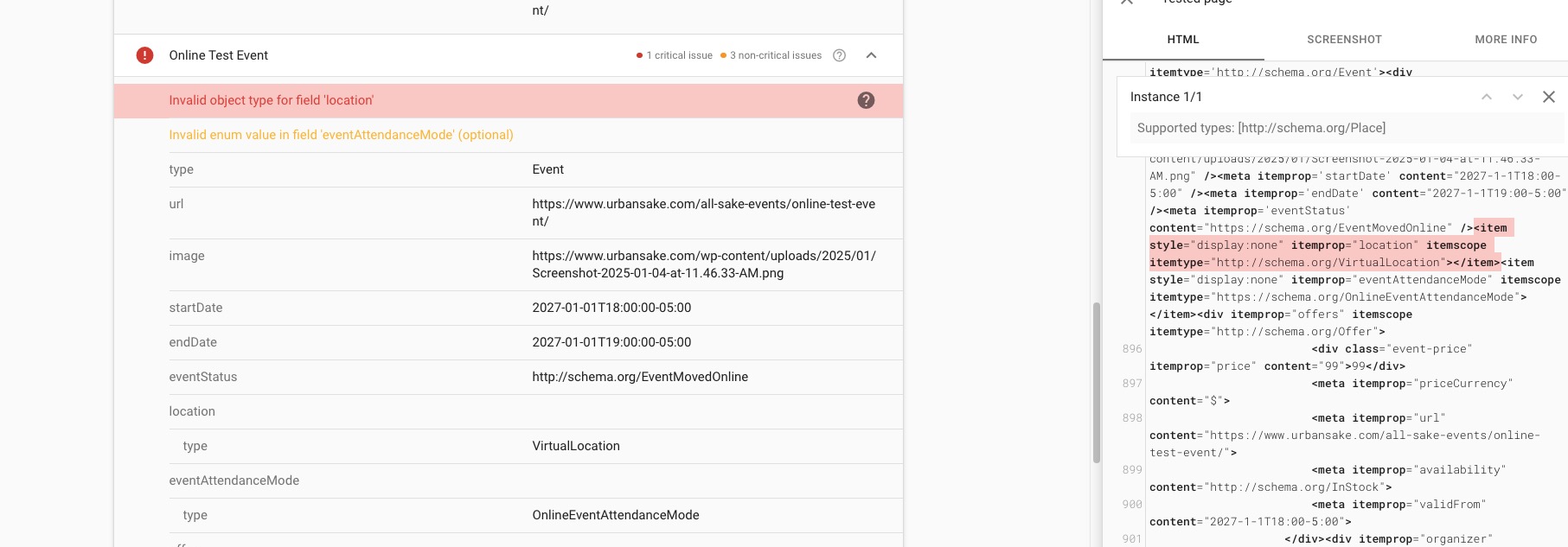
Please take a look at
The event:
https://www.urbansake.com/all-sake-events/online-test-event/
This shows no issues at all:
https://validator.schema.org/#url=https%3A%2F%2Fwww.urbansake.com%2Fall-sake-events%2Fonline-test-event%2F
And this does:
https://search.google.com/test/rich-results/result?id=rZGRMEaPcuuz1f_aDU0sHQ
Thank you for your messages, I am going to assign this ticket to Ashan and he will be able to take it from here and find you a solution. Please allow some time for him to get back to you, we greatly appreciate your patience and thank you for being a eventon customer! Also please disable any IP blocking on your site if there are any.
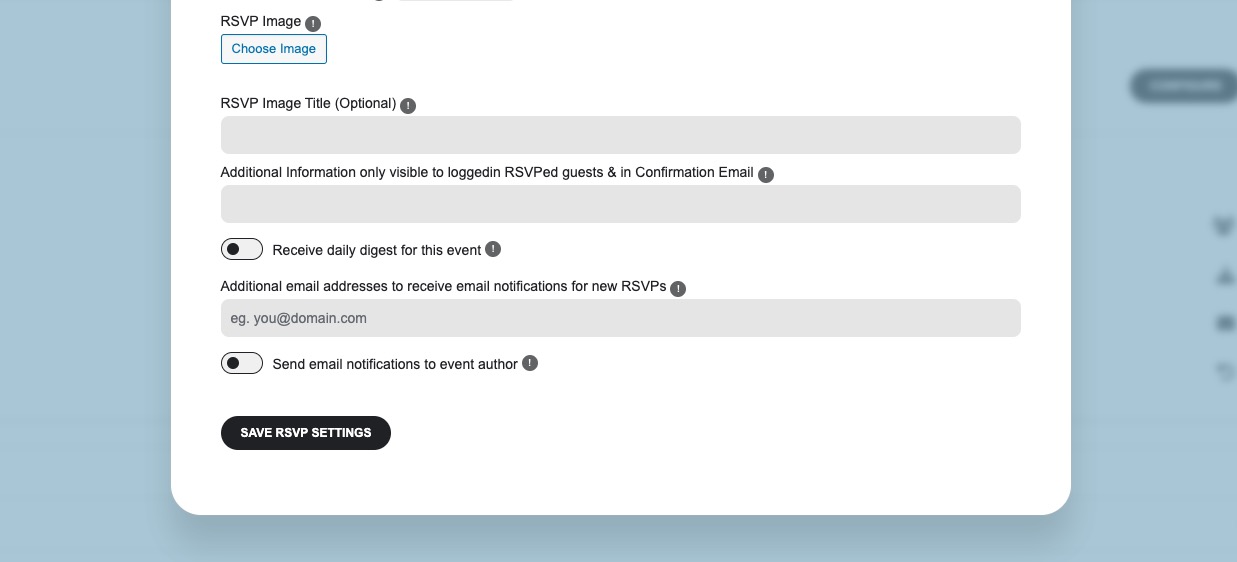
There is an issue we are currently working on when you save the whole event it removes RSVP’s capacities for each repeat as well as the main capacity.
As a temporary solution, please only save RSVP Settings:
The update will be available very soon.
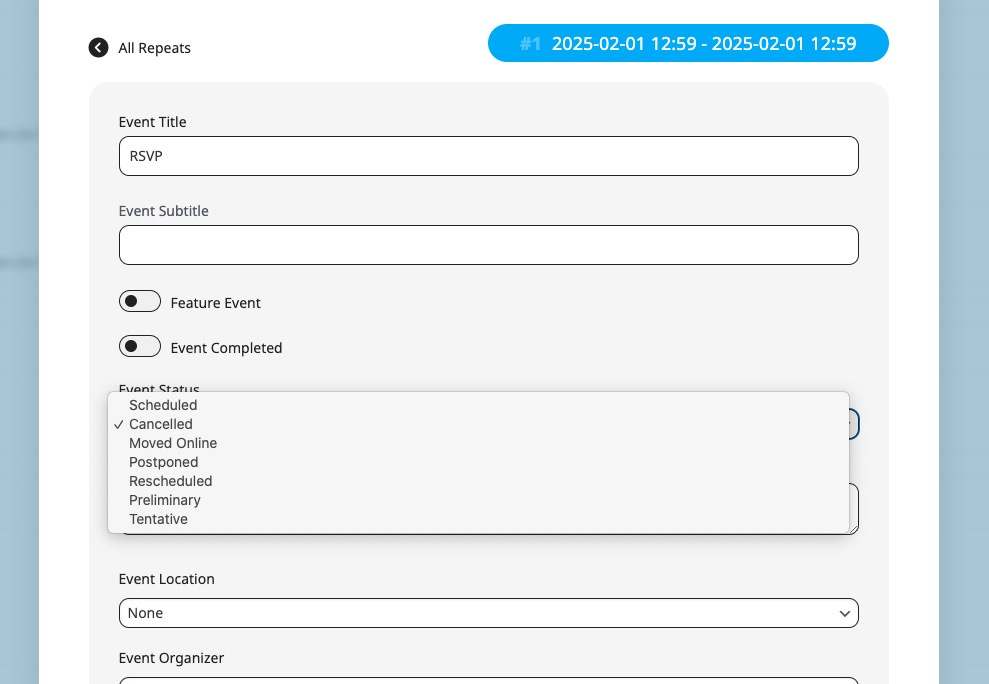
I have the same schedule for the whole year and I just want to adjust via REPEAT CUSTOMIZER for example when we are closed for holidays.
You need make this change manually using Repeat Customizer by changing event’s status to Canceled:
Hello,
Could you try EventON > Scripts & Styling > turn off Write dynamic styles to header > save settings > turn on Write dynamic styles to header?
Please also make sure to clear your browser cache.
When you use Tile Design, there is no need to use “show_et_ft_img=”yes”add_eventon”, so please delete it.
Have you managed to fix the issue?
Please add this CSS code to EventON > Styles (If you don’t see any change, EventON > Scripts & Styling > turn off Write dynamic styles to header > save settings > turn on Write dynamic styles to header):
@media only screen and (min-width:960px){ .ajde_evcal_calendar .calendar_header .evo_j_dates .legend a { font-size: 15px; } }
Hello,
Please take a look at the other ticket with the same issue.
Closed as duplicate.