Ashan,
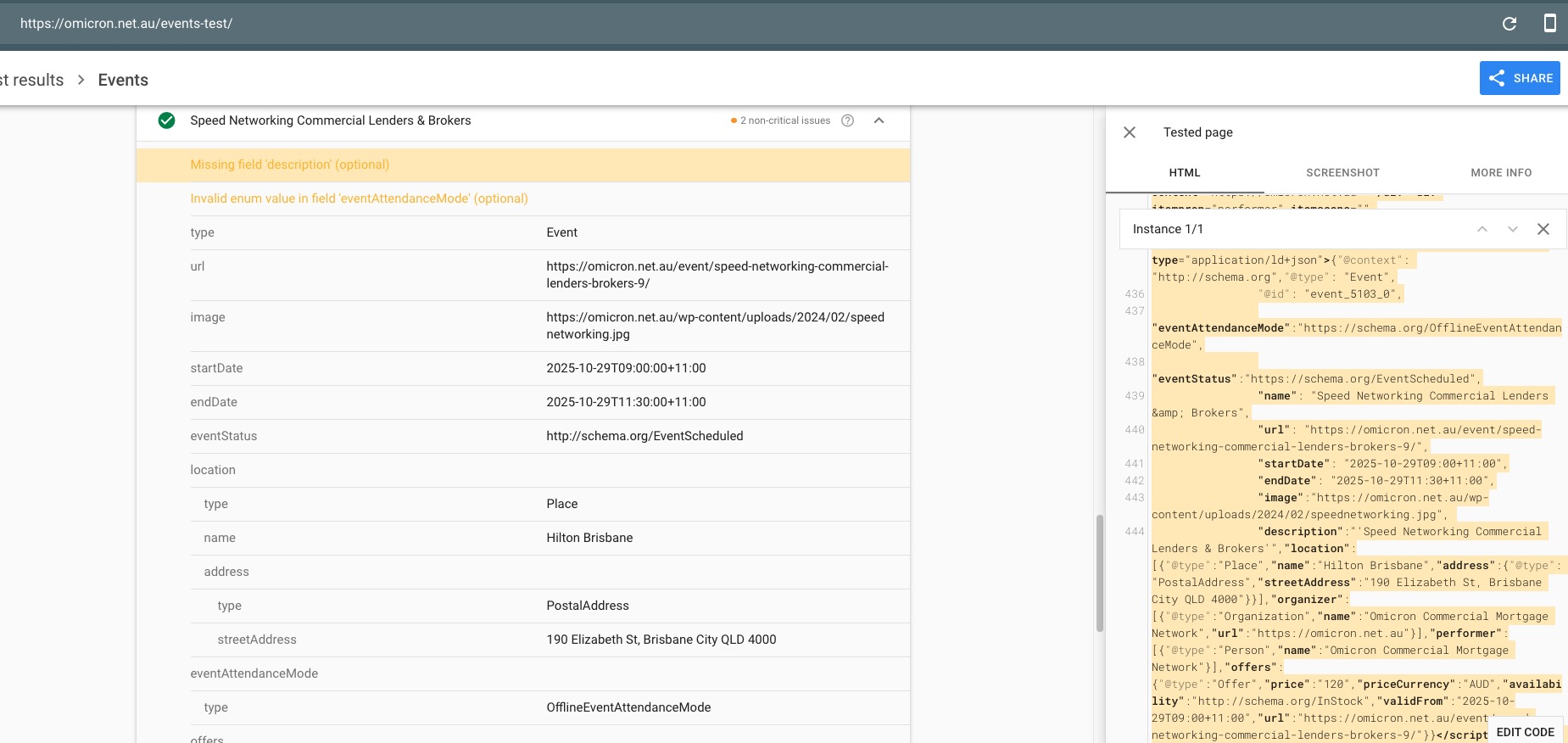
Strange issue with Event Schema:
Description exists, but Google states otherwise. Could you check?
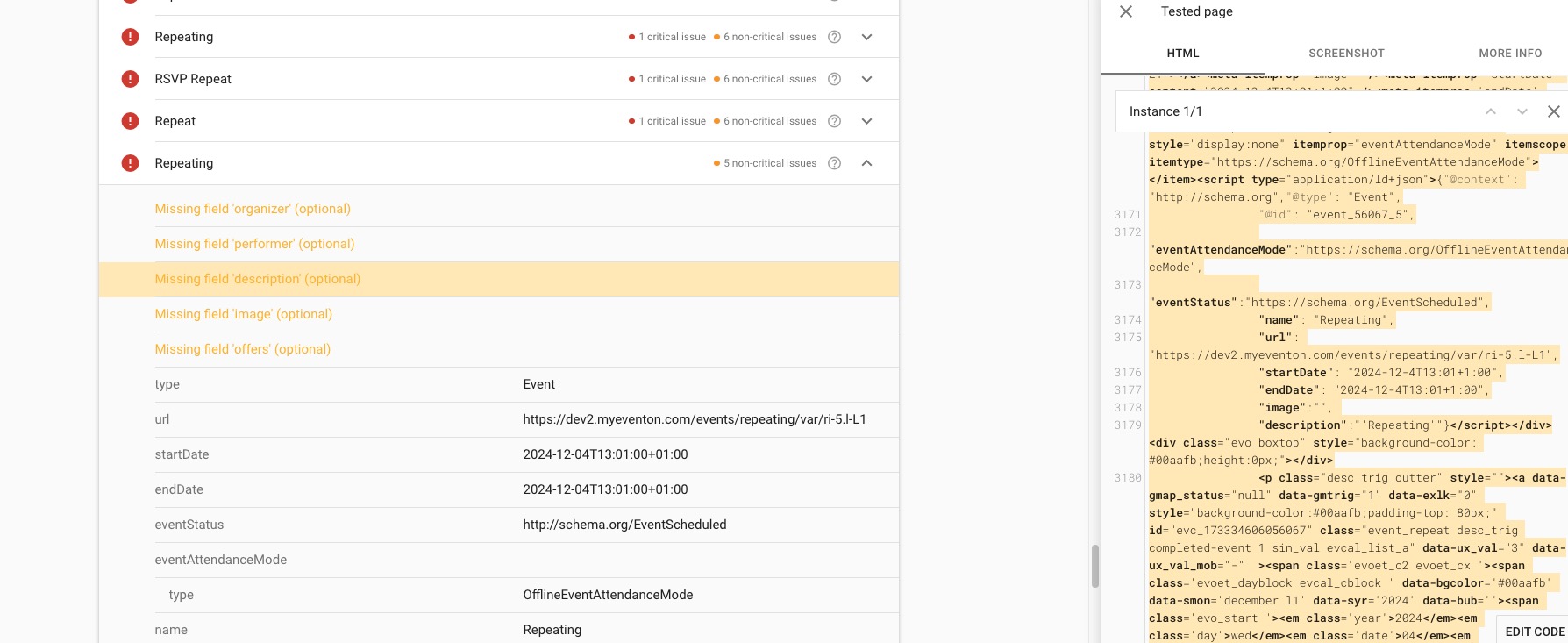
On dev2 there are similar issues:
https://search.google.com/test/rich-results/result/r%2Fevents?id=LKKOKoUTasX3s1-8FM0kTw
https://dev2.myeventon.com/test-783/
Thank you for your messages, I am going to assign this ticket to Ashan and he will be able to take it from here and find you a solution. Please allow some time for him to get back to you, we greatly appreciate your patience and thank you for being a eventon customer! Also please disable any IP blocking on your site if there are any.
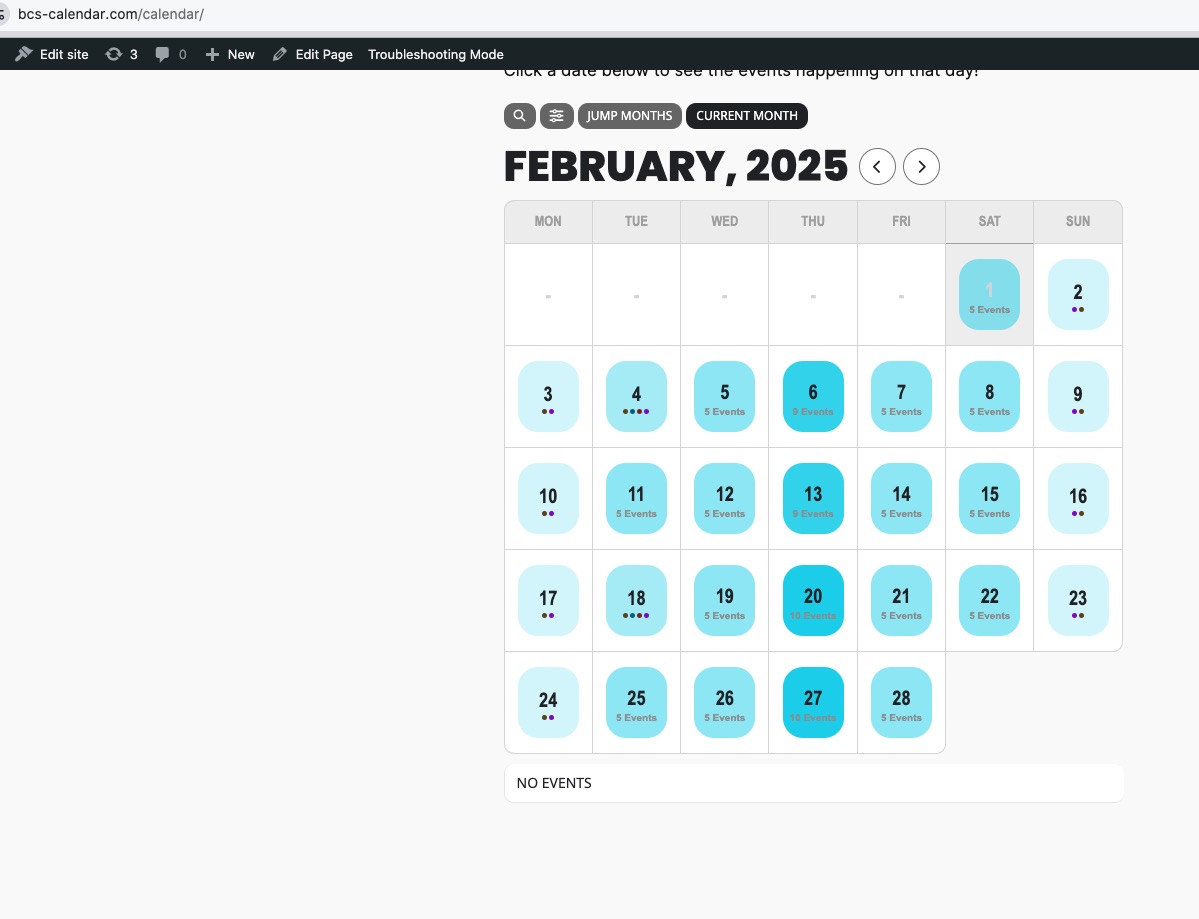
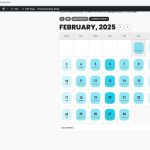
In Troubleshooting Mode the heat map is visible and also you can see next months:
https://www.bcs-calendar.com/wp-admin/site-health.php?tab=troubleshoot
Do you have some kind of Page Speed functionality installed on WordPress?
Could you disable it for a test?
As for “the next month disappears when clicking the arrows on the full calendar”, it seems that your page builder’s container affects FullCal’s styling or the theme.
Could you please try the instructions mentioned in this documentation to make sure your issue is indeed coming from eventon.
Hello,
Please send us wp-admin access to your site as a private message for us to further assist your situation.
Could you go to wp-admin > Events > Event Type > make sure that there are events in the future assigned to 526?
Ashan,
Tested the patch here:
https://helpdesk.ashanjay.com/ticket/issue-with-event-reminders/
Thank you Artem. Can you please assist with the plugin changing the event times every time I try to update it? Also, it’s loading very slowly. The calendar take 50 second – 1 minute to load on the page.
Thank you for letting us know! Ashan will check this ASAP.
Hello,
Instead of Network Activation, please disable it from the multisite options and activate the add-on on each individual subdomain.
Hello,
I can give you CSS code to hide months manually. Or are you trying to hide them through the code?
Hello,
Please add this CSS code to EventON > Styles (If you don’t see any change, EventON > Scripts & Styling > turn off Write dynamic styles to header > save settings > turn on Write dynamic styles to header):
span.evoet_cmf + span.evoet_cmf + span.evoet_cmf > em.evcal_cmd.evocmd_button { background: #ff0000 !important; }