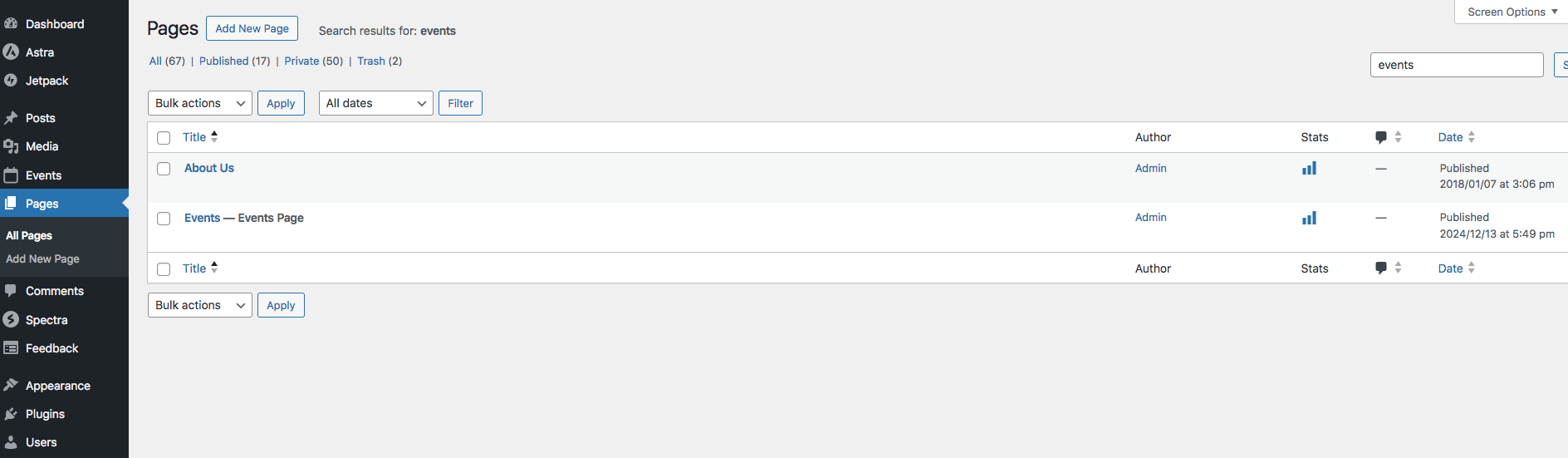
Reply to: tickets(373865)
Replies for tickets on suppota
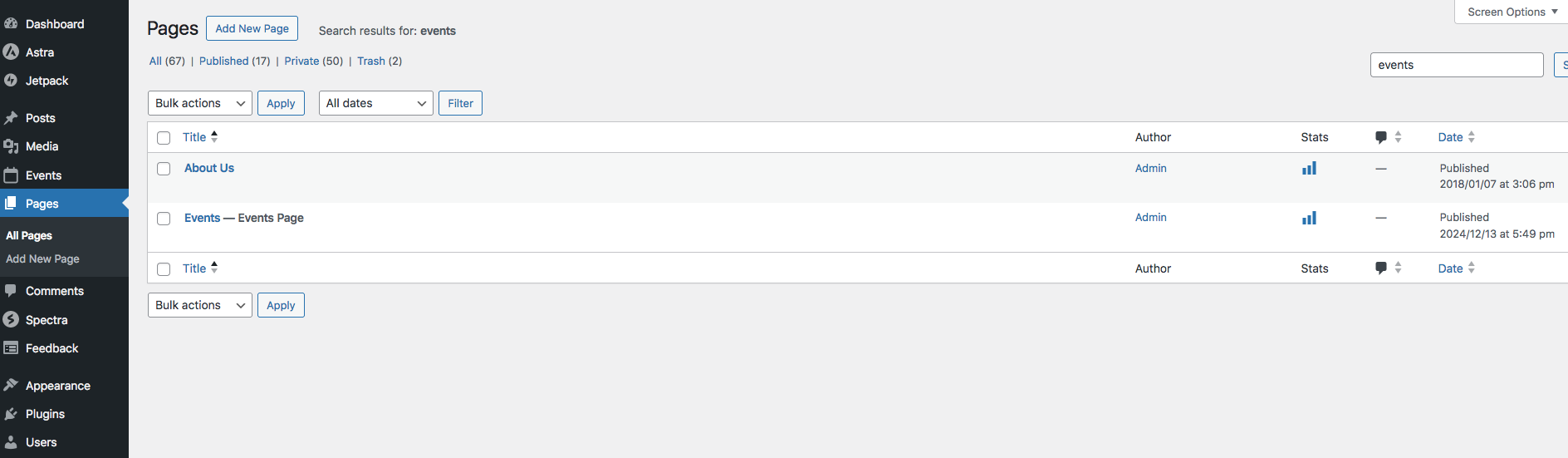
I am encountering same issue. I have gone in an re-saved the Event Page (see screenshot). My events are still not sliding open. Am I saving the incorrect page?
perfect, thank you!
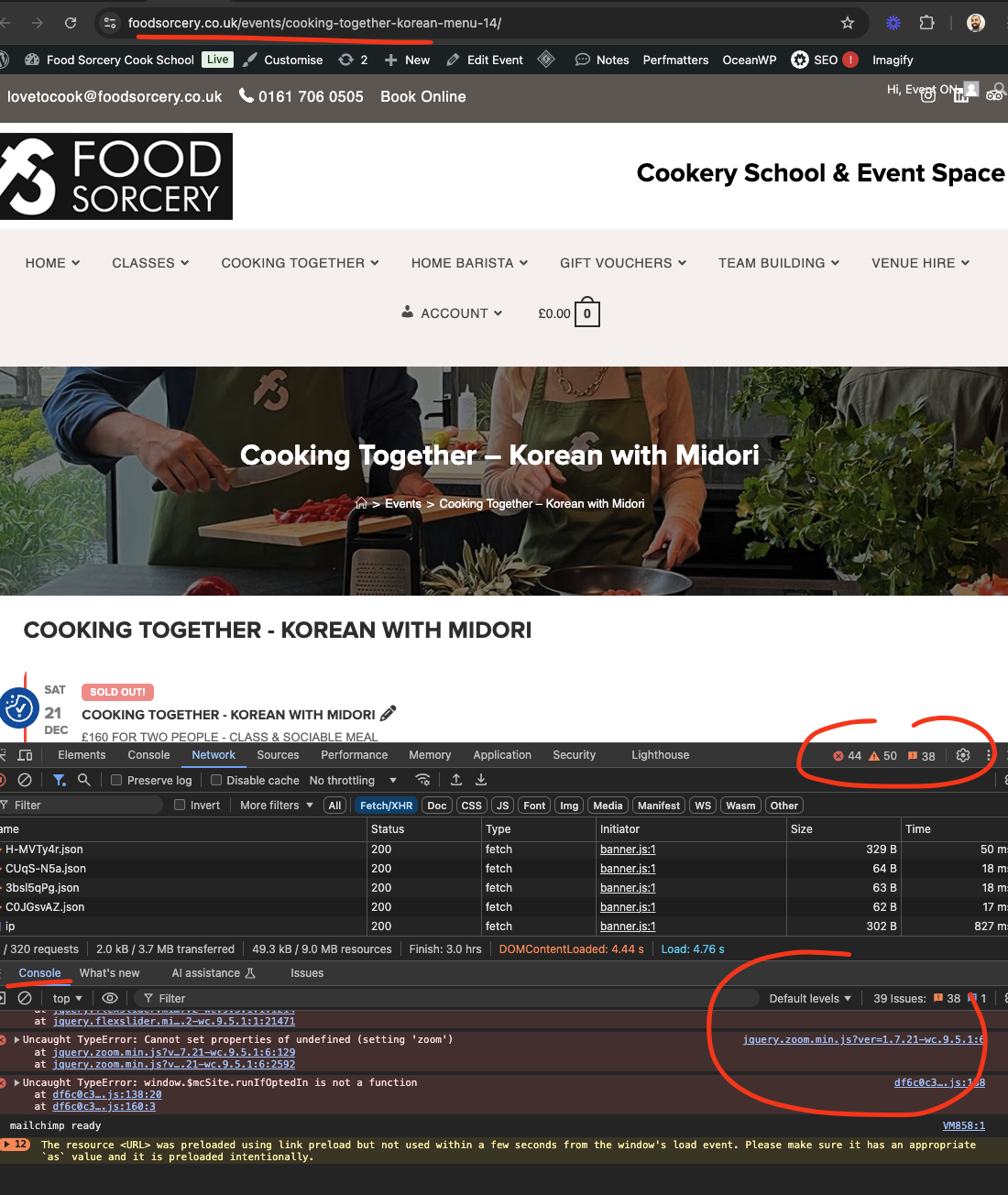
Thank you for letting us know Helen. BTW there are a lot of javascript errors in your website that is causing the images to not work. They are coming from other plugins I think. Probably want to look at this.
We will take a look at the custom meta field images. If we can not find a solution we will add a separate image field there. Some sanitization process is stripping out the <img> tags. We are not 100% sure where this is happening.
thanks
I see, that is exactly what we needed. Thank you great work
Hello,
Please add this CSS code to EventON > Styles (If you don’t see any change, EventON > Scripts & Styling > turn off Write dynamic styles to header > save settings > turn on Write dynamic styles to header):
.ajde_evcal_calendar.boxy.boxstyle1 .evo_boxtop, .ajde_evcal_calendar.boxy.boxstyle2 .evo_boxtop { height: 300px !important; } .ajde_evcal_calendar.boxy.boxstyle2 #evcal_list .eventon_list_event .desc_trig { padding-top: 325px !important; }
That did it. Thank you!
Out of curiosity, why is arrow styling not built into the appearance settings?
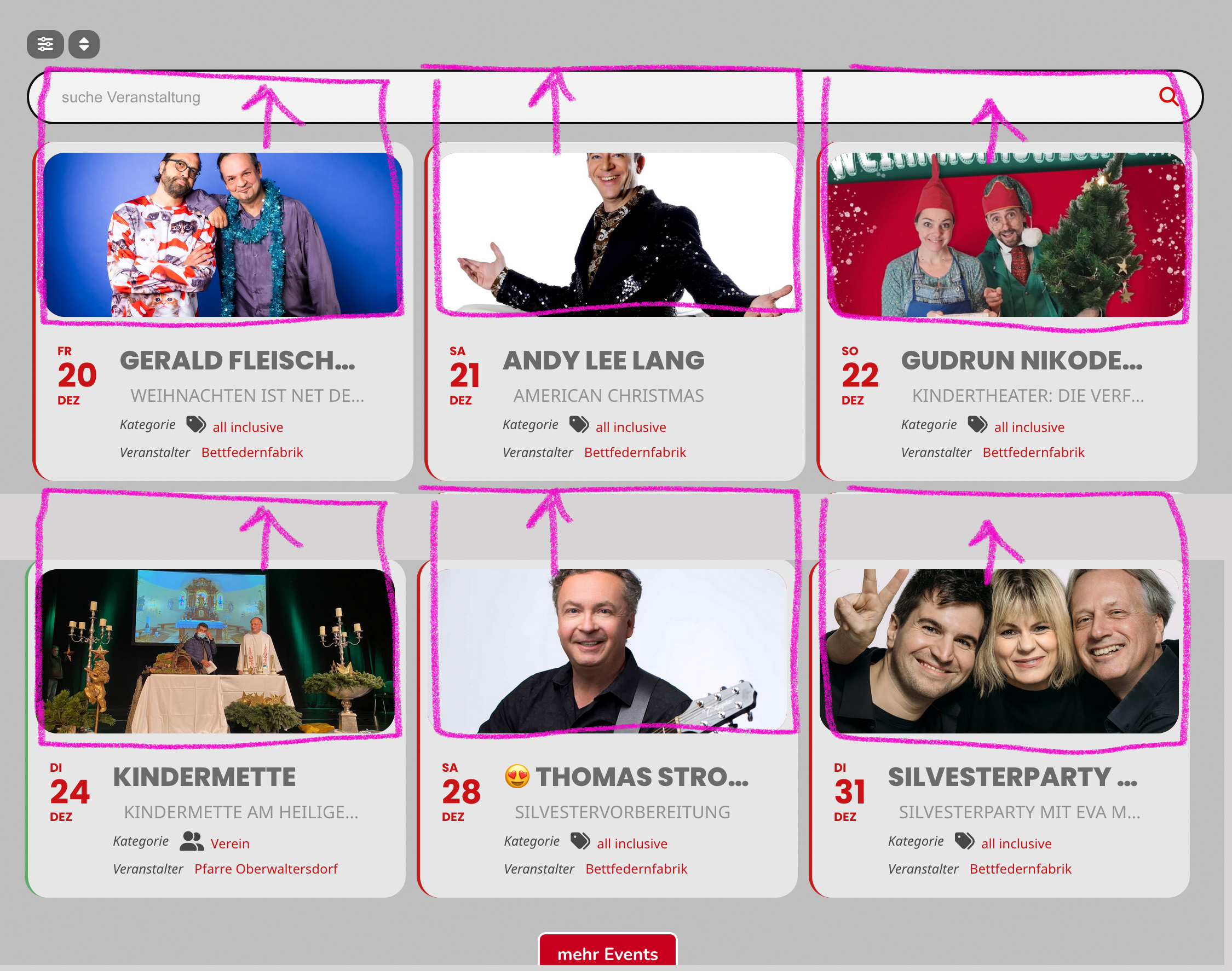
Image to showcase.
Yes. I updated the demo page.