But now it is doing it again
Error
Replies for tickets on suppota
But now it is doing it again
Error
Yes deactivating that did the trick. Now have to wait for an update I guess
Ok Done create new ticket with title:
Hi, How do I add the code to the short code. I do not see where to do that. I can see the shortcode when I change to text on the homepage but I cannot edit it there. Where do I edit the short code. Can you do it for me within the admin of the website? Thank you.
Ashan,
The same issue happens. I checked the code as well.
https://wearewomenconnect.com/wp-admin/post.php?post=137905&action=edit
Cron plugin:
https://wearewomenconnect.com/wp-admin/tools.php?page=wp-crontrol
Thank you! Ashan will check this ASAP.
Ashan,
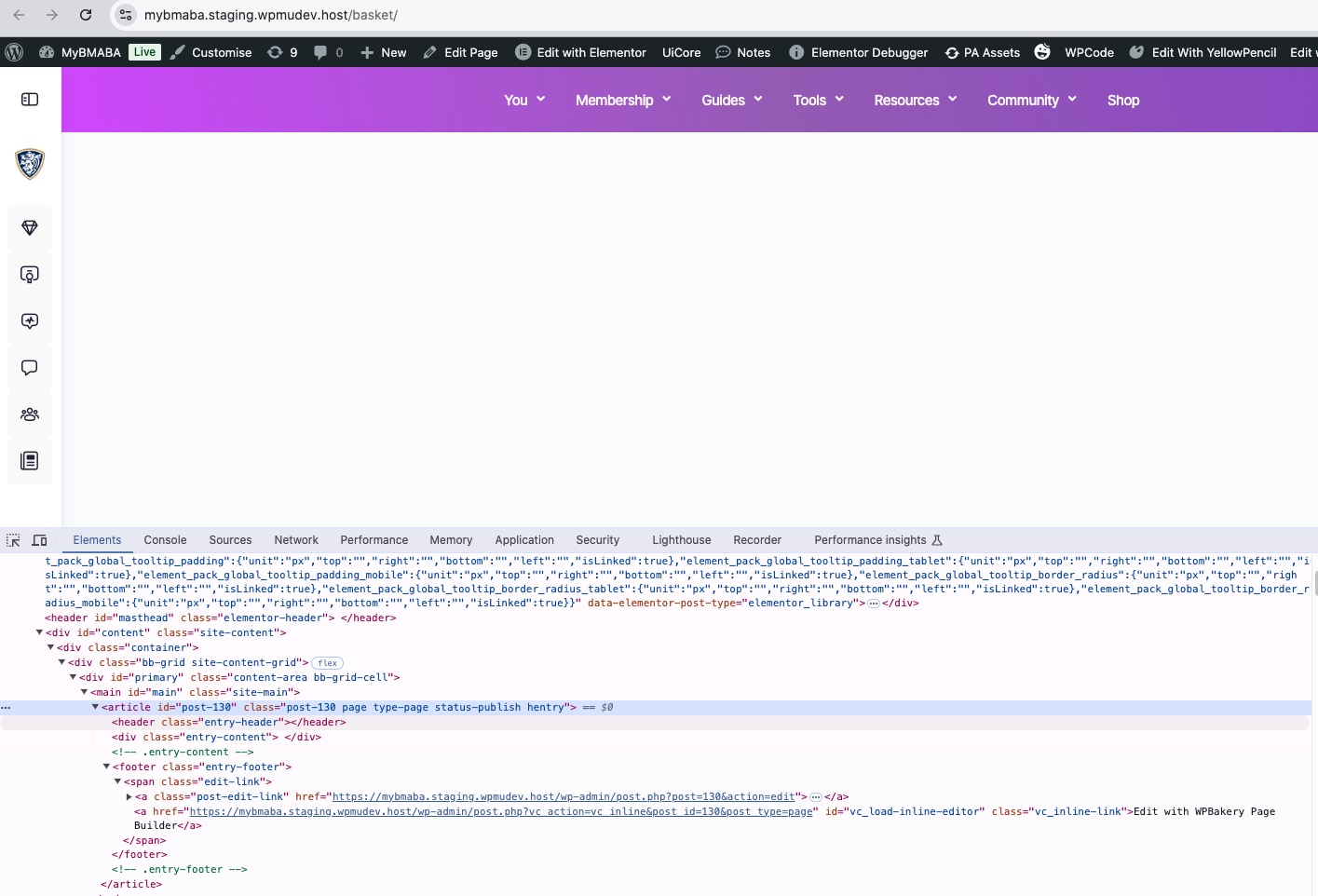
With EventON enabled their Cart page (named Basket) looks like this:
Disabled
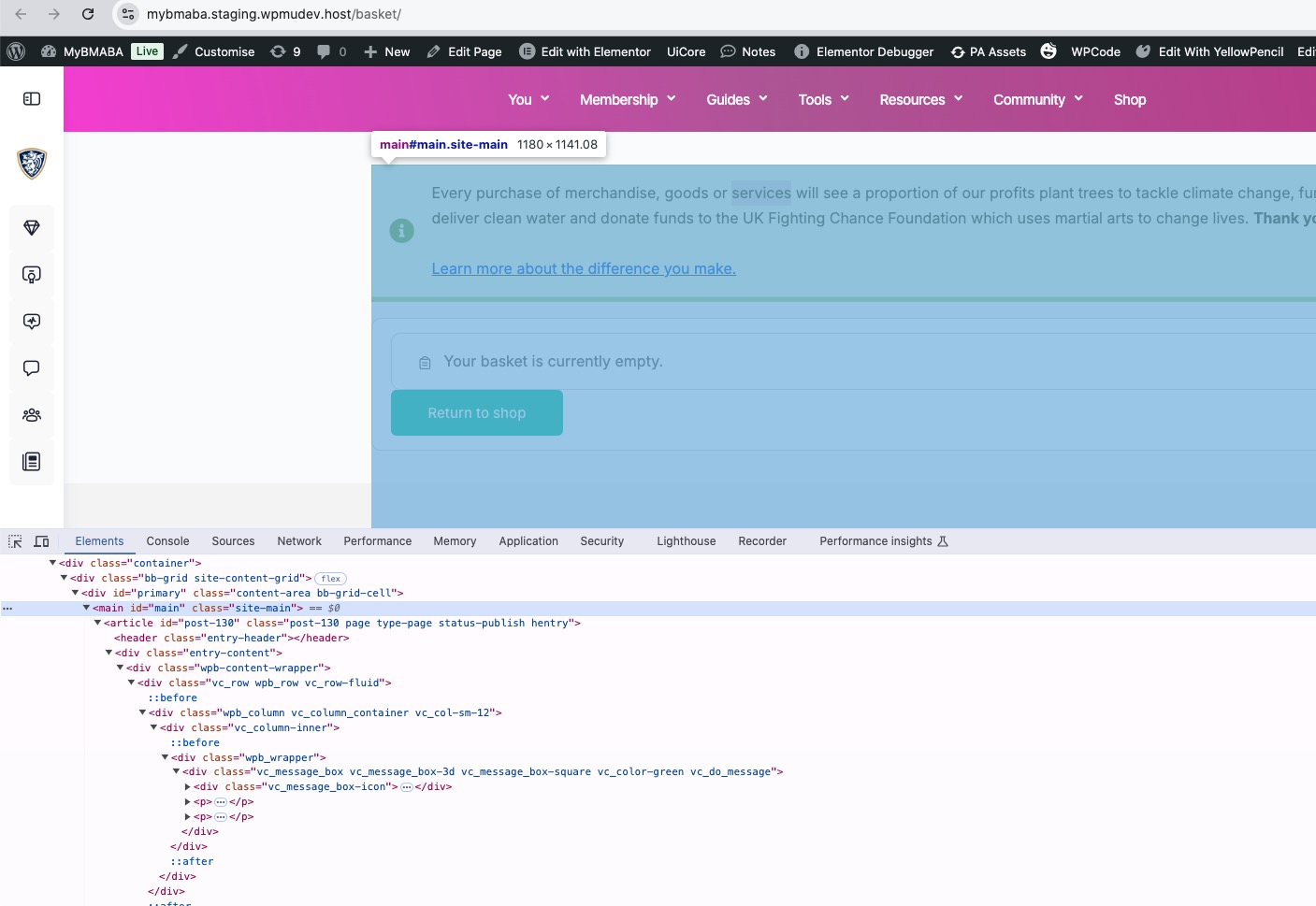
It seems that EventON somehow replaces the content part. Could you check and can we fix this?
Homepage also works different:
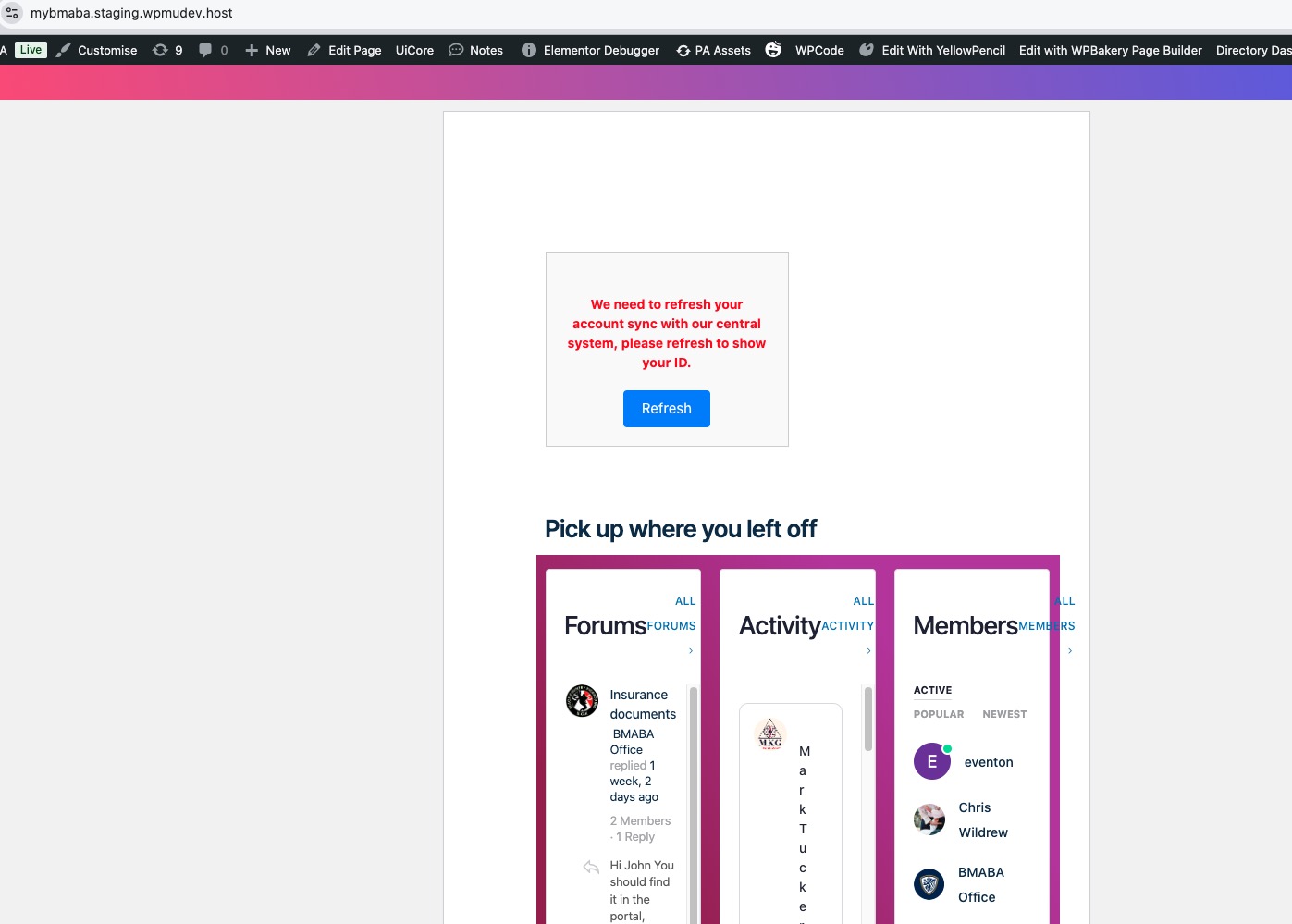
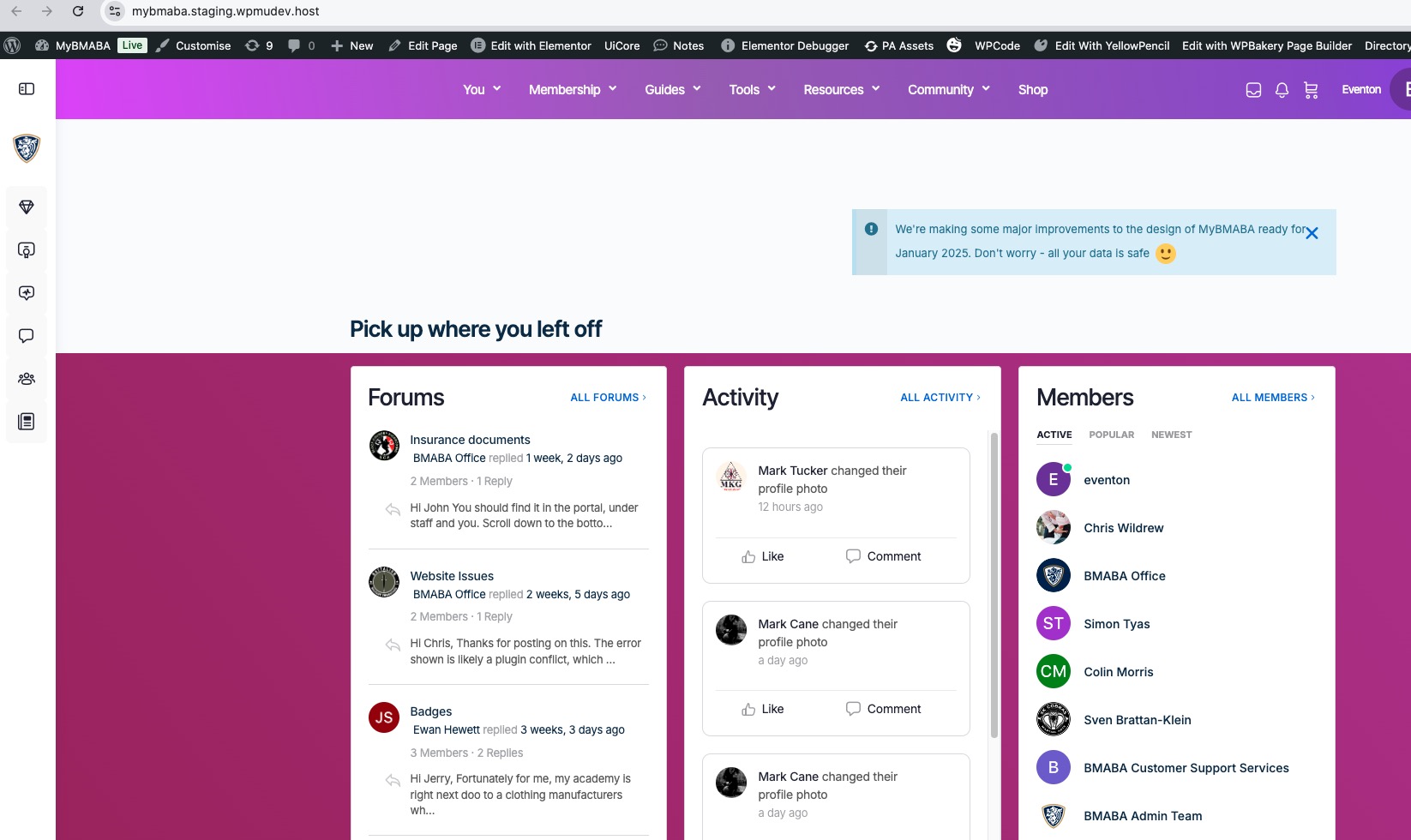
Hello,
I don’t see any screenshots attached. Could you send them again?
Thank you for your messages, I am going to assign this ticket to Ashan and he will be able to take it from here and find you a solution. Please allow some time for him to get back to you, we greatly appreciate your patience and thank you for being a eventon customer! Also please disable any IP blocking on your site if there are any.
Hello,
This is not possible, I am afraid. However please create a new ticket and select Feature Request as category so others can vote on your idea and get it moved into development faster.
Hello Mattia Talò,
Please update EventON to 4.7.3 and then go to EventON > Appearance > enable Disable Auto eventTop Text Color > now save EventON Settings.