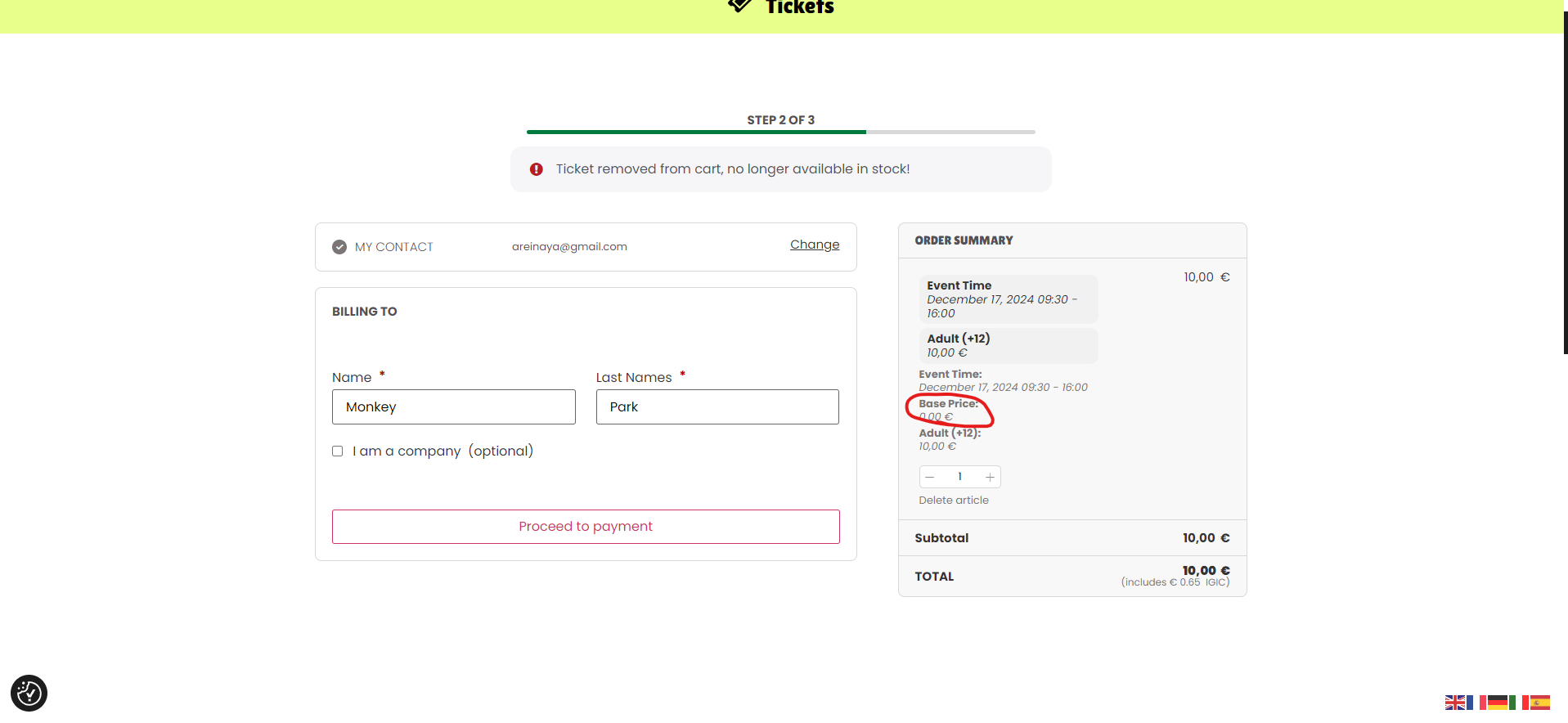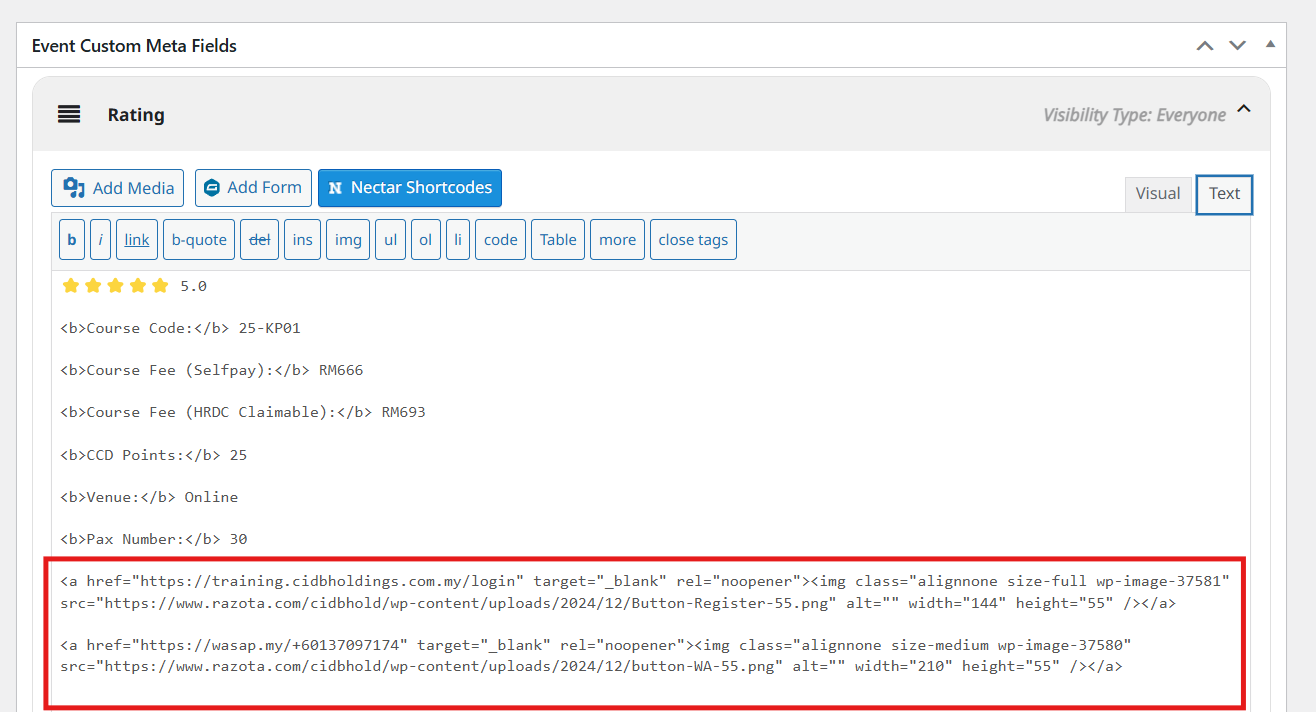
I can’t create JS Script you can see in this page https://www.razota.com/cidbhold/ in tab CCD and CCP. Please see an attachment how i add button image with link.
And you can try to edit event https://www.razota.com/cidbhold/events/empowering-supervisory-personnel-leadership-and-teamwoork-skills/
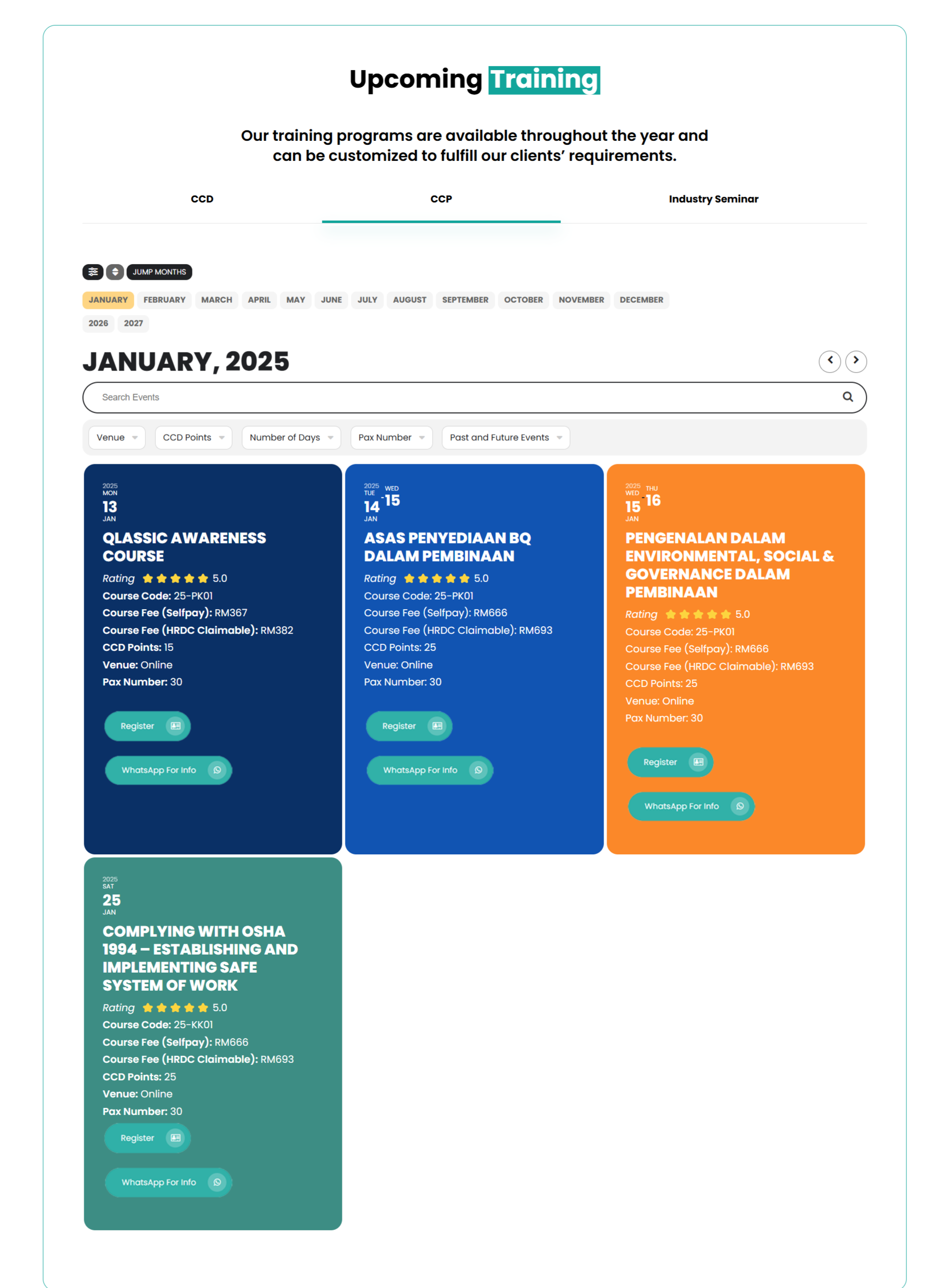
“Thanks for the help! I tried copying your code and pasting it into https://www.razota.com/cidbhold/ and now the slide is visible.”
Next Question:
- How can I make the content appear left-aligned?
- How can I display a filter like the one I created in the Tile: [add_eventon tiles=”yes” tile_count=”3″ tile_height=”250″ exp_so=”yes” jumper=”yes” exp_jumper=”yes” jumper_offset=”3″ jumper_count=”2″ fixed_year=”2025″ month_incre=”1″ hide_empty_months=”yes”]”? [see image in attachment]
- Is there a shortcode to display events in a slide using a specific tag
Hello Helen, sorry for the delay.
We were able to get this resolved and release an update version 2.4.6 to tickets addon https://docs.myeventon.com/documentations/changelog-event-tickets/
This should resolve the stock values saved in ticket settings getting overridden when event is saved.
Hello Bryan,
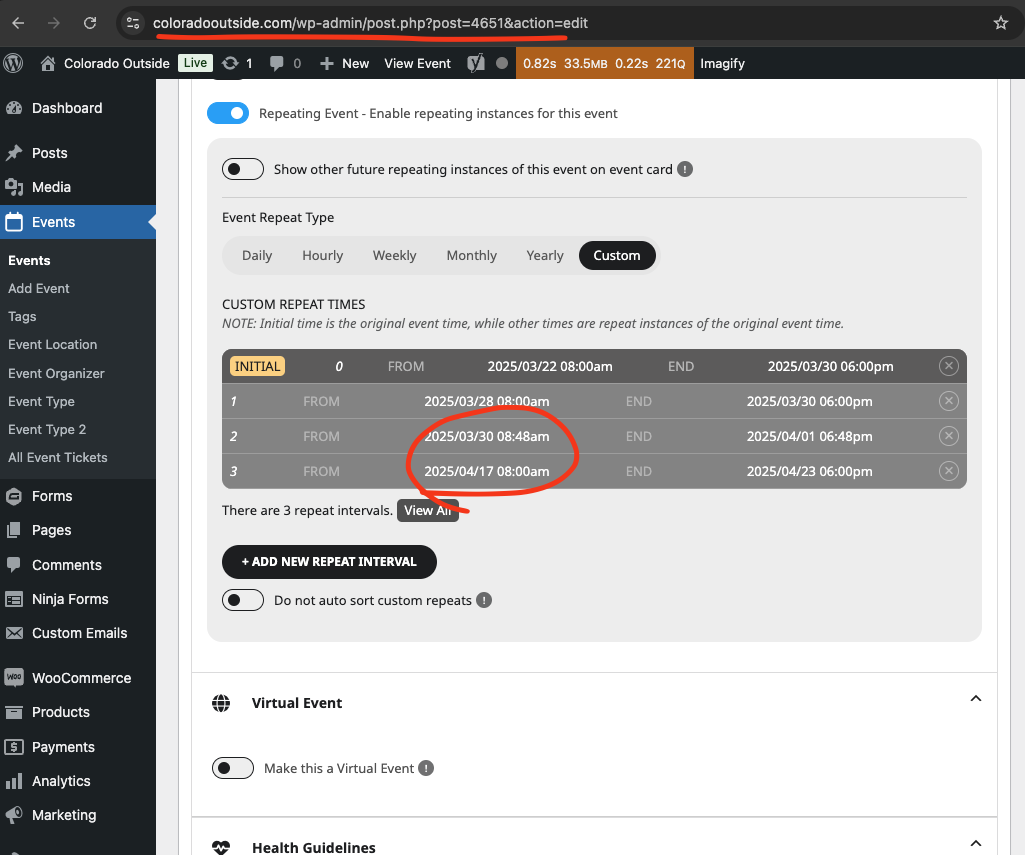
Just checking on this. Have you changed something in your website? Because the dates are now saving for me correctly for custom repeats.
Are you still getting the 1970 date error?
Kindly update to the latest version of RSVP addon v3.0.4 – https://docs.myeventon.com/documentations/changelog-rsvp-events/ Should resolve this.
Sorry about that friend. We forgot to release this update to public after we resolved it 🙂
It could be that when the event capacity issue is fixed this will resolve as well because they both seemed to begin at the same time. However, I cannot know until there is a resolution/update.
I cannot manually make it jump to 0. That has been the issue that suddenly the tickets are marked at sold out with no manual updates.
The event Mrs. Claus Christmas Breakfast – Tables Available was the last one to have this issue. Is there no way to look at this event and see why it turned to 0 even though it shows 26 tickets are still available?
The only other way I can say you could recreate the issue is that you can make the Mrs. Claus Christmas Breakfast live with tickets in the stg website and watch it. It does not jump to zero on a specific day, time, or when people purchase. The way I have been managing to catch it is just repeatedly checking the live event.
The main issue is that I cannot re-create the issue except when I update the event itself.
For example,
https://deesstaging.wpengine.com/events/magical-night-with-santa-and-mrs-claus-2/
The capacity goes to 0 just out of nowhere or you can somehow manually make it?
Also guys when I try to download the CSV, is it possible that the seat numbers are included in the CSV? Because as of now it’s just the order number and it’s hard for us to check the seat numbers easily since we wanted to print the CSV manually during the event date as a back up
Please follow
https://docs.myeventon.com/documentations/how-to-add-additional-fields-to-download-attendees-csv-file/
This code hides the row info:
.evost_section_information { display: none !important; }
What is the third issue?