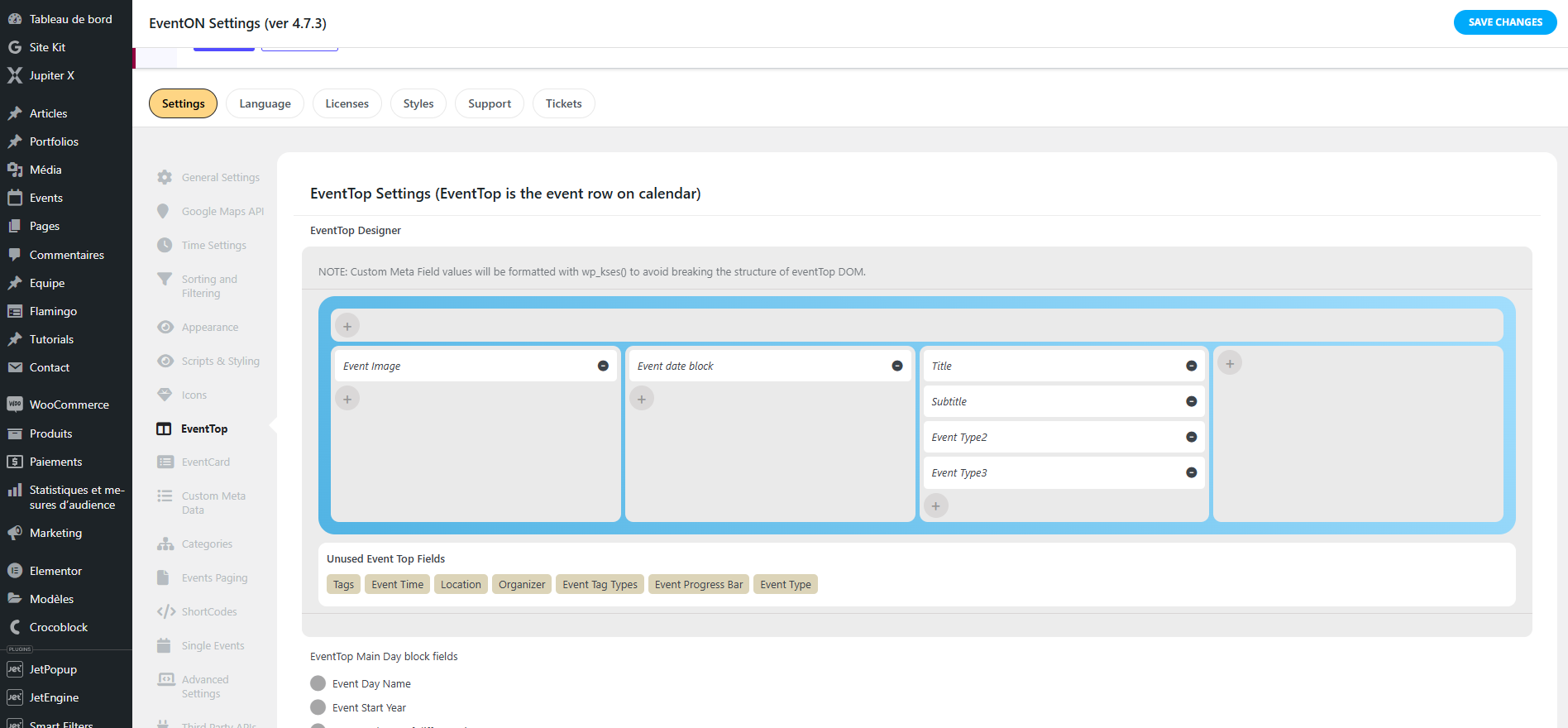
FYI, the event type 1 is not being used so we didn’t add it
Replies for tickets on suppota
FYI, the event type 1 is not being used so we didn’t add it
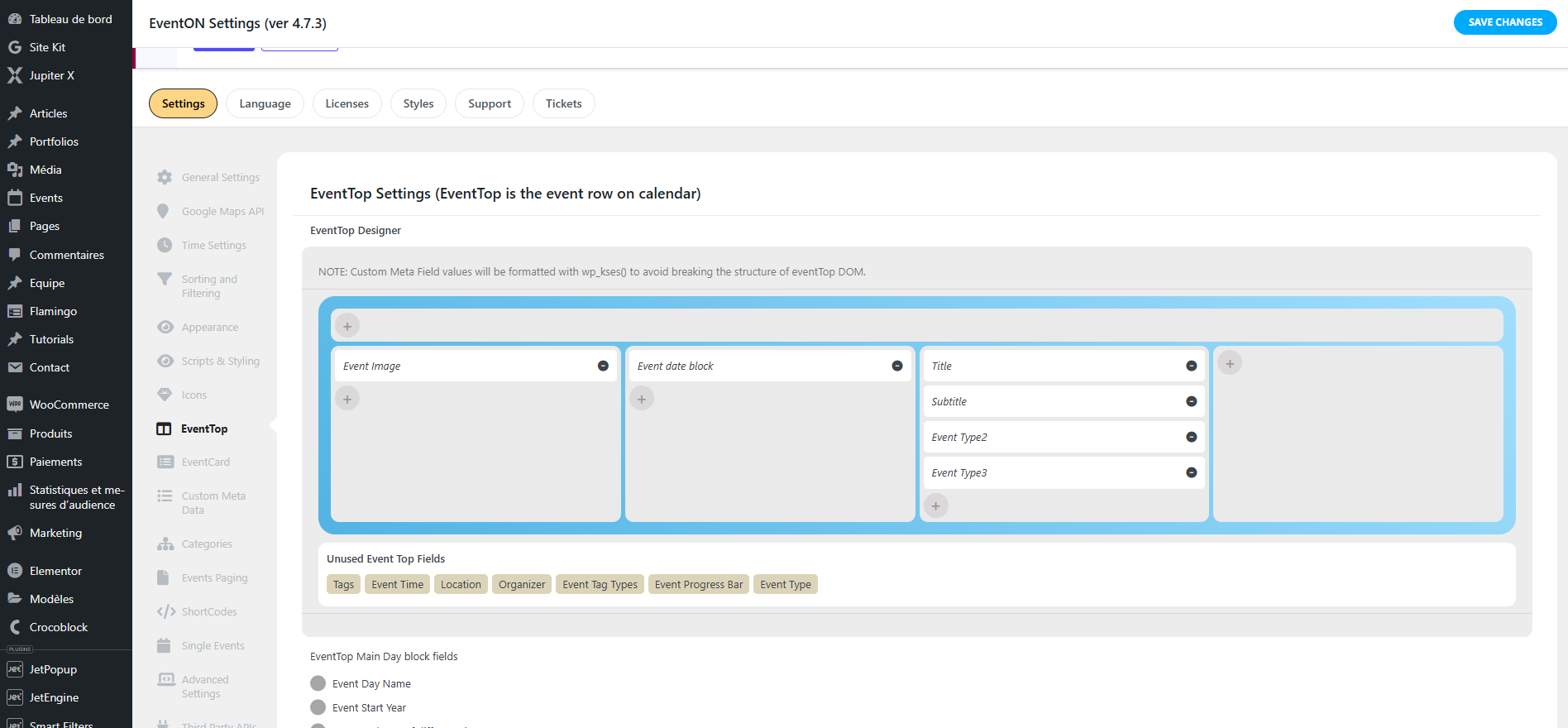
Yes we already added the type 2 and 3. It’s displayed in the singular event page but not in the list.
Also we did some test, with this shortcode [add_eventon_list number_of_months=”3″ show_year=”yes” event_count=’3′], all the event type are showing but once we add add_eventon tiles=”yes” , only a single event type information is showing.
But for both case, the organizer is stilll not being shown in the event list.
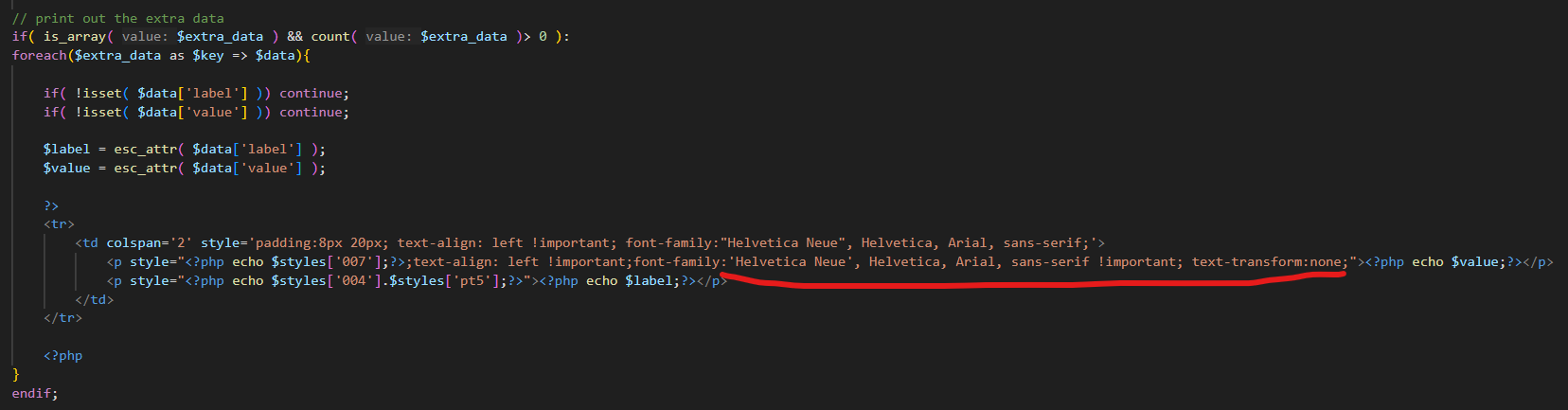
Here is the full code we are using actually: https://cmcm.qc.ca/wp-content/uploads/ticket_confirmation_email.txt (file extension need to be changed to .php)
The css in line 297 and 298 are not applying, and the ‘Open Sans’ font is still being applied to the additionnal information paragraph even if we removed it from the code.
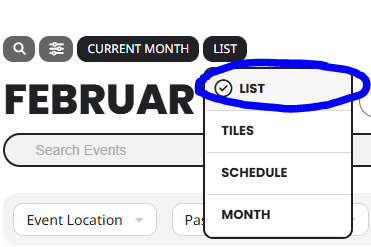
How do I remove just the LIST item in the attached image? The colors are bad in list view and I can’t figure out how to change colors for only list.
This plugin is awesome, but it’s way to complex to setup. Ya’ll should make things clearer in the wording of things and have better more updated video tutorials that walk you through every step. The ones currently on youtube are outdated and not descriptive enough.
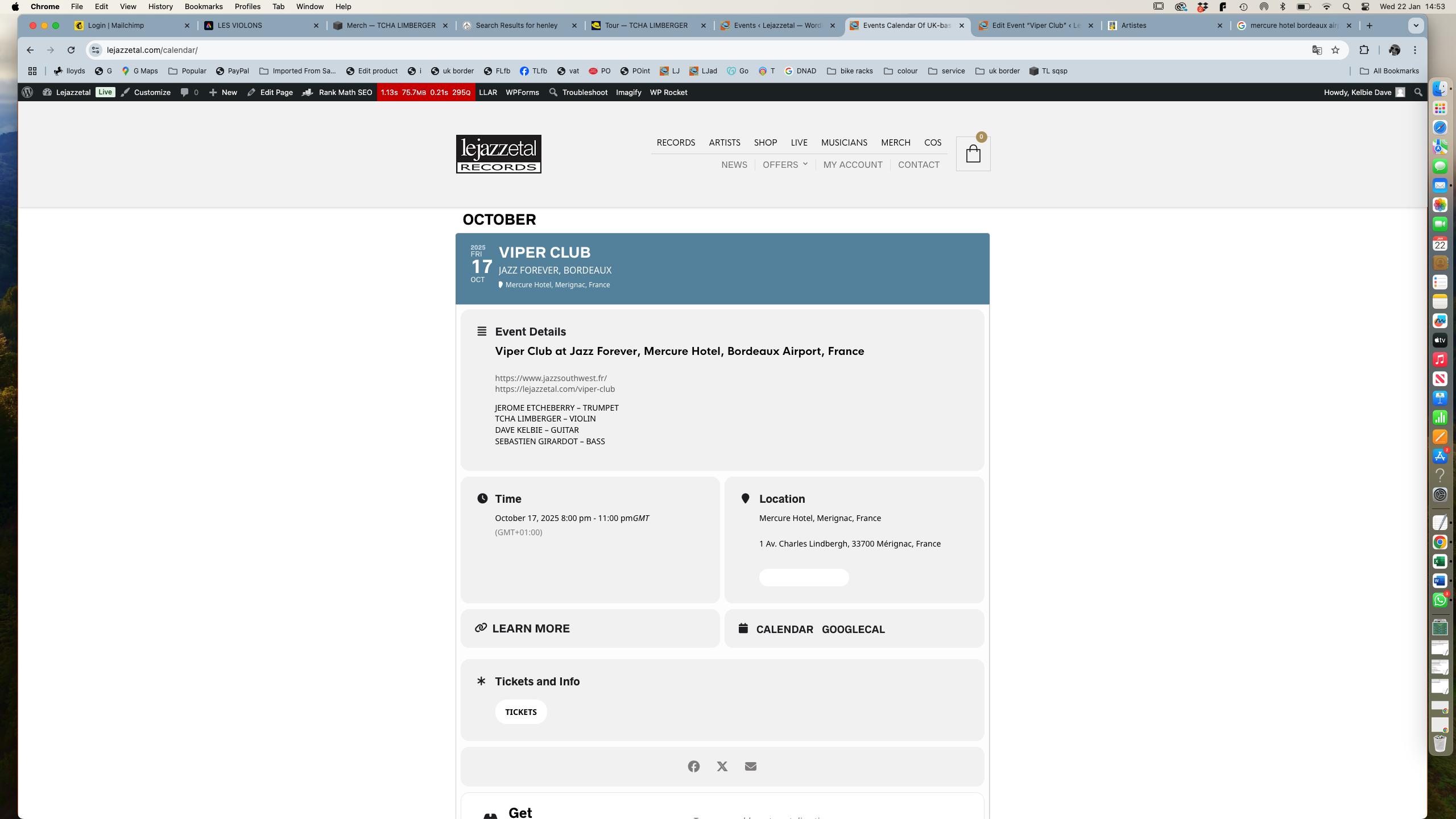
The attached image is an event I’ve just added. It’s a duplicate of another event. The ticket info button you can see has nothing to do with what I did as in the back end it doesn’t exist any more. So this ticket info refers to the original event I duplicated.
Thanks
Thanks you.
Hi, I’ve managed to resolve the issues I’ve been having as outlined in my previous messages:
googlemaps clash – I’ve disabled the api in eventon. As all events are at the same place it’s not really necessary for the map to appear on every event.
icons – I’ve reset the problem icons by selecting new ones from the available list.
colour of sub title on event page – I’ve targeted this with some css in the styles pane to change the colour from white to black.
I’ll set the ticket to resolved.
Thanks
thank you for your assisstance its solved . have a nice day
Hello,
Seems to be working correctly on our test site:
https://dev2.myeventon.com/events/repeat-7/var/ri-1.l-L1/
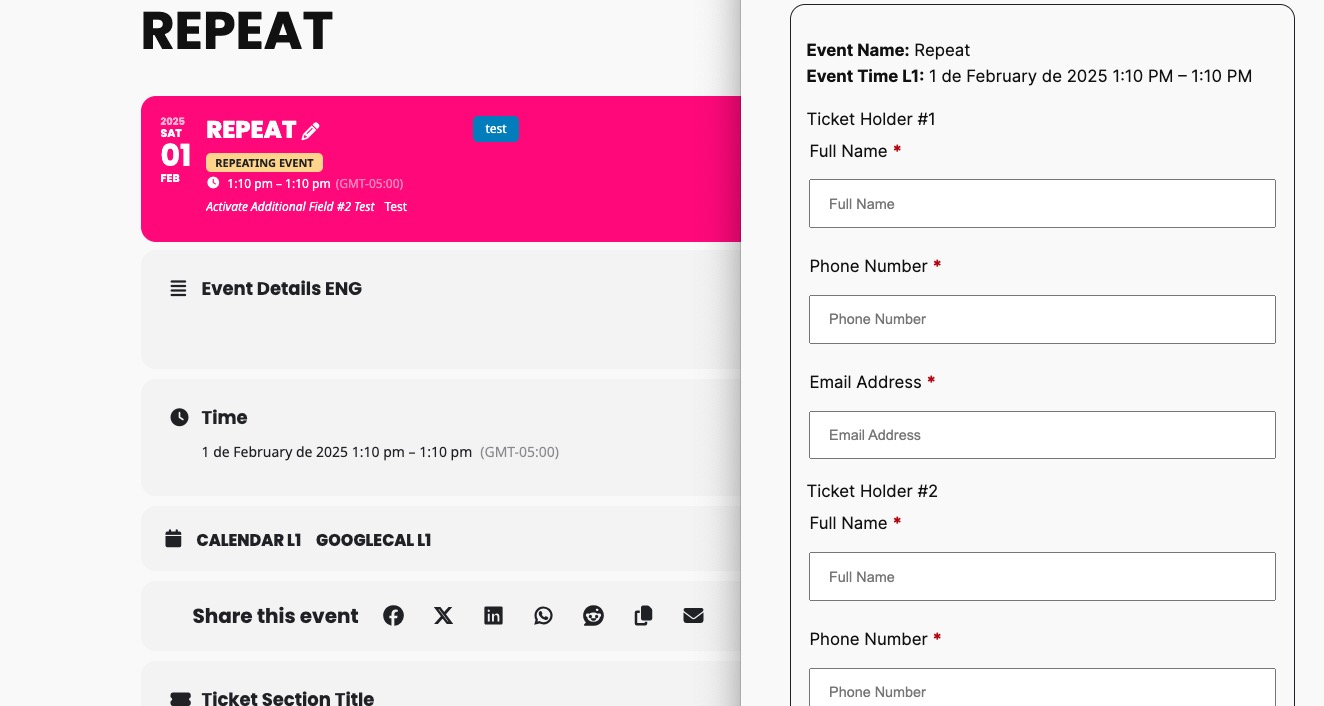
Please send us wp-admin access to your site as a private message for us to further assist your situation.