Hello,
Unfortunately, it’s still the same:
Replies for tickets on suppota
Hello,
Unfortunately, it’s still the same:
Ah sorry, I misread your question and thought you were referring to Event Type filters. Unfortunately, at the moment it is not supported. However please create a new ticket and select Feature Request as category so others can vote on your idea and get it moved into development faster.
Hello,
Could you try updating Tickets add-on to the latest version and let us know?
To update eventon addons: You can download latest eventon addons from myeventon > my account. Then you can go to your website, deactivate old addon and install new one and activate then delete the old addon. This link will further explain the process. Also you can follow us on twitter to get real-time announcements on updates!
Ashan,
Strange issue on customer’s website. The same shortcode doesn’t produce the same issue on dev2:
https://dev2.myeventon.com/test-815/
https://wanada.org.au/2025-conference-5th-march-2025/
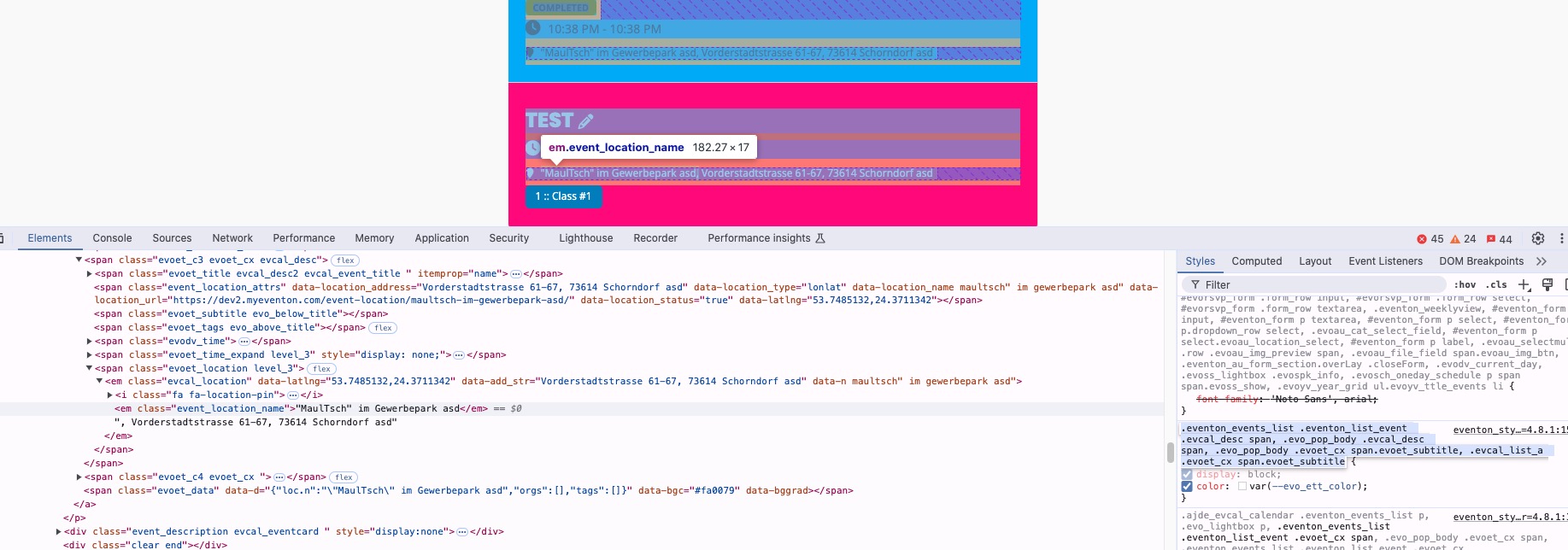
On dev2 (check Jan 31st) this style applies to all locations and makes their color correct:
But on customer’s website it doesn’t and this is the only style that is being applied:
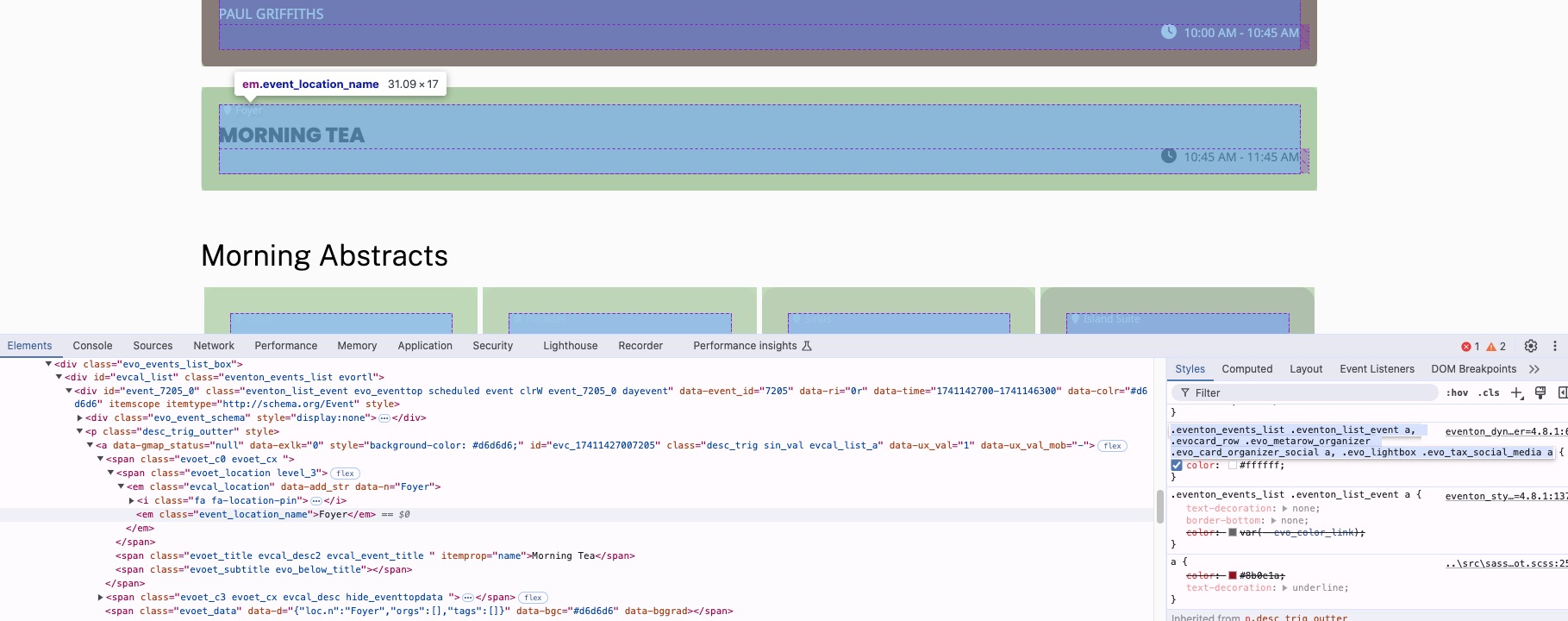
I reversed it back, but location is still white.
Thank you for your messages, I am going to assign this ticket to Ashan and he will be able to take it from here and find you a solution. Please allow some time for him to get back to you, we greatly appreciate your patience and thank you for being a eventon customer! Also please disable any IP blocking on your site if there are any.
Please check now.
When you change Appearance and you don’t see any change, EventON > Scripts & Styling > turn off Write dynamic styles to header > save settings > turn on Write dynamic styles to header.
Ashan,
The same on dev2:
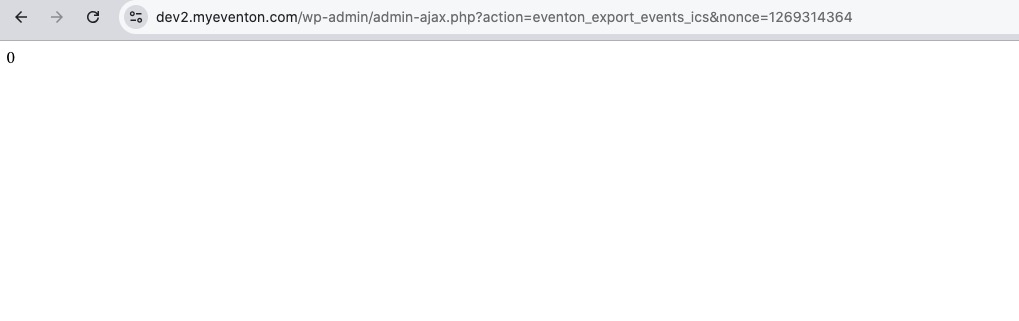
https://dev2.myeventon.com/wp-admin/admin.php?page=eventon
Click on Download all eventON events.
Hello,
Thank you for your messages, I am going to assign this ticket to Ashan and he will be able to take it from here and find you a solution. Please allow some time for him to get back to you, we greatly appreciate your patience and thank you for being a eventon customer! Also please disable any IP blocking on your site if there are any.
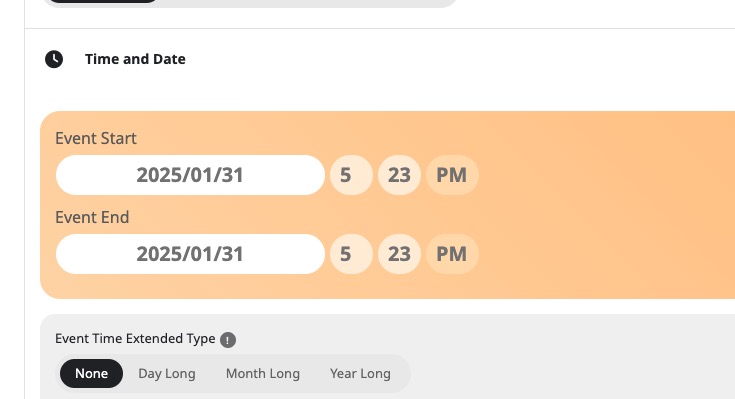
This is where the issue is “…the event time is set to 16:15 our local time in tickitino but when the event is created automatically through an api in eventson calendar the time is set to universal time +1…”
It seems that tickitino provides the time in UTC timezone for EventON to save. EventON just saves it, the same way you select it in Edit Event:
Hello,
Please send us wp-admin access to your site as a private message for us to further assist your situation.
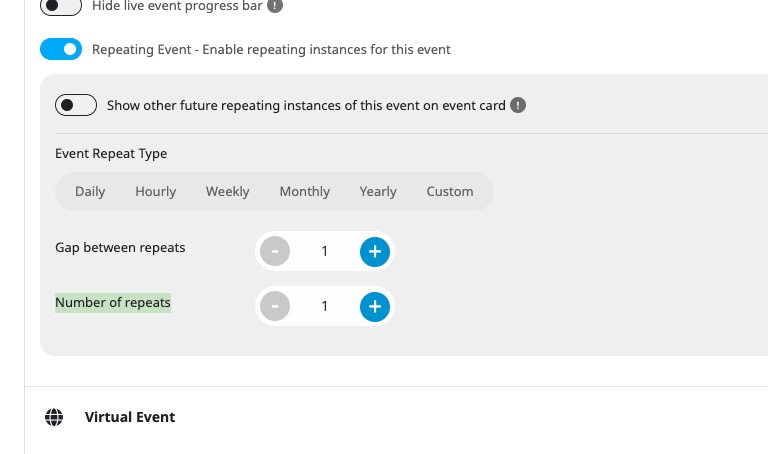
Could you go to Edit Event > make sure that Number of repeats isn’t 1000 or similar number: