I’ve added the patch to the code. We are going to include it in the next version as well
Could you check it with manually cleared browser cache?
Replies for tickets on suppota
I’ve added the patch to the code. We are going to include it in the next version as well
Could you check it with manually cleared browser cache?
I also deactivated Tickets add-on.
Please follow the instructions in this documentation to activate debug in your site to see any PHP errors recorded that can provide insight on to whats going on. Please reply with a link to debug.log file. If you are not able to do this please send us FTP access to your site so we can do this for you.
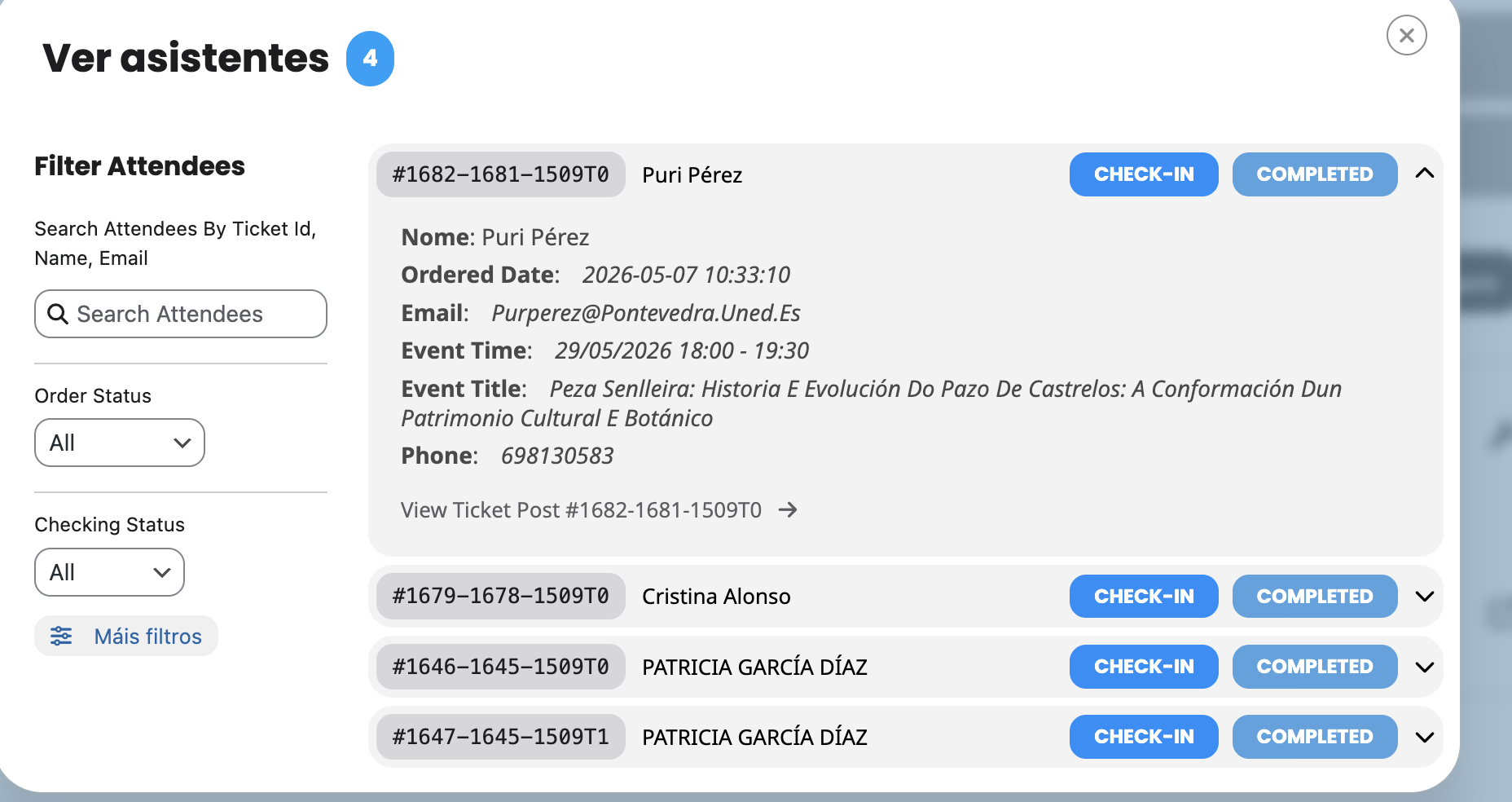
When I try to check any of orders, ie
https://e-camara.com/web/wp-admin/post.php?post=1460619&action=edit
They just keep loading. Could you check if you can access them on your side?
Hello,
In order to get latest versions of add-on you need to have a subscription. It was always this way.
Please take look at ”7. Subscriptions & Automatic Renewal”:
https://docs.myeventon.com/documentations/terms-and-conditions-and-refund-policy/
Please go to and verify to get the latest free version of EventON:
https://www.myeventon.com/full/
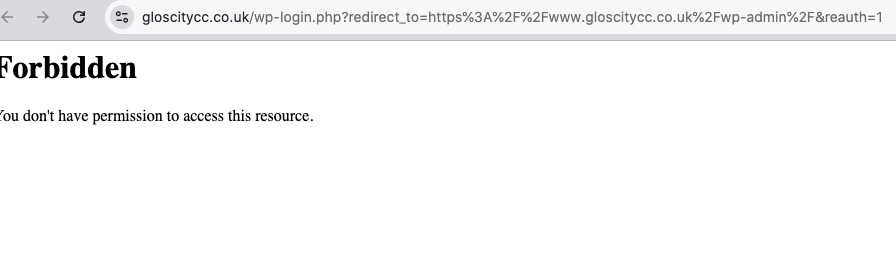
Could you allow Spain to access:
Hi Artem,
I just checked and the API key is the I have set up recently attached in the screenshot previously
You should be able to log into https://www.gloscitycc.co.uk/wp-admin
The username is: eventon
The password is: 4aYJzgIpBYhxsrqj2)ukWmM2
Hello Artem, and thank your for your reply.
We have shared the access details in the Access info box.
We look forward to your feedback.
Jon Guezala – Official Spanish Chamber of Commerce in Belgium and Luxembourg
hello – I have never done this
QUESTION: will this change be OVERWRITTEN with the next eventon UPDATE?
Could you try installing SMTP plugin and check again:
https://wordpress.org/plugins/wp-mail-smtp/