And you copied the API key to EventON > Location > Google maps API Key (Required), right?
Can I check wp-admin? I still get ”Forbidden” page.
Replies for tickets on suppota
And you copied the API key to EventON > Location > Google maps API Key (Required), right?
Can I check wp-admin? I still get ”Forbidden” page.
Hello,
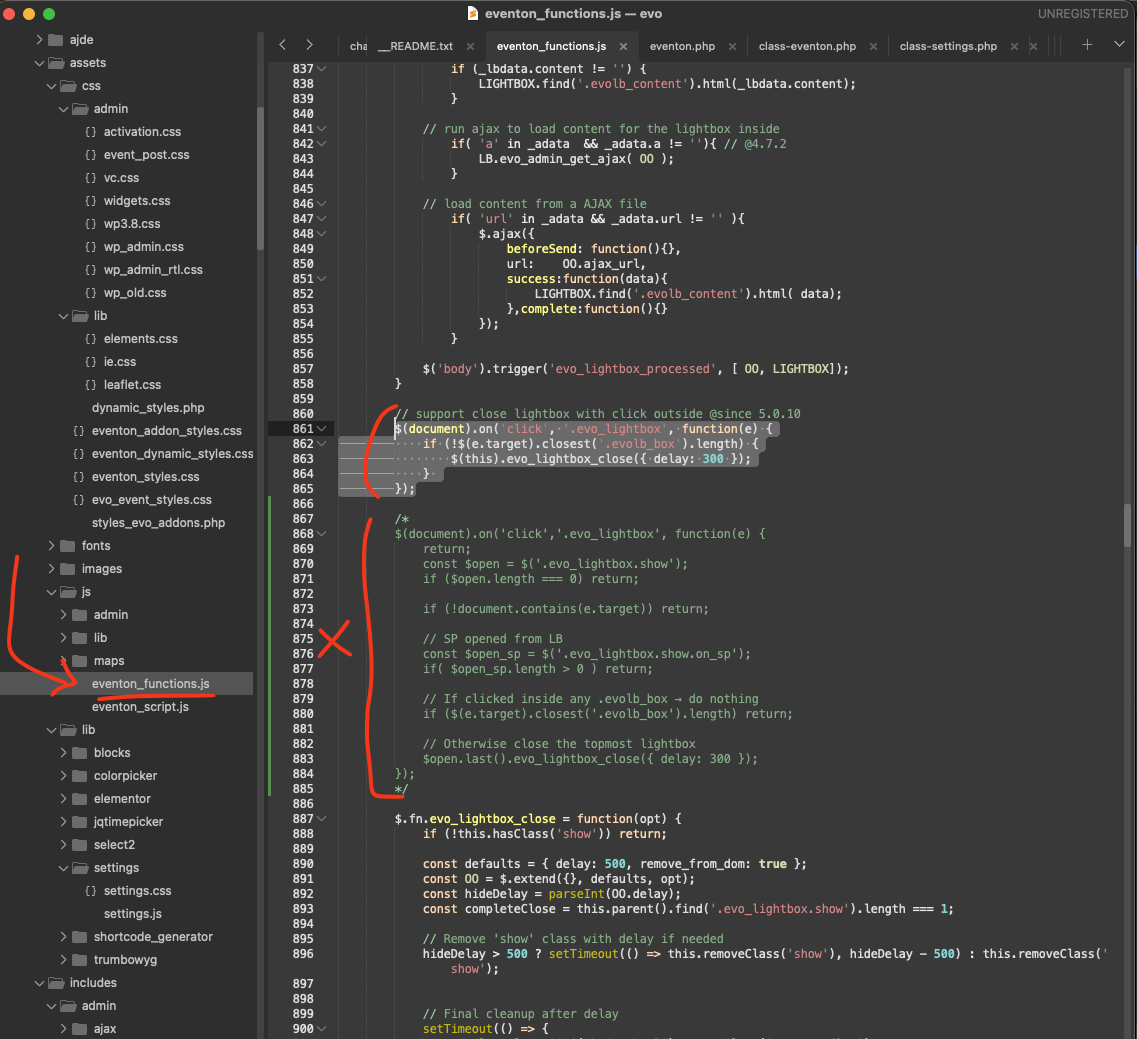
Could you try applying this patch to the code?
$(document).on(’click’, ’.evo_lightbox’, function(e) {
if (!$(e.target).closest(’.evolb_box’).length) {
$(this).evo_lightbox_close({ delay: 300 });
}
});
Location: EventON/assets/js/eventon_functions.js line 860
Hello,
I cannot access wp-admin because of
The request is blocked.
Did you update EventON and all add-ons as well?
Hi Artem,
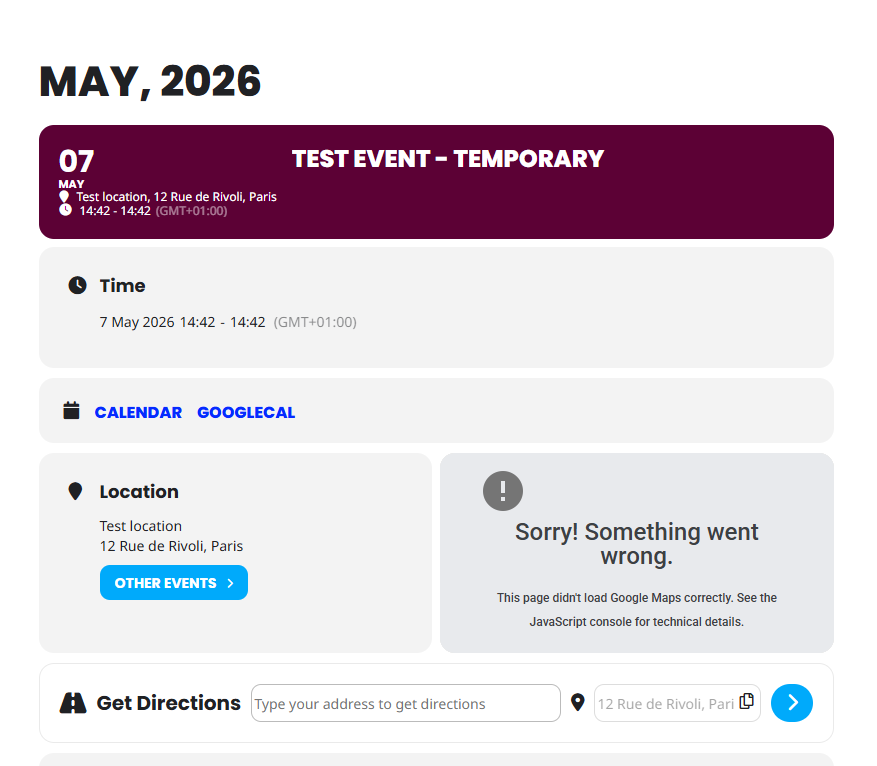
I have done that and the map is still not working correctly
Thank you for your help and instruction. I add my gmail adress and unfortunaty I don´t receive the info mail. What to do now?
We are glad your issue is resolved, if you have any further questions or concerns please create a new ticket.
If you have a moment, we would greatly appreciate if you could kindly leave us a review at EventON WordPress Page OR EventON > My Account > Downloads. Your review helps us a lot in continuing EventON improvements!
Ashan,
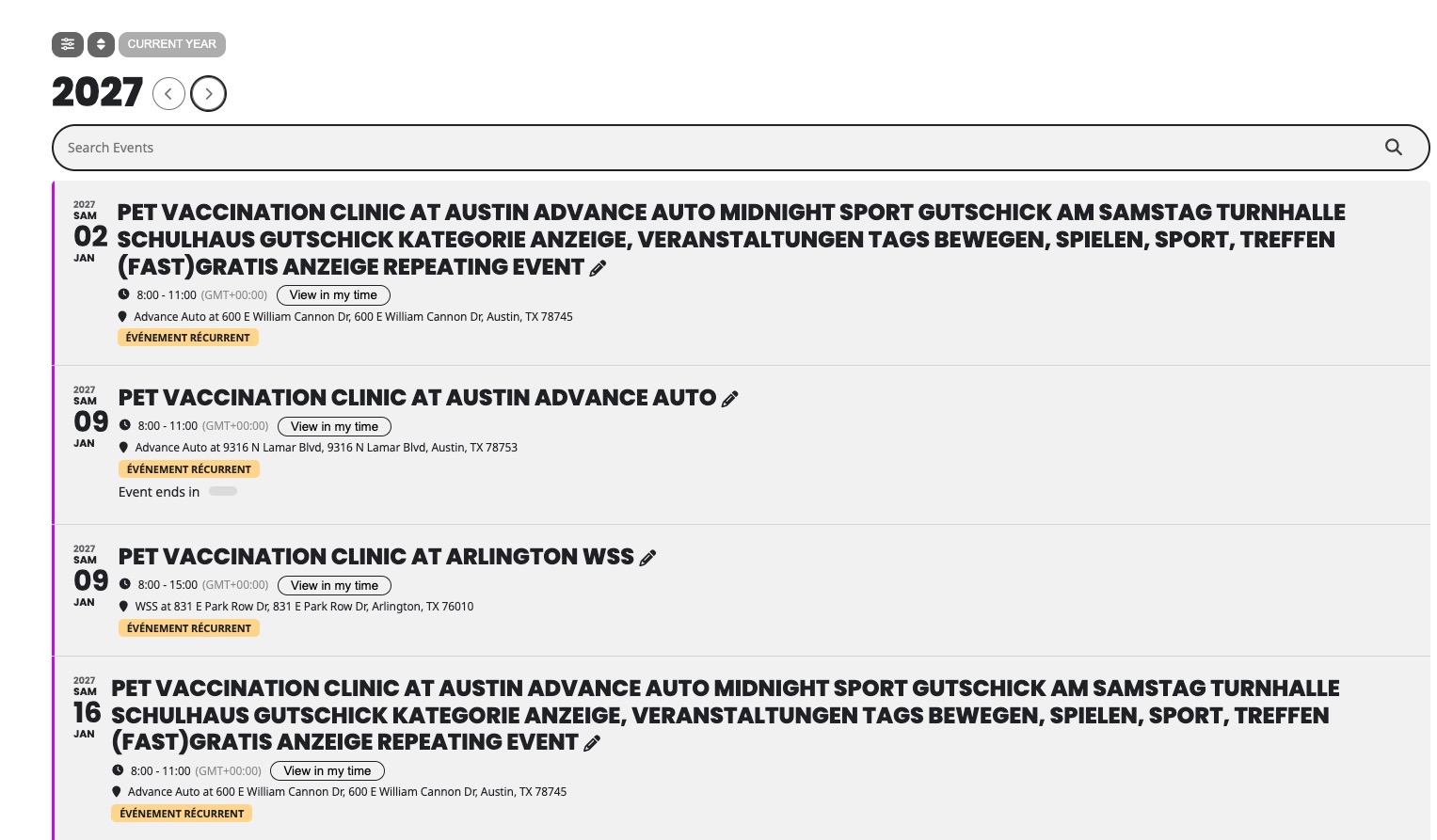
On dev2:
https://dev2.myeventon.com/test-223/
Thank you for letting us know! Our devs will check this ASAP.
Hello,
Could you try updating EventON to 5.0.9?
To update eventon to latest version: (If auto update works, please try that from with your website plugins page)
1. If you purchased eventON from codecanyon > Go to EventON Full page and verify your purchase to get a free copy of eventON latest version and move your purchase over to myeventon.com.
2. If you already purchased eventON from myeventon.com go to My Account > Downloads and get the latest version copy.
Once you have the latest version zip file. Then you can go to your website > make sure ”Delete eventon settings & data when EventON is uninstalled” is De-slected from eventon settings, delete old eventon, install new one and activate. This link will further explain the process it. Follow us on X to get real-time announcements on updates!
Hello,
Thank you for your messages!
I am going to escalate this ticket to development to help in here. Please allow us some time to address this, and we truly appreciate your patience. Thank you for being a valued EventON customer!
Additionally, if your site has any IP blocking or security restrictions in place, kindly disable them temporarily to facilitate our support process.