Ashan,
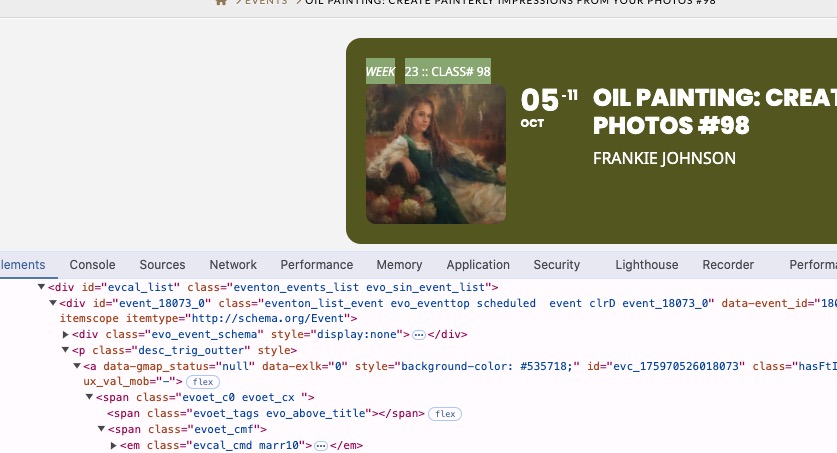
To fix this from grey to white:
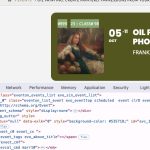
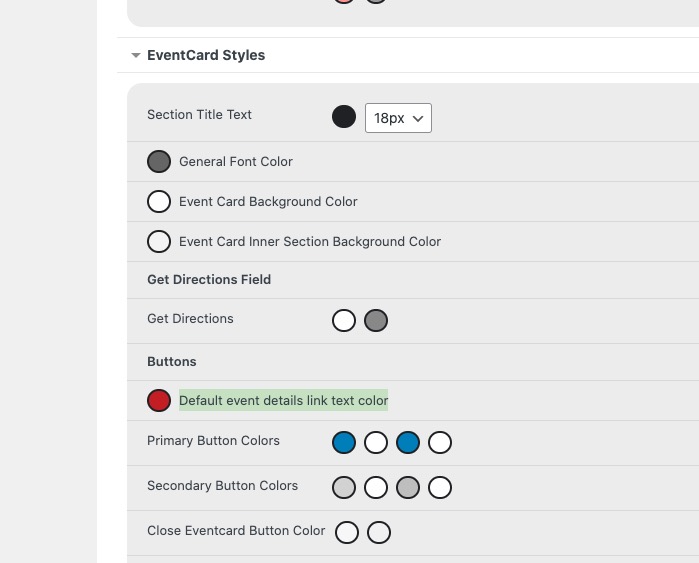
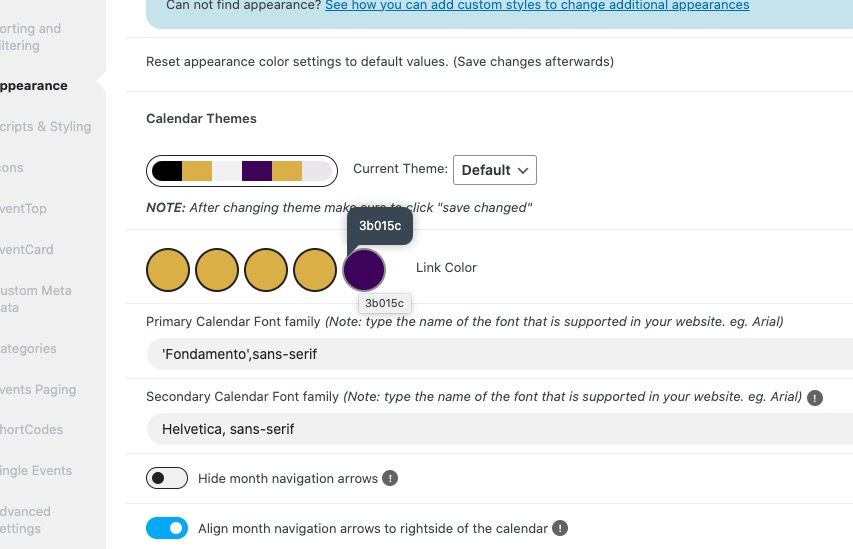
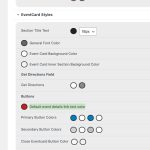
I changed
https://helpdeskx.s3.amazonaws.com/wp-content/uploads/2025/01/20104758/Screenshot-2025-01-20-at-18.47.38.jpg
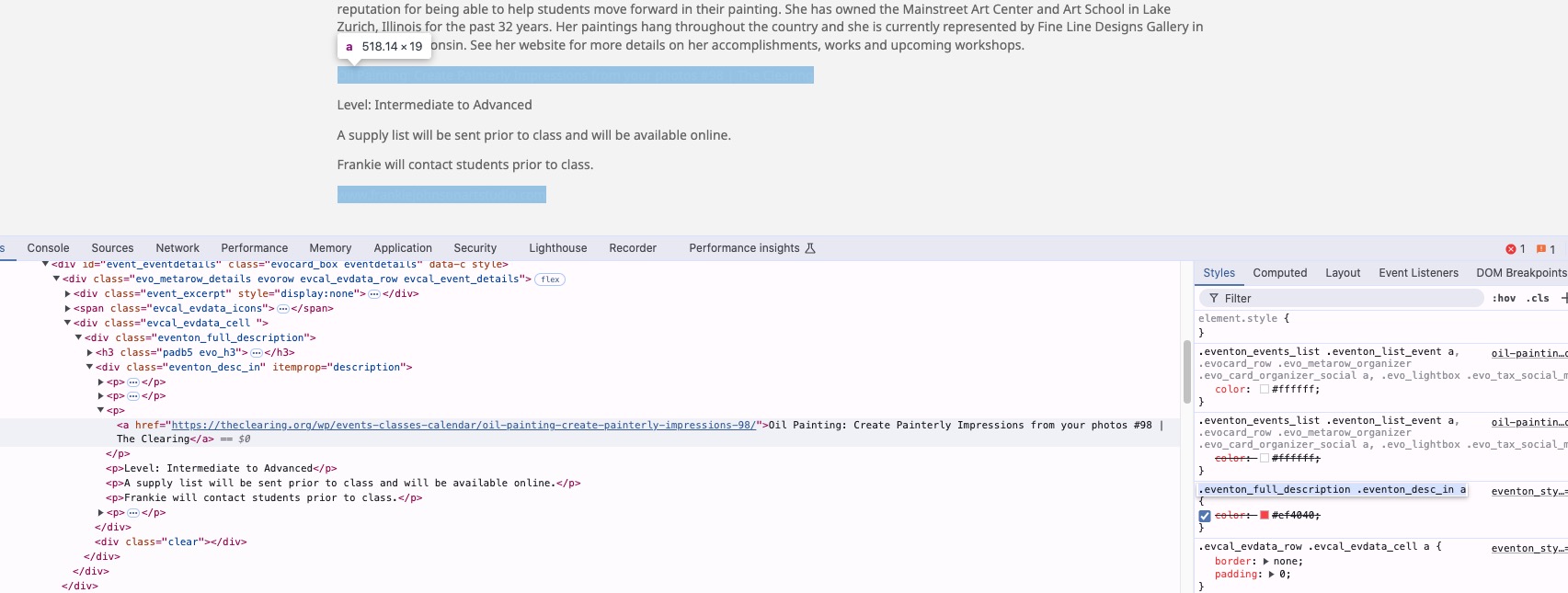
But now Event Details links are white as well, because this doesn’t override them:
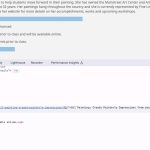
Could you check?
Thank you for your messages, I am going to assign this ticket to Ashan and he will be able to take it from here and find you a solution. Please allow some time for him to get back to you, we greatly appreciate your patience and thank you for being a eventon customer! Also please disable any IP blocking on your site if there are any.
As a temporary solution, please use this code to change the links to red (you can select any color):
.eventon_full_description .eventon_desc_in a { color: #ef4040; }
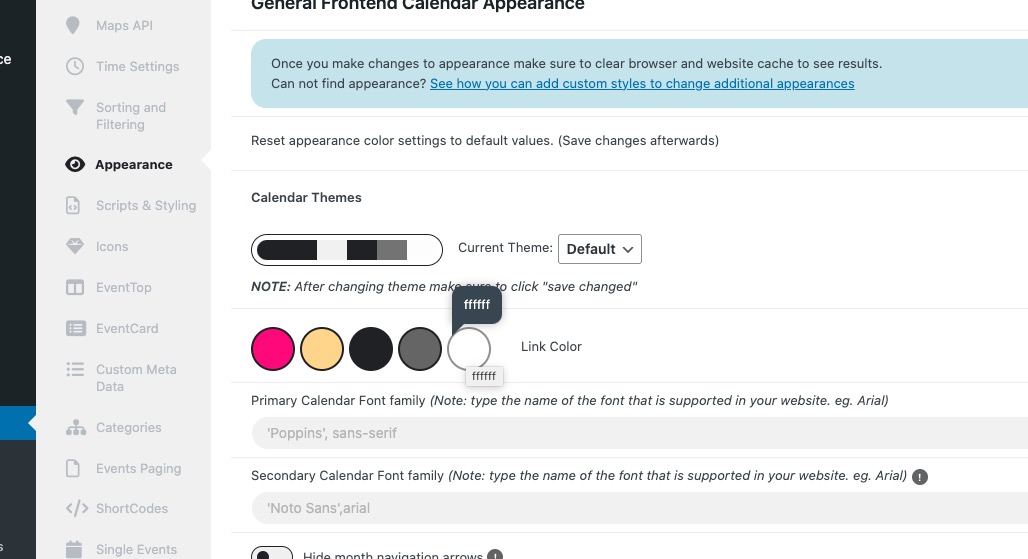
I changed this to white:
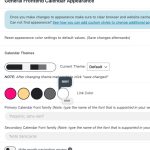
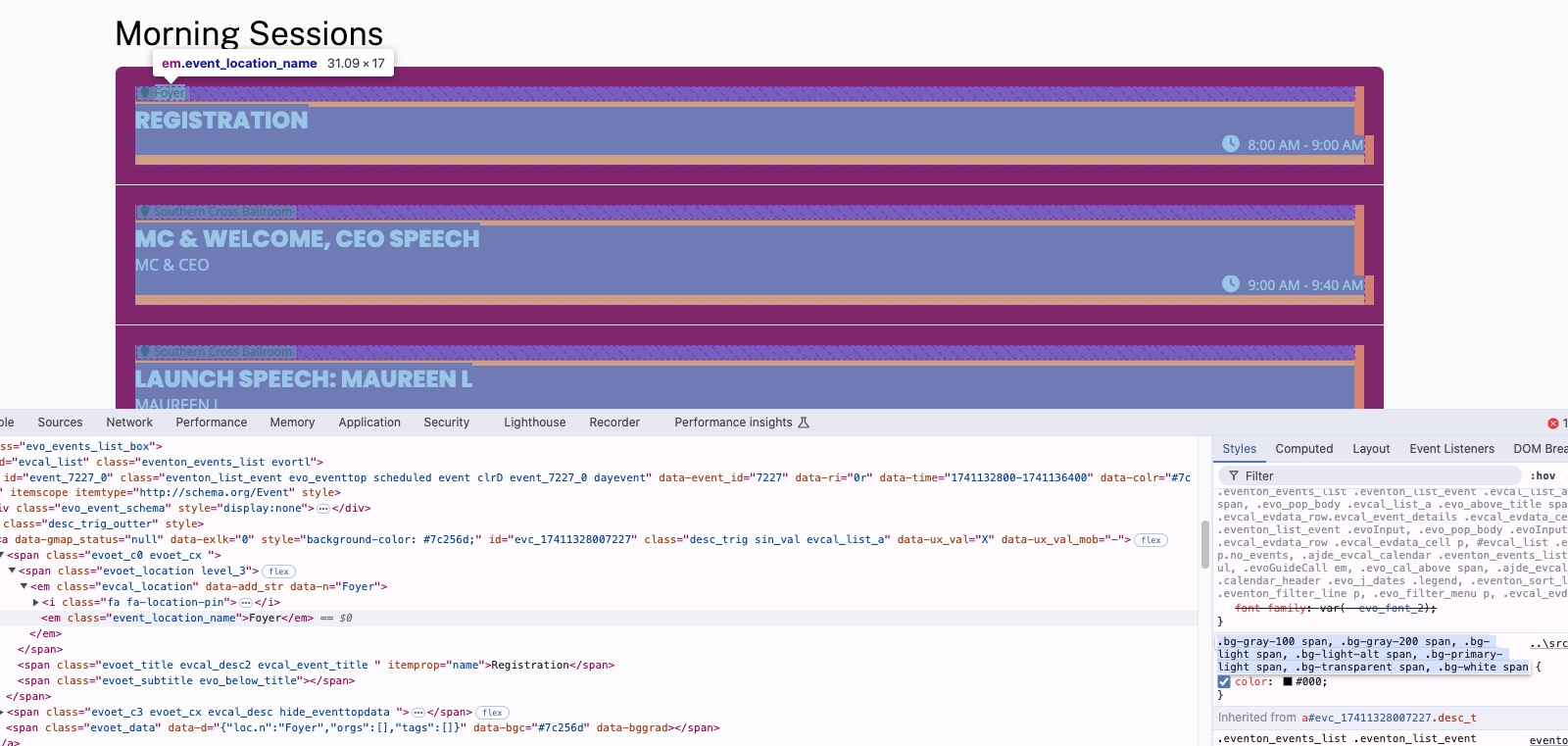
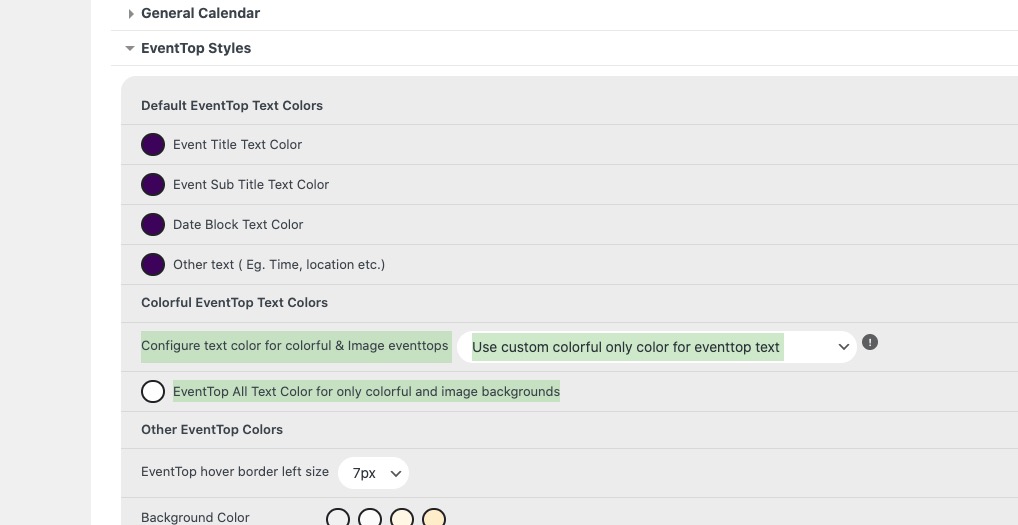
Also selected “Configure text color for colorful & Image eventtops: Use custom colorful only color for eventtop text”, but the color remains black because of
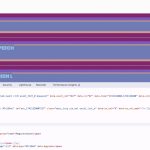
So please add this CSS code to EventON > Styles (If you don’t see any change, EventON > Scripts & Styling > turn off Write dynamic styles to header > save settings > turn on Write dynamic styles to header):
.eventon_events_list .eventon_list_event .evcal_desc .evcal_desc_info, .eventon_events_list .eventon_list_event .evoet_cx .level_3, .evo_pop_body .evcal_desc .evcal_desc_info, .evo_pop_body .evoet_cx .level_3 { color: white !important }
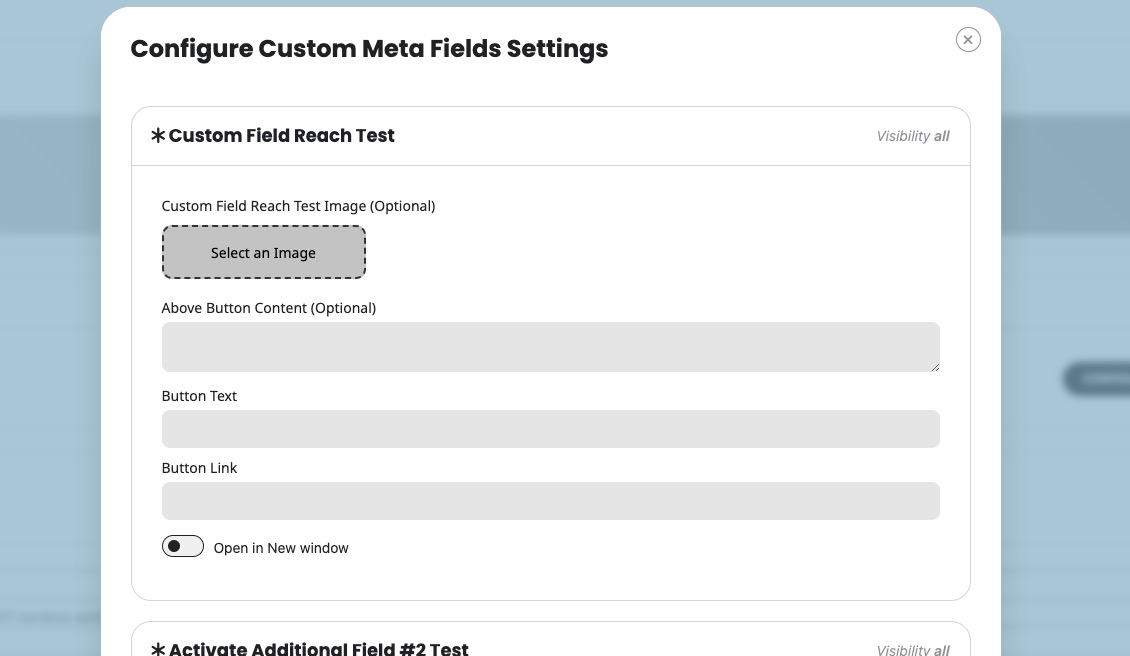
It’s exactly the same, but you need to click on Configure to show all available custom meta fields:
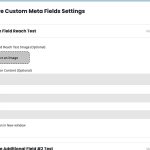
Could you check and let me know?
2. Please change this to 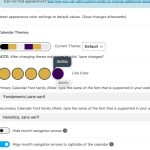
Also try selecting to make titles white or any color selected in “EventTop All Text Color for only colorful and image backgrounds“:
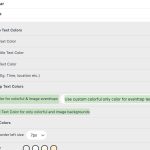
If you don’t see any change, EventON > Scripts & Styling > turn off Write dynamic styles to header > save settings > turn on Write dynamic styles to header.
3. Please try 2.
Ashan,
Please take a look at the error in the original message.
The customer states that the issue happens when they add custom repeats. But cannot re-create on dev2.
Please stay on the older version. I am going to assign this ticket to Ashan and he will be able to take it from here and find you a solution. Please allow some time for him to get back to you, we greatly appreciate your patience and thank you for being a eventon customer!
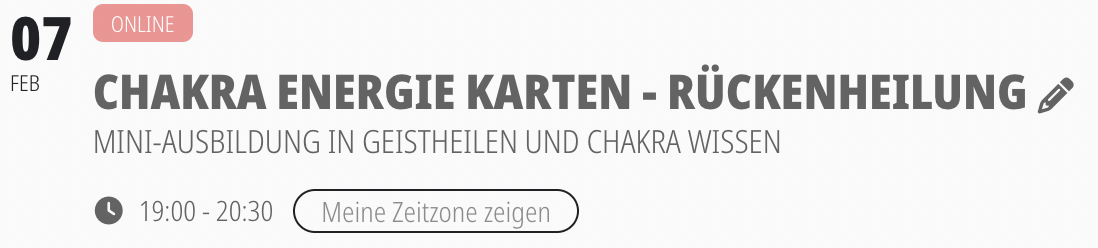
By the way,
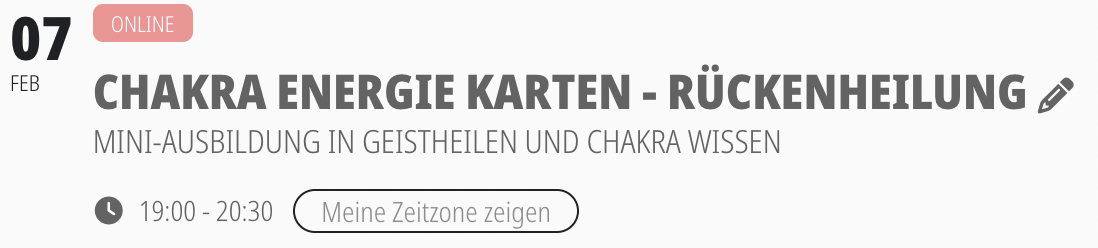
is there no way you can bring back the little blue globe icon that used to indicate
the time zone?
We are glad your issue is resolved, if you have any further questions or concerns please create a new ticket.
If you have a moment, we would greatly appreciate if you could kindly leave us a review at Codecanyon. By going to your account > Downloads. We are very grateful for your kind review!