Hello,
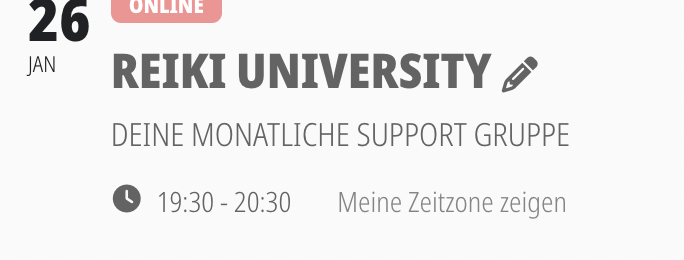
based on your code I made it look like this, which is okay
when the event is clicked and the card is opened it still looks like screenshot 4
can you please give me the code to make both look the same?
Thanks
Replies for tickets on suppota
Hello,
based on your code I made it look like this, which is okay
when the event is clicked and the card is opened it still looks like screenshot 4
can you please give me the code to make both look the same?
Thanks

Hi Artem,
I’m sorry – I forgot that we had turned on 2FA for all users. I have created you a new account that is exempt from that policy.
Username: Ashan
Password: EventONHelp!
also, this is nothing to do with third party setting….I used to just change the text and set the link to redirect users to (stripe)
Sorry, this is too complicated for me. I used to be able to change the button text for individual events just by clicking on “edit” for each event and quickly change it there, is there an equally easy option and why is this no longer possible? I think this happened with the last update.
At this time im downgraded to 4.6.5 v. works fine.
Apologies, I forgot to update the user access. This has been changed now to full admin. Details above again.
Heres the front end again. We did try the EventON > Scripts & Styling > enable Write dynamic styles to header – but that didn’t work for us.
https://wanada.org.au/2025-conference-5th-march-2025/
Thank you very much for your help. The color changes have worked.
and more, try changing to a different region or language. We work with Lithuanian.