Order ID is 202015
I have cancelled the subscription
Replies for tickets on suppota
Order ID is 202015
I have cancelled the subscription
Ashan,
The same on dev2
Check
https://dev2.myeventon.com/events/seats-19/
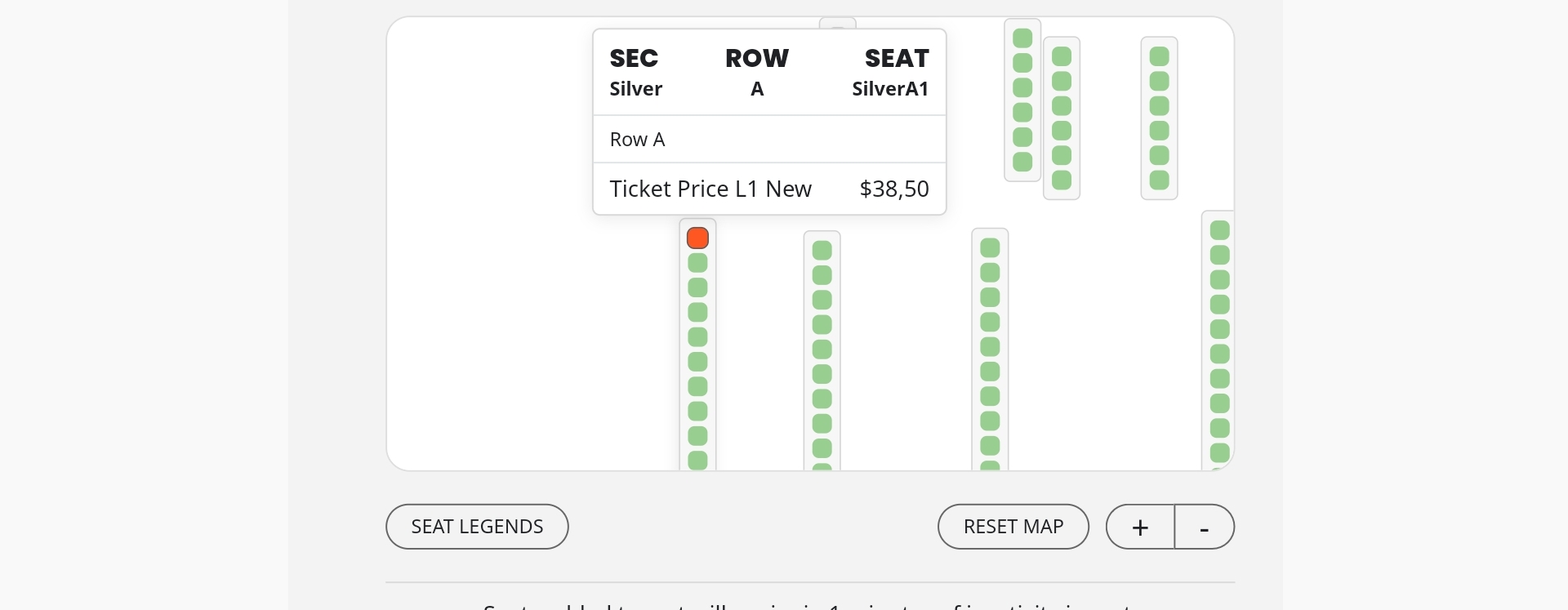
Check the seat above and the one after it.
Thank you for your messages, I am going to assign this ticket to Ashan and he will be able to take it from here and find you a solution. Please allow some time for him to get back to you, we greatly appreciate your patience and thank you for being a eventon customer! Also please disable any IP blocking on your site if there are any.
Also, if possible, can we take a look at wp-admin?
Could you try going to EventON > Scripts & Styling > enable Write dynamic styles to header? If it’s enabled, try disable it, save, enable it again, save.
We selected Purple as “EventTop All Text Color for only colorful and image backgrounds” and the color is correct:
https://dev2.myeventon.com/events/single-event-test/
Could you send us a screnshot of how you add the text to your custom meta field? Similar to this one: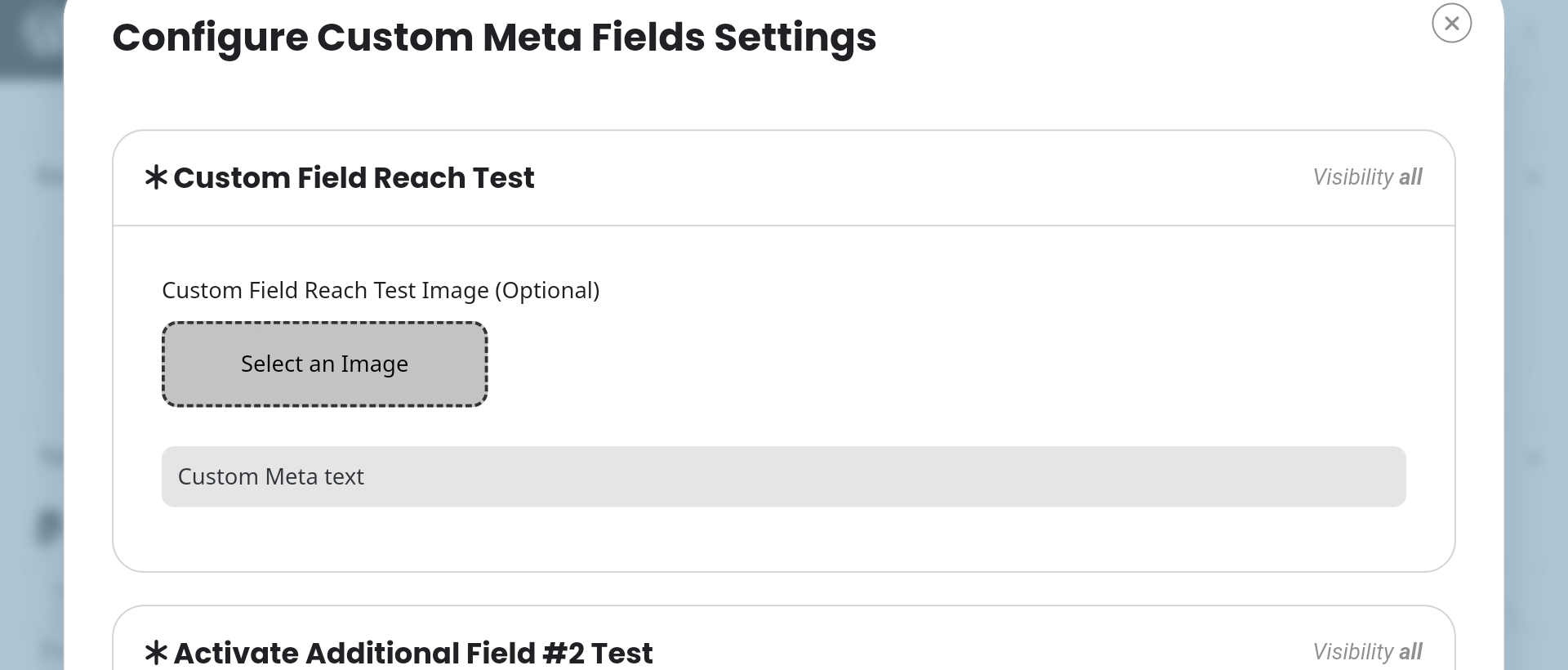
On our test site it’s white, but I need to fully recreate this.
This ticket is private.
Please take a look at Time Format: https://cmcm.qc.ca/wp-admin/options-general.php
It doesn’t have spaces. Can I or could you try adding them?
It seems that Checkout uses Settings > Time Format and not EventON > Time Settings.
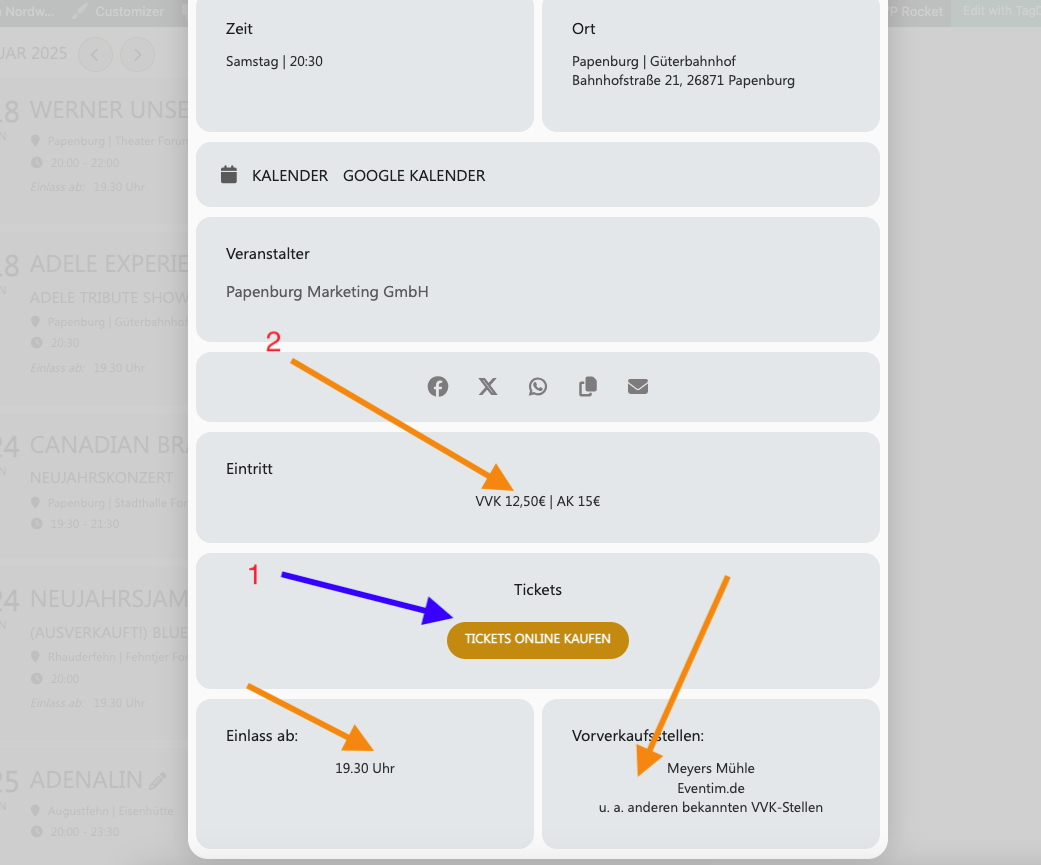
Hello,
On my side:
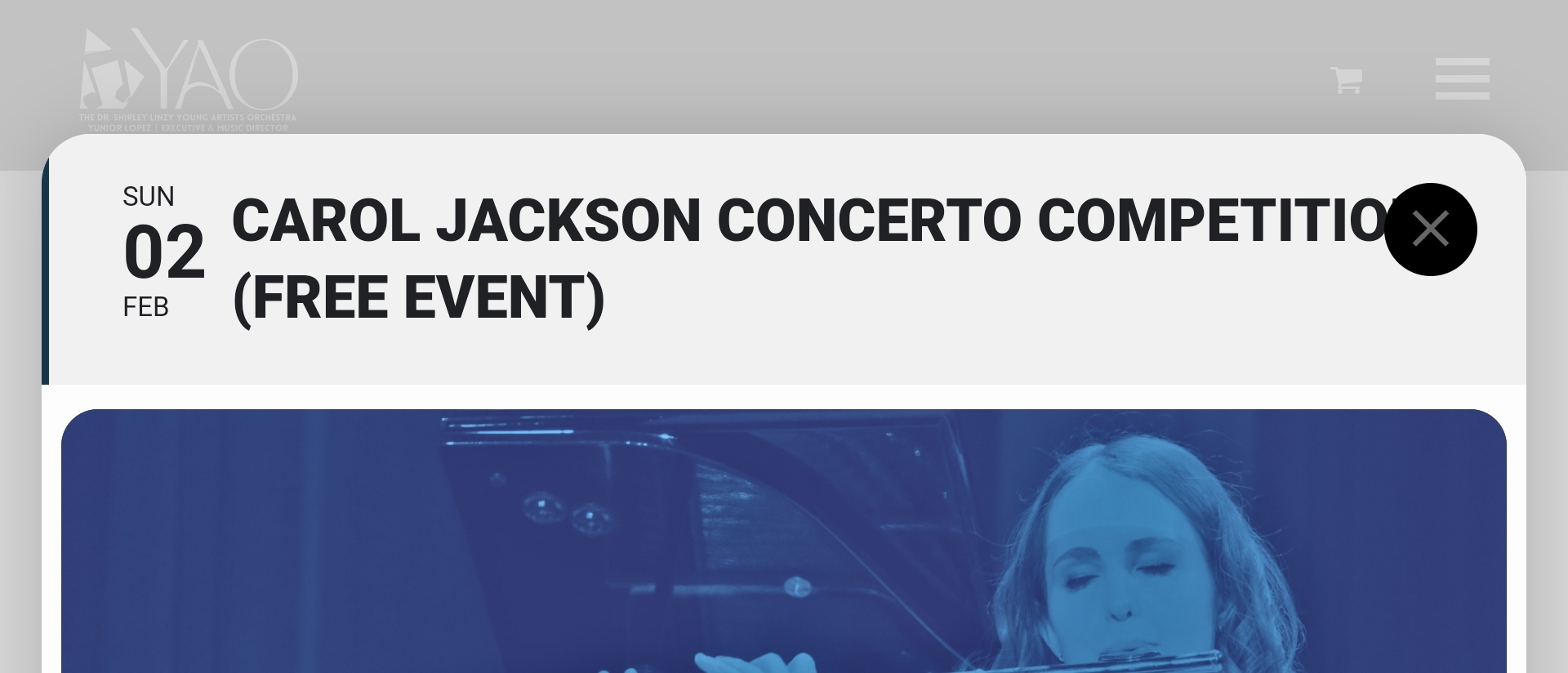
By main header color are you referring to the text or background?
EventCard can also be opened.
Could you check and let me know?
We are glad your issue is resolved, if you have any further questions or concerns please create a new ticket.