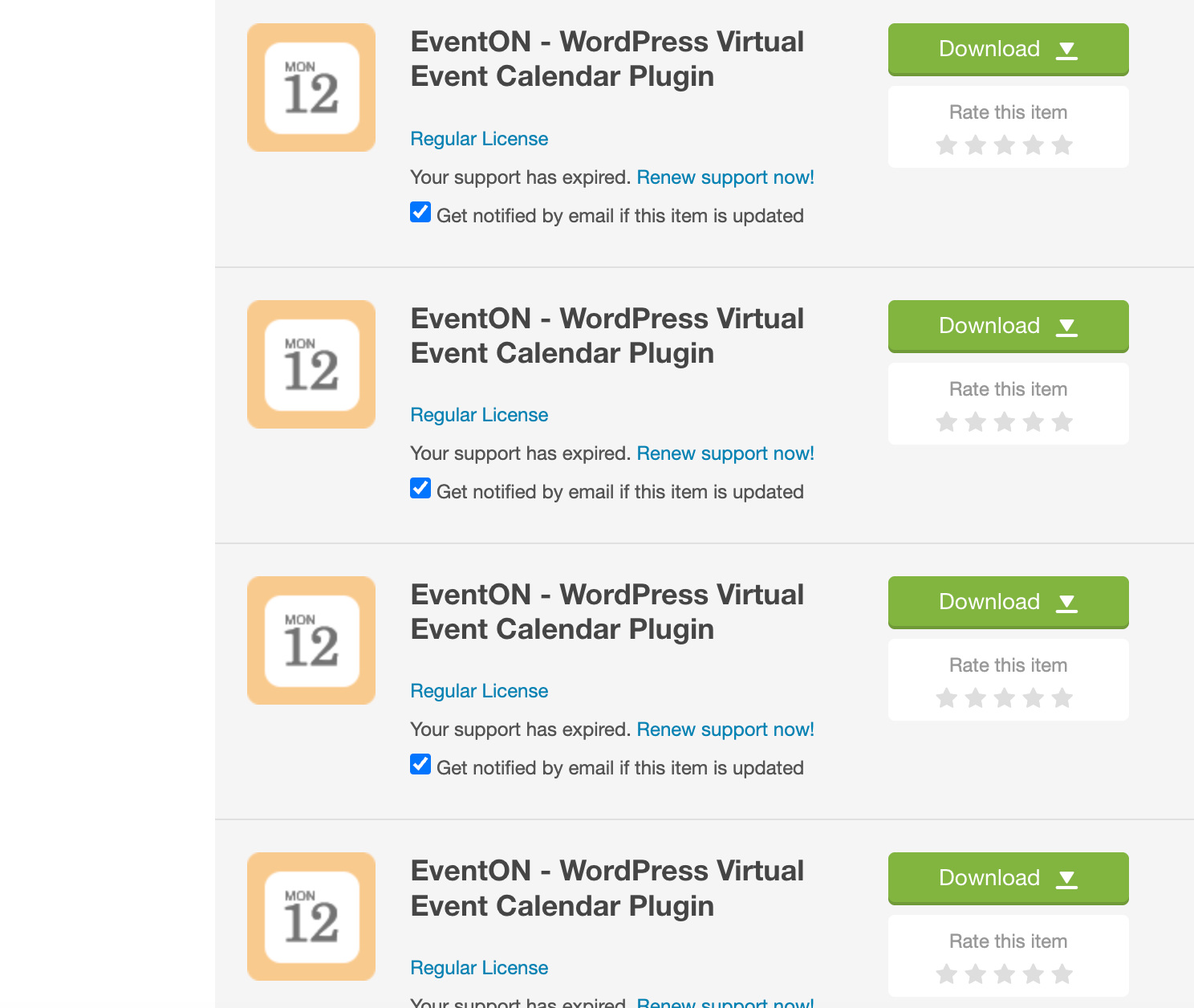
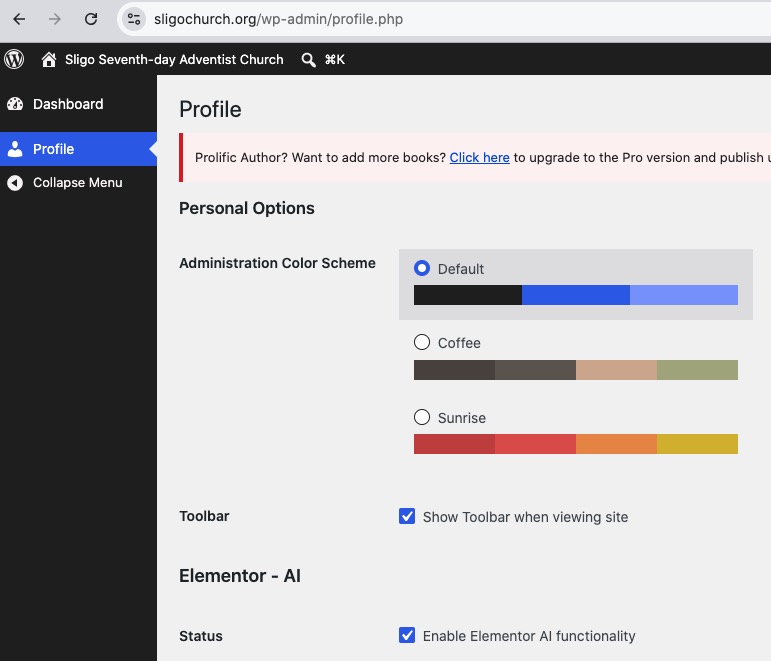
Hello EventON Support,
we run EventON on our site https://www.foodatlas.de and need your help with two issues.
1. Critical security vulnerability
Our Wordfence plugin reported a critical SQL Injection vulnerability (CVSS 9.8) in EventON via the WordPress search parameter, affecting all versions up to and including 5.0.11. We are currently running EventON 5.0.6.
- As an immediate mitigation, we disabled “Enable additional search queries” (Search Events settings). Is this sufficient to close the vulnerability until a fixed version is available?
- When will a patched version (above 5.0.11) be released, and how do we obtain the update?
2. CSV Importer does not work in Chrome
We use the EventON CSV Importer (v1.2) to import events. In Google Chrome, the upload area (“Drop your CSV file here / Browse Files”) does not respond — clicking “Browse Files” does nothing, and drag-and-drop does not upload the file. The file is a valid .csv. Is this a known issue, and how can we fix it?
Our setup: EventON 5.0.6 · EventON CSV Importer 1.2 · Browser: Google Chrome (latest).
Thank you very much for your help.
Best regards,
Alla Maer
Foodatlas
I should add that the ICS import is having other failures as well. I am trying to import two years of entries (some will have the same title) and even if I turn off the duplicates check, it does not import all the entries. I was going to try to attach the file for you, but I don’t see how to attach a file to the ticket.
We have geo blocking on our network so please let me know what I need to unblock for you to see it. There are no issues with the ICS file, we are also feeding the same file to our mobile app, so I know that it is accessible.
its default template of event, we are not using shortcode
https://burtontech.org/secure-login/
sandeepa@khacreation.com | a1QItss%@YL%#Cz48TN@xW4f
I have 2 email adresses. jeroenberings@gmail.com and info@beringsict.nl (or alias bigbear-consultancy.nl).
Maybe you can find it with one of my 4 licence keys:
Item Purchase Code:
872c8bd9-2feb-4cf7-b9cb-dd0faa118692
I tried to logon with my account paul.klewais on that side. On
codecanyon.net I was member with the account engineering_systems , email
engineering_systems@pec.be
I received the update link by email
until January this year. Then I stopped receiving this email. The
account is there from 2015 and probably the license was also bought with
this account. I however fail to logon to myeventon.net. Also user or
password recovery fails. In the download on eventon I also only see the January 2026 download 5.0.6 (later are missing)
In the meantime, I had to add some CSS to the code to make the dates display in white. It seems like the changes I make in Appearance aren’t working…
Yes, it’s working now. Did you change something about the appearance? The background is dark now and the dates aren’t readable.
Hello,
/wp-admin and /wp-login.php leads to 404 page. How can I login?
About the issue. Please try going to EventON > Time Settings > make sure that Default Event Timezone is the same as wp-admin > Settings > Timezone.
Also try adding this to the shortcode:
hide_mult_occur=”yes”
Hello,
I don’t have full access to wp-admin:
So could you try following this guide:
https://docs.myeventon.com/documentations/single-events-page-not-working-404-error/